

Deleting MCP Registry
On this page
Deleting MCP Registry
Remove an existing MCP registry from the system with confirmation safeguards to prevent accidental deletion.
- Open the Action menu on the Registry tile.
- Select Delete from the menu options.
- In the confirmation dialog, enter the registry name in the provided field.
- Click Delete to confirm the action.
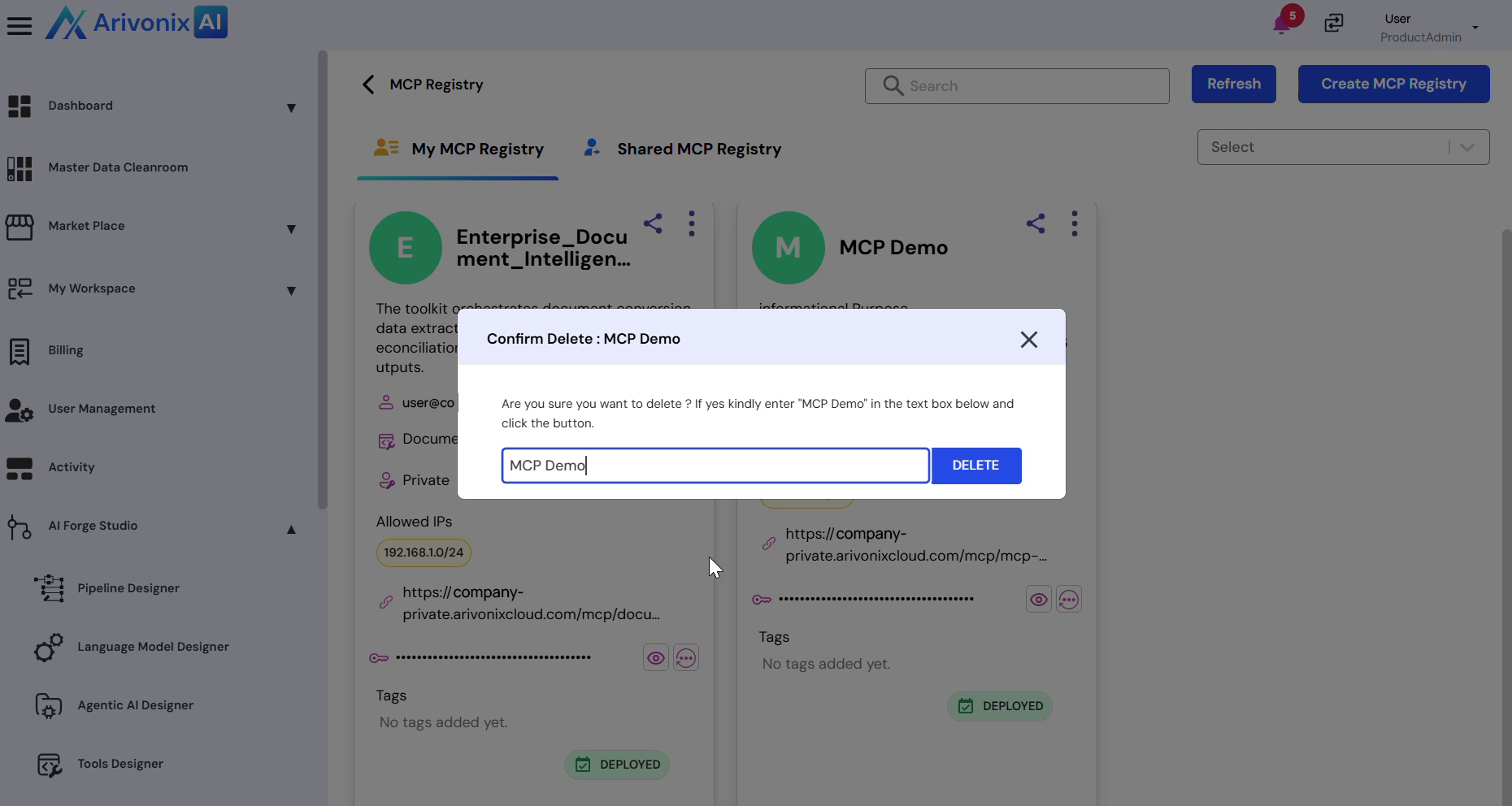
After confirmation, the MCP registry will be permanently removed from the system.