Split Fields
On this page
Splitting Fields
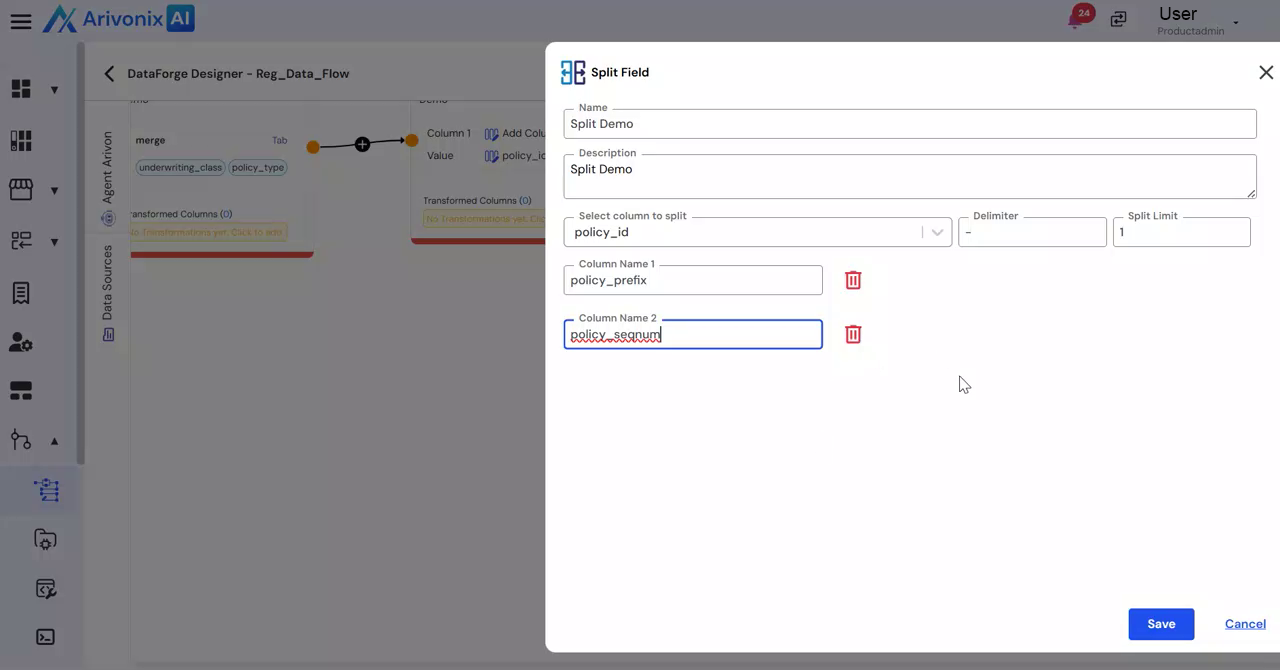
Split structured text fields into multiple columns to enable enhanced data analysis and processing.The Split Field transformation functionality enables users to break down structured text fields into multiple meaningful attributes. This separation facilitates improved analysis and downstream data processing capabilities.
Configure Split Field Transformation
- Click the split field icon
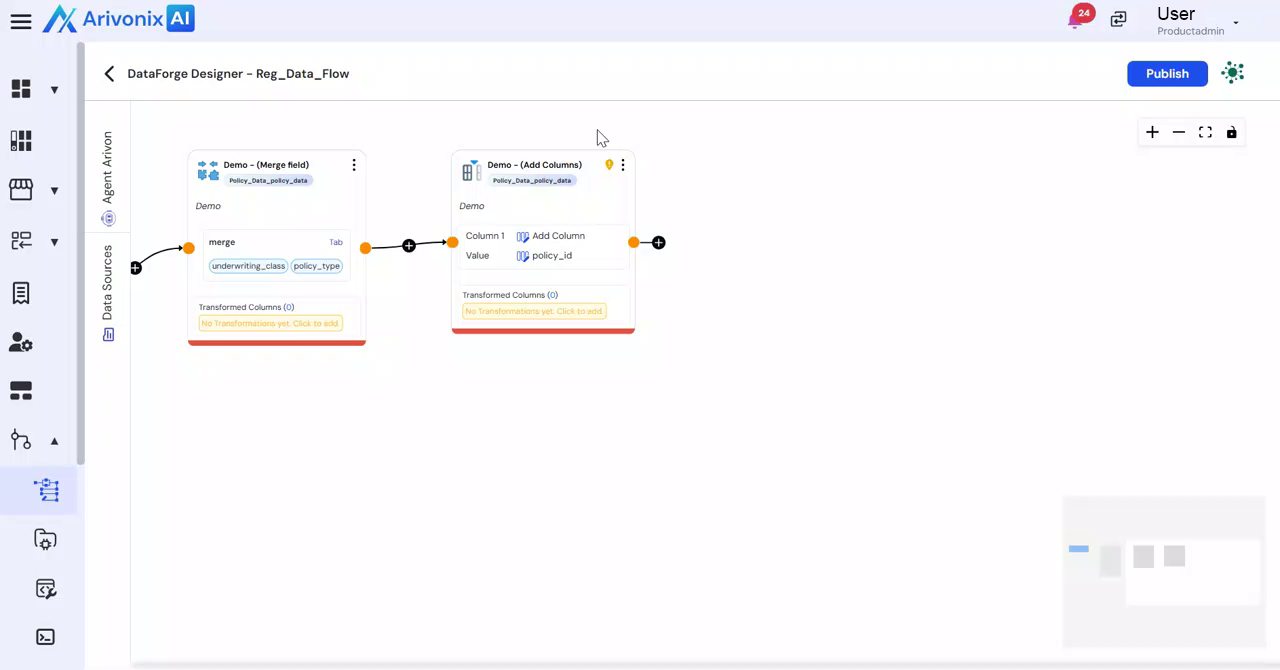
- Select Split Field from the options
- Enter a Name for the transformation
- Under Select Column, choose the column you want to split
- In the Delimiter field, specify the character that separates the values
- Enter the required number of splits in the Split Limit field
- Define the output columns by specifying the column names
- Click Save to apply the transformation or Cancel to discard changes