

Creating a Notebook
On this page
Creating a Notebook
Notebook provides an interactive environment for data querying, code testing, and real-time result validation in Arivonix.
Creating a New Notebook
- From the top right corner, click New and select Notebook.
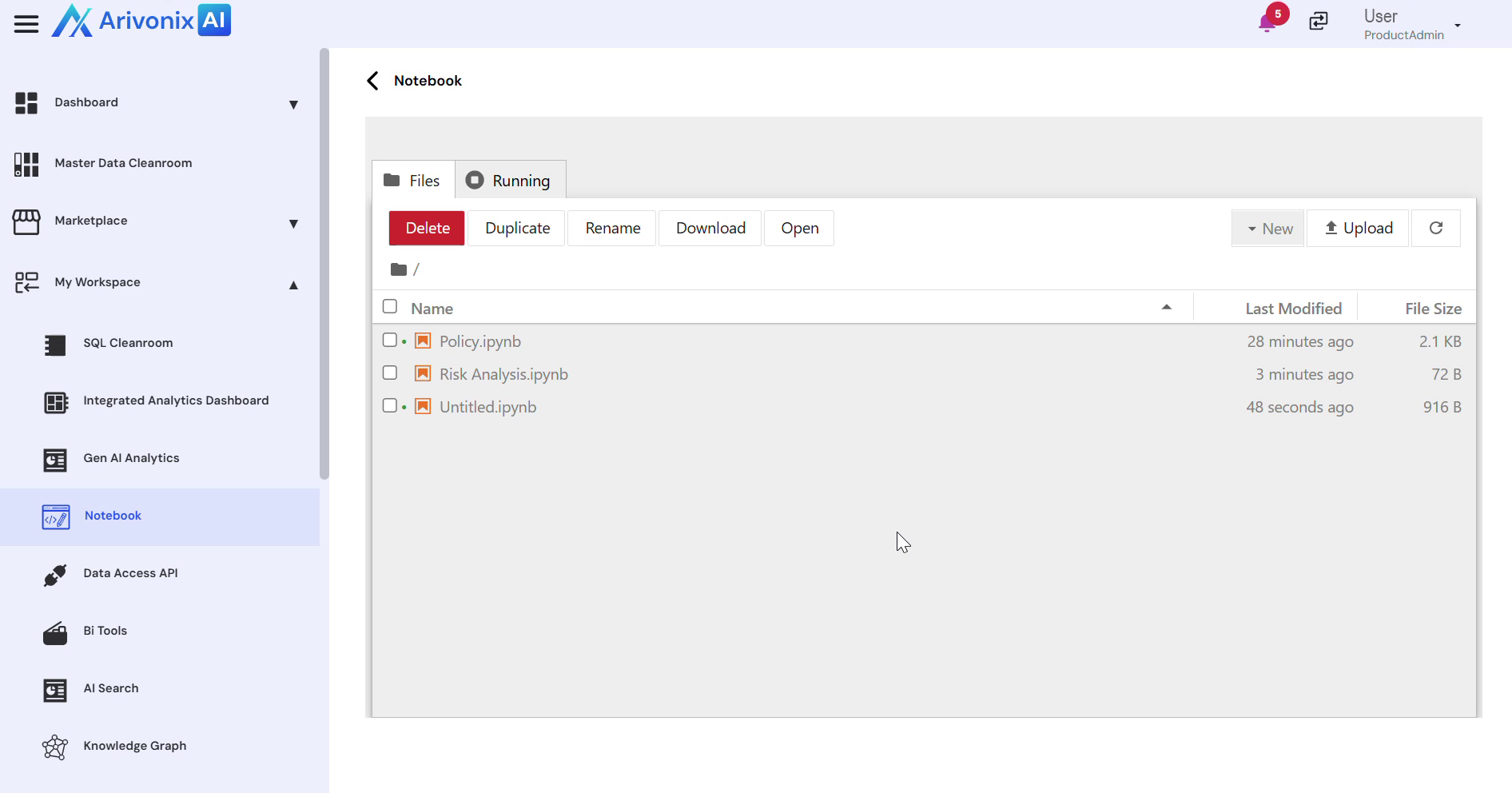
- Once the notebook opens, code can be added directly into the cell.
- Select the appropriate Kernel from the top right corner.
- To ensure the runtime environment is active:
- Enter code in the cell
- Click the Run button
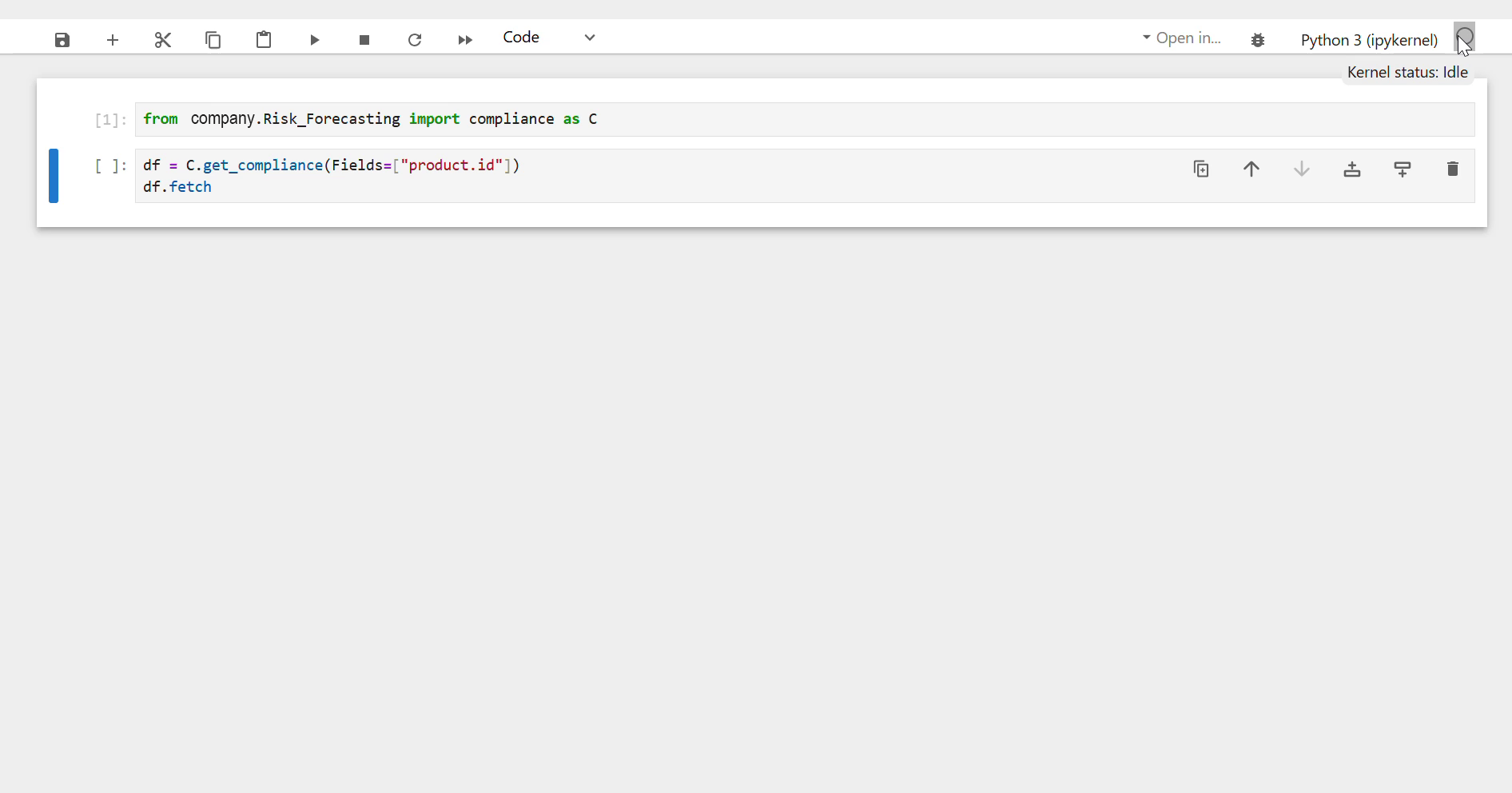
- The output will display immediately below the cell for real-time result review
Working with Notebooks
Multiple cells can be added to build and run analysis step by step, enabling interactive data querying, logic testing, and result validation within Arivonix.