

Deleting a Tool
On this page
Deleting a Tool
Remove existing tools from the Arivonix system when they are no longer needed.
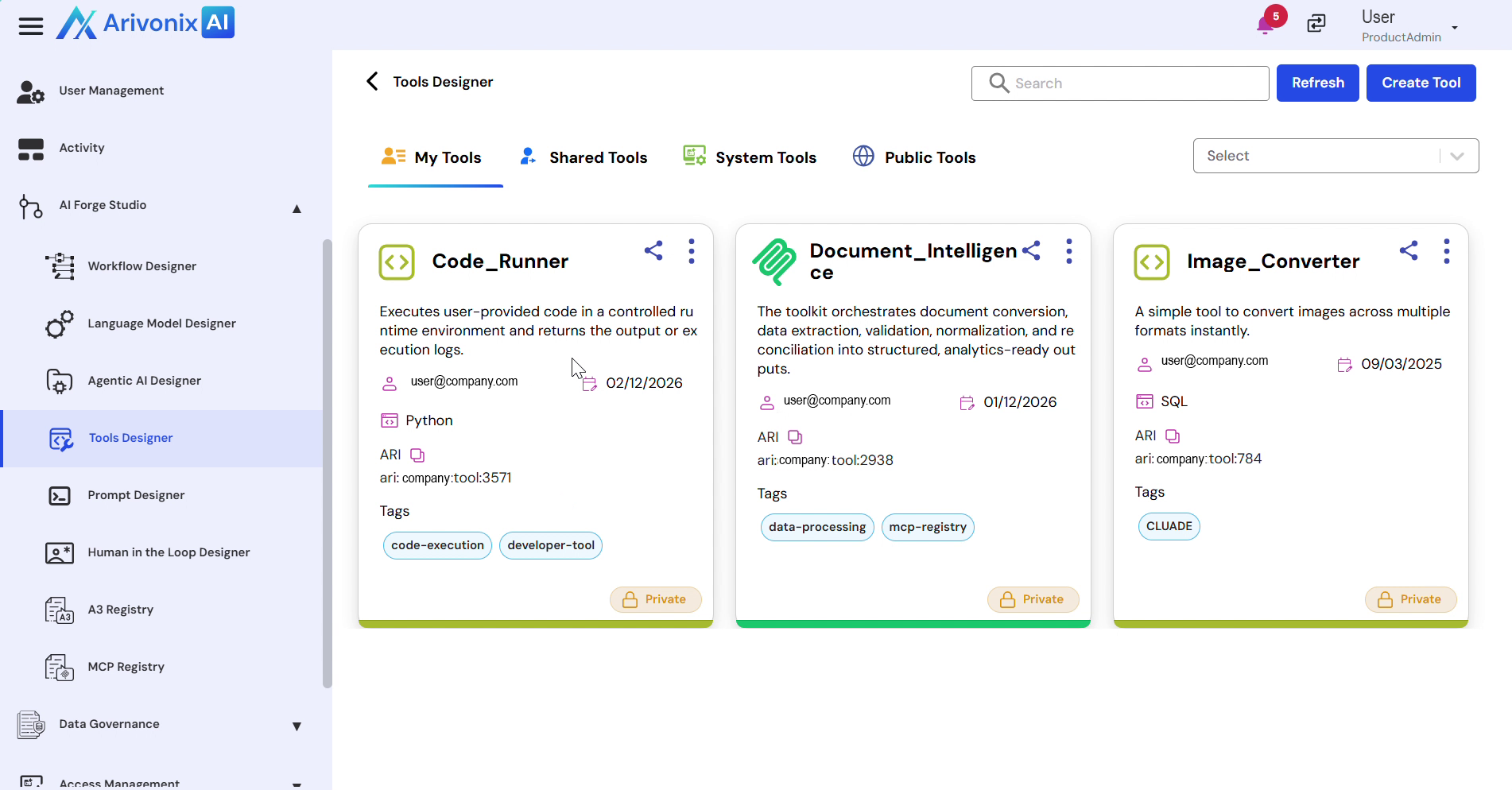
To delete a tool:
- Access the Action Menu for the tool you want to delete.
- Select Delete from the menu options.
- Enter the Tool Name to confirm deletion.
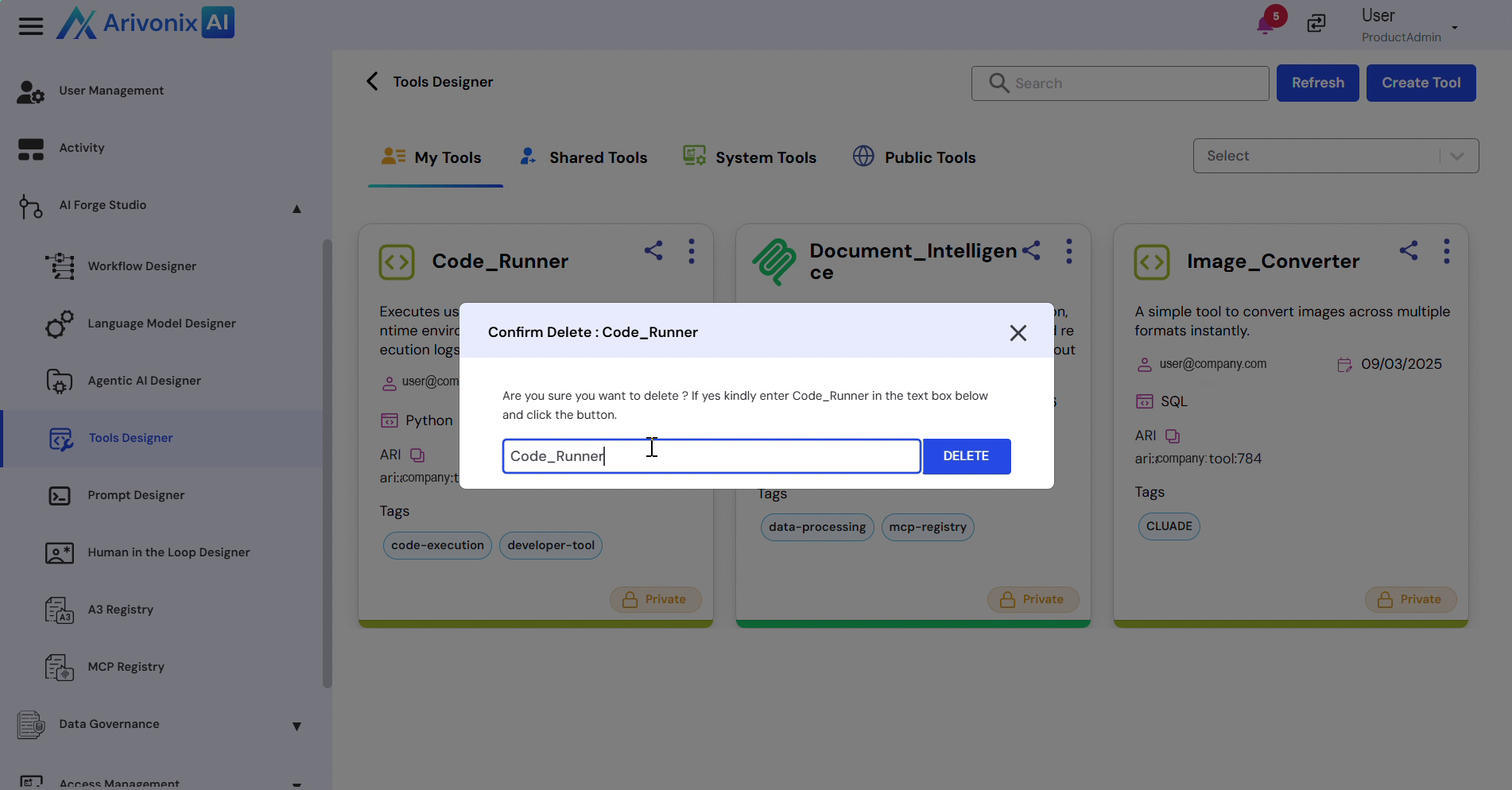 Click the Delete button.
After clicking Delete, 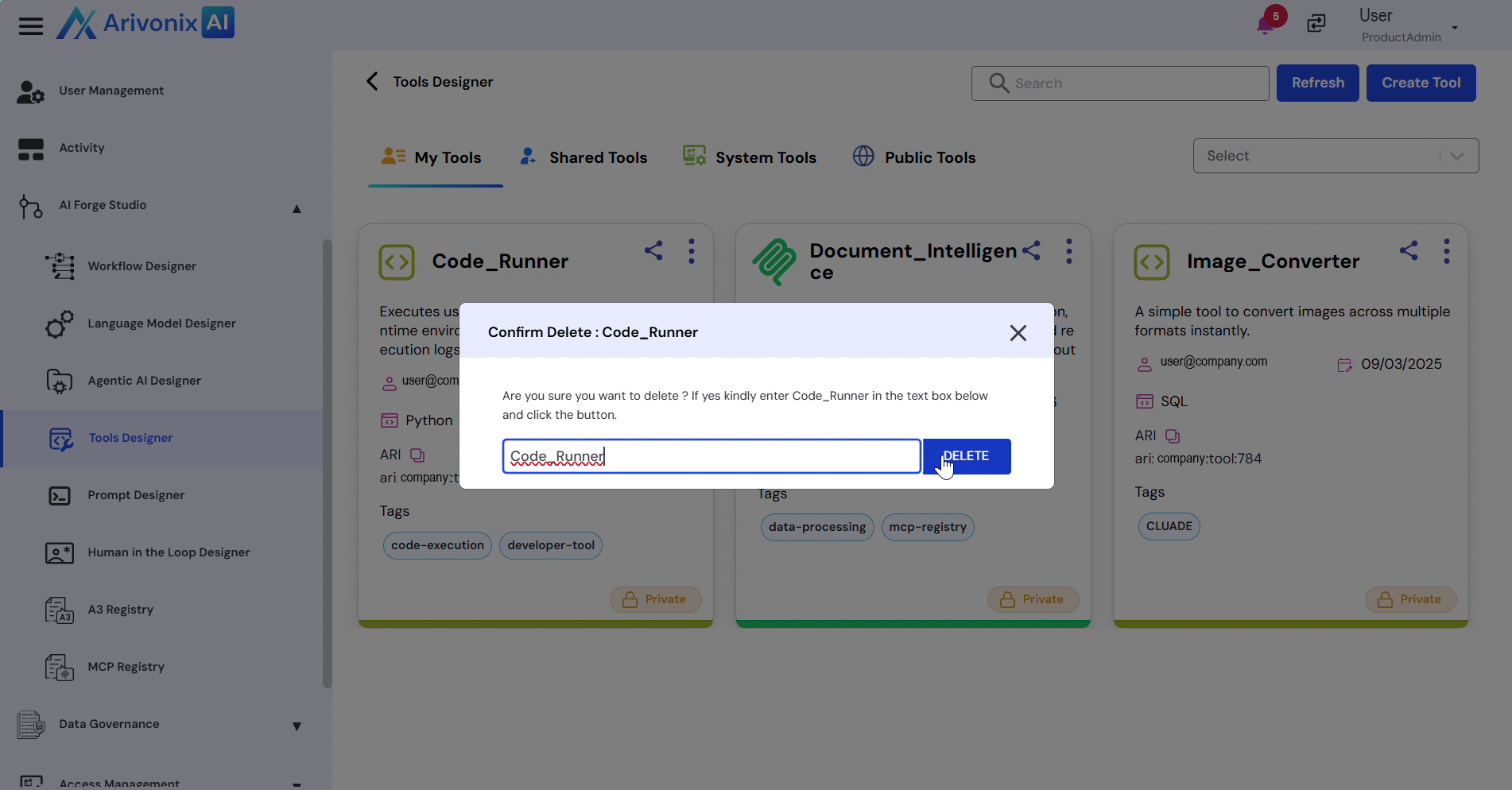 the tool will be permanently removed from the system.