

Group Columns
On this page
Group Columns Transformation
Organize and summarize data by grouping records into meaningful categories while generating aggregated metrics for analysis.
Configuring Group Columns
- Click the group columns icon
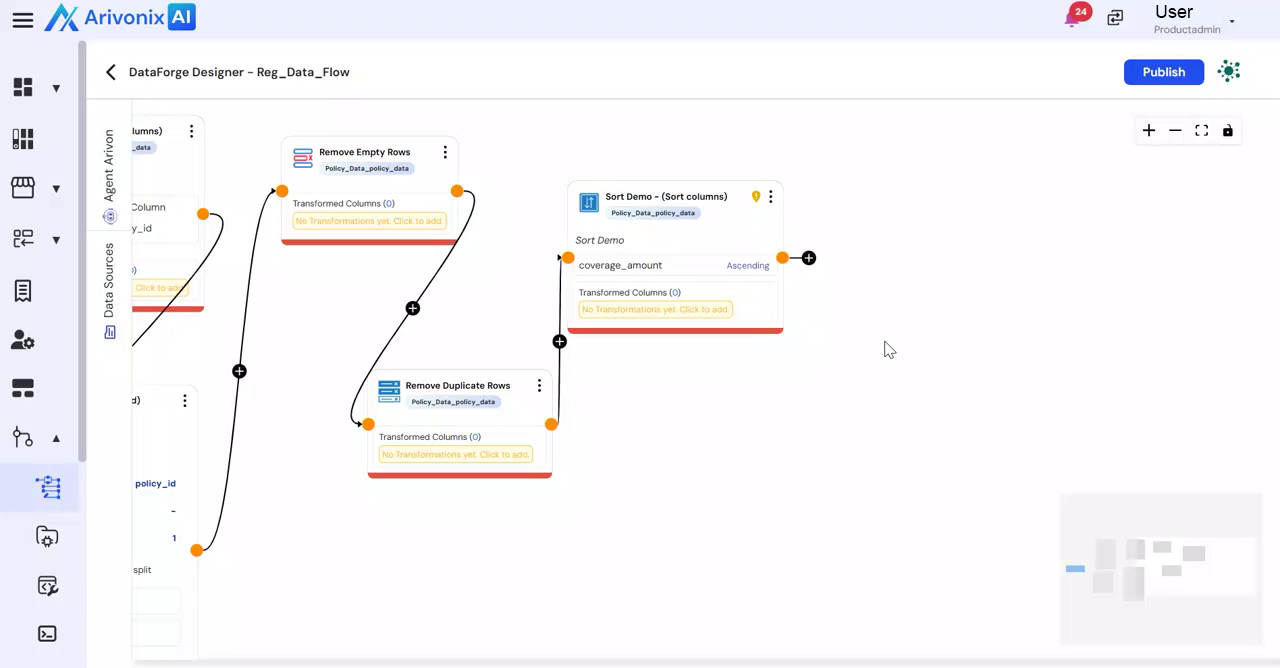 and select Group Columns.
 - In the Group Columns window, configure the following settings:
- Enter a Name for the transformation
- Provide a Description for the transformation
- Select the columns to group the data by, which determines how records will be categorized
- To implement multi-level grouping, click Add More Group
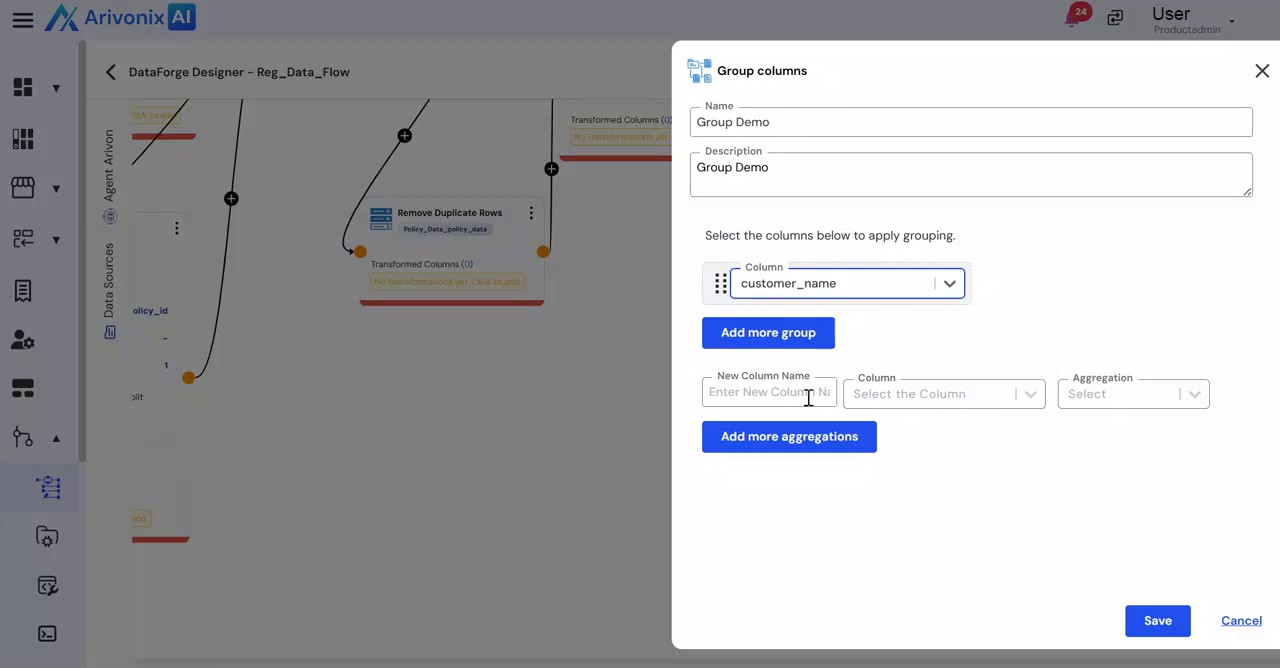 to include additional columns.
 - Define aggregated outputs:
- Enter a new column name
- Select the aggregation type (Sum, Count, Average, Minimum, Max Count, Count All, First Non Null, First, Last)
- Choose the column for performing calculations
- For additional metrics, click Add More Aggregations
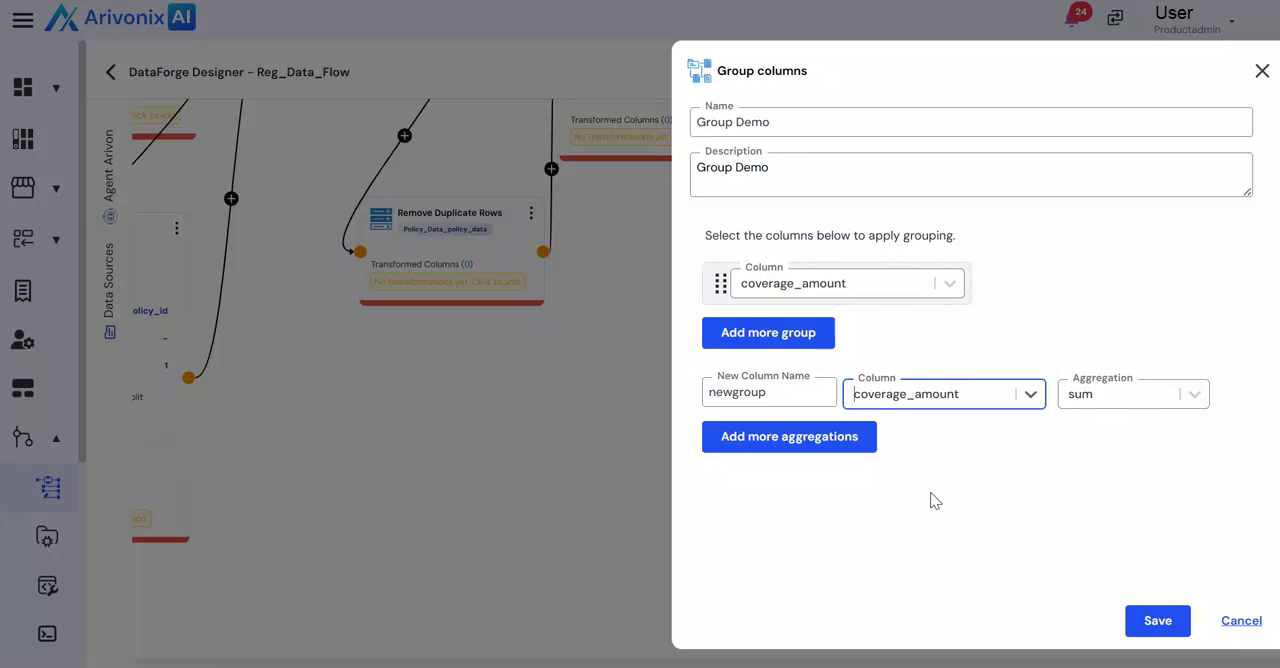 to include more calculations.
 - Click Save
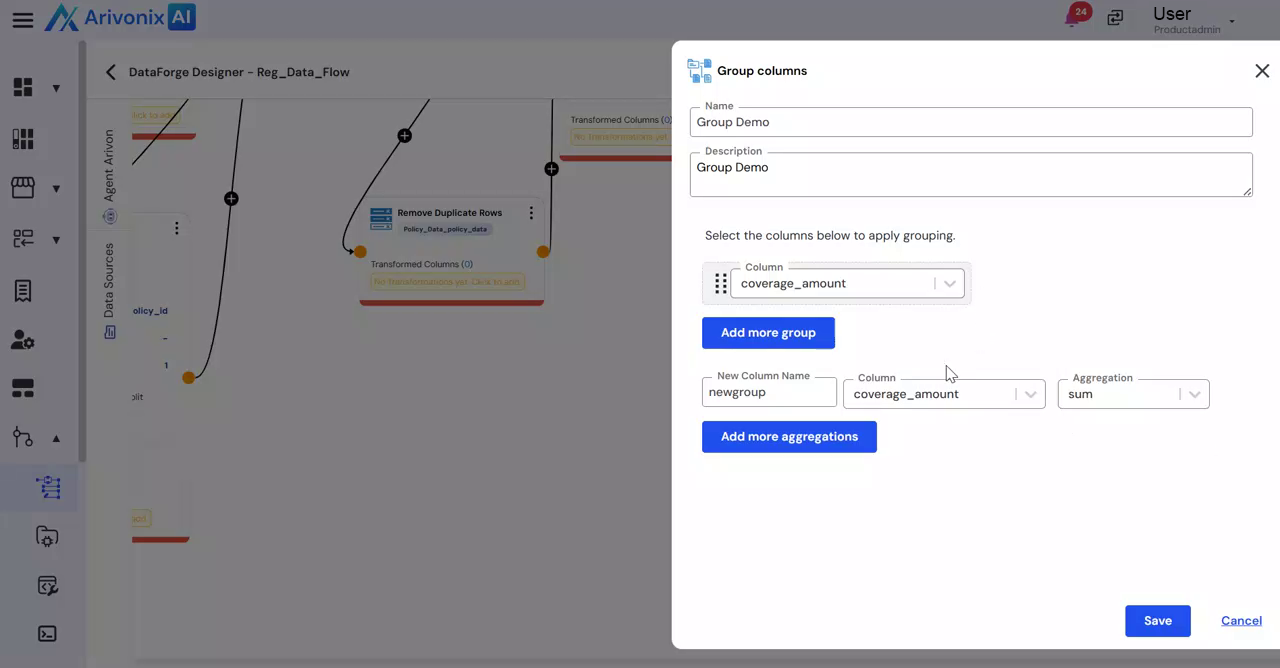 to apply the grouping logic, or select Cancel to discard changes.