

Objects View
On this page
Objects View
Access and explore data tables within schemas through an intuitive interface designed for efficient data discovery and analysis.
Accessing Objects View
Navigate to the Objects tab under Knowledge Catalog.
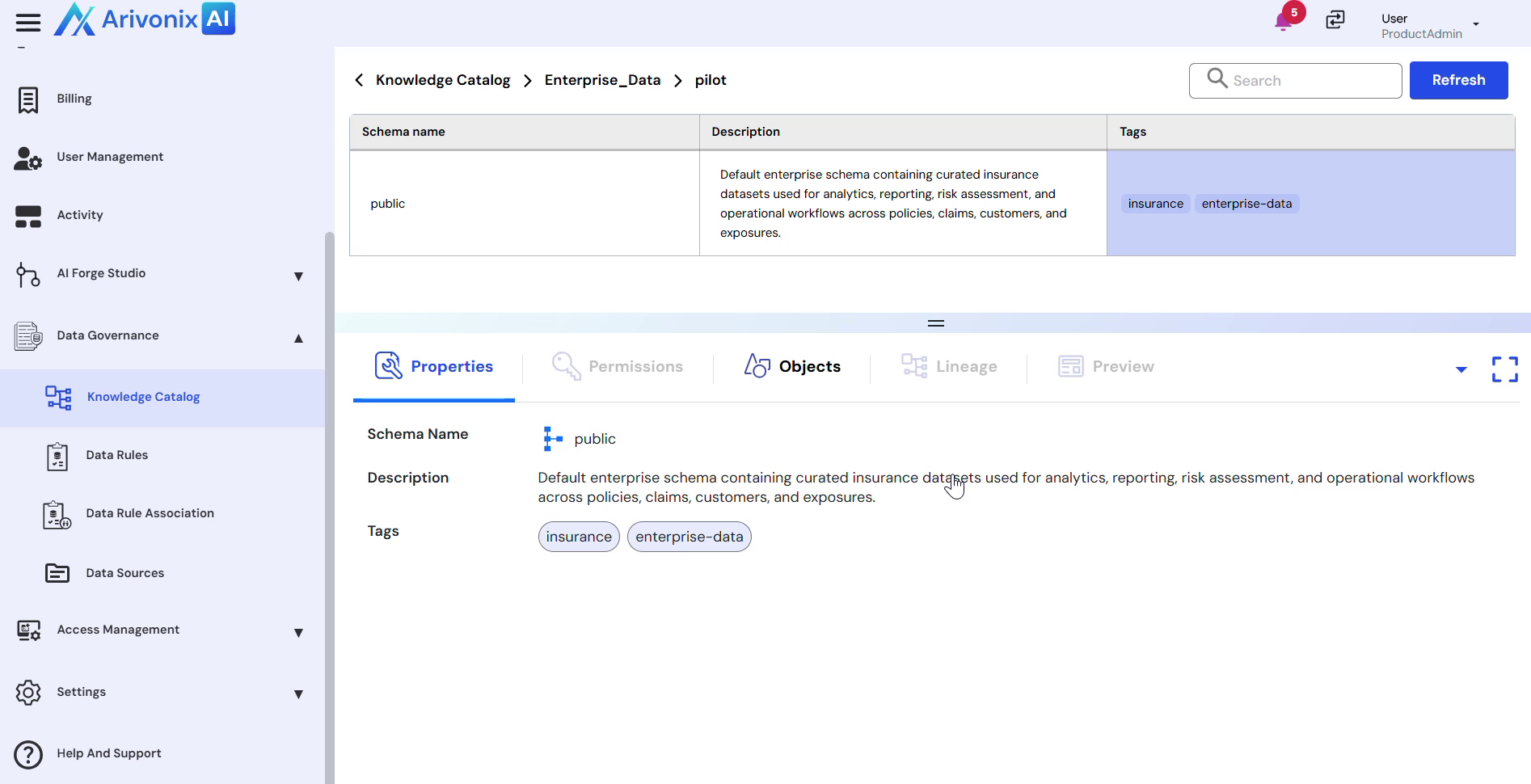
Understanding the Objects View
The Objects view presents a comprehensive display of data tables within the selected schema. Each entry provides essential information to help users make informed decisions:
- View all available data tables within the selected schema
- Access detailed descriptions for each table explaining its data contents
- Utilize tags for quick identification of tables related to policies, merged enterprise data, and other categories
- Select and explore individual tables to examine their data structure and contents
This interface enables users to efficiently discover and select appropriate data sets for analysis, reporting, or operational purposes without requiring extensive technical expertise.