

Making an Agent Public
On this page
Making an Agent Public
Convert an existing agent to public status to make it accessible in Public Agents.
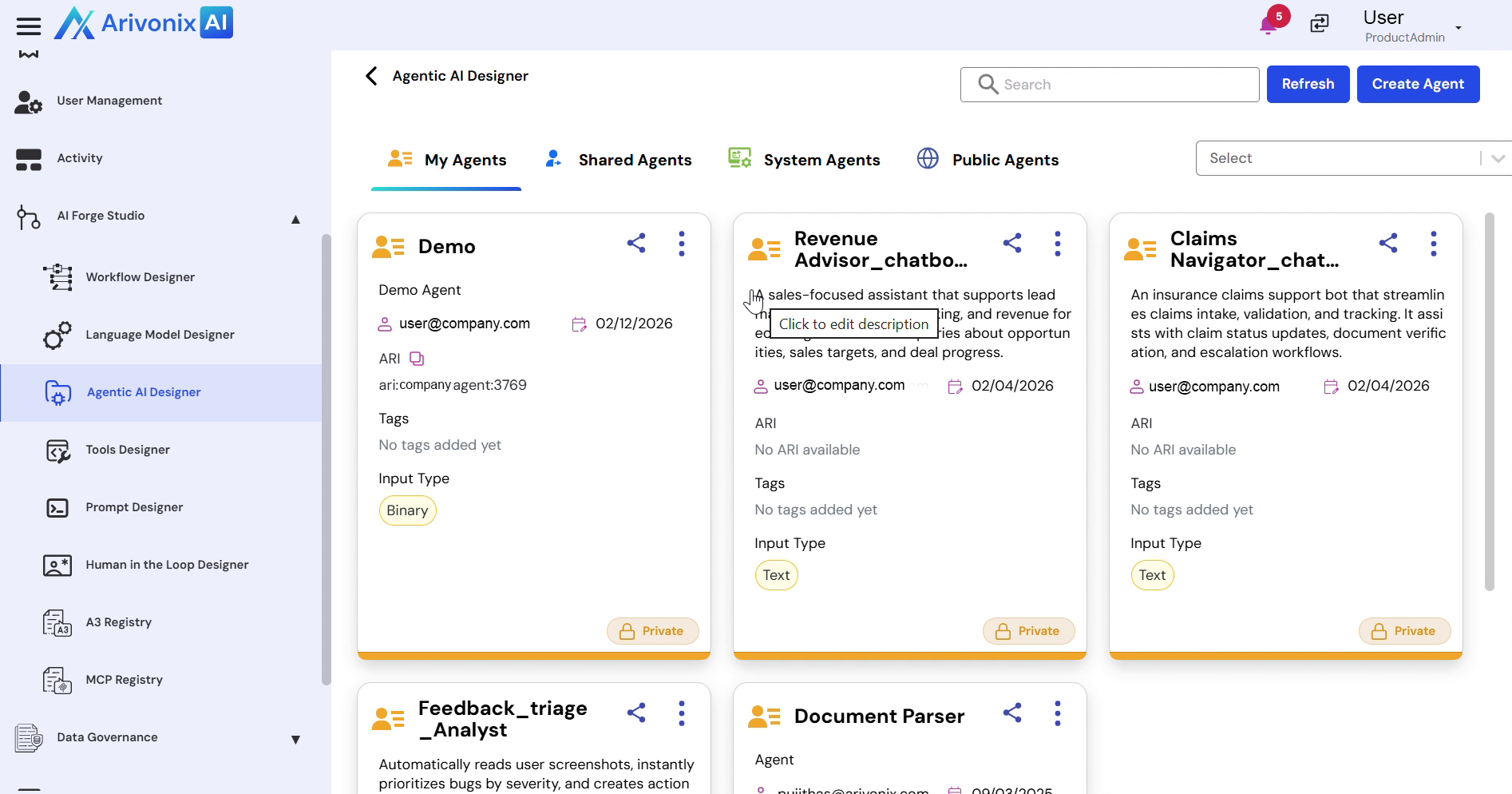
- Navigate to the AI Forge Studio and select Agentic AI Designer.
- Click the Action Menu to access agent options.
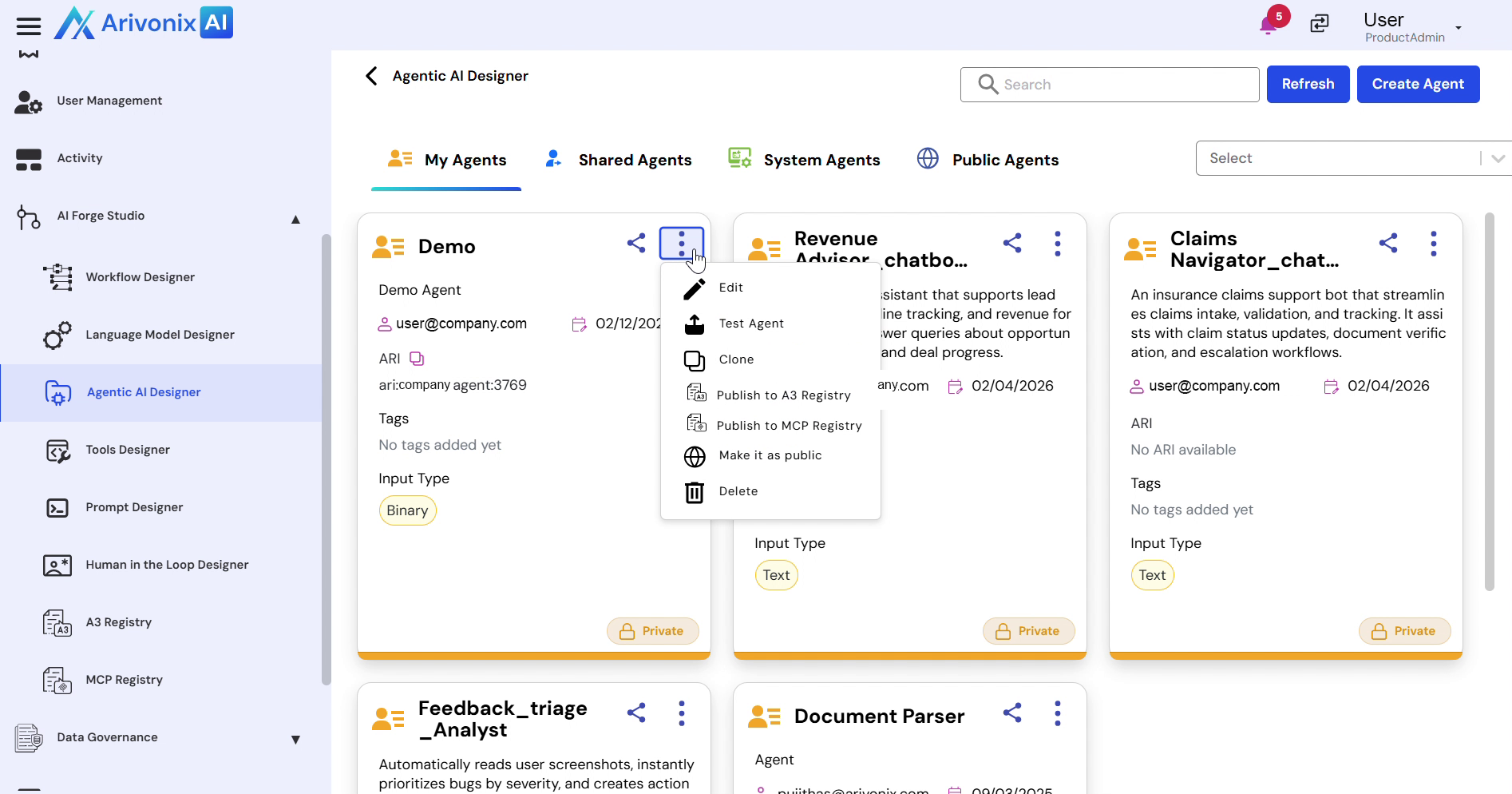
- Select Make it as Public from the menu options.
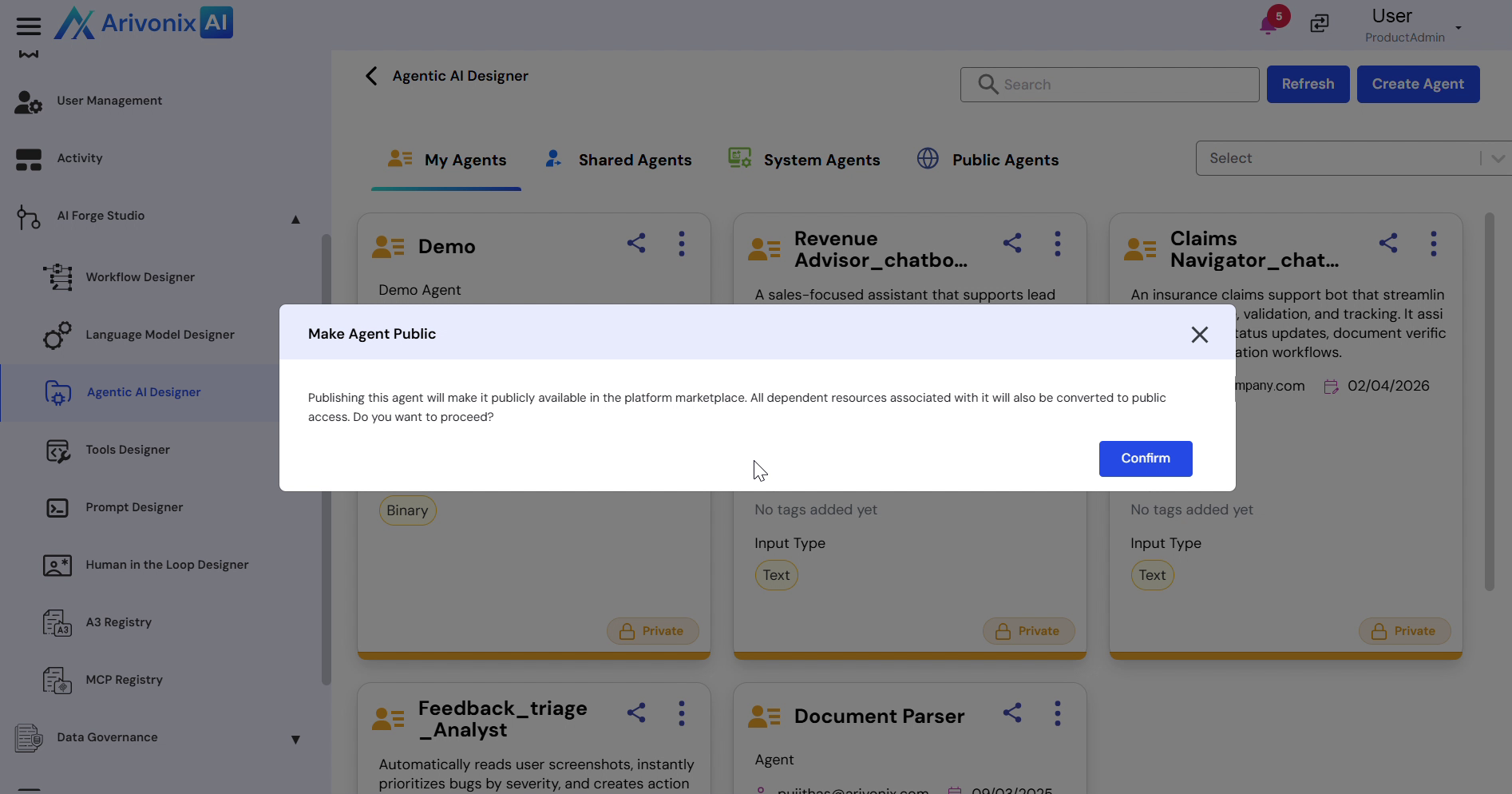
- In the confirmation dialog box, click Confirm to proceed.
Once confirmed, the agent will be successfully published and available in the Public Agents section.