

Creating Storage
On this page
Creating Storage
Storage provides centralized management of datasets within Arivonix.
To create a new storage within Arivonix:
- Click Settings
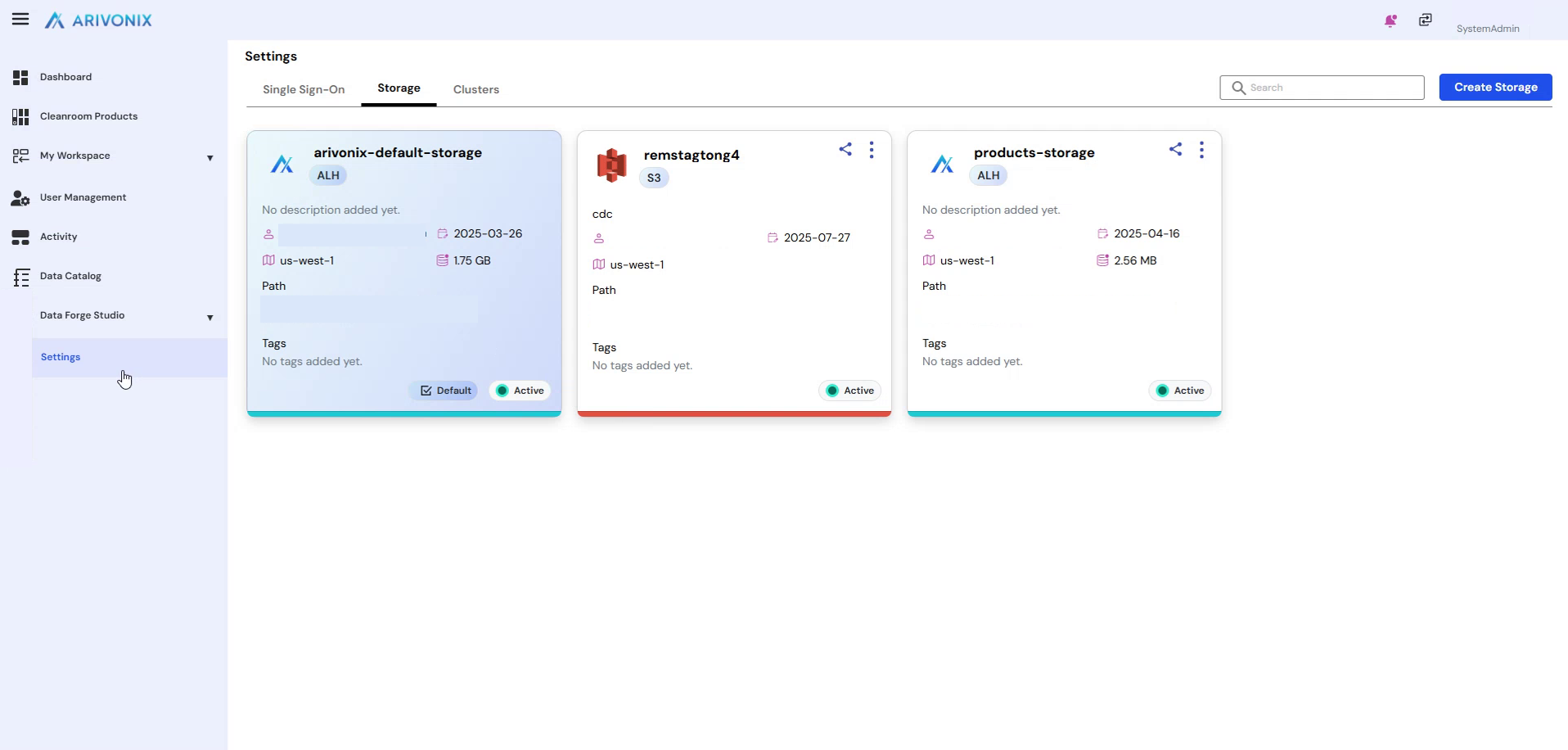 to navigate to the settings page.
 - On the settings page, locate the three tabs displayed and select Storage.
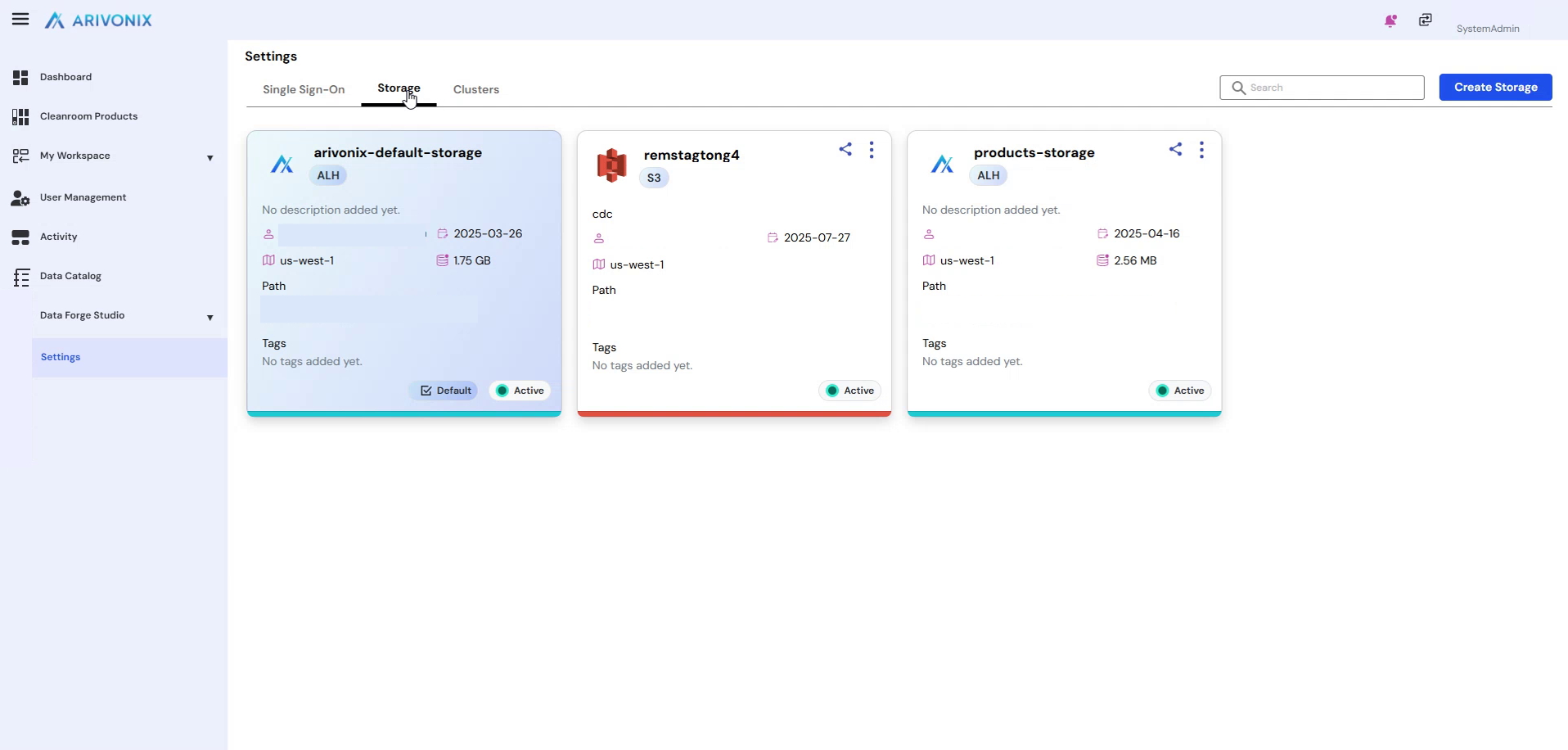 This displays all storage available within Arivonix. By default, the system includes the default Arivonix LEGO storage. The available options will vary based on your subscription.
 - Click Create Storage
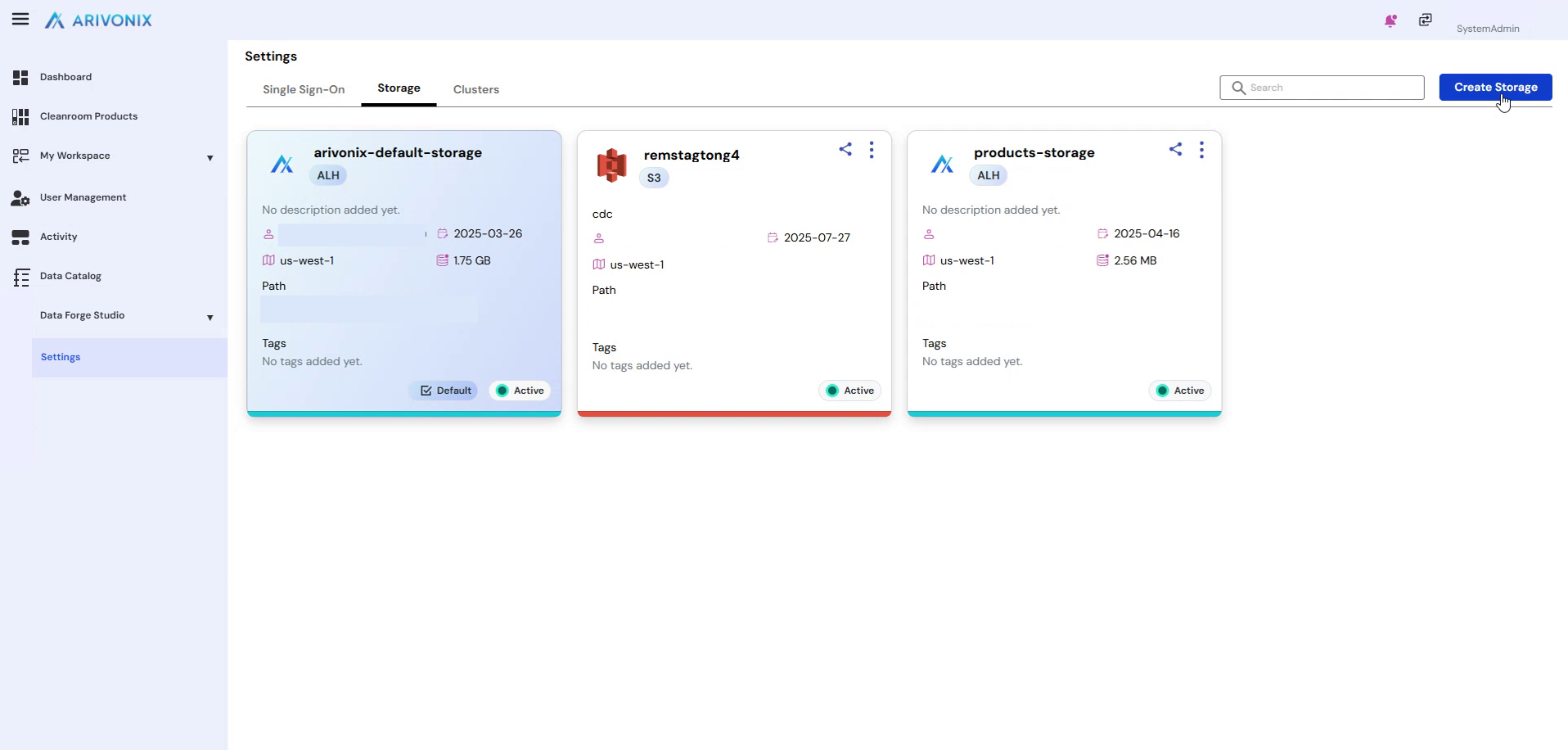 to view all available storage options for your subscription.
Creating S3 Storage
The following steps demonstrate how to create an S3 storage using your S3 account:
- Ensure you are logged into your S3 account with the appropriate permissions to create storage.
- Return to the Arivonix screen.
- Select S3 as the storage type.
- Enter the Storage Name.
- Provide a Storage Description.
- Select the Region where the storage should be created.
- Enter appropriate Tags.
- Click Create. A popup will appear with instructions.
- On the AWS site, click Create Stack
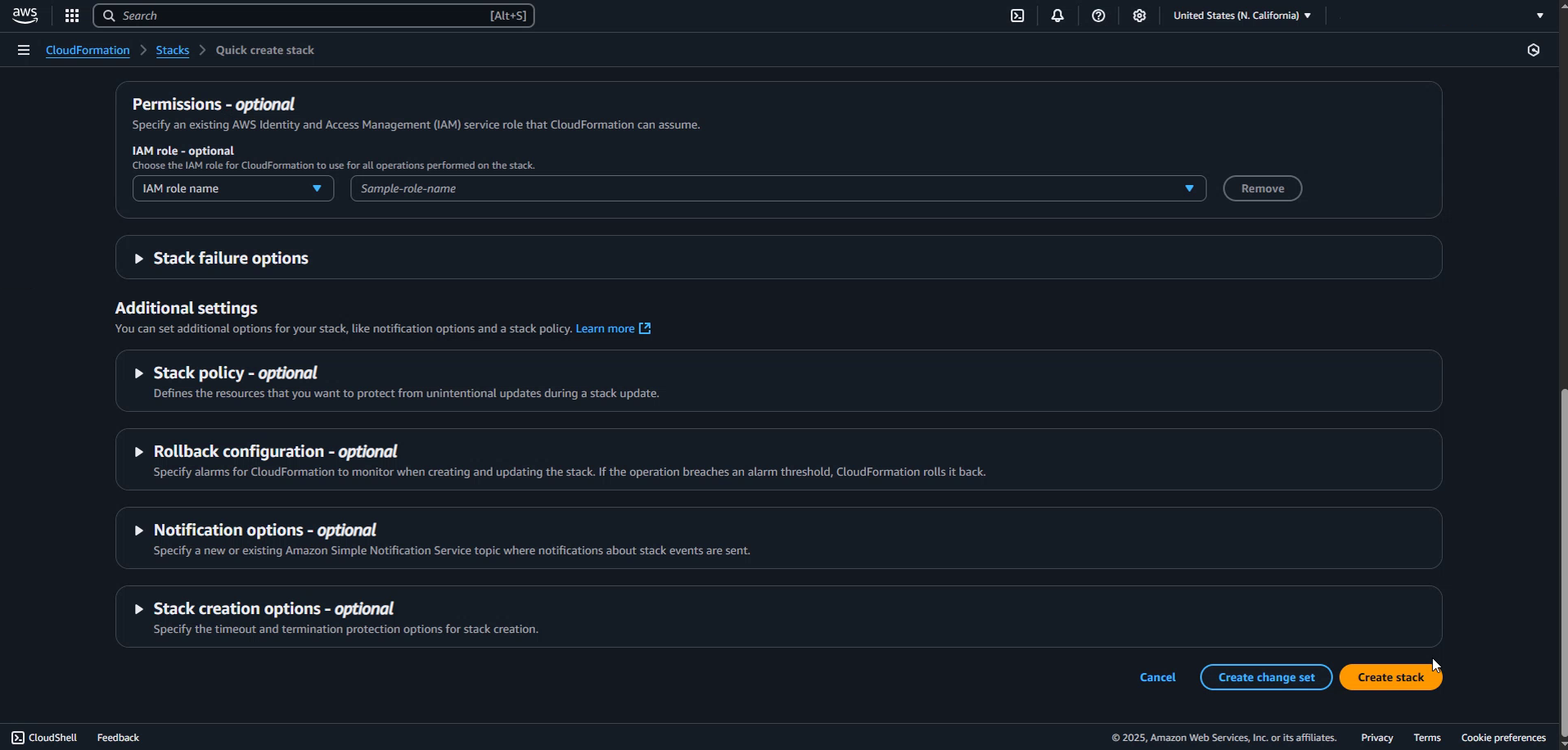 .
.
Completing Storage Creation
After initiating the storage creation:
- Wait for the storage creation process to complete on the AWS site.
- Return to the Arivonix screen.
- Locate your newly created storage in the list.
- Verify that the storage displays an Active flag, indicating it is now available for use.