

Mapping the Knowledge Graph
On this page
Mapping the Knowledge Graph
Design and configure knowledge graphs to establish relationships between entities and their attributes in a structured format.
Access the Workflow Designer screen to begin mapping the knowledge graph.
- Click the Create Destination Table icon.
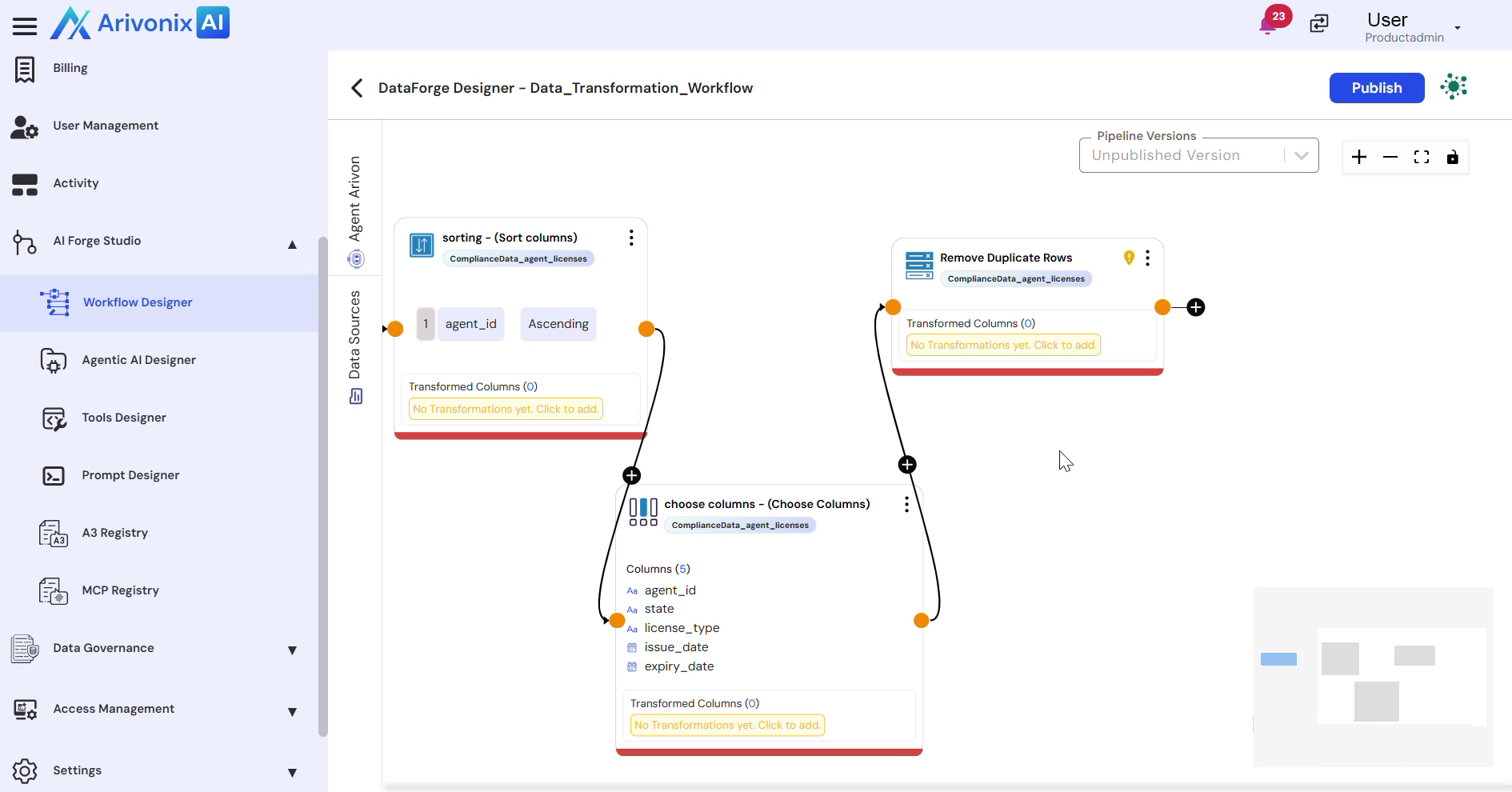
- Select Knowledge Graph as the endpoint.
- Choose the target knowledge graph from the available options.
- Add a descriptive text in the Description field.
- Specify whether the entry type is an Entity or Relationship.
Defining the Graph Structure
Configure the following components to establish the knowledge graph structure:
- Select entries such as Agents, Policies, or Licenses
- Define relationships that connect these entities
- Specify entity identifiers to uniquely represent each node
- Configure properties to enrich the graph with attributes
Validation and Saving
- Preview the data rows to validate:
- Entity labels
- Identifiers
- Properties
- Save the workflow to generate the final knowledge graph.
Upon successful completion, the knowledge graph will be created and ready for use.