

Stop Scheduled Pipeline
On this page
Stopping Scheduled Pipeline
Control and manage scheduled pipeline executions by stopping or rescheduling them as needed.
To stop a scheduled pipeline:
- Locate the Scheduled Option in the top right corner of the interface.
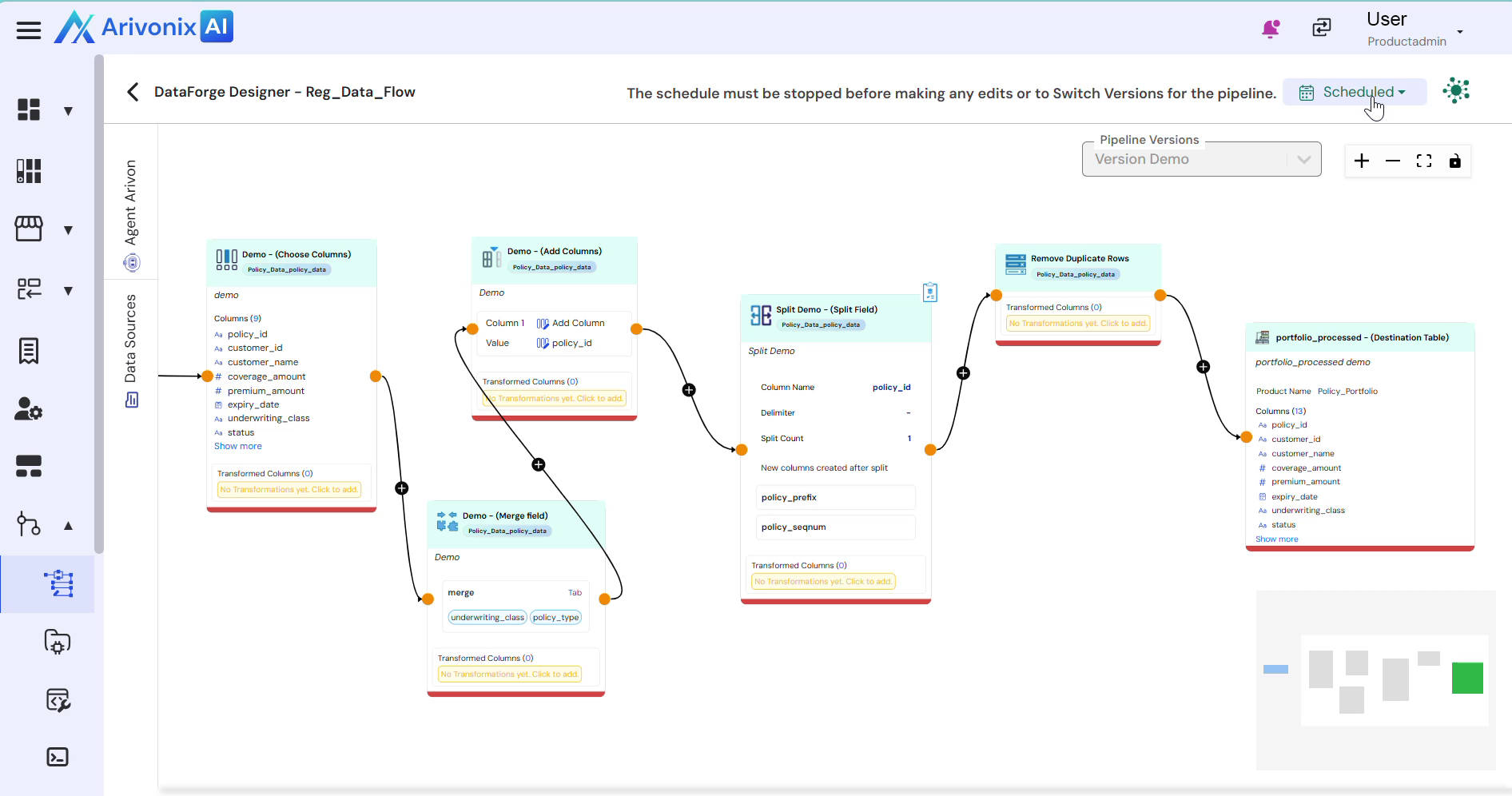
- Click the button and select Stop from the dropdown menu. Alternatively, select the reschedule option if needed.
- When selecting Stop, note that this action will cancel all pending pipeline runs immediately.
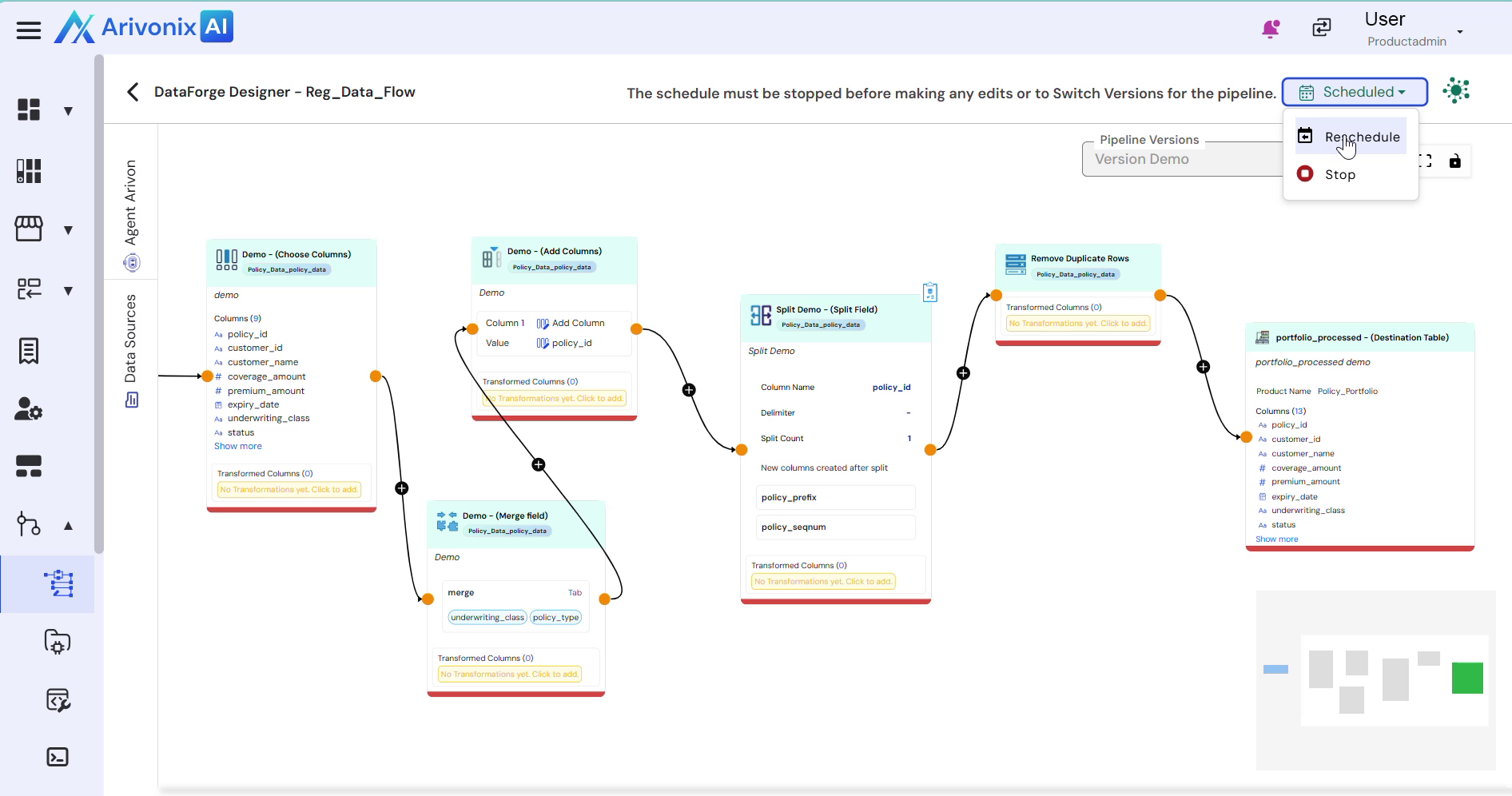
- Click Confirm to finalize stopping the schedule.