

Editing a Chatbot
On this page
Editing a Chatbot
Modify existing chatbot configurations including data sources, guardrails, and prompts to customize chatbot behavior.
- In the Chatbot interface, locate the chatbot to be modified.
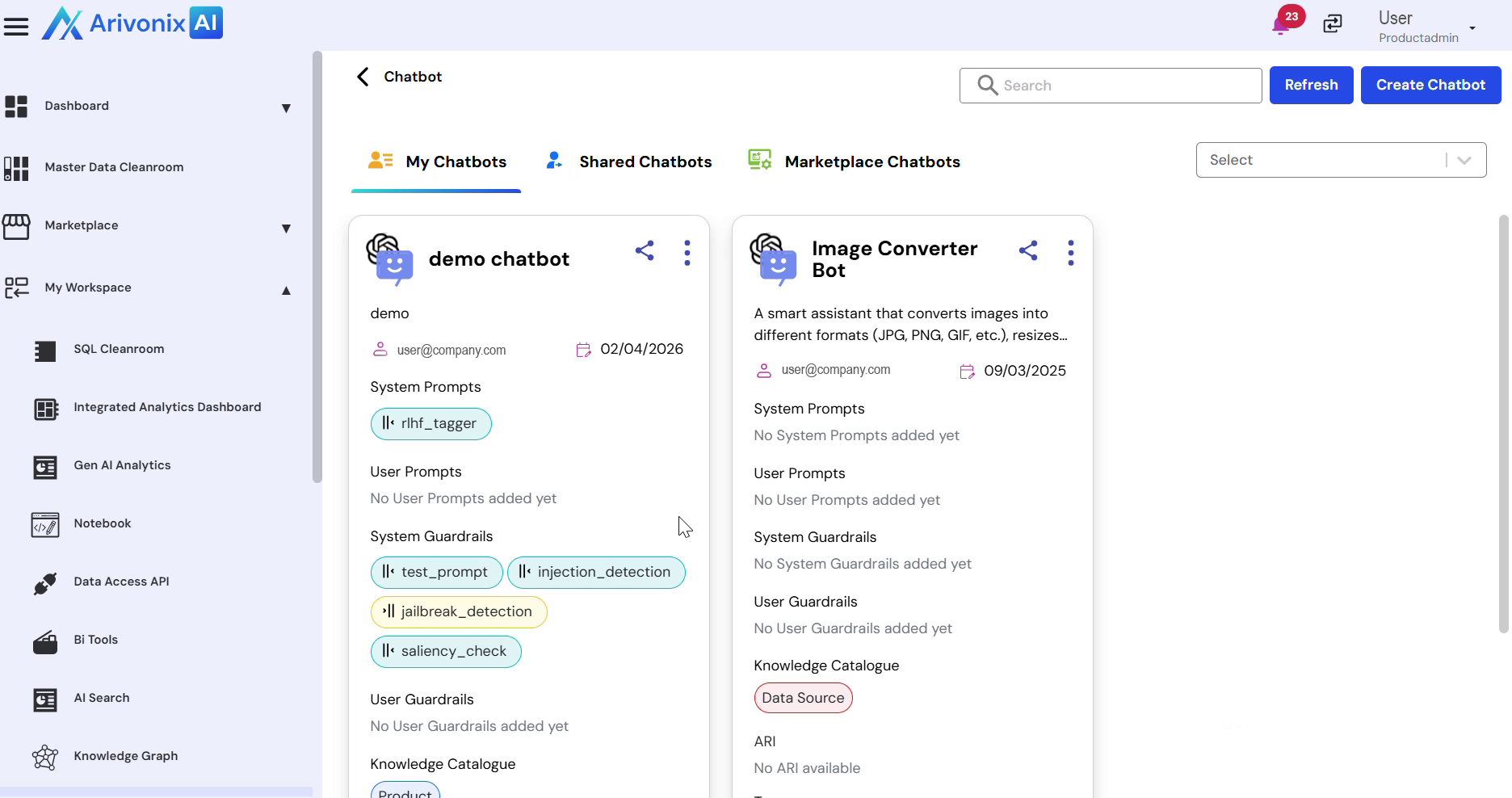
- Click the Action Menu and select Edit.
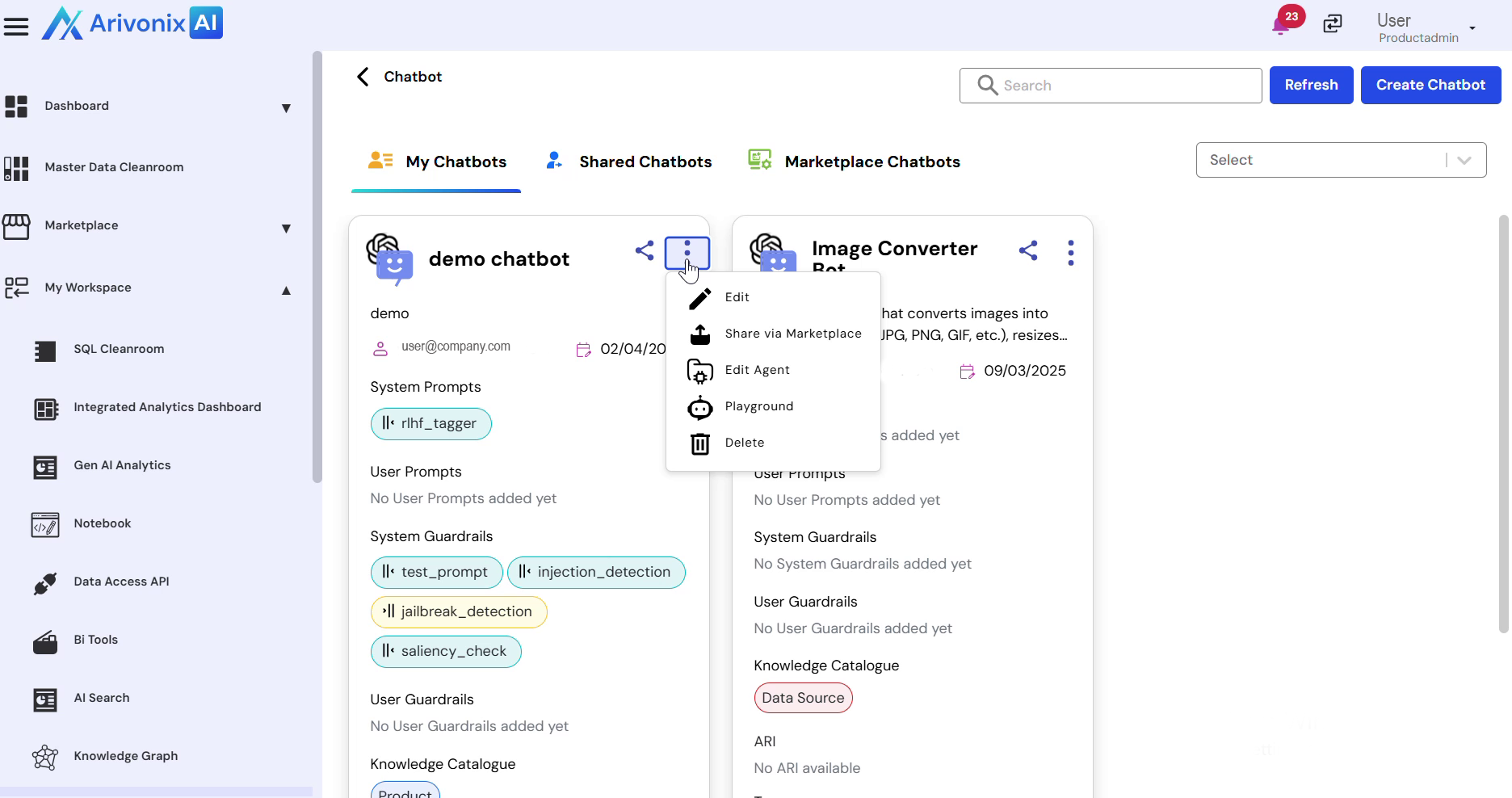
- The chatbot configuration interface displays all available editing options.
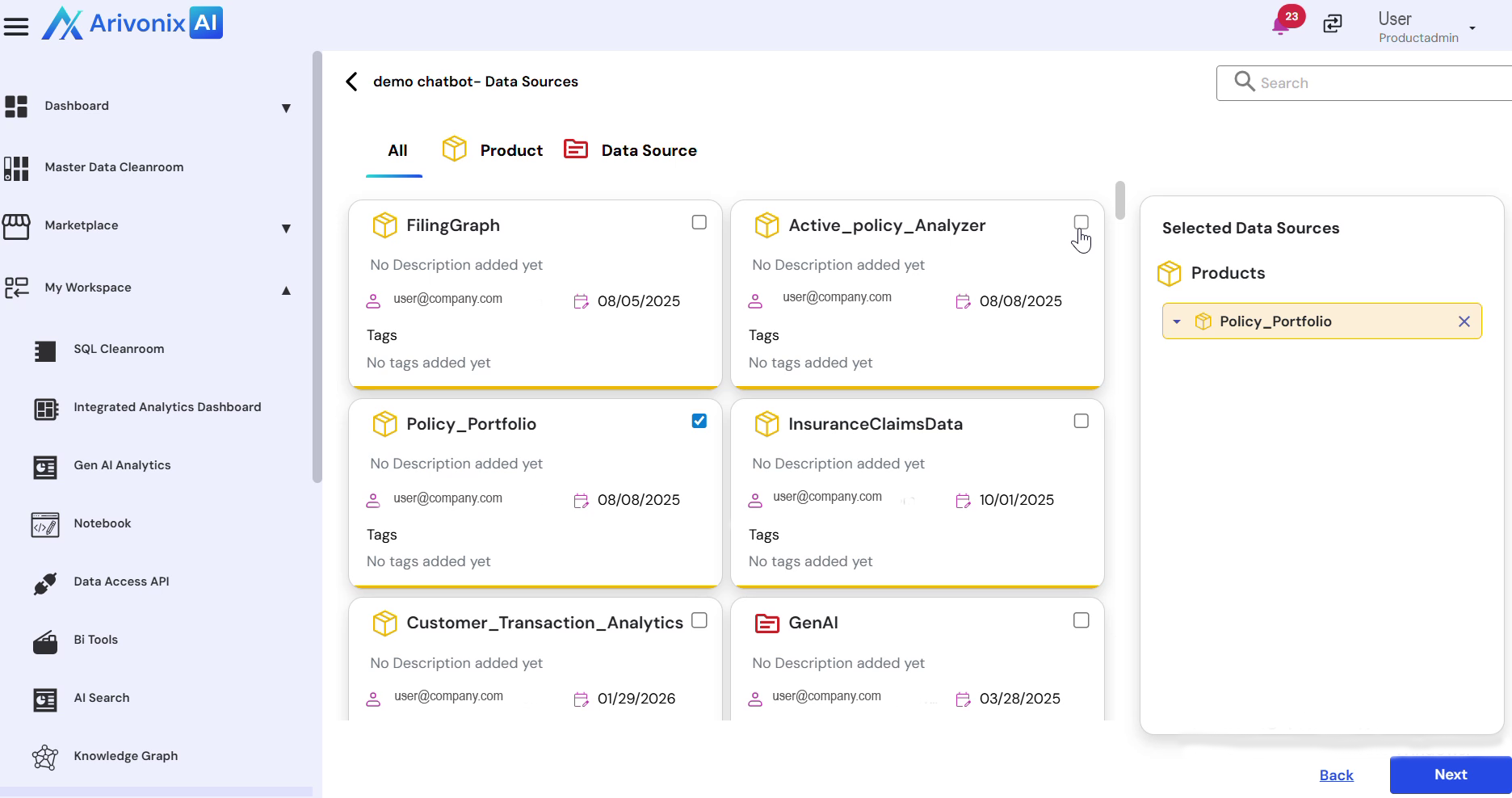
- To modify data sources:
- Select or deselect the desired data sources
- Click Next to proceed
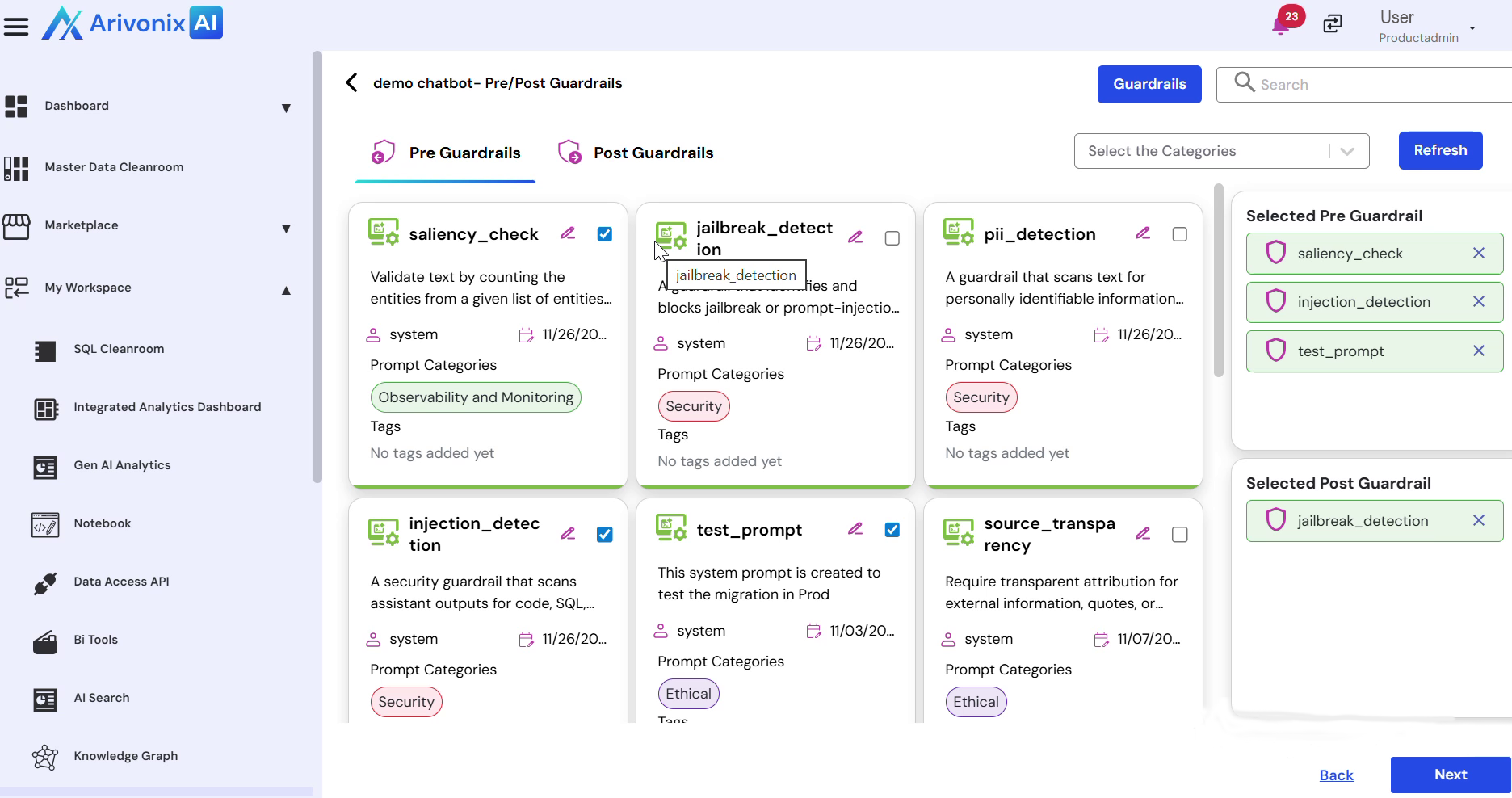
- Modify the previously configured guardrails as needed and click Next.
- Update the pre-prompts and post-prompts as required.
- Click Finish to save the modifications.
Upon completion, the system confirms successful update of the chatbot configuration.