

Editing a Data Source
On this page
Editing a Data Source
Modify existing data source configurations to update connection details and metadata.
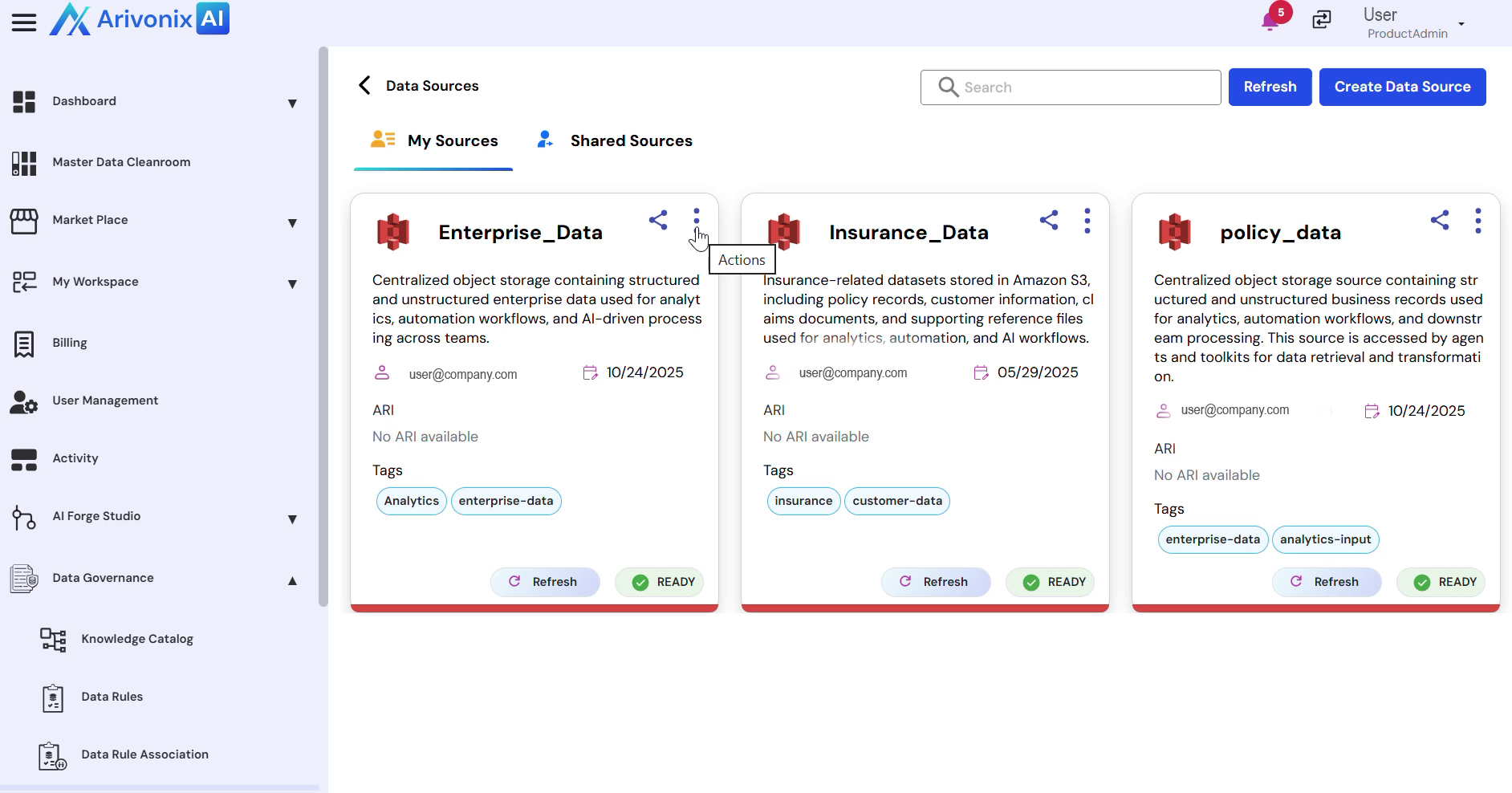
- Access the action menu for the desired data source
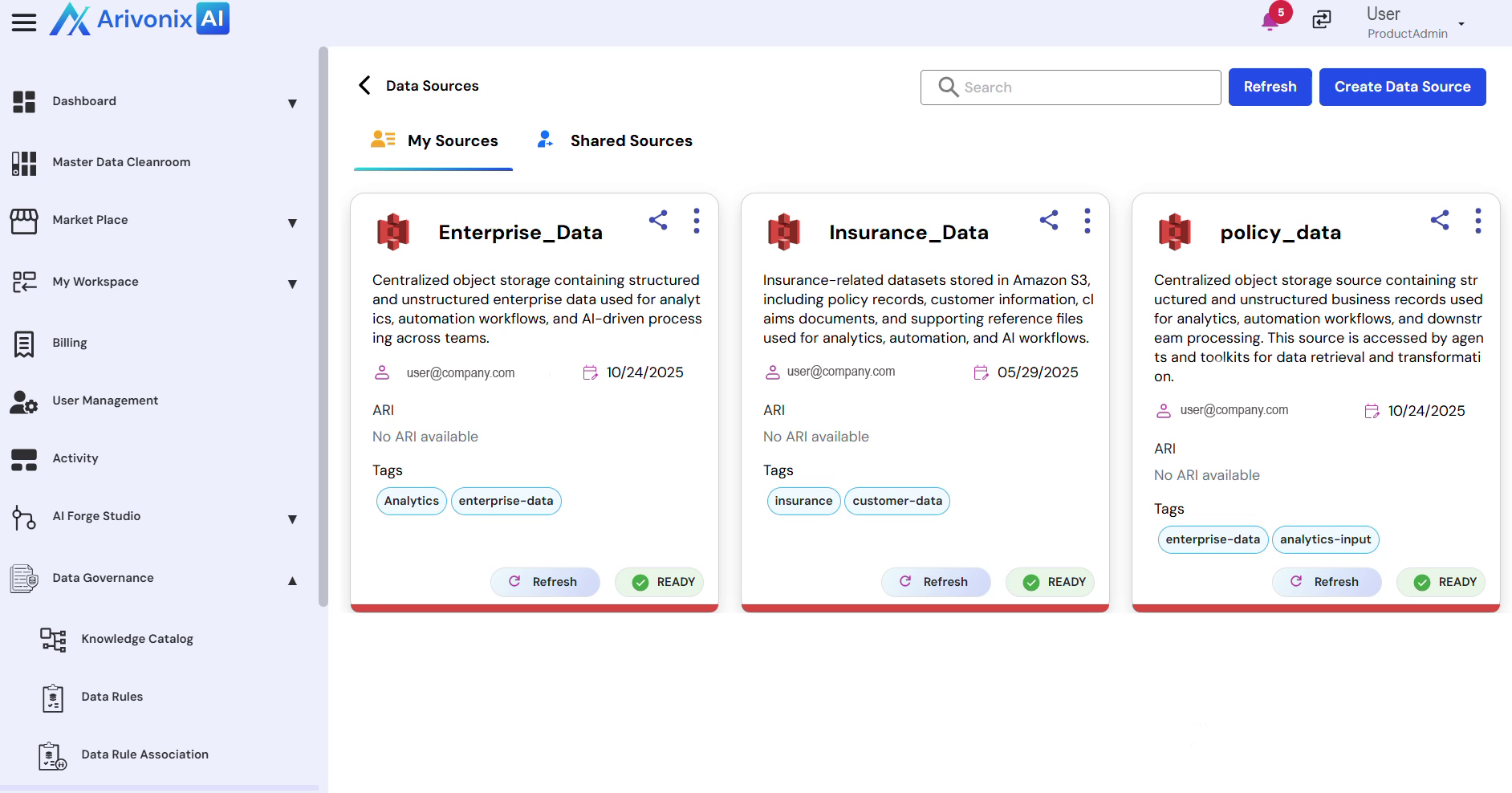
- Select Edit from the menu options
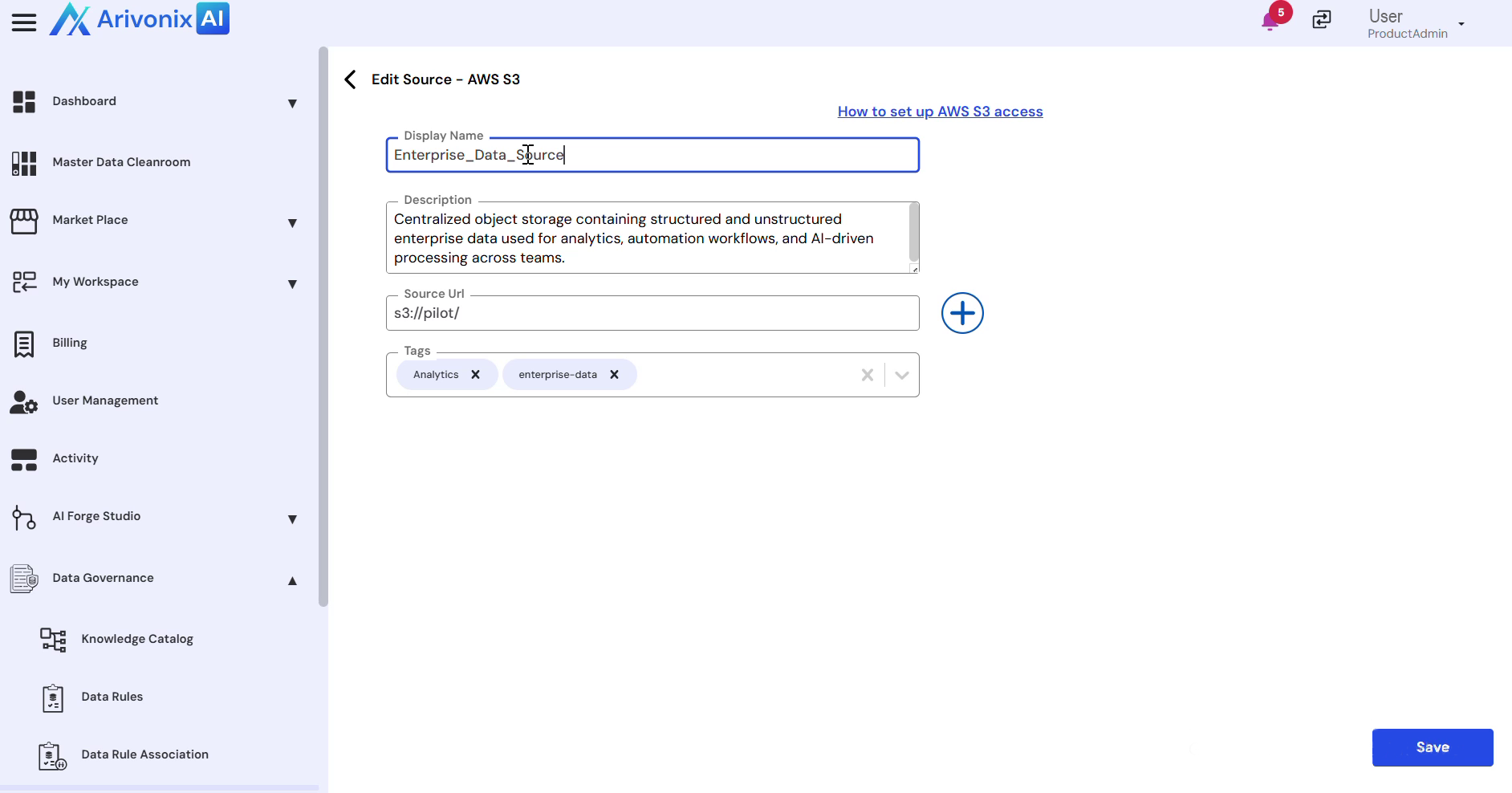
- In the edit interface, modify any of the following fields as needed:
- Name
- Description
- URL
- Tags
- Click Save to apply the changes
The modifications are immediately visible to all users with access to the data source.