

Associating a Rule
On this page
Associating a Rule
Associate data rules to transformations to enforce data quality and governance requirements.
To associate a data rule with a transformation:
- Navigate to the transformation where you want to associate a rule.
- Click the Action Menu for the transformation.
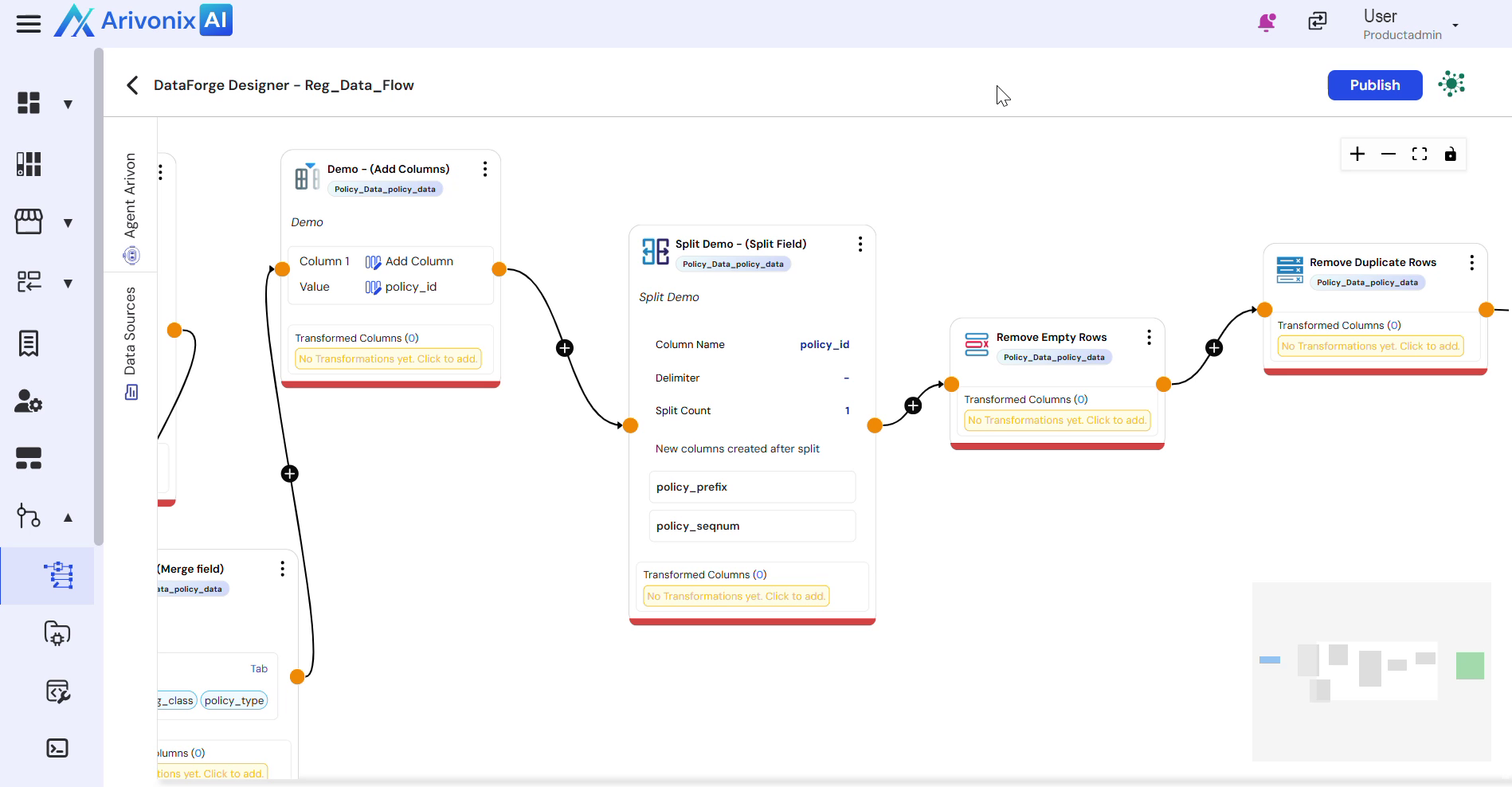
- Select Associate Rule from the menu.
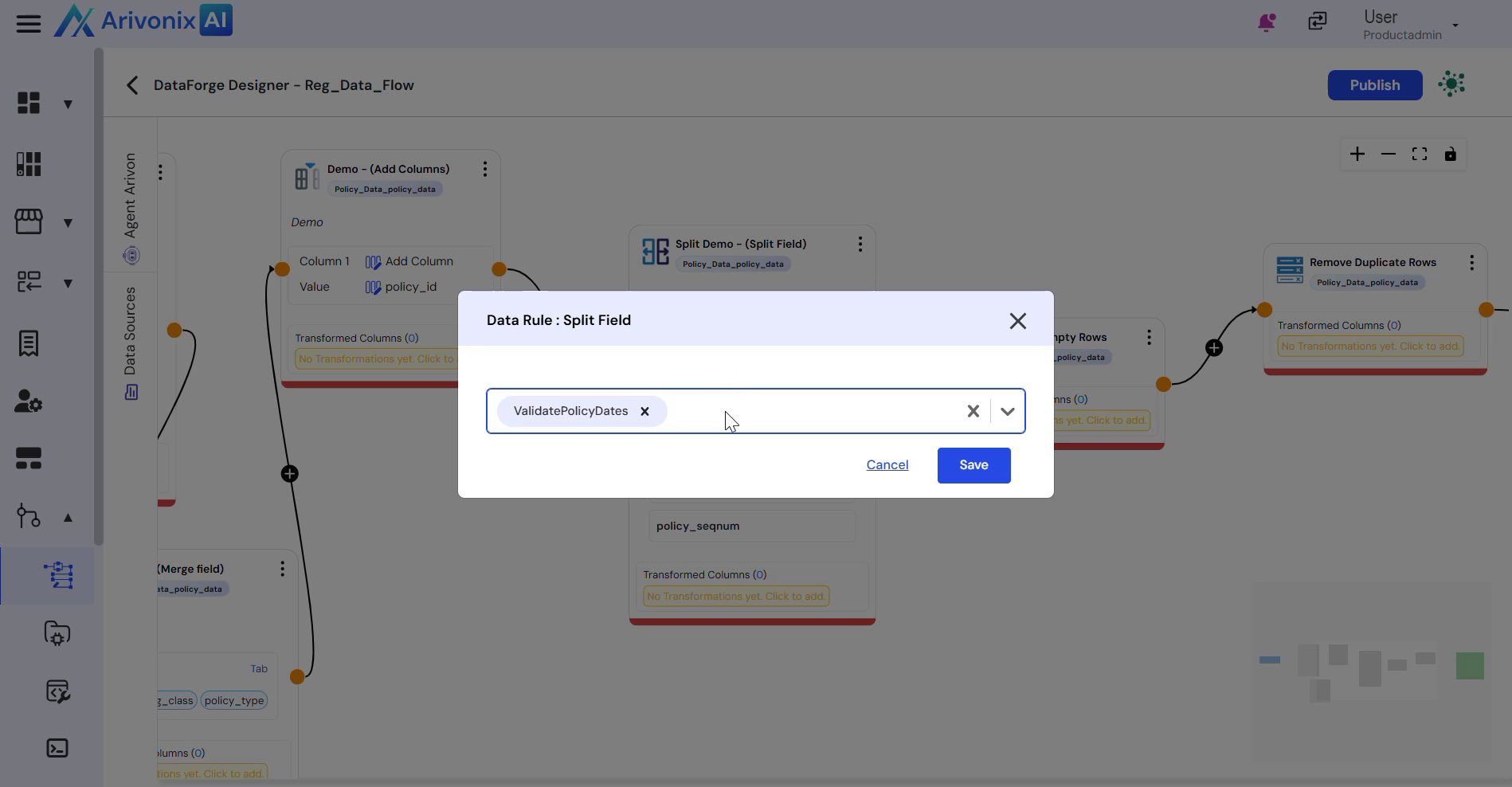
- In the Associate Rule dialog:
- Select the type of data rule to associate with the transformation
- Review the data rule details displayed on the right panel, including:
- Creator information
- Rule definition
- ARIs and Tags
- History
- Multiple data rules can be selected for the same transformation
- Click Save to complete the association.
A rule icon appears at the top of the transformation to indicate successful rule association.