

Add Columns
On this page
Add Column Transformation
Create and configure new columns in your dataset with customizable values and inheritance from existing fields.
Configuring Add Column
- Select Add Column from the Transformations list in the Add Columns window.
- Enter a name for the transformation.
- Under Column One, specify the name for the new field to be created.
- Choose one of the following options for column values:
- Select a value from an existing column for data inheritance
- Define a default value using the Default Column dropdown to apply a constant value across all records
- To add more columns within the same transformation:
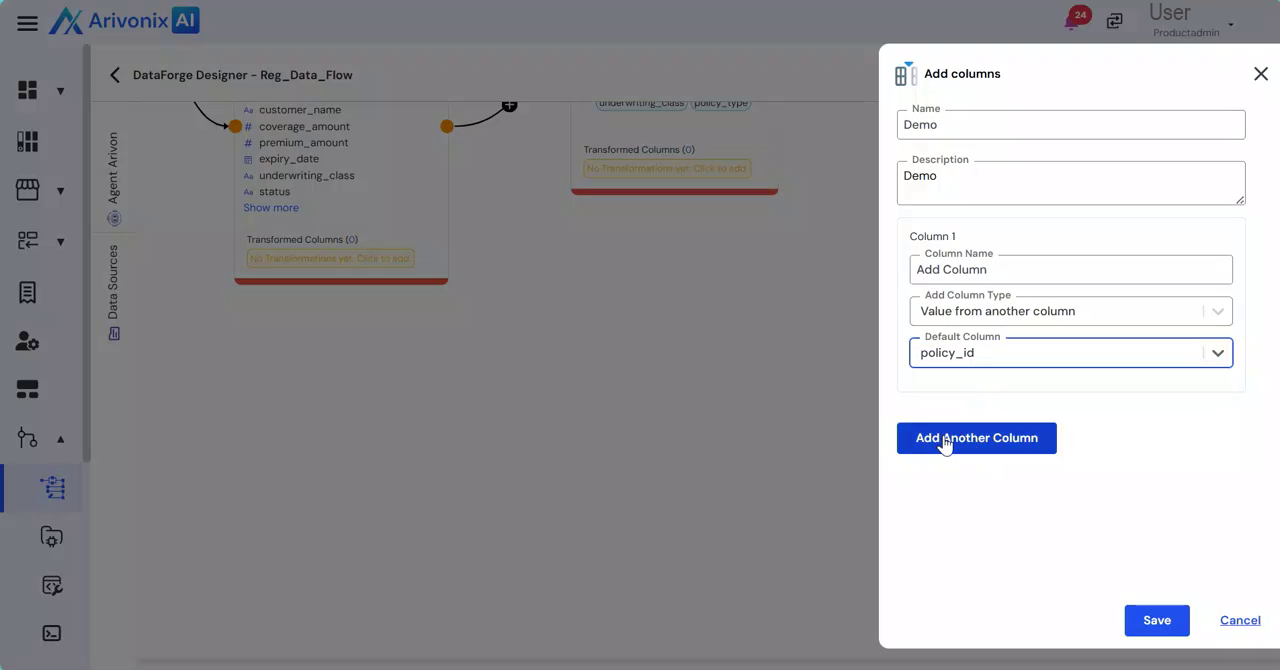
- Click Add Another Column to create additional fields
- Use the delete option if you need to remove a column
- Complete the configuration:
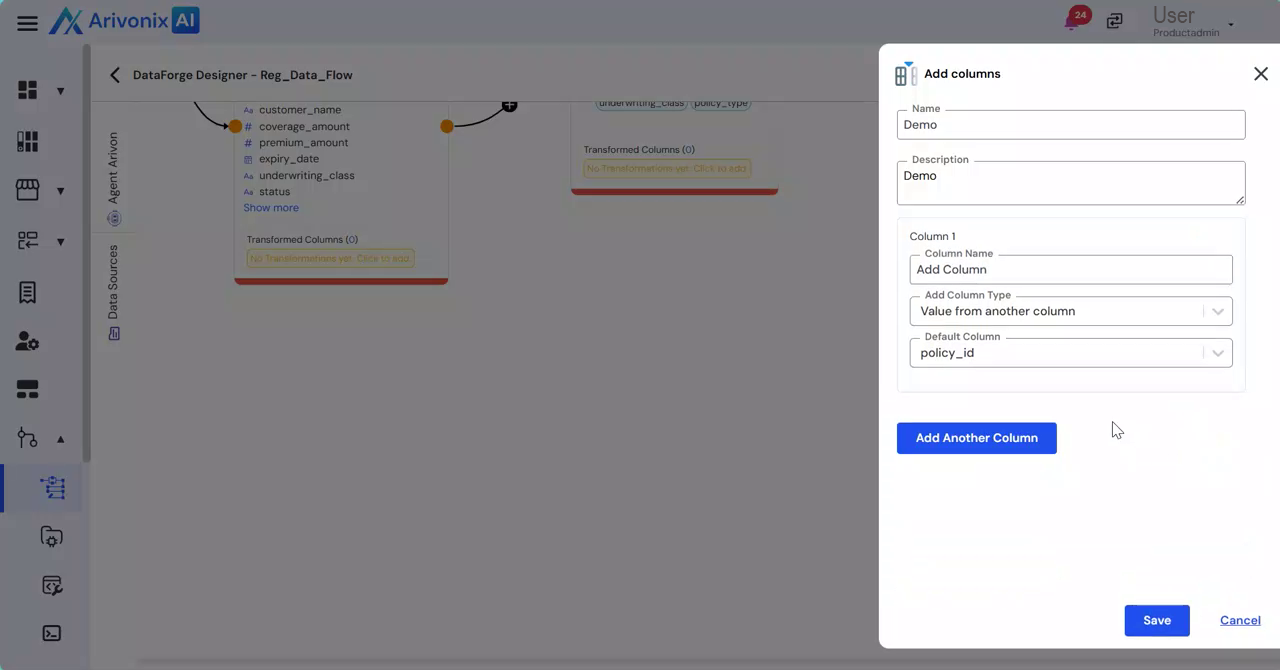
- Click Save to apply the changes
- Select Cancel to discard modifications
Once saved, the Add Column transformation is created successfully. The results can be verified in the preview. This transformation enables users to derive new fields from existing data or assign standardized default values, enhancing data structure for downstream processing.