

Editing A3 Registry
On this page
Editing A3 Registry
Modify registry settings and configurations after creation through multiple access points.
Edit Methods
An A3 registry can be modified using two different approaches:
- Directly from the Registry tile
- Through the Action menu
Editing Procedure
- Locate the desired registry card and click the Three Dot Menu
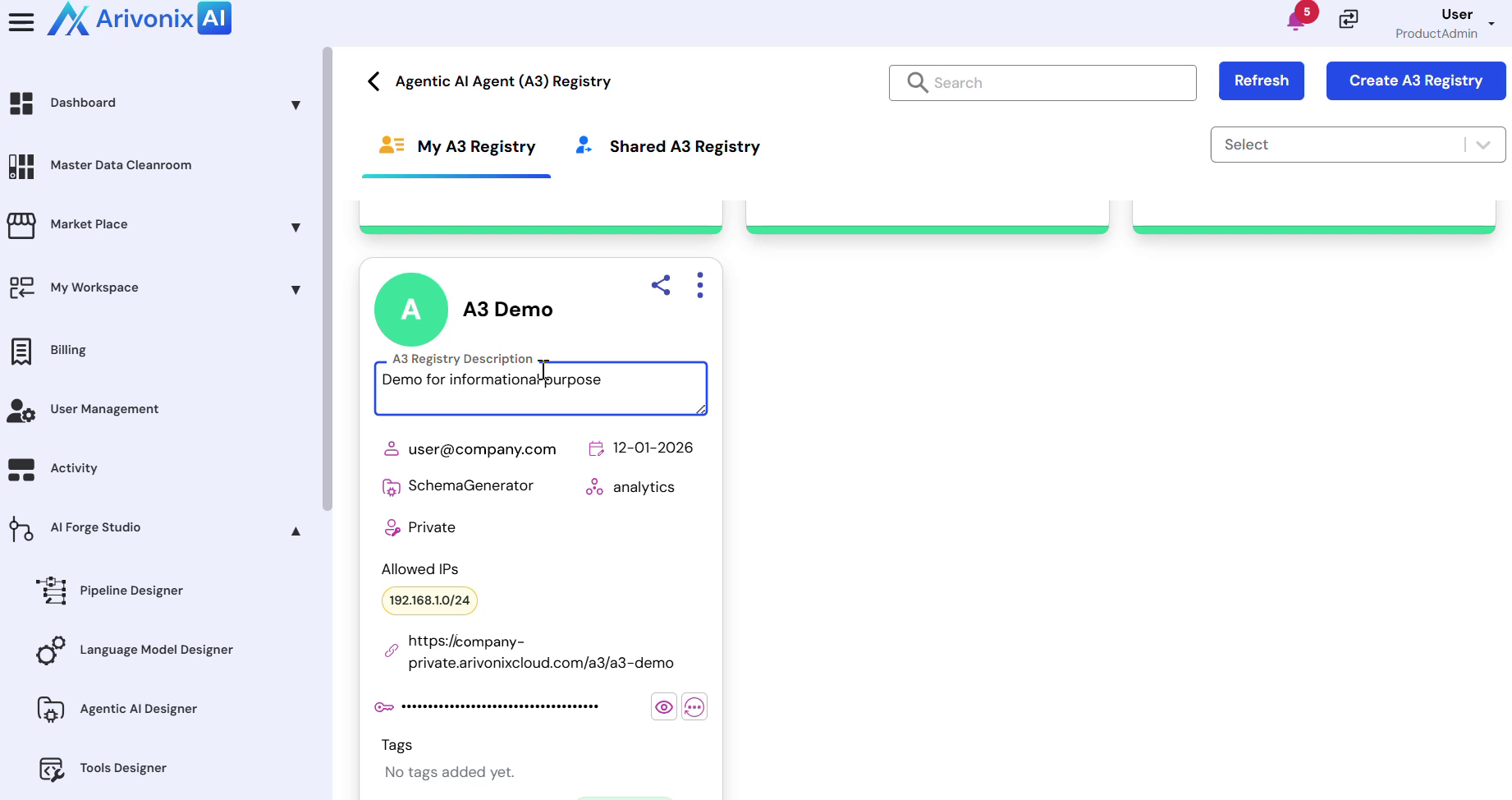
- Select Edit from the menu options
- Modify any of the following fields as needed:
- Name Description
- Access Settings
- Allowed IPS Tags
- Marketplace Options
- Click Save to apply the changes
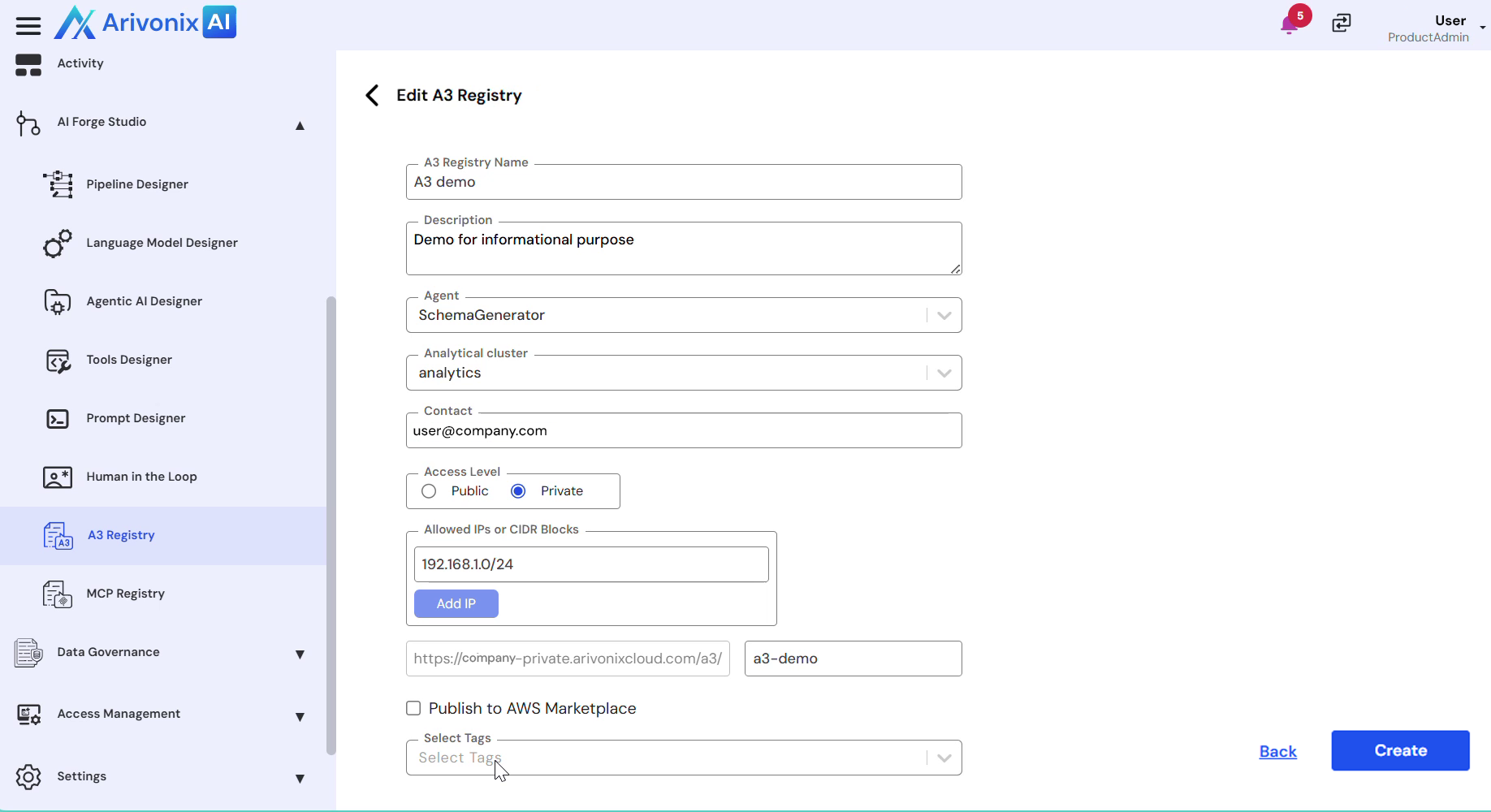
The system will confirm successful registry updates upon completion.