

Workflow Designer Overview
On this page
What is Workflow Designer?
Create and manage end-to-end data workflows through a visual interface that enables structured data processing without extensive coding requirements.
Overview
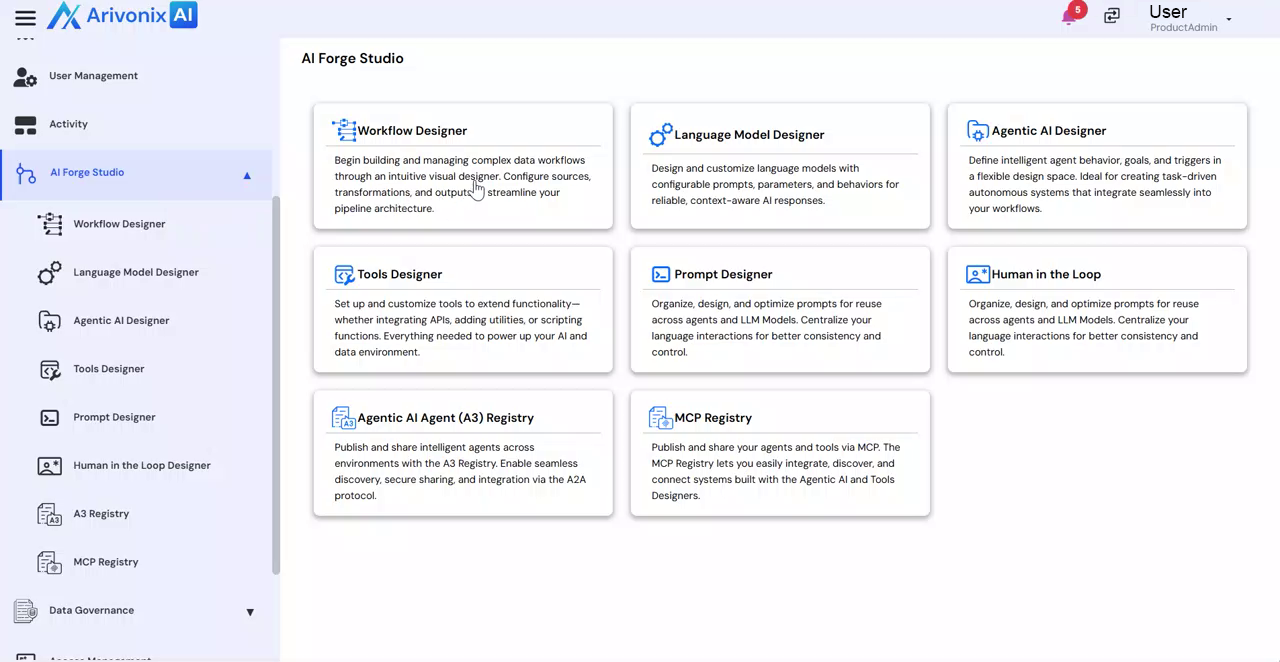
Workflow Designer provides a drag-and-drop interface for connecting data sources, applying transformations, and defining outputs. Users can organize workflows into three categories based on visibility and collaboration needs:
- My Workflows – Personal workflows
- Shared Workflows – Collaborative workflows
- Public Workflows – Organization-wide workflows
Key Capabilities
Within Workflow Designer, users can:
- Create and edit workflows
- Track execution history
- Manage version control for updates
- Connect workflow components visually
- Configure data inputs and outputs
- Define transformation logic
Data Transformations
Available transformations include:
- Filtering data
- Sorting columns
- Merging fields
- Removing duplicates
- Splitting datasets etc.
Advanced Features
Workflow Designer supports integration with:
- SQL
- PySpark
- AI-powered logic components
Agent Arivon
Agent Arivon functions as an AI-powered data colleague that can automatically generate workflow logic based on natural language prompts, accelerating pipeline creation by translating business requirements into structured workflow steps.
Workflow Management
Additional workflow management features include:
- Automated notifications
- Human approval workflows
- Governance controls
- Workflow scheduling
- Review and publication capabilities