Sharing an Agent
On this page
Sharing an Agent
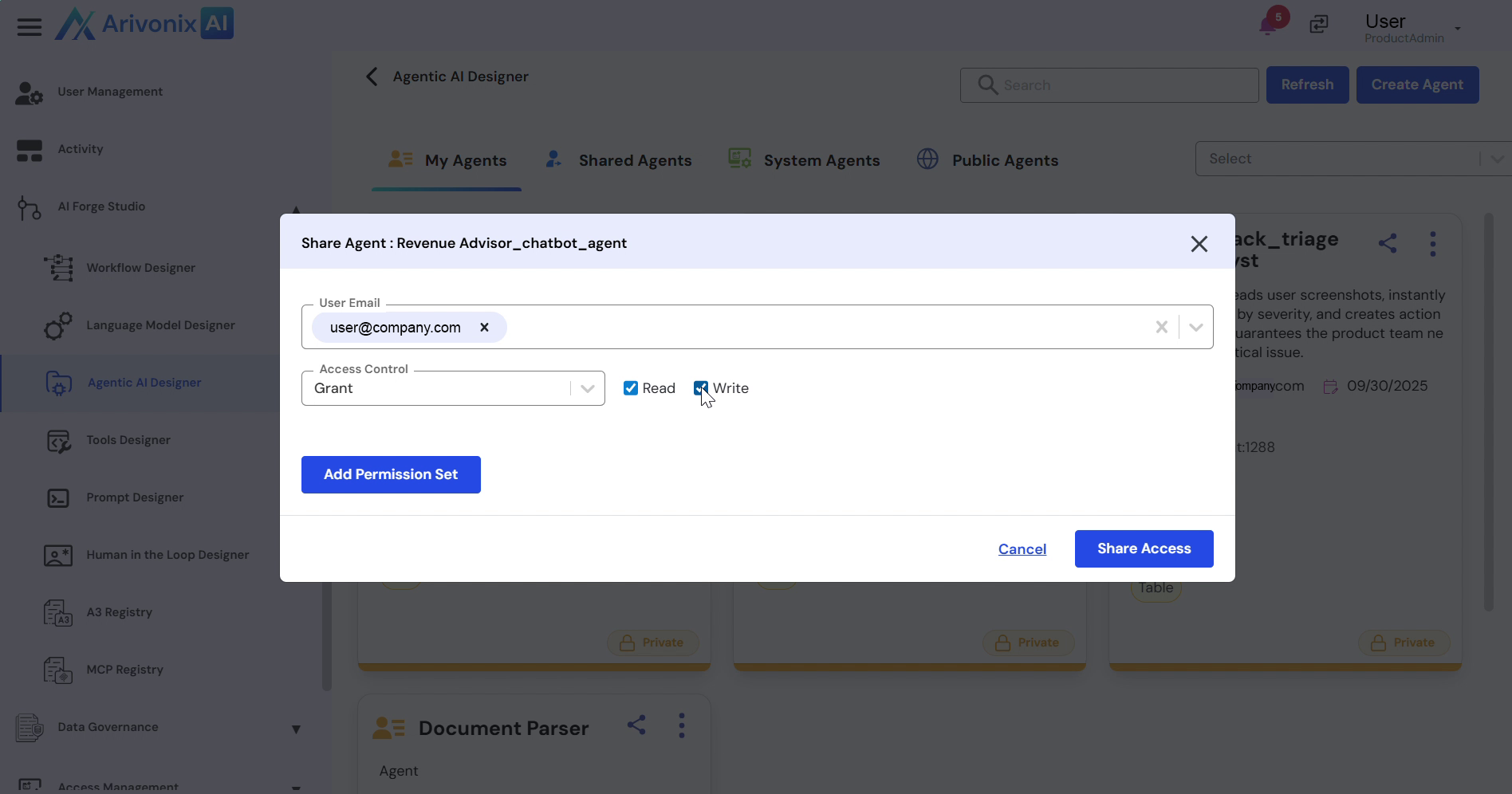
Share agents with other users or teams while managing their access permissions within Arivonix AI.
To share an agent with other users:
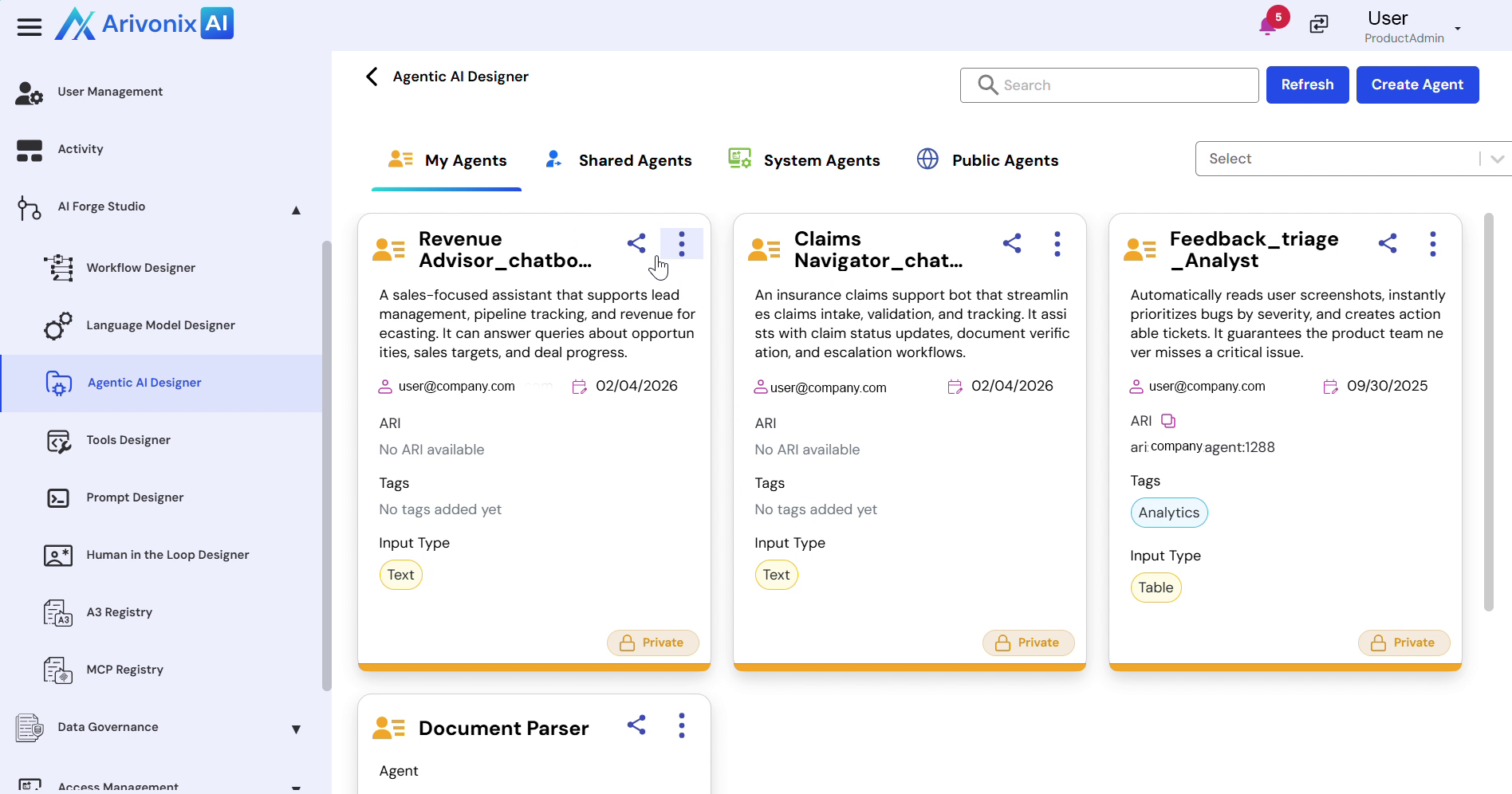
- Navigate to the Agent tile in the interface.
- Click the Share icon.
- Enter the email addresses of users you want to share the agent with. Multiple users can be selected simultaneously.
- Configure access control settings:
- Set permissions to either Grant or Deny
- Specify Read Access, Write Access, or both
- Click Share Access to complete the sharing process.