

Deleting a Prompt
On this page
Deleting a Prompt
Remove existing prompts from the Prompt Designer when they are no longer needed.
- Navigate to the Prompt Designer view.
- Locate the prompt you want to delete.
- Click the Action menu.
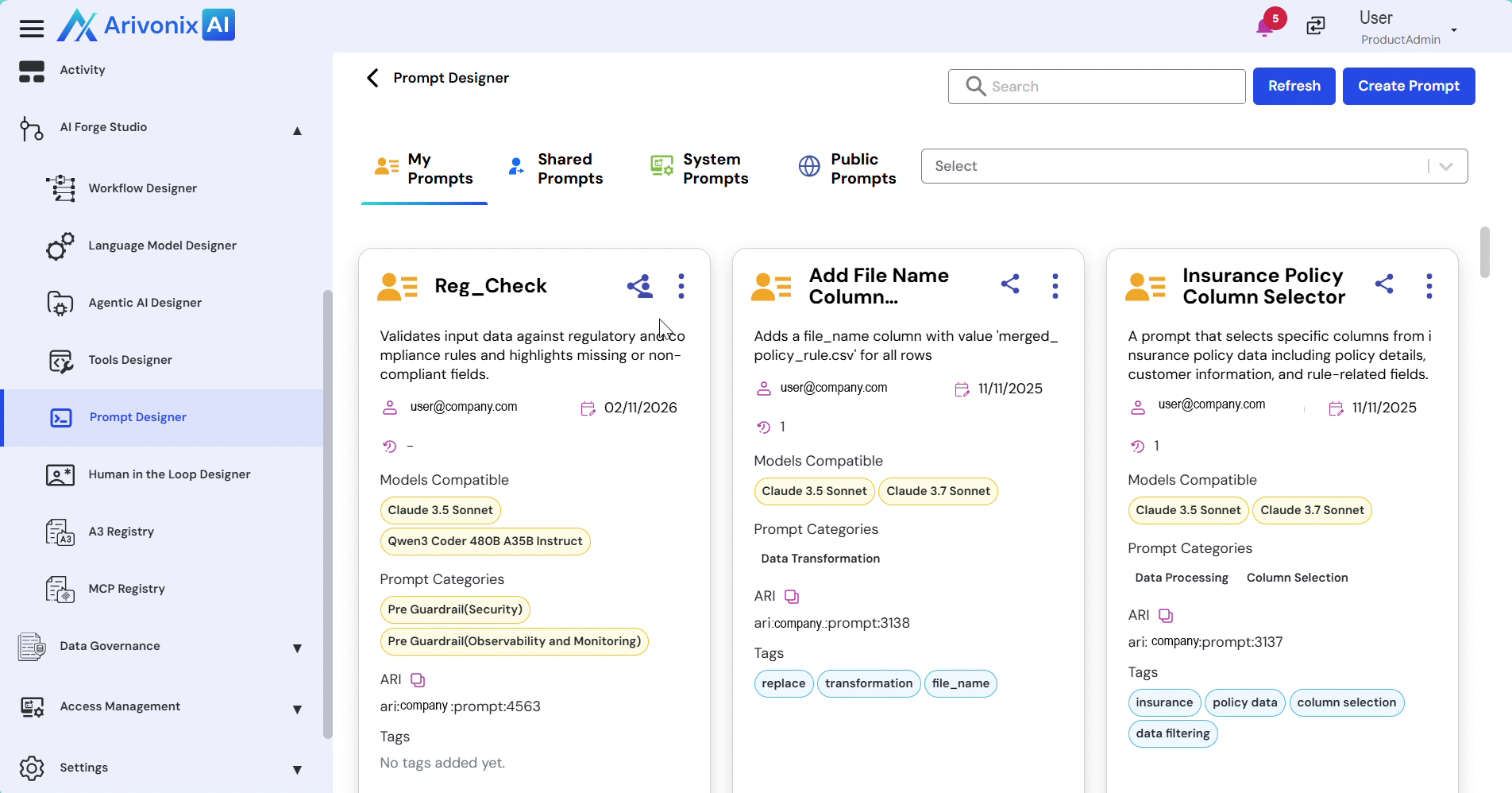
- Select Delete from the menu options.
- Enter the prompt name to confirm deletion.
- Click the Delete button to complete the process.
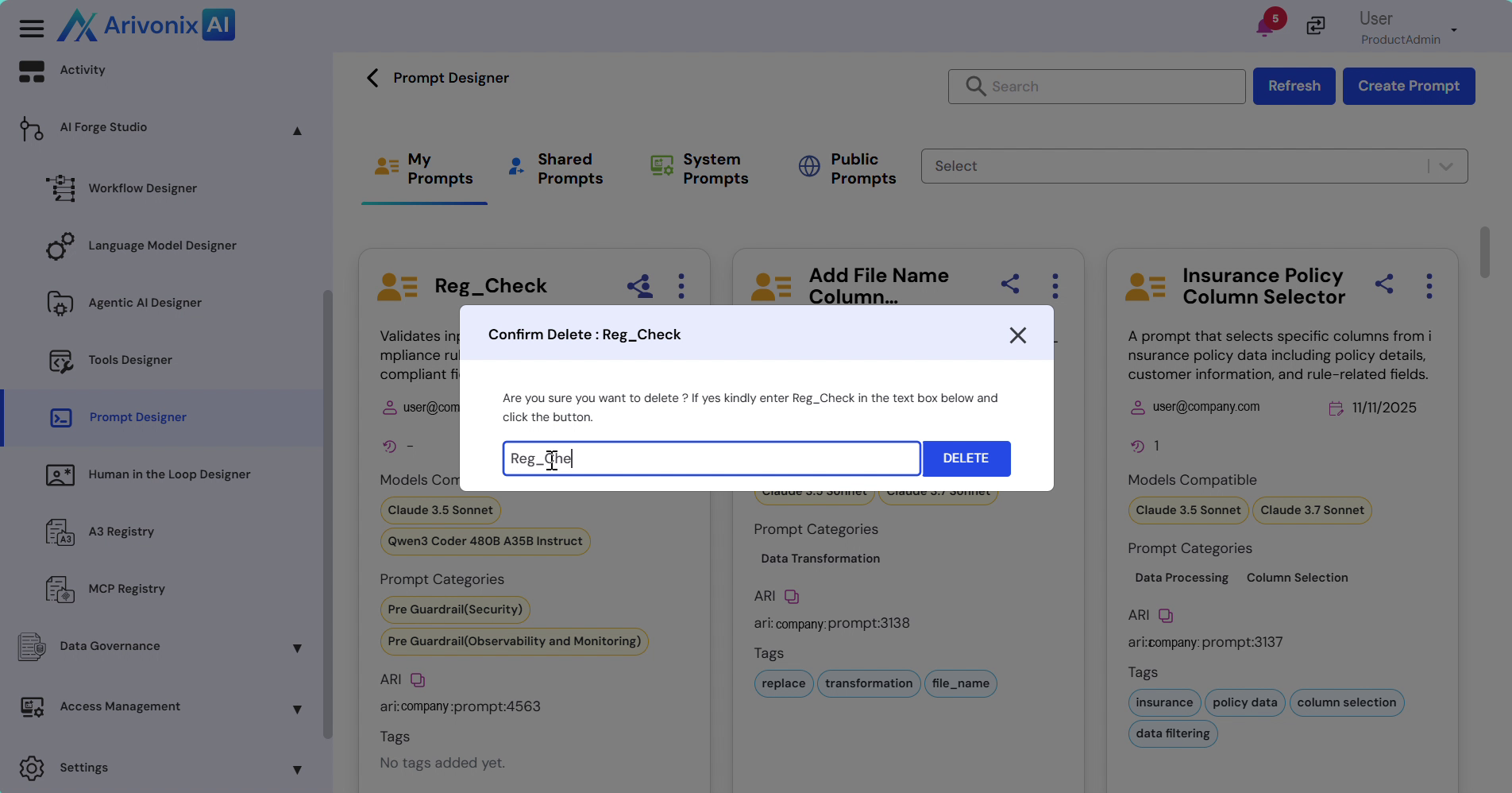
The system will remove the selected prompt from the Prompt Designer.