

Edit a Node
On this page
Editing a Node
Modify existing transformations by updating their configuration settings and parameters.
To edit an existing transformation:
- Locate the transformation to be modified and click the Action menu.
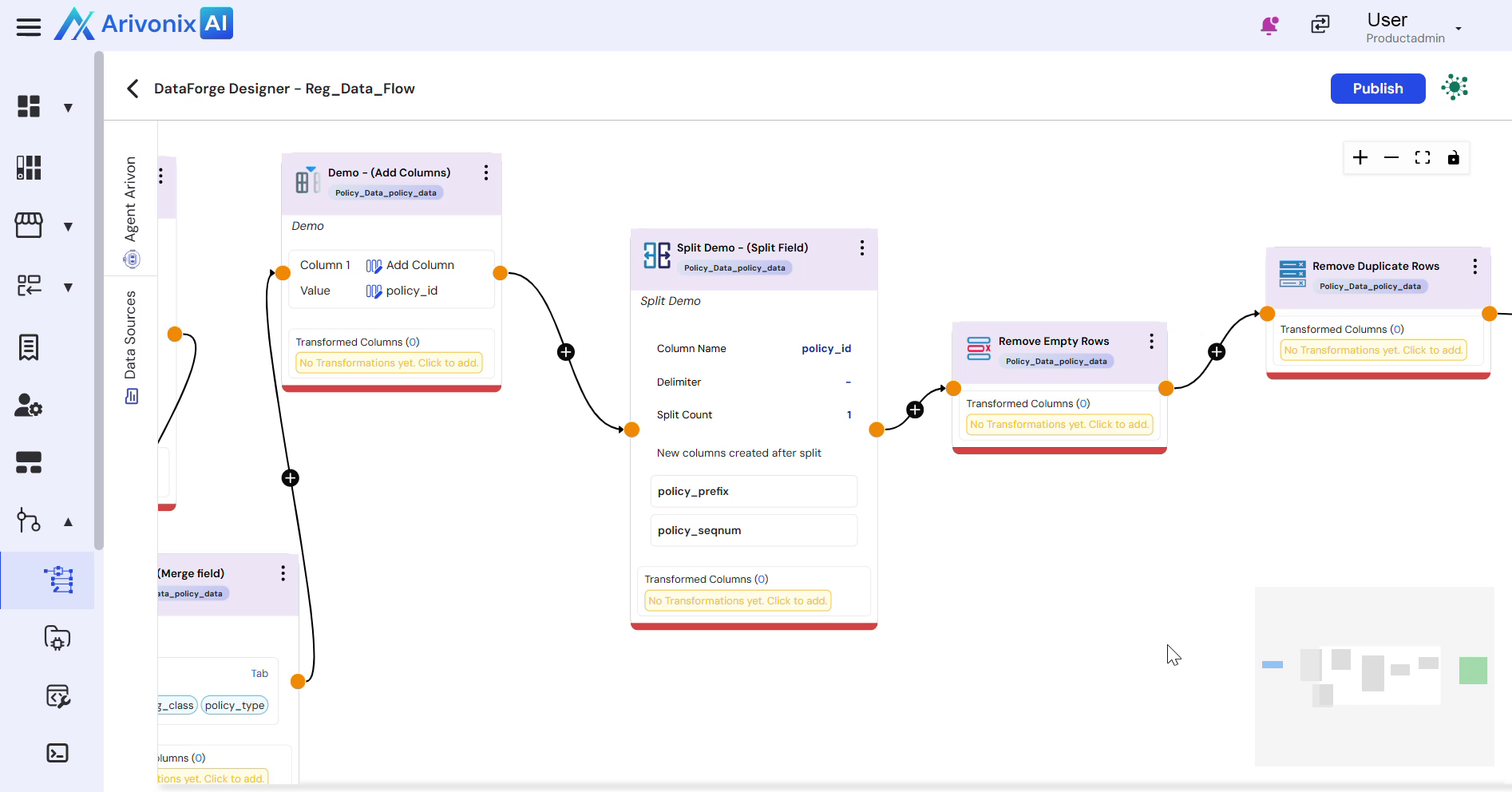
- Select Edit from the menu options.
- Modify the following properties as needed:
- Name
- Description
- Column Selection
- Column Names
- Additional transformation-specific settings
- Click Save to apply the changes.