

Creating a Cluster
On this page
Creating a Cluster
Clusters enable execution of analytical or query workloads on data pipelines within Arivonix.
To create a cluster in Arivonix, follow these steps:
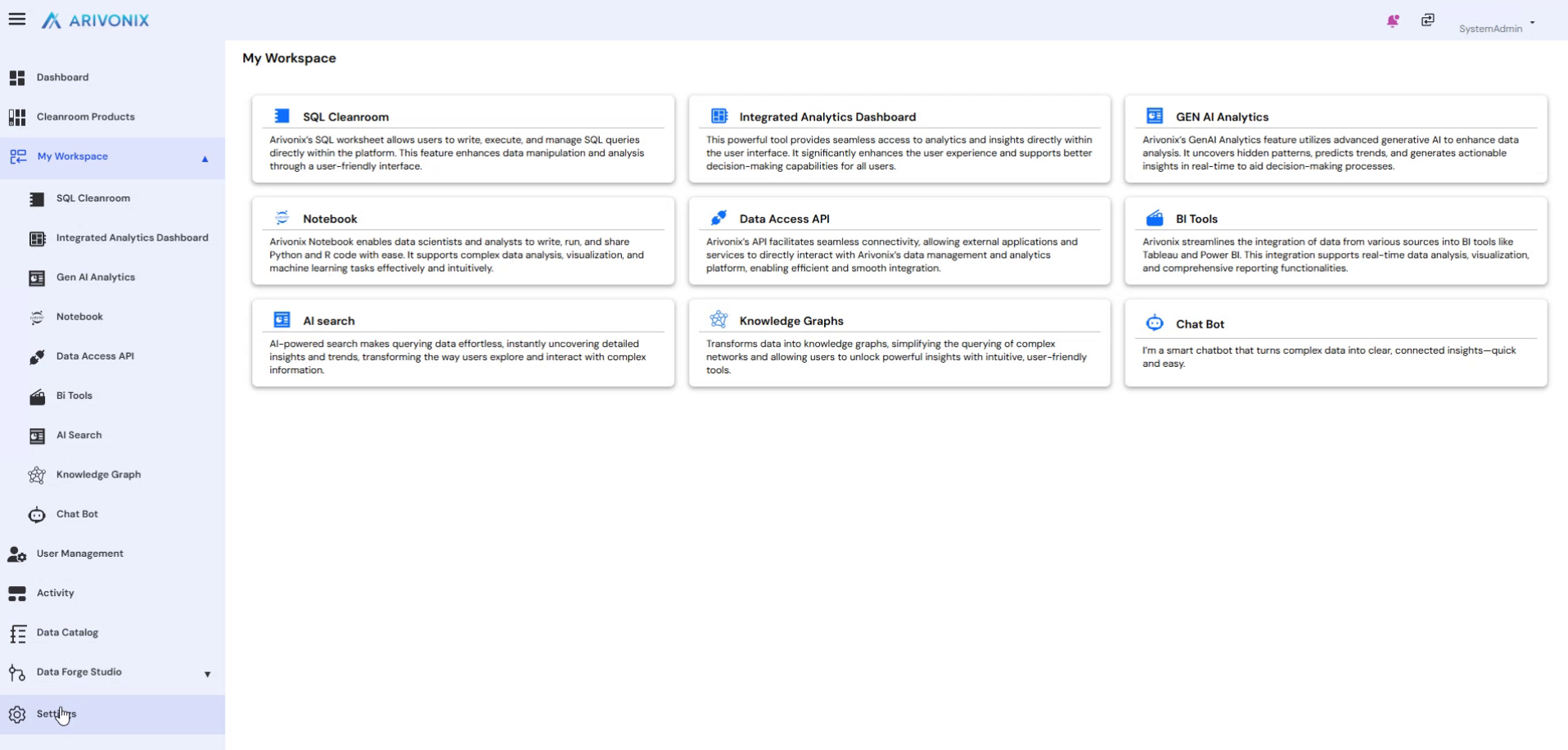
- After logging in, click on Settings from the left menu.
- Within the Settings section, click on Clusters.
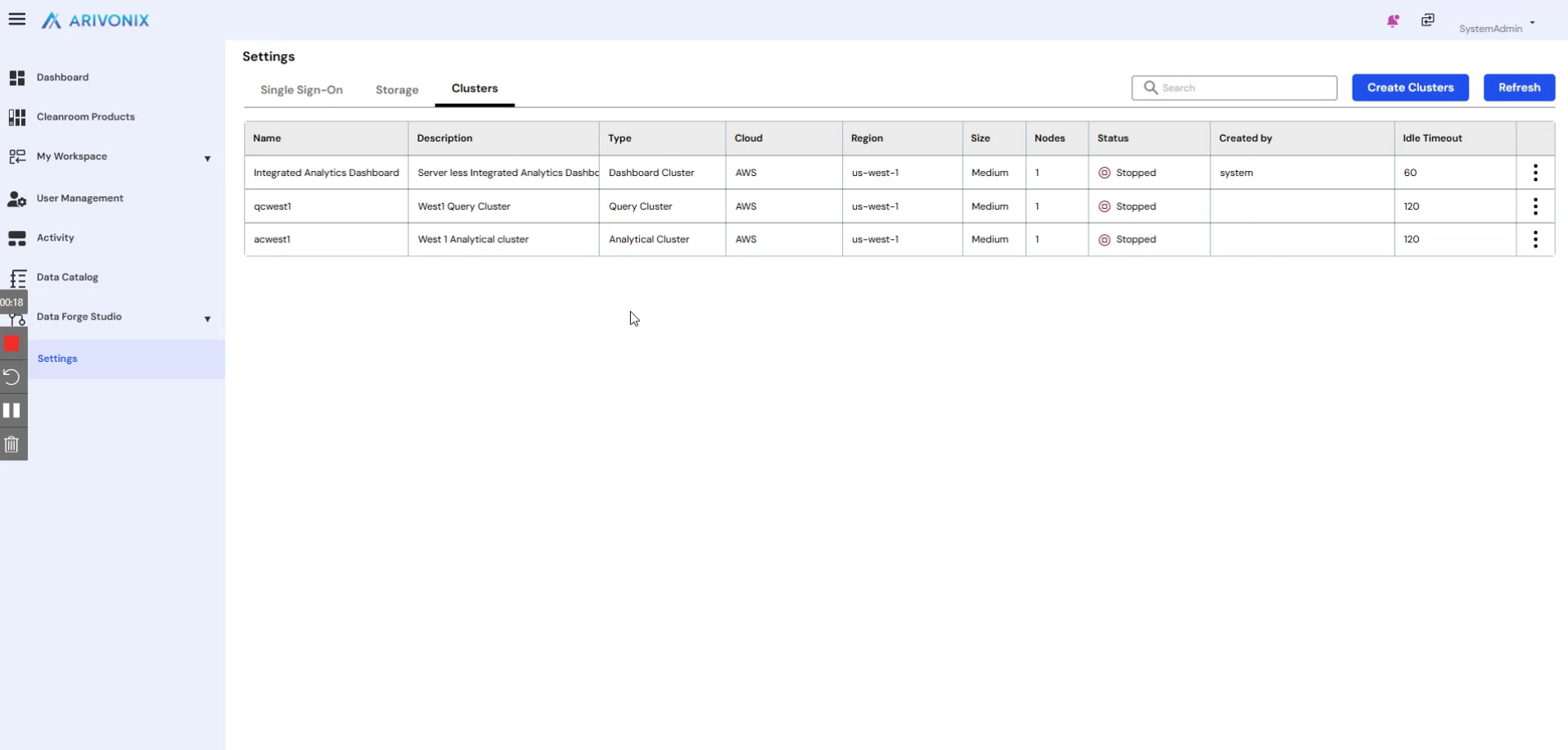
- The system displays all clusters created within the account.
Cluster Types
Before creating a cluster, determine which type of cluster is needed. Arivonix supports two types of clusters:
- Analytical Cluster: Used for transformation processing and for GenAI and Agentic AI pipeline building.
- Query Cluster: Used to query the final cleanroom product data.
Creating a New Cluster
- Click the Create Cluster button.
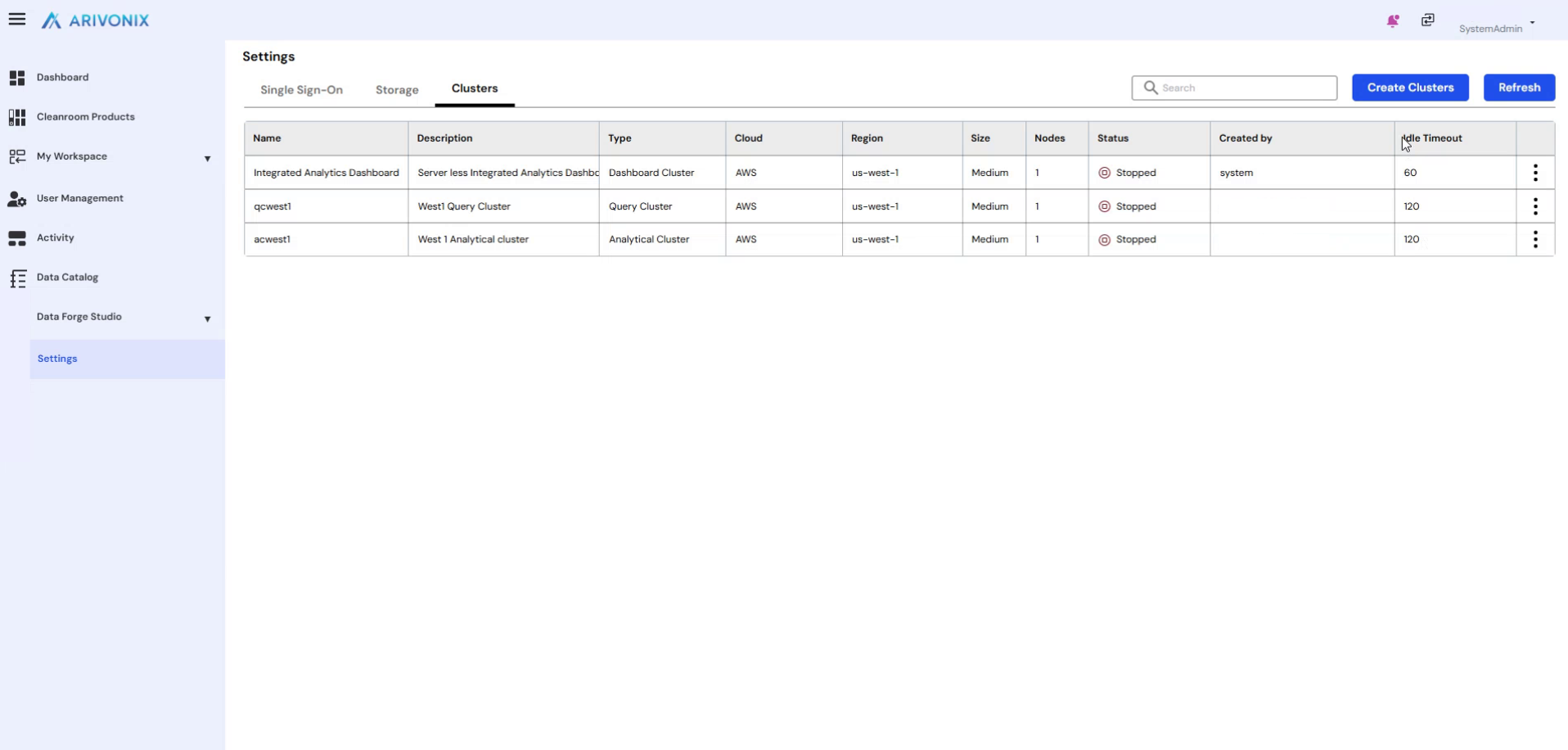
- In the popup window, enter the following information:
- Cluster Name: Enter a name for the cluster.
- Cluster Description: Provide a description for the cluster.
- Cluster Type: Select either Analytical Cluster or Query Cluster.
- Cluster Size: Select from six available sizes – Extra Small, Small, Medium, Large, Extra Large, or Double Extra Large.
- Nodes: Select the number of nodes required for the cluster.
- Cloud Provider: Based on your subscription, select from available cloud providers (AWS, GCP, or Azure).
- Region: Select the appropriate region within the chosen cloud provider.
- Idle Timeout: Set the idle timeout period.
- Enable Cache: Optionally check this box to enable caching for better performance.
- After entering all required information, click the Create button.
Cluster Provisioning
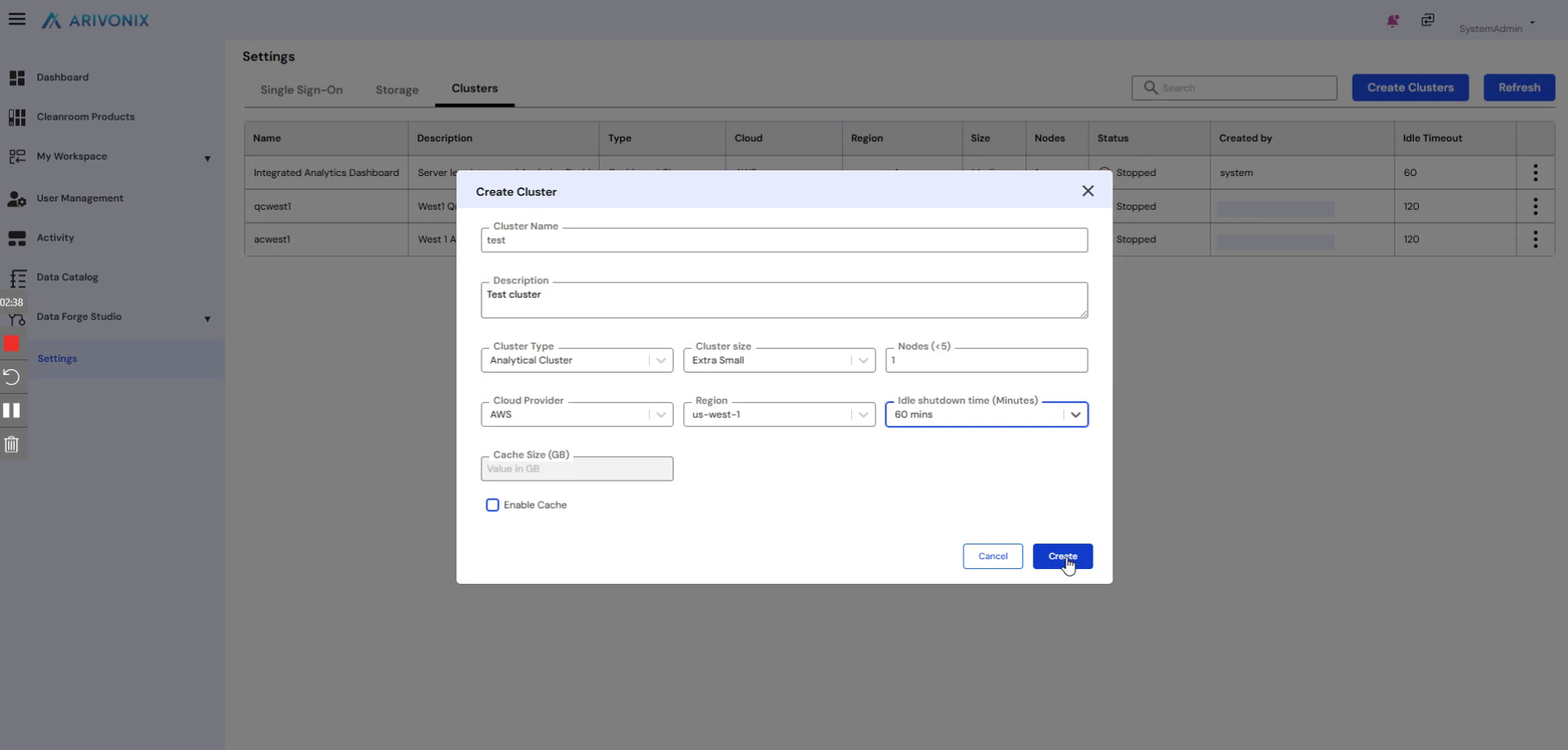
After clicking Create, the cluster provisioning process begins.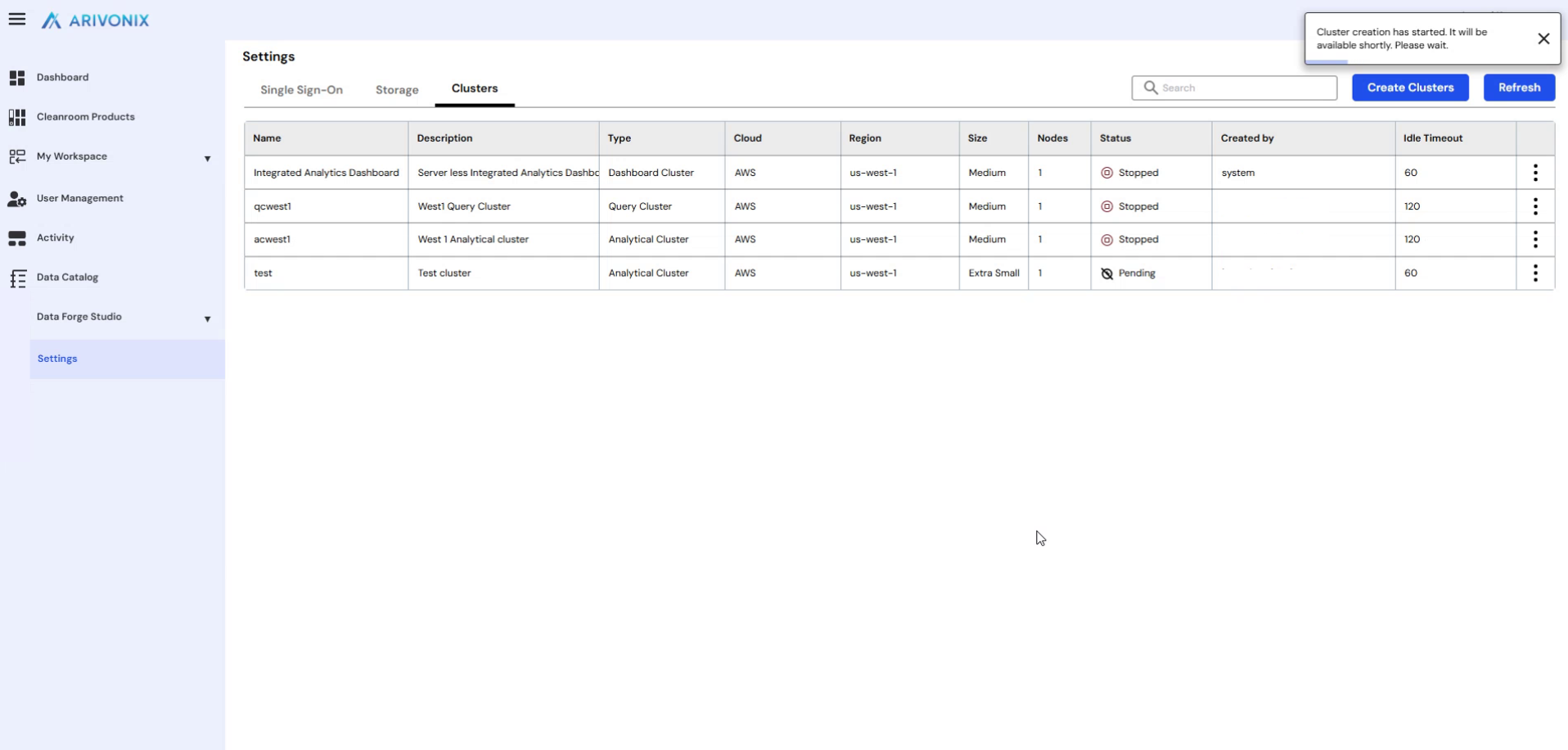
The provisioning process typically takes 5-10 minutes to complete. Once provisioning is finished, the cluster status will display as Active.