

Editing Agent for Chatbot
On this page
Editing Agent for Chatbot
Modify and customize the underlying agent configuration that powers your chatbot functionality.
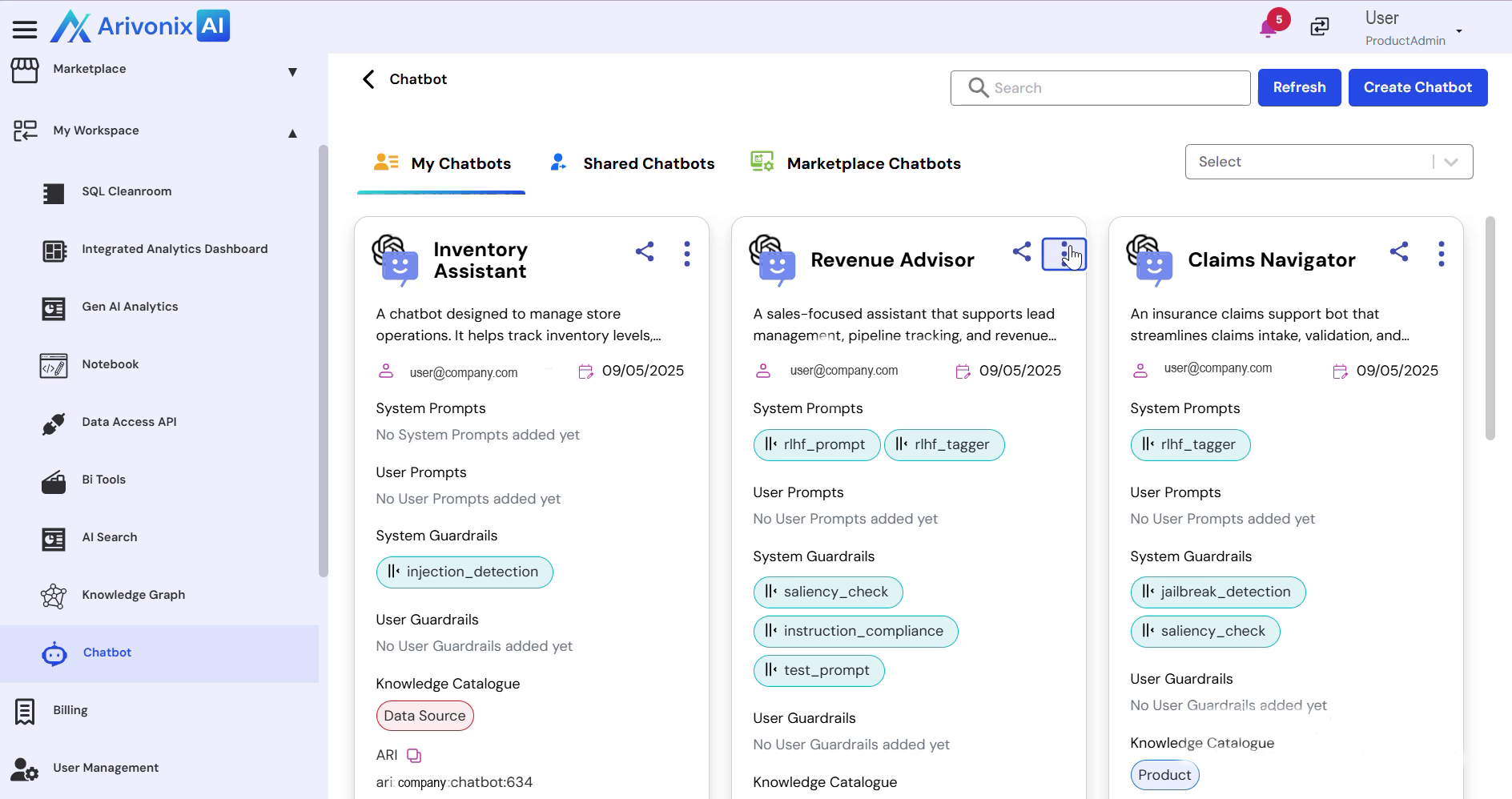
- Click the Action menu
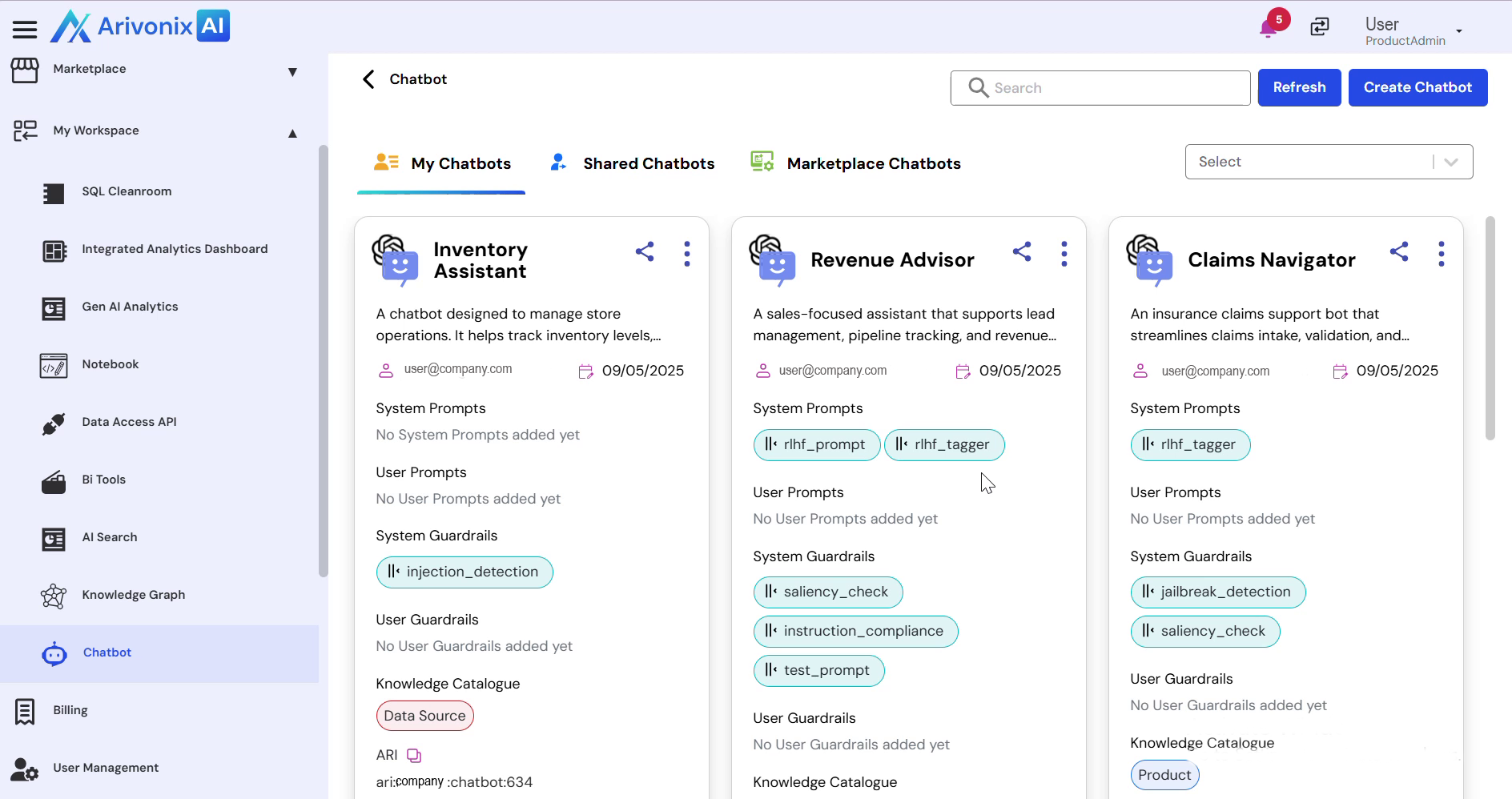
- Select Edit Agent
- The system redirects to the agent workspace, displaying all configured components.
- Click the component icon
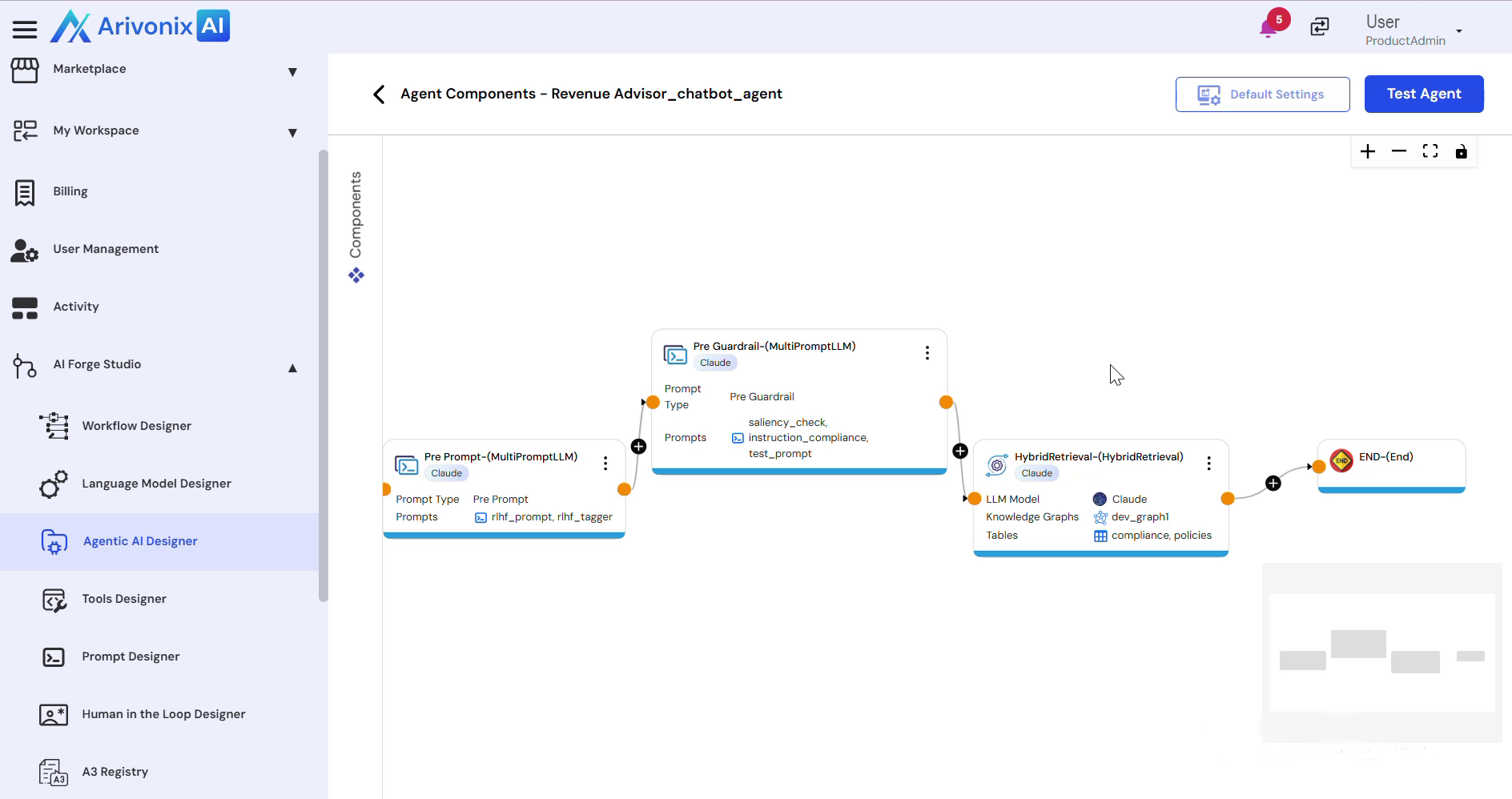 to view all components associated with this agent.
 - From the displayed components, select or add any component to modify the agent configuration as needed.