

Connecting to Tableau
On this page
Connecting to Tableau
Connect Tableau Server to Arivonix databases to build analytics and dashboards using Tableau Desktop.
Connecting through Tableau Desktop
- From the Tableau Desktop navigation menu, select Other Databases (ODBC).
- Under the list of other databases, locate Arivonix.
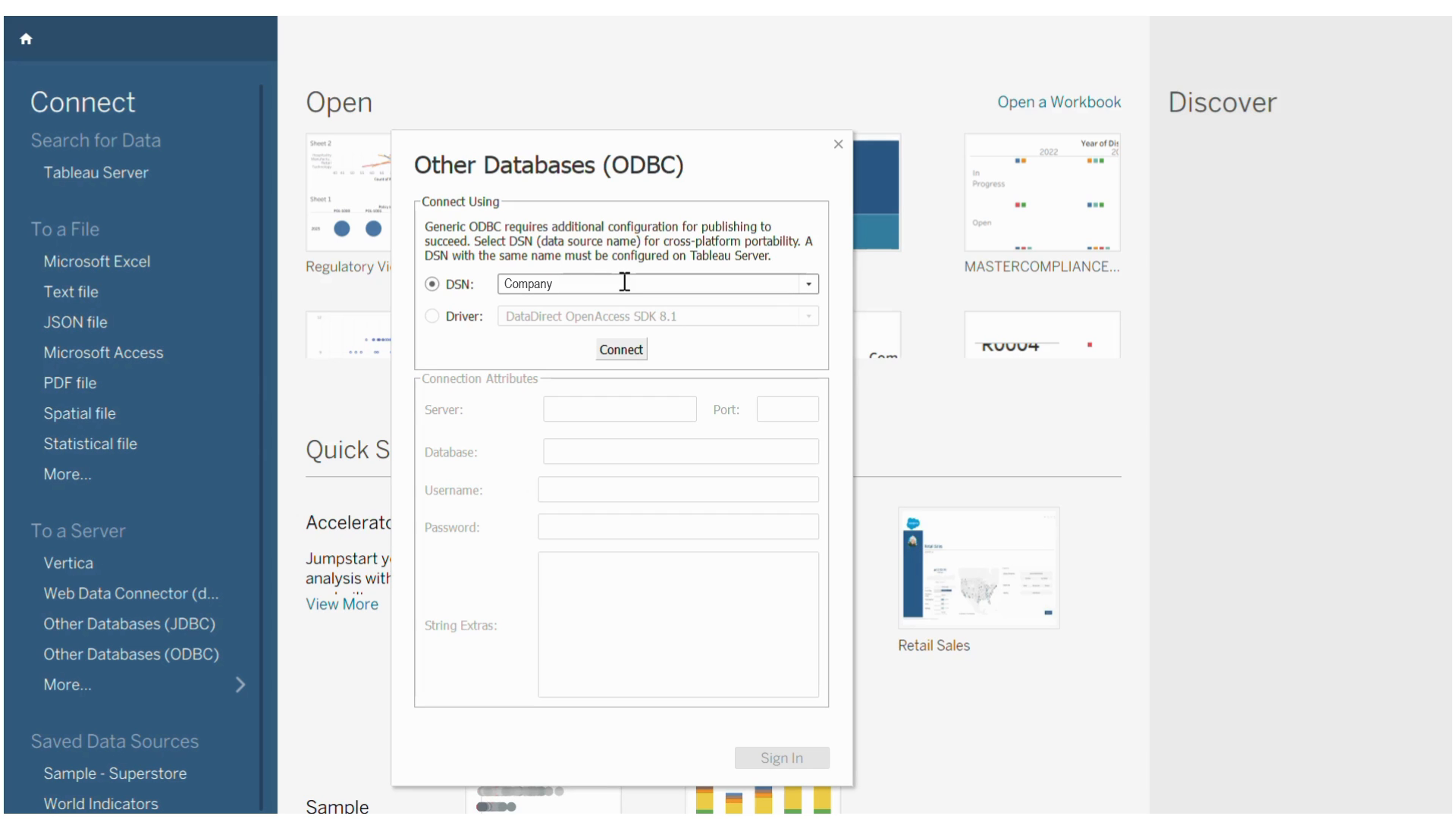
- Click Connect.
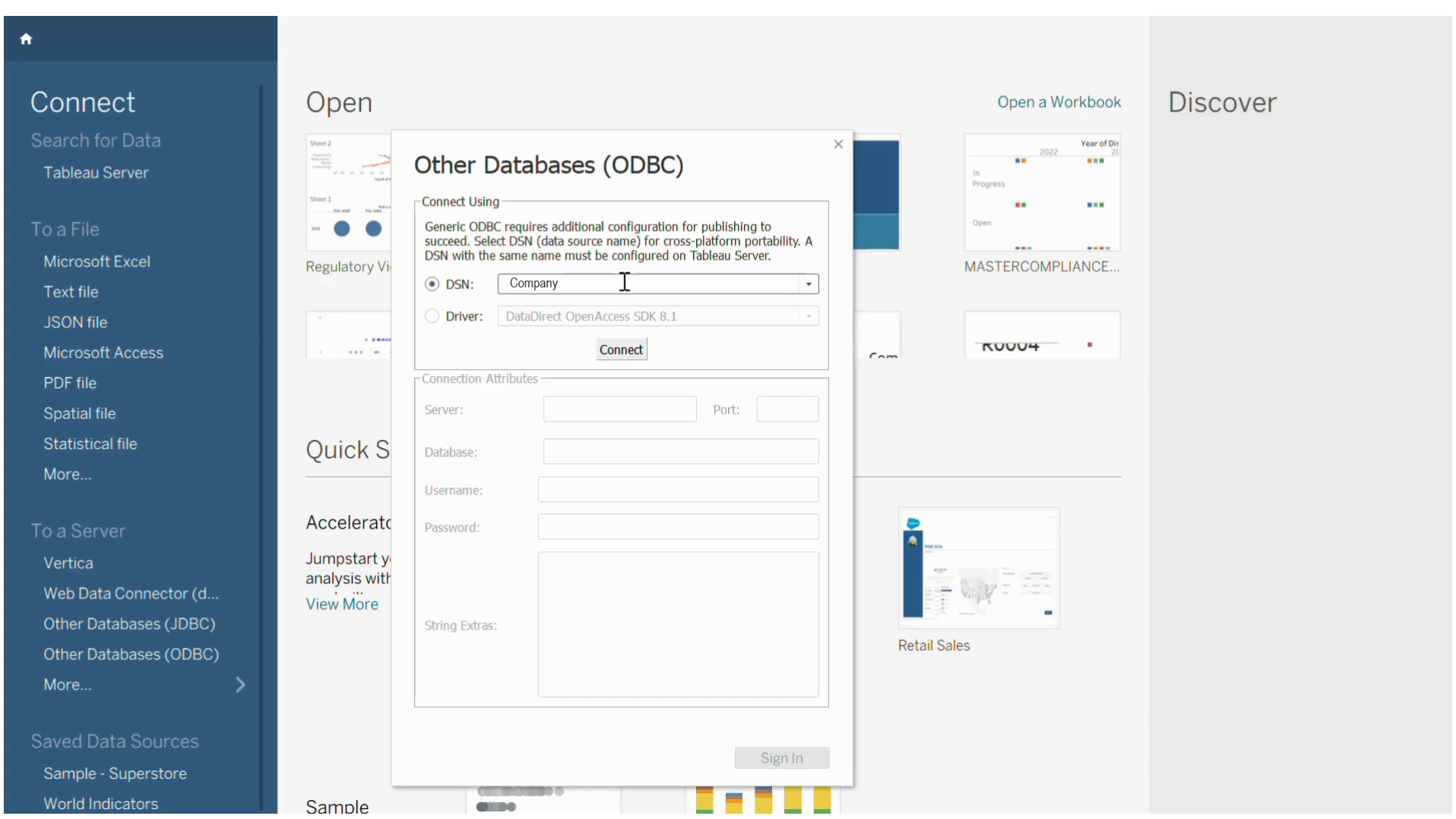
- Enter your Arivonix credentials.
- After credential validation, click Sign In.
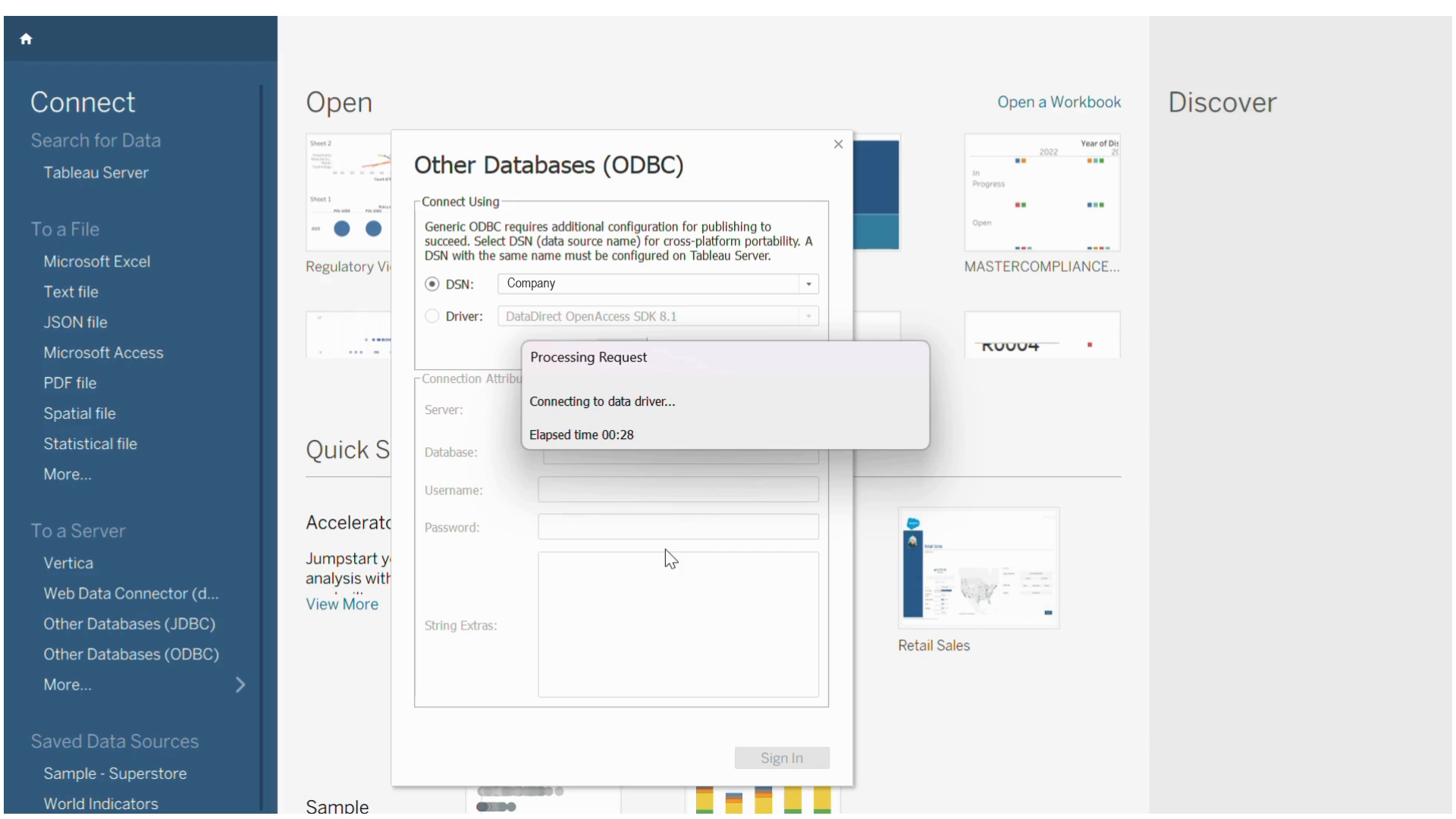
Working with Data
- Under Database, select Arivonix.
- Under Schema, select the desired schema.
- Select the table for dashboard creation.
- Drag and drop the selected table to begin building dashboards.