

Creating a Dashboard
On this page
Creating a Dashboard
Create and configure custom dashboards to visualize and analyze data from selected schemas and tables in Arivonix.
To create a new dashboard:
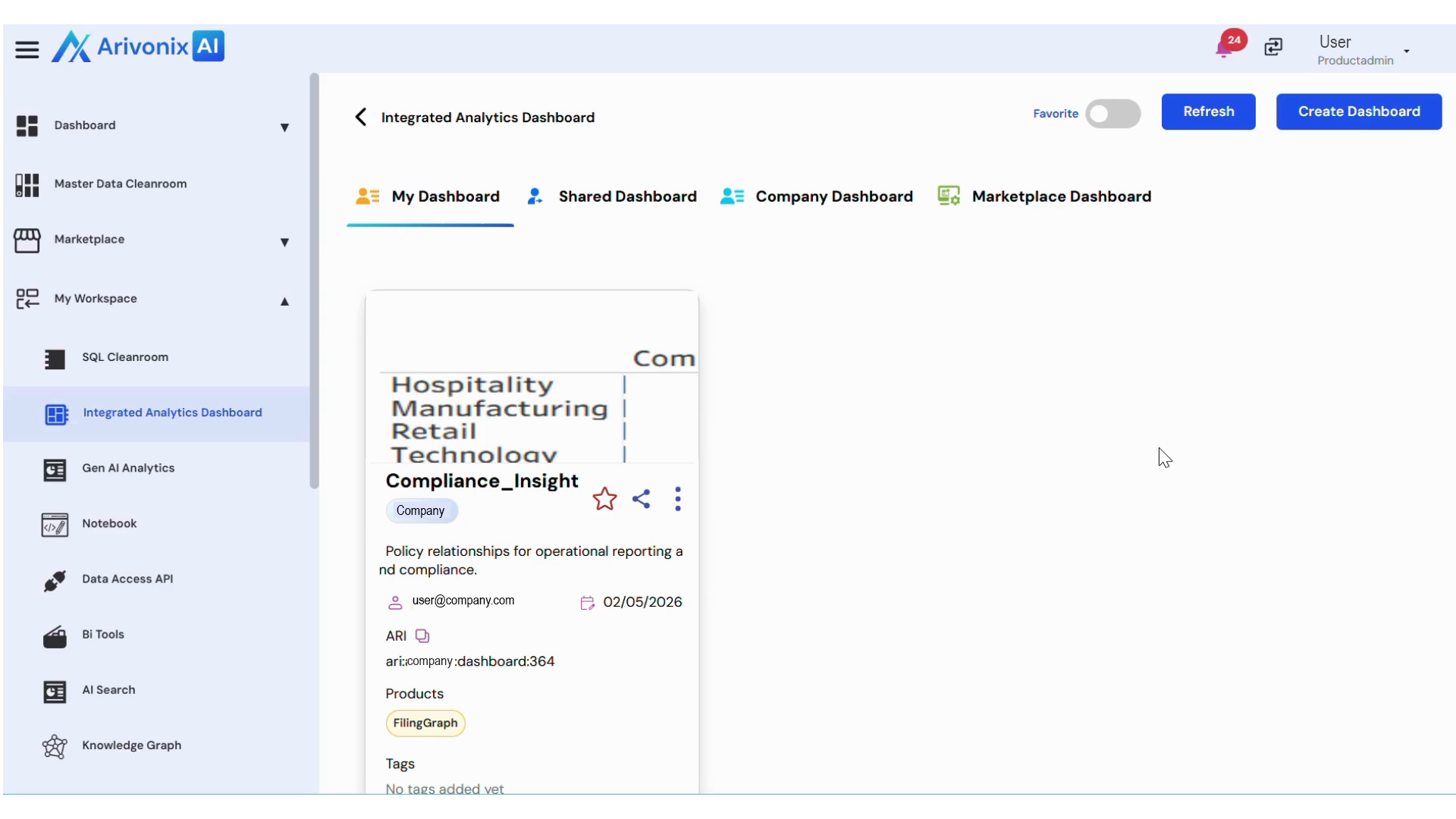
- Navigate to the top right corner and click the Create Dashboard button.
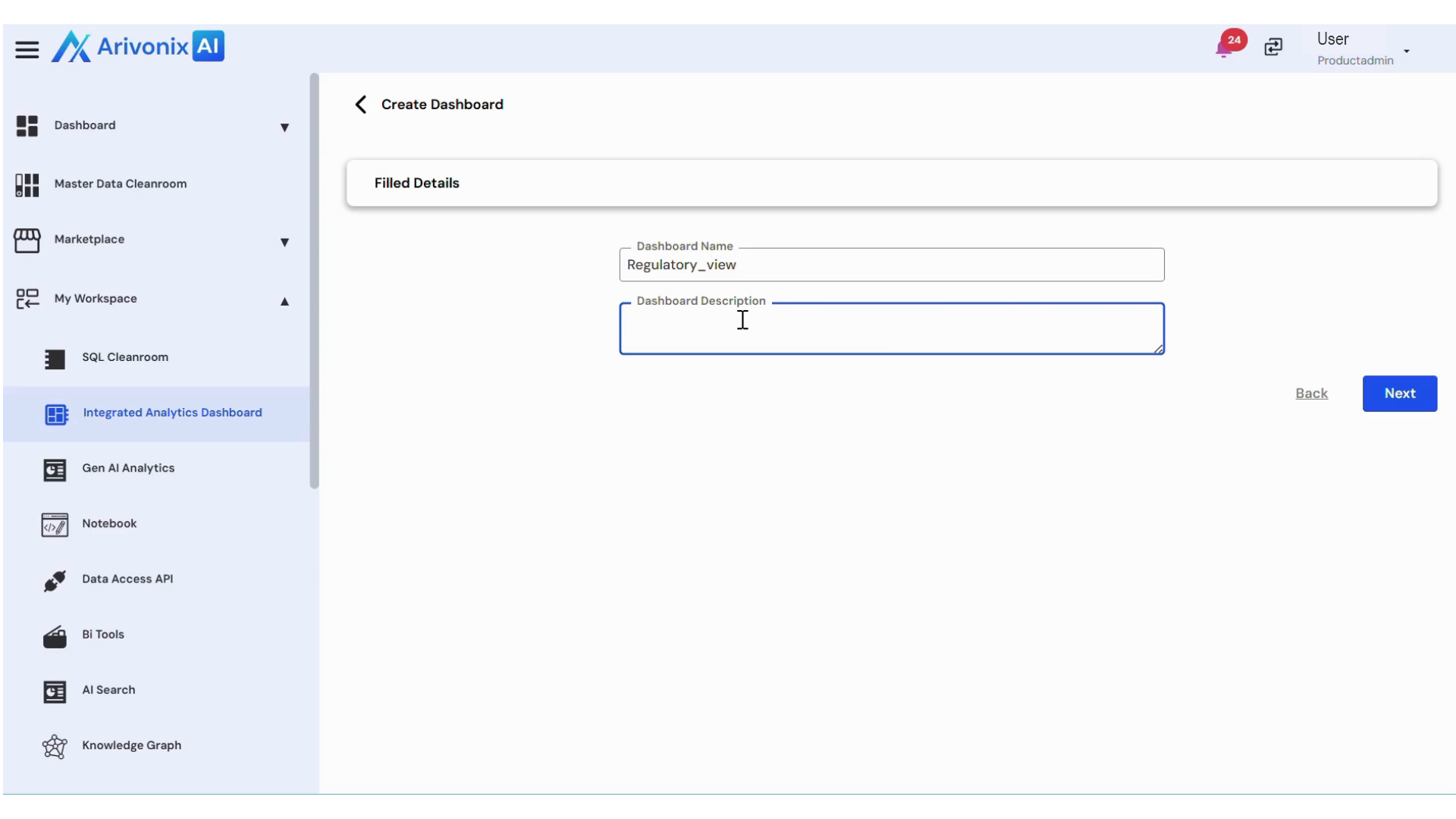
- Enter the required Dashboard Name and Description.
- Click Next.
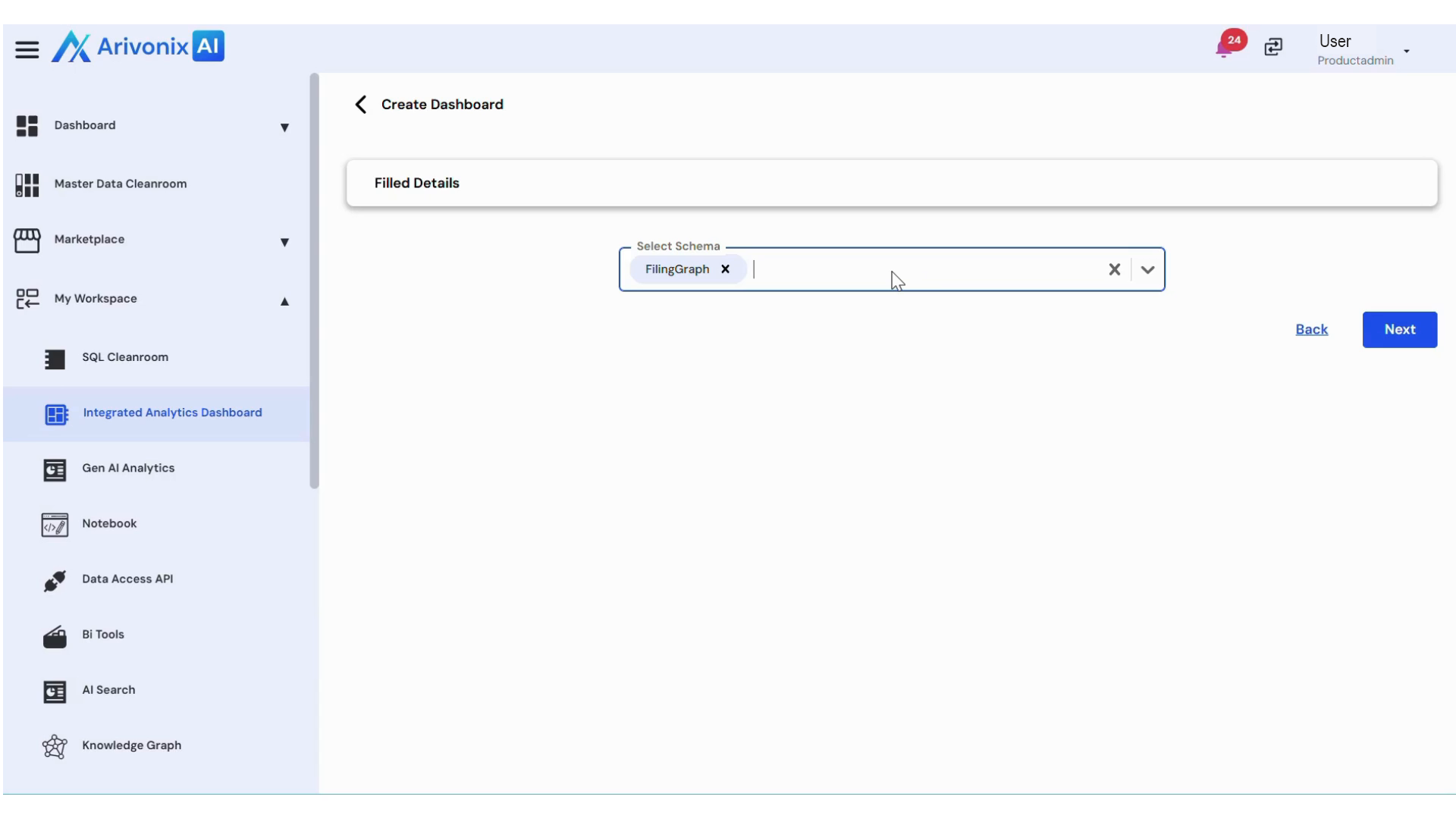
- Select one or multiple schemas as needed.
- Click Next.
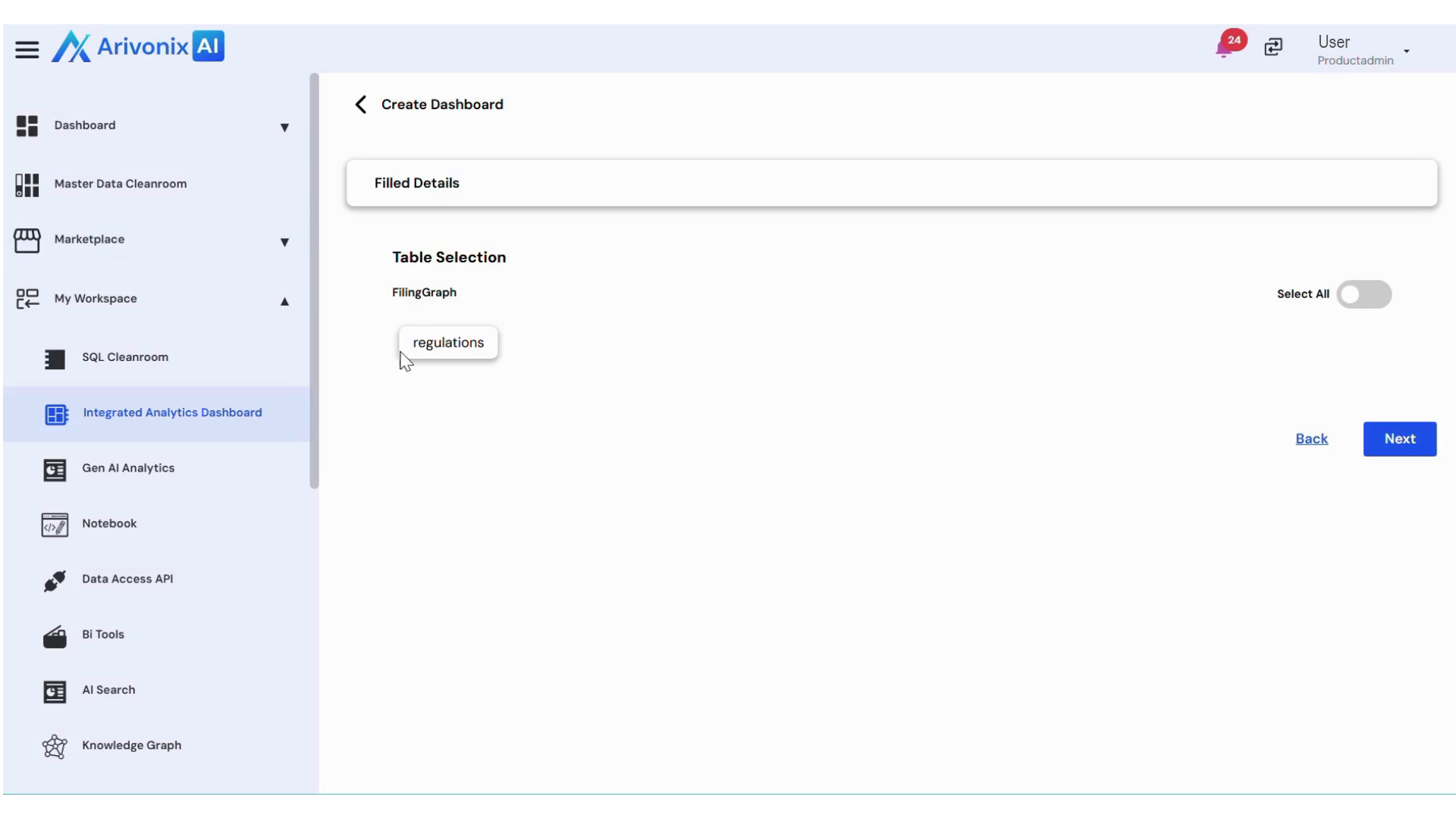
- Choose the desired tables from the selected schema(s).
- Click Next.
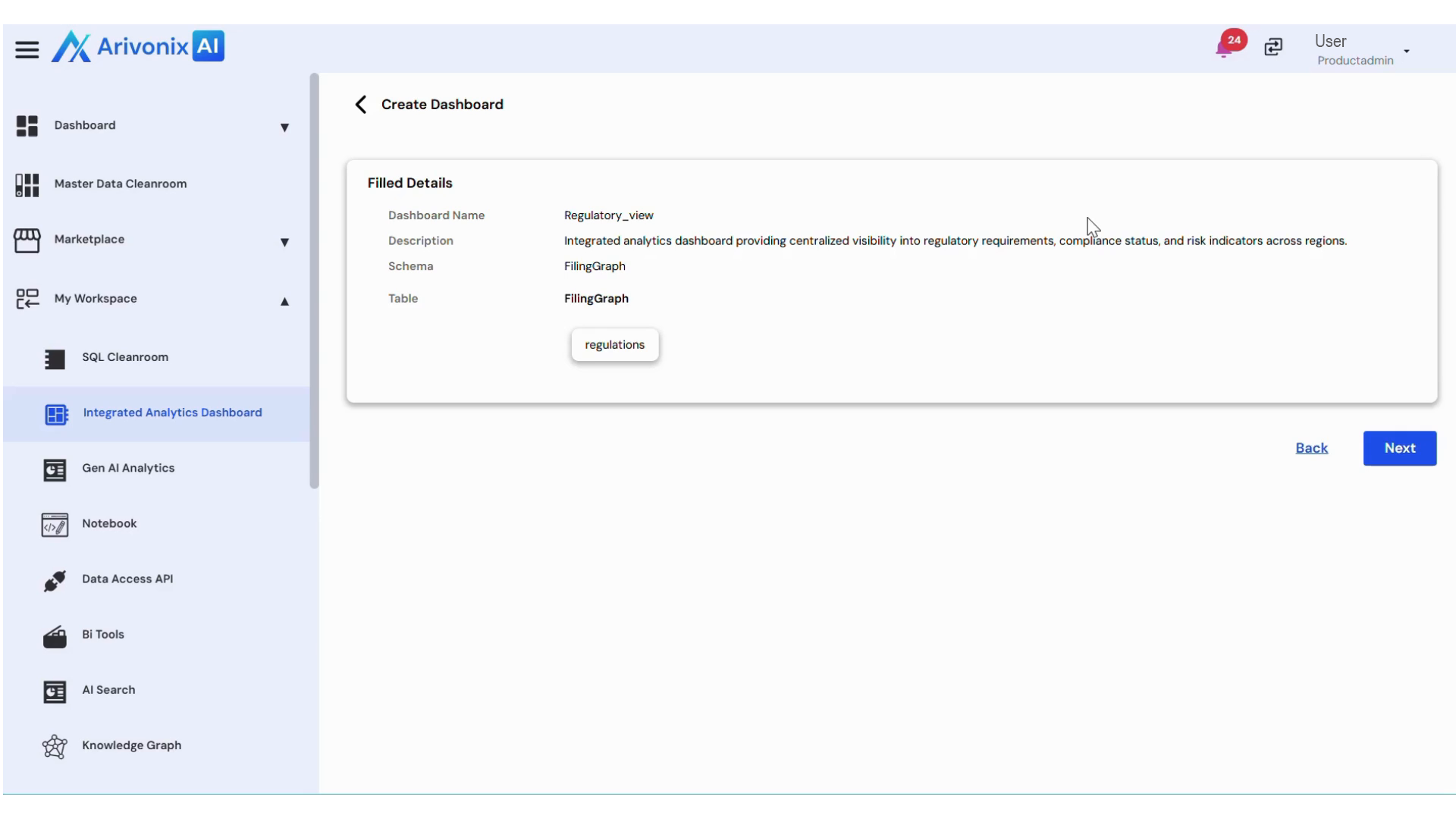
Review the dashboard configuration details. At this stage, you can:
- Click Back to modify any settings
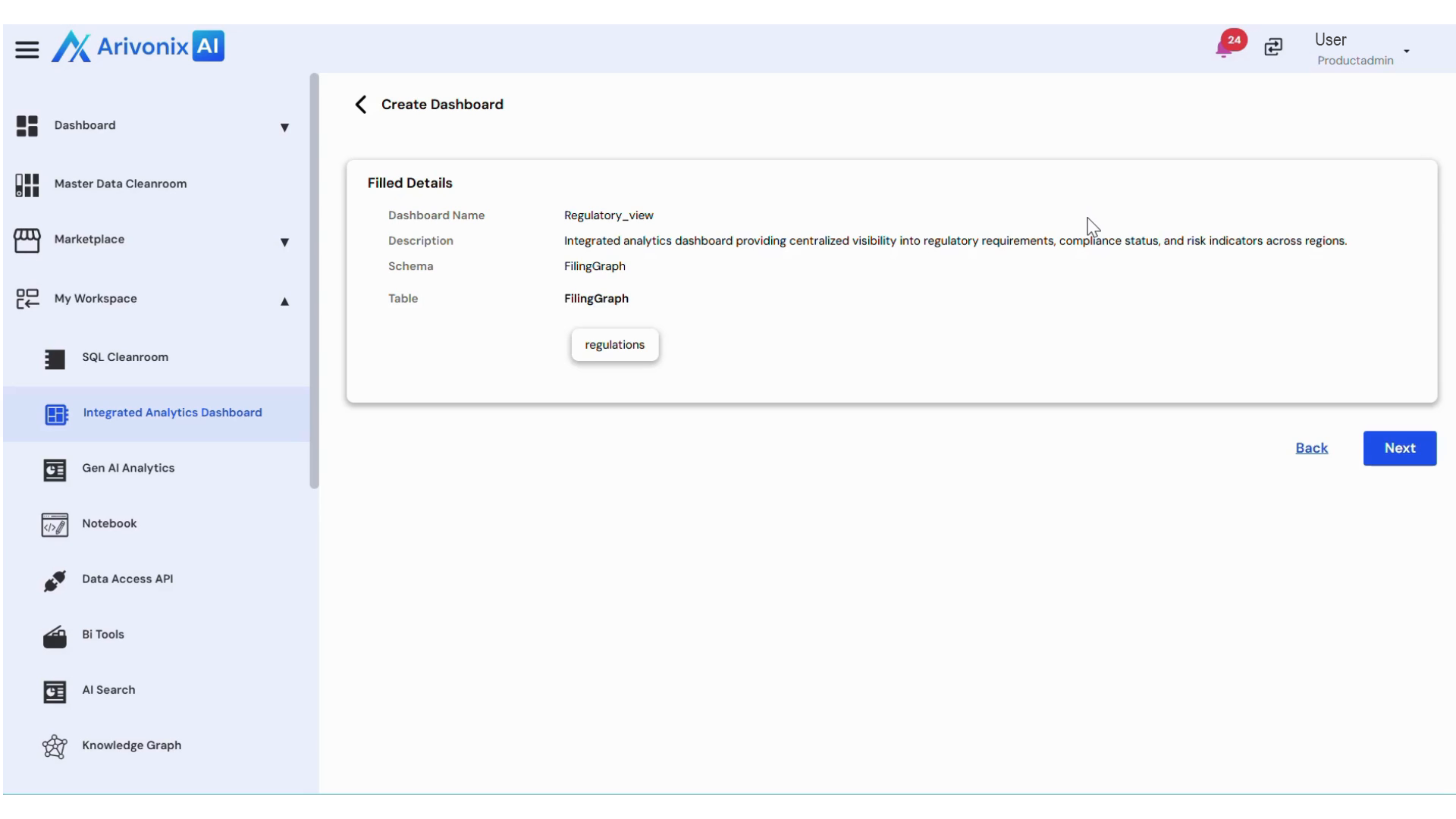
- Click Next to proceed
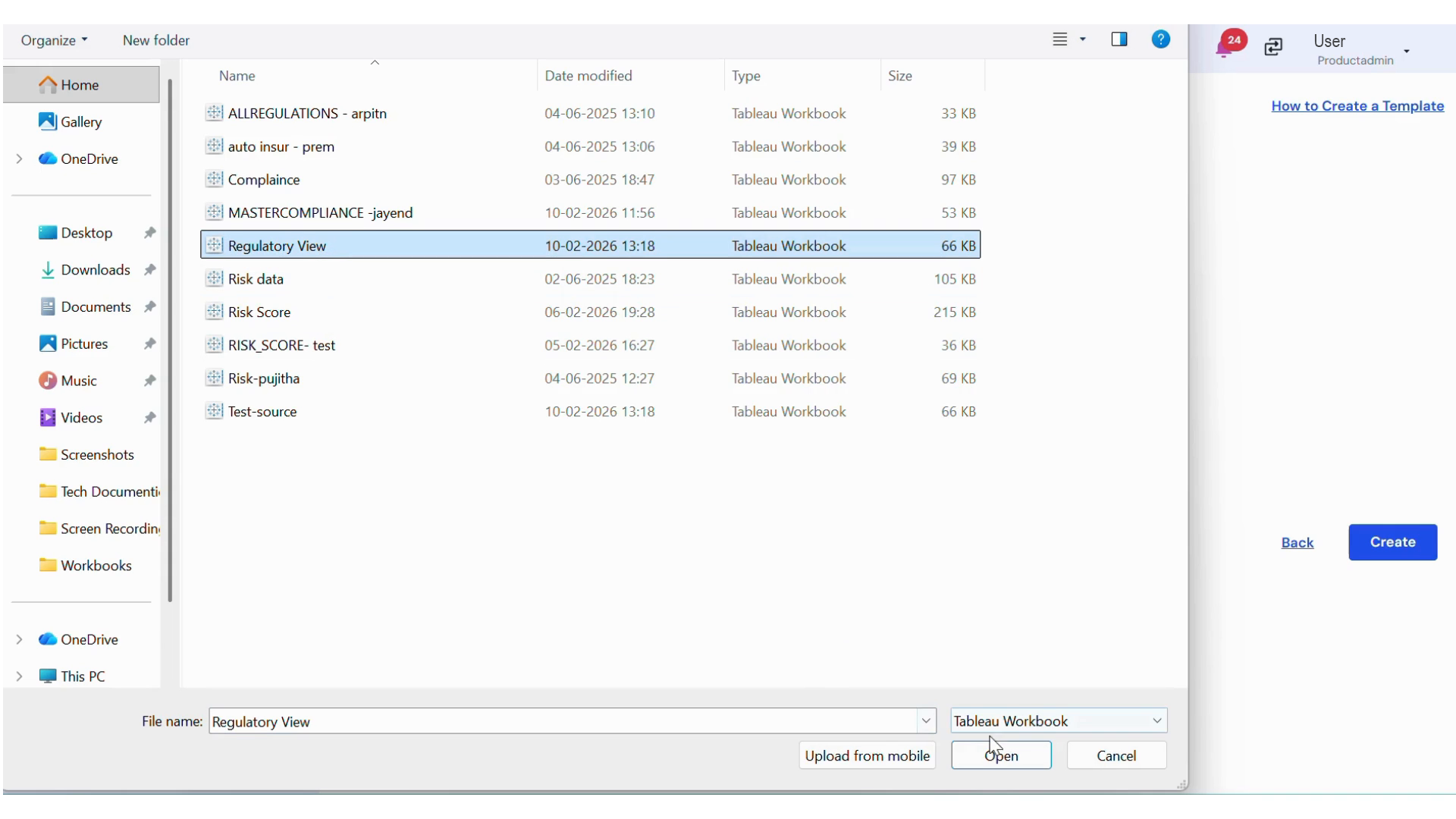
To complete the dashboard creation:
- Upload the required Tableau file.
- Click Create.
A confirmation message will appear indicating successful dashboard creation.