

Add SQL Transformation
On this page
Adding SQL Transformation
SQL transformations allow users to apply SQL queries to modify and analyze data within workflows.
- Click the Plus icon and select SQL from the options.
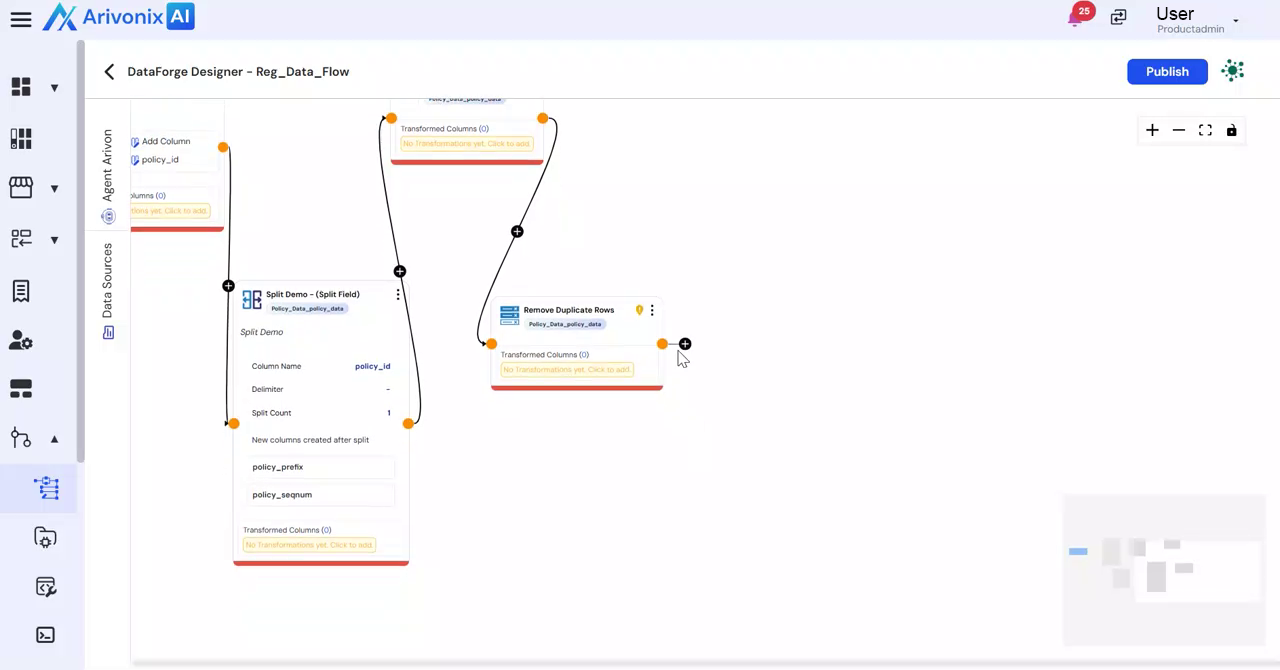
- Provide the following details:
- Transformation Name
- Description
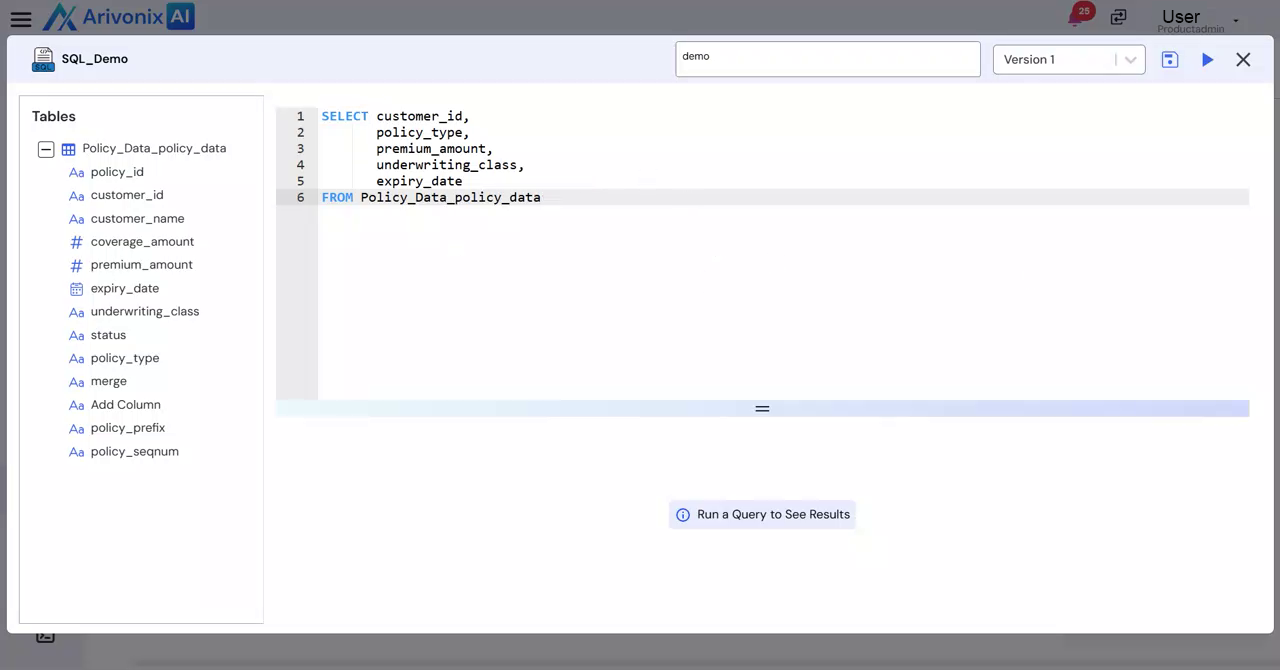
- Review available data tables in the left side panel.
- Enter the SQL query in the main panel.
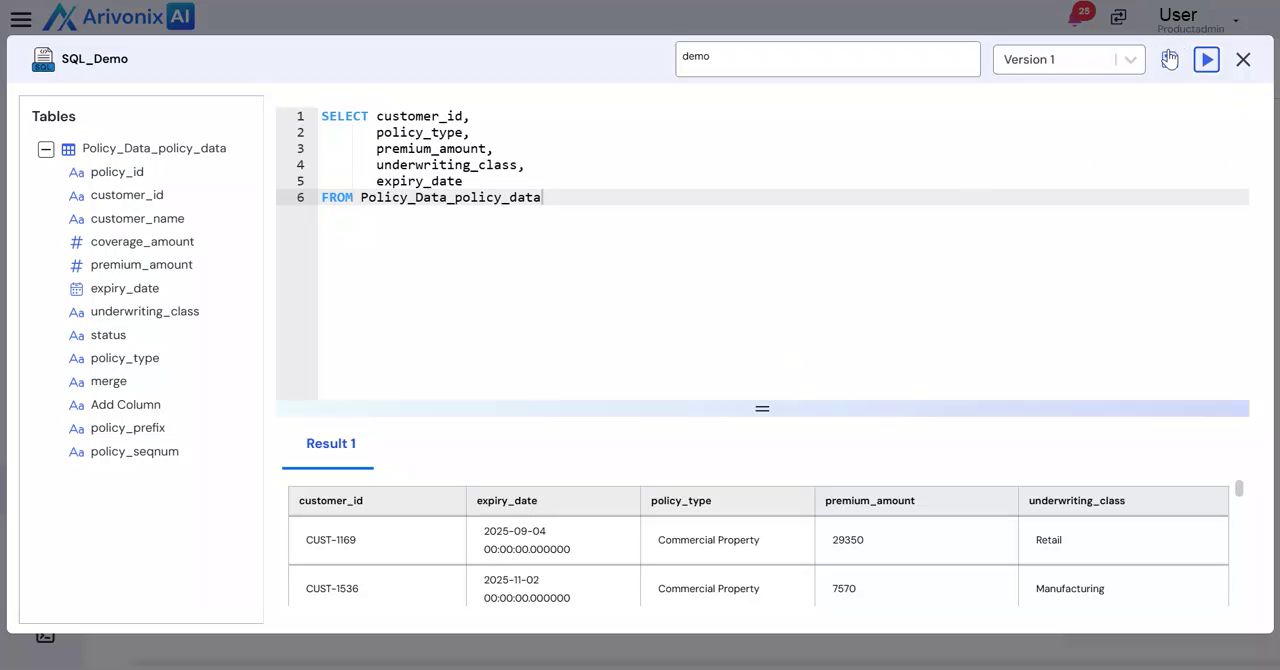
- Click the Run icon in the top right corner to execute the query.
- Review the query results preview at the bottom of the screen.
- Click Save to preserve the transformation.
- Click Close to exit the modal.
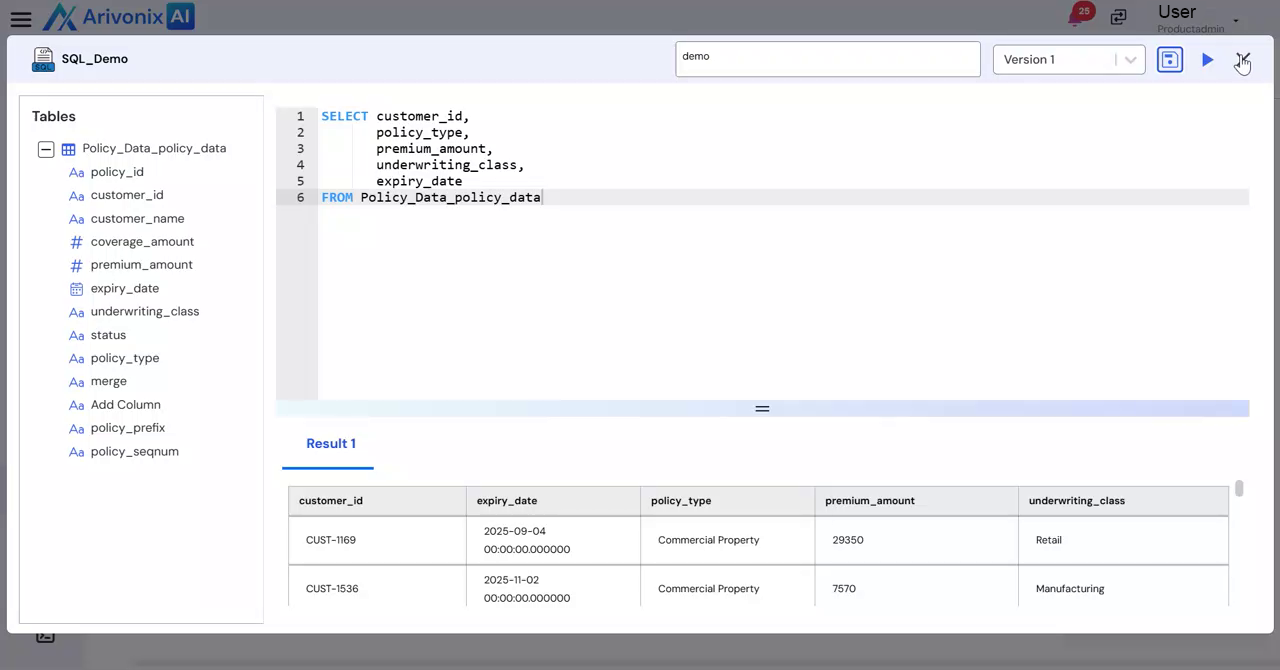
The SQL transformation will now appear in the workflow.