

Notebook Overview
On this page
Notebook Overview
The Notebook feature provides a centralized environment for creating, managing, and running data exploration and analysis notebooks.
Accessing Notebooks
- From the Navigation menu, select My Workspace and click Notebook.
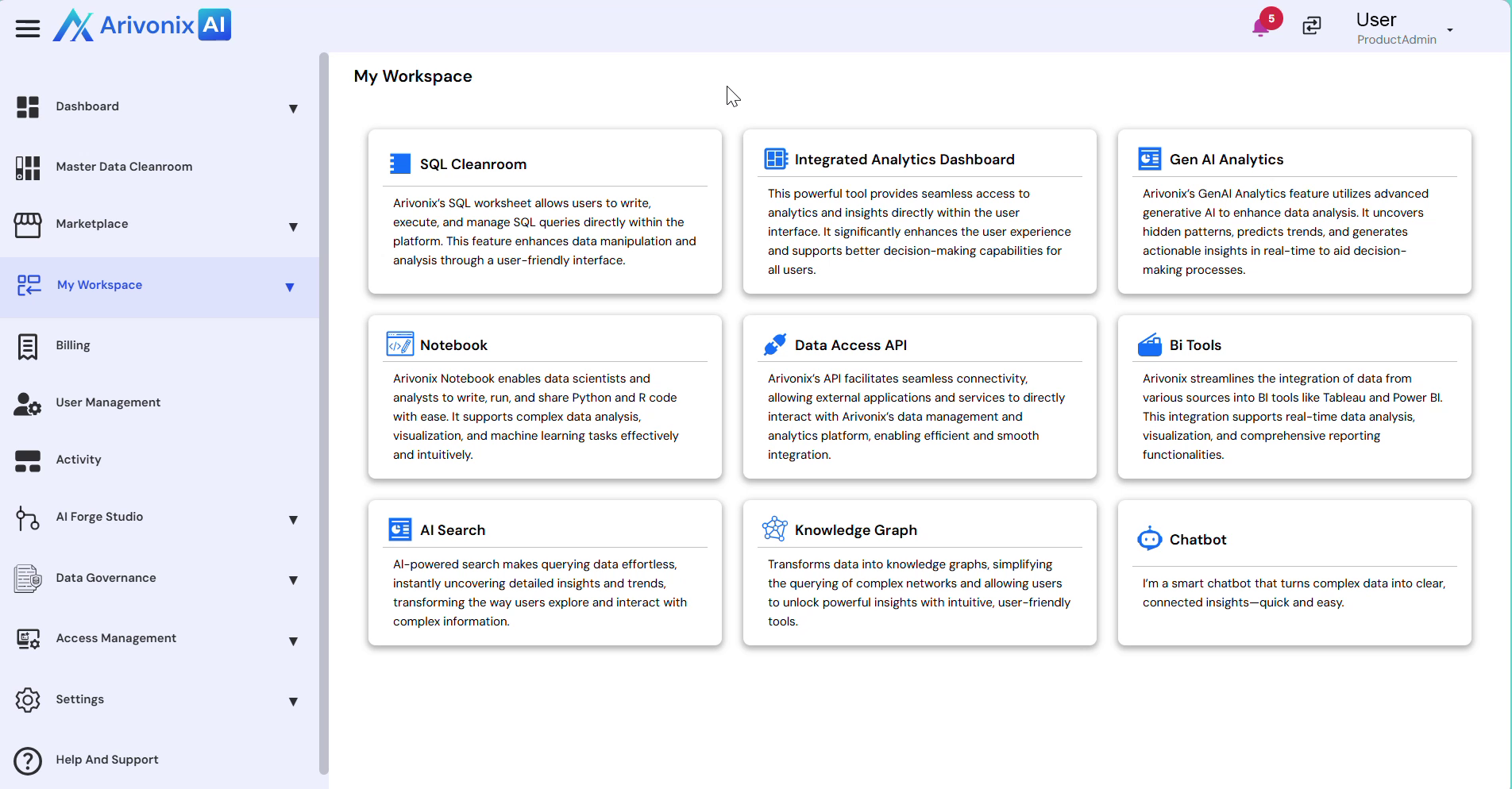
- Click Notebook to connect to the notebook environment.
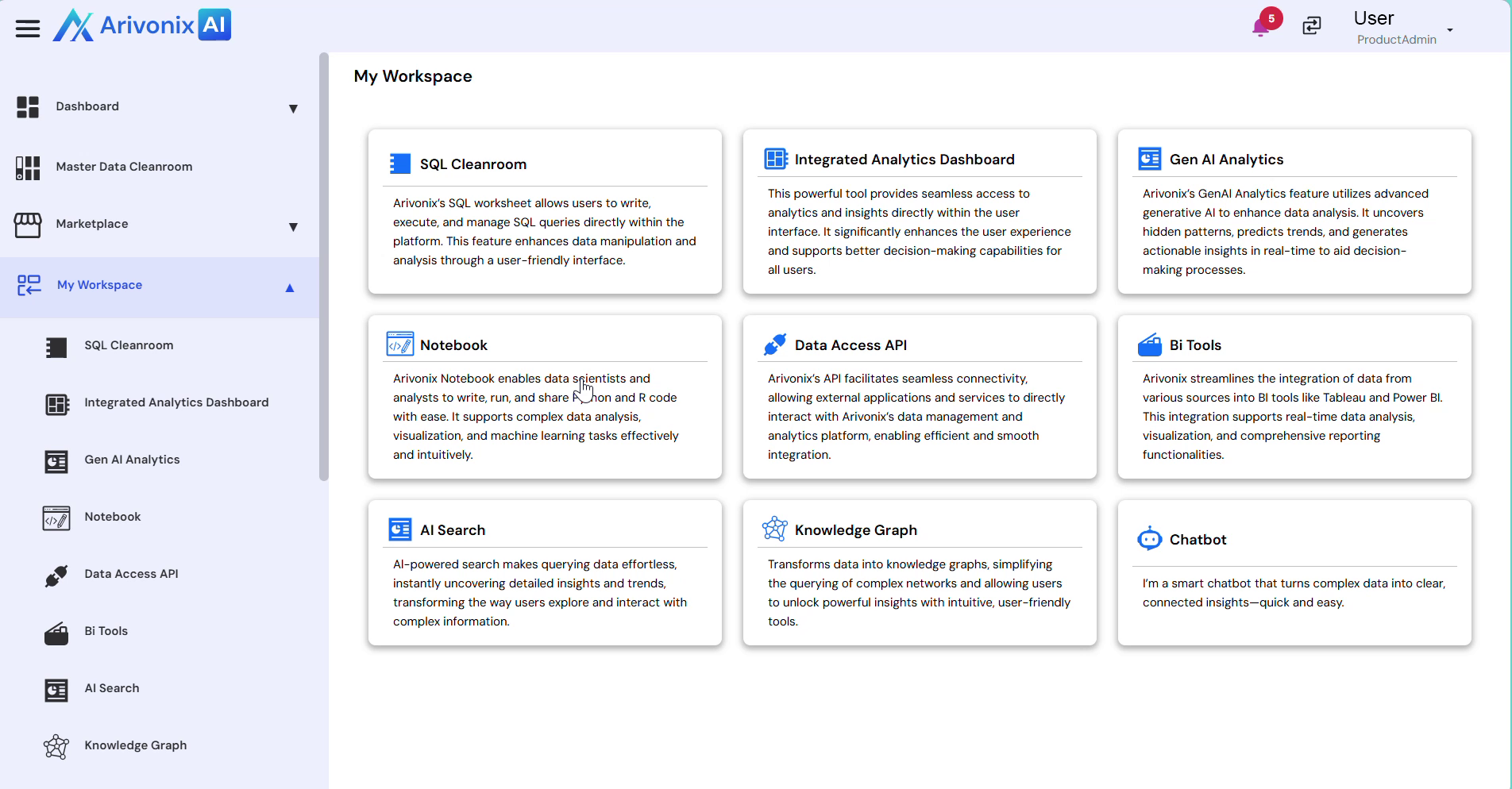
Notebook Workspace Features
The Notebook workspace displays comprehensive information about your notebooks, including:
- File name
- Last modified date and time
- File size
Available Actions
The top action bar provides the following functionality:
- Create new notebooks
- Upload existing files
- Refresh workspace
Additional notebook management options include:
- Opening notebooks
- Renaming files
- Duplicating notebooks
- Downloading notebooks
- Deleting notebooks
Monitoring Active Notebooks
The Running tab enables users to monitor currently active notebooks within Arivonix AI.