

Replace Data Source
On this page
Replacing Data Source
Replace existing data sources in workflows by selecting new tables and schemas.
- Click Action Item in the workflow interface.
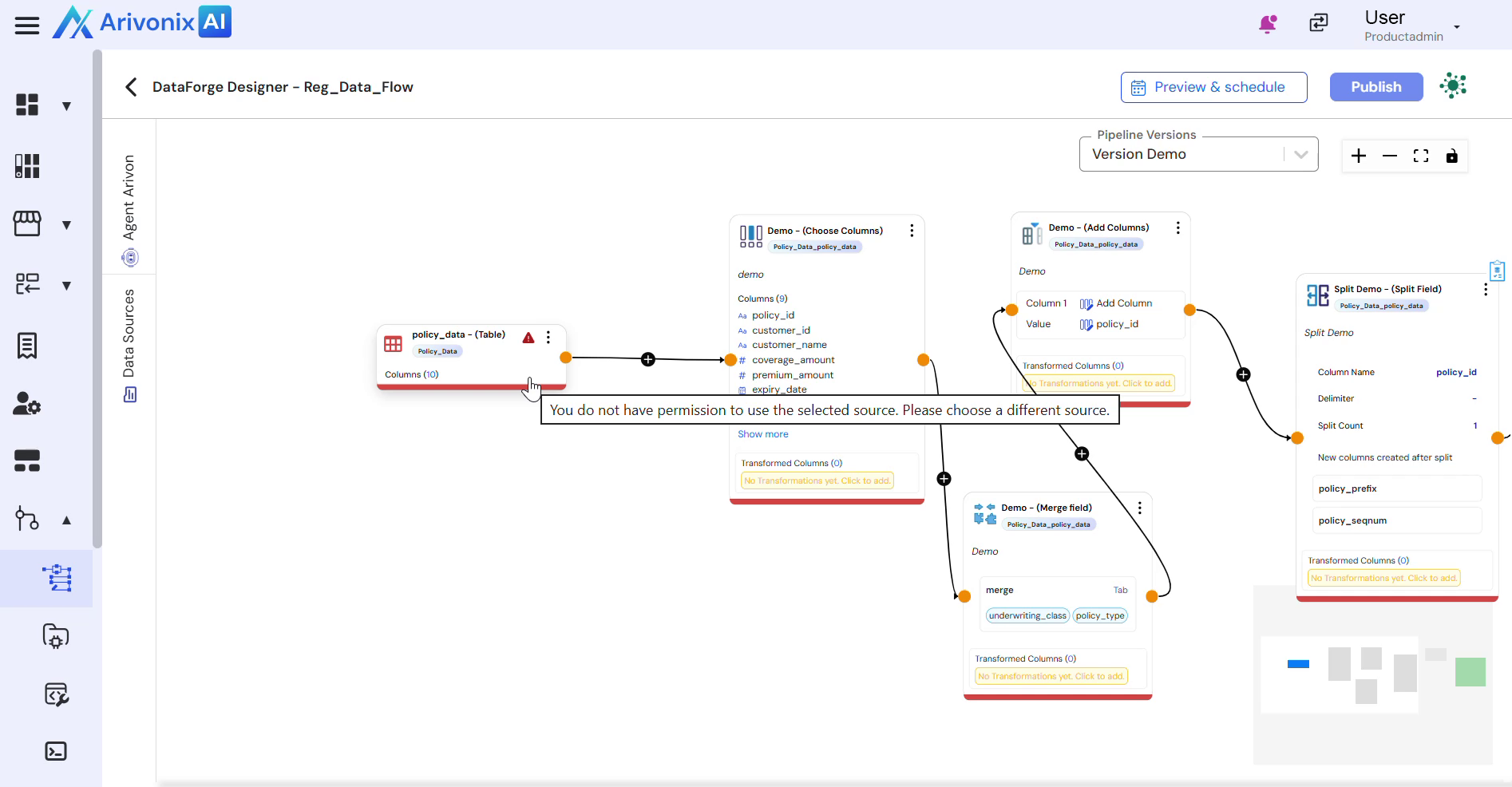
- From the data sources dropdown, select Replace Table.
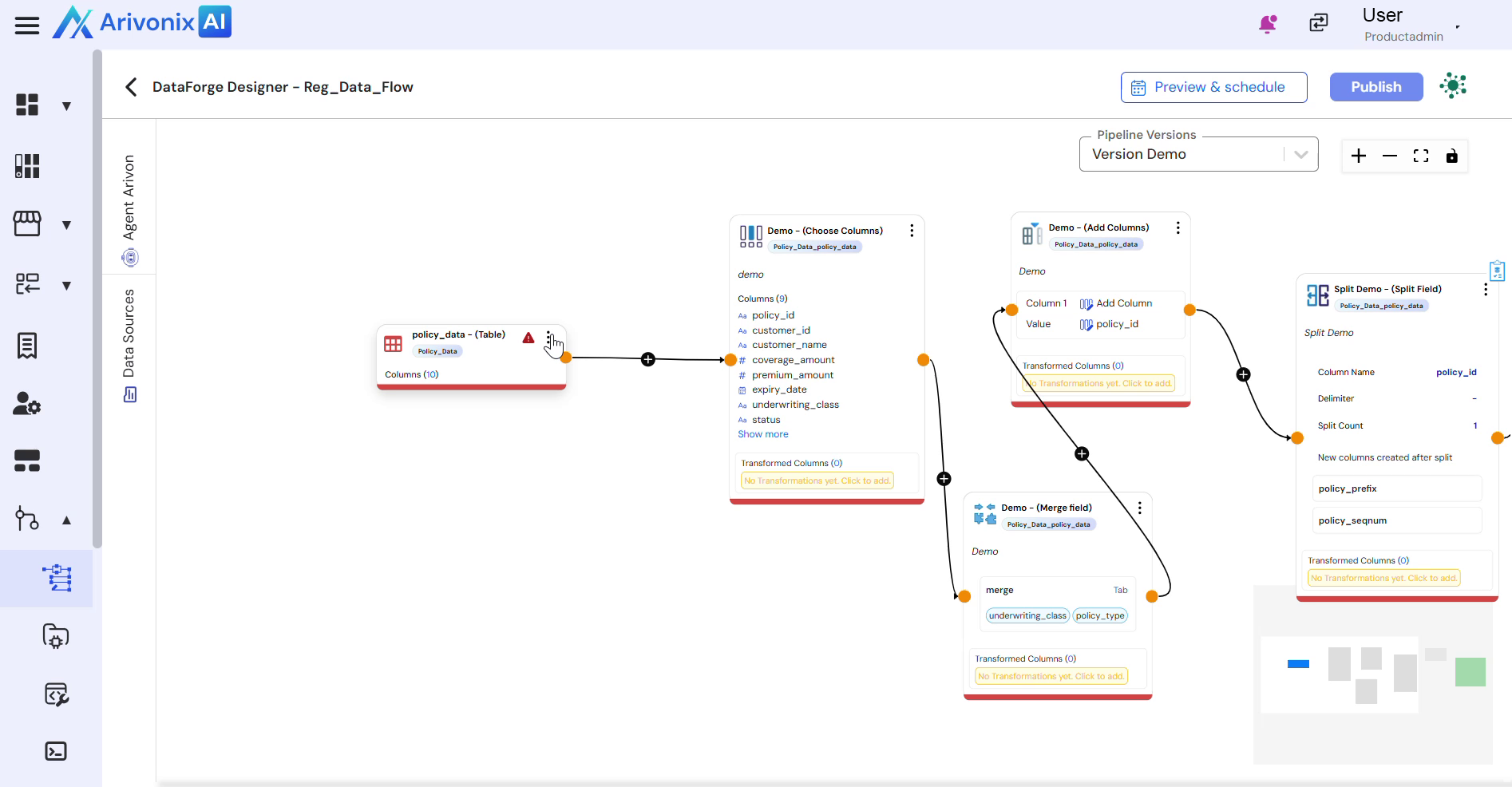
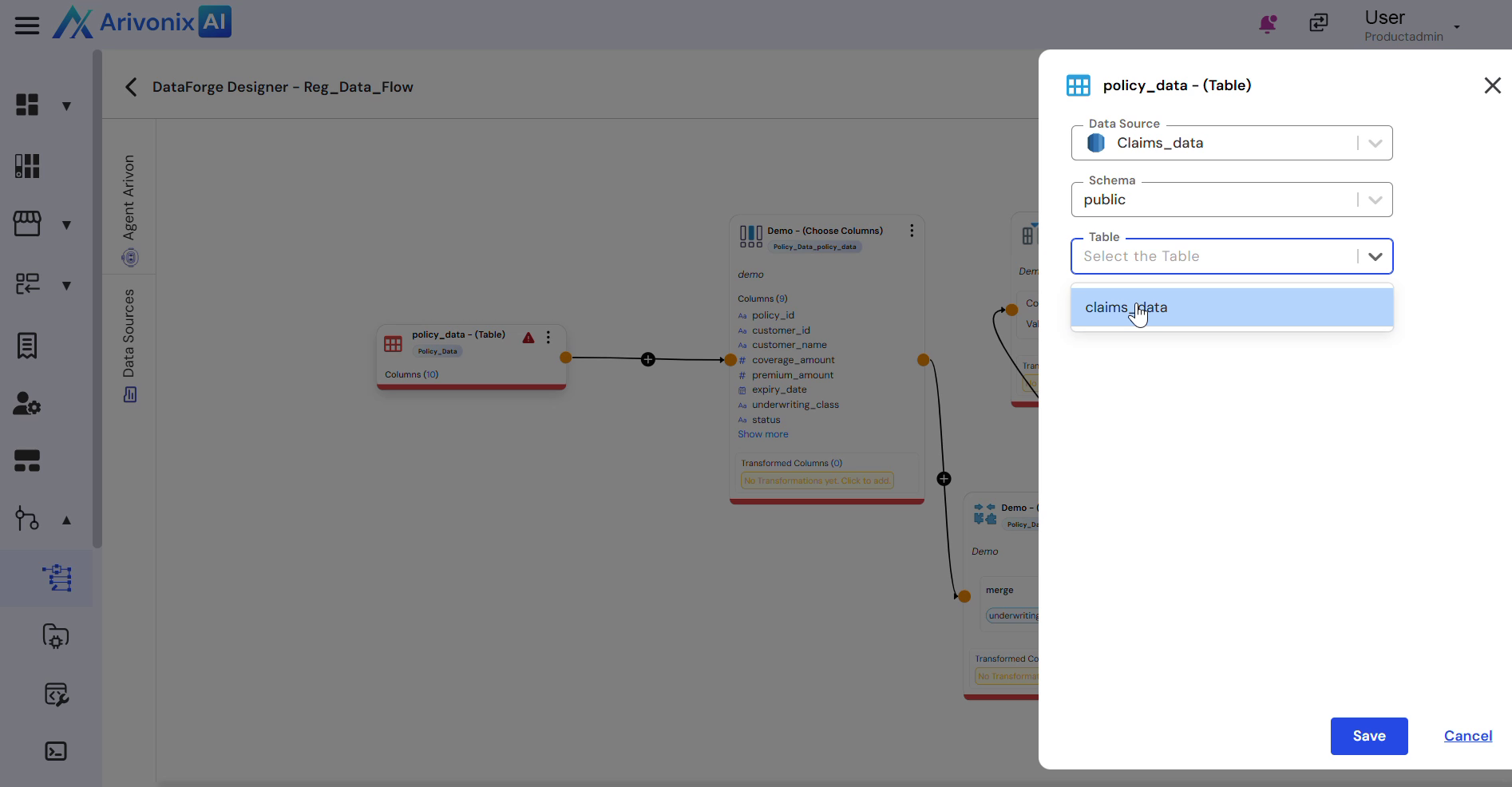
- Configure the replacement:
- Select the target data table for replacement
- Choose the appropriate schema
- Select the specific table
- Click Save to confirm the table replacement.
The system confirms successful table replacement upon completion.