

Sharing Data Products
On this page
Sharing Data Products
Share data products with other users or teams by granting specific access permissions and controls.
To share a data product:
- Click the Share icon.
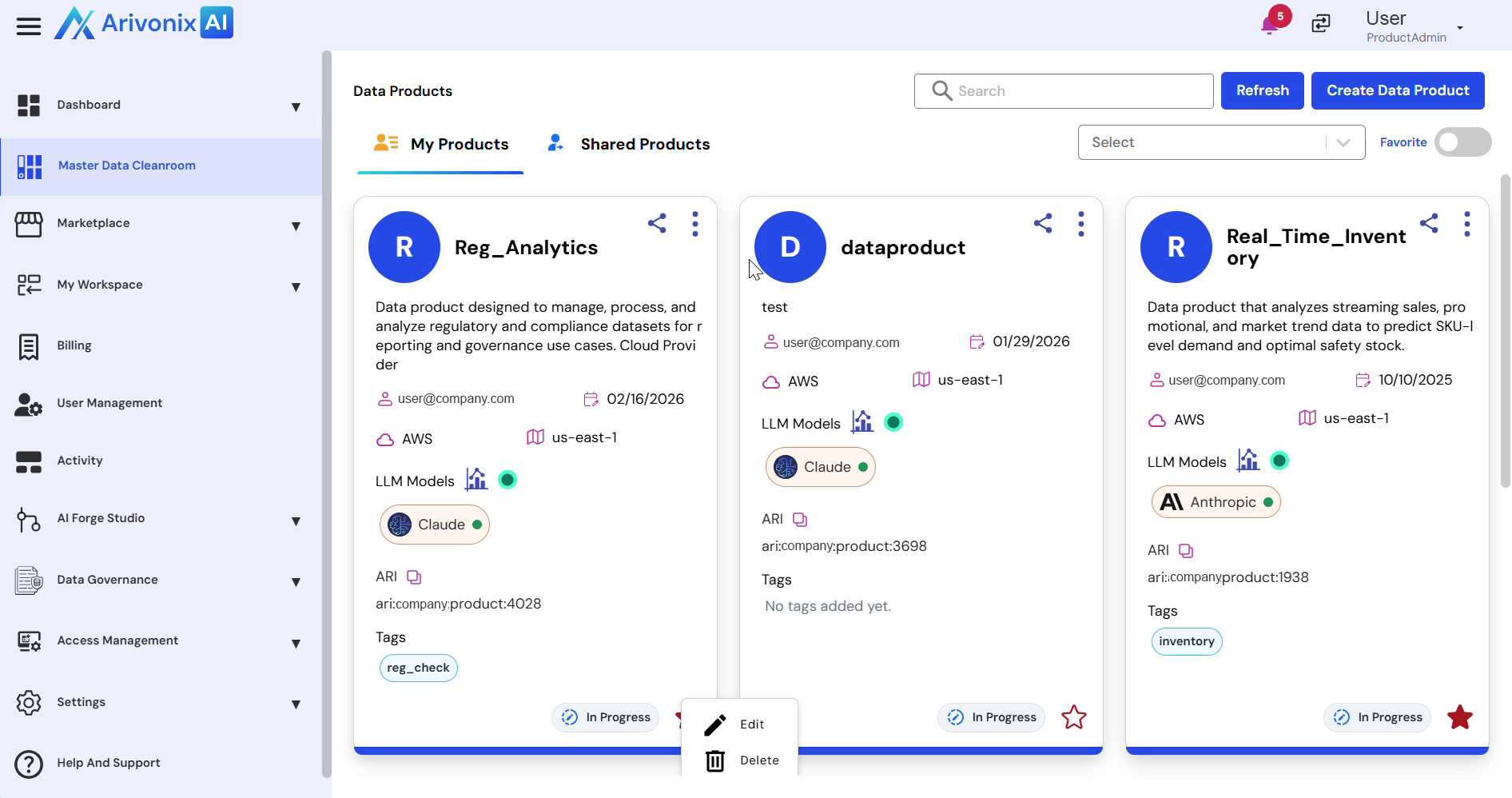
- Enter the email addresses of users to share with. Multiple users can be added as needed.
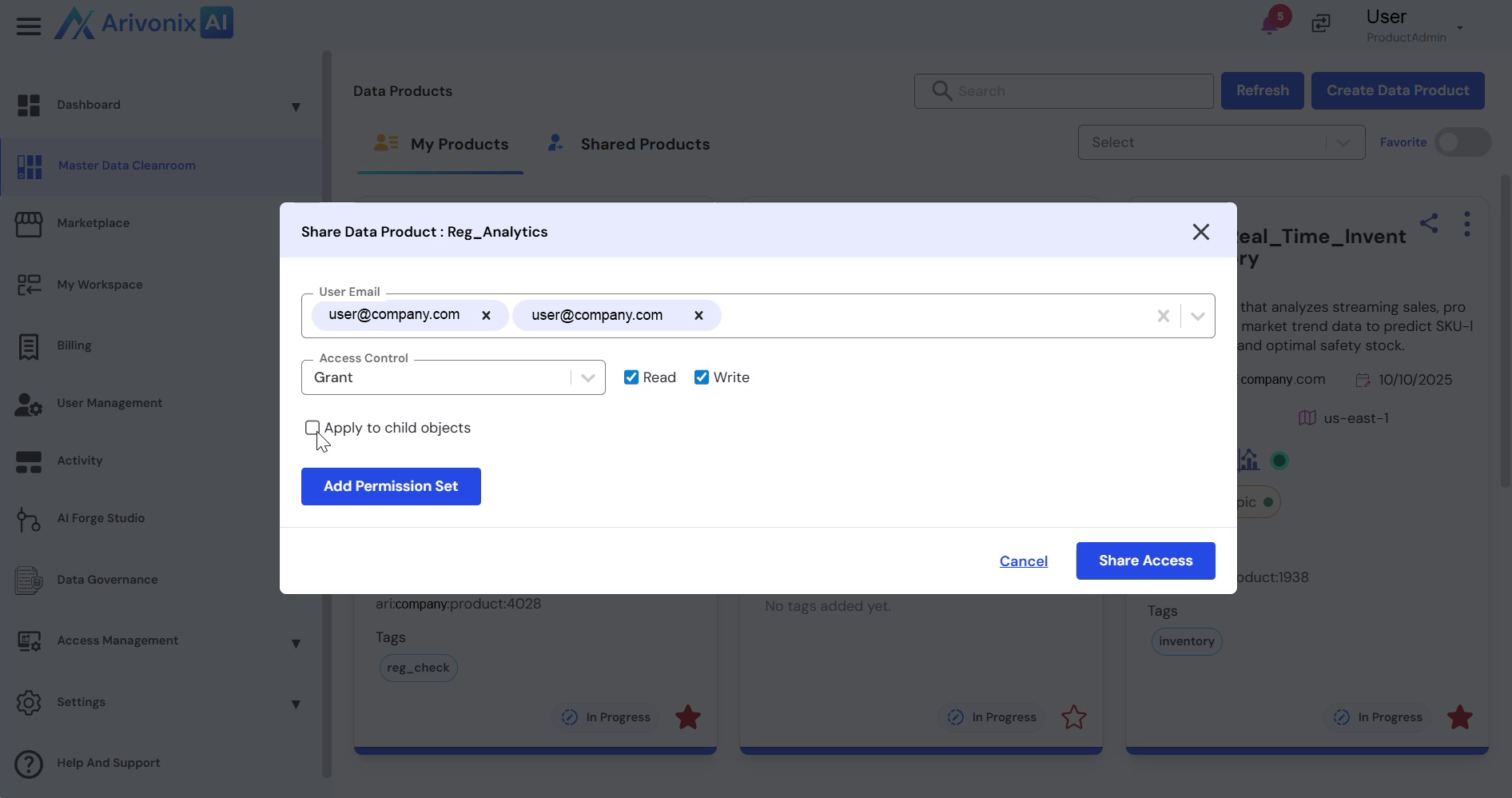
- Configure the following sharing settings:
- Set Access Control to either Grant or Deny
- Select appropriate access levels: Read Access and/or Write Access
- Choose whether to apply permissions to child objects
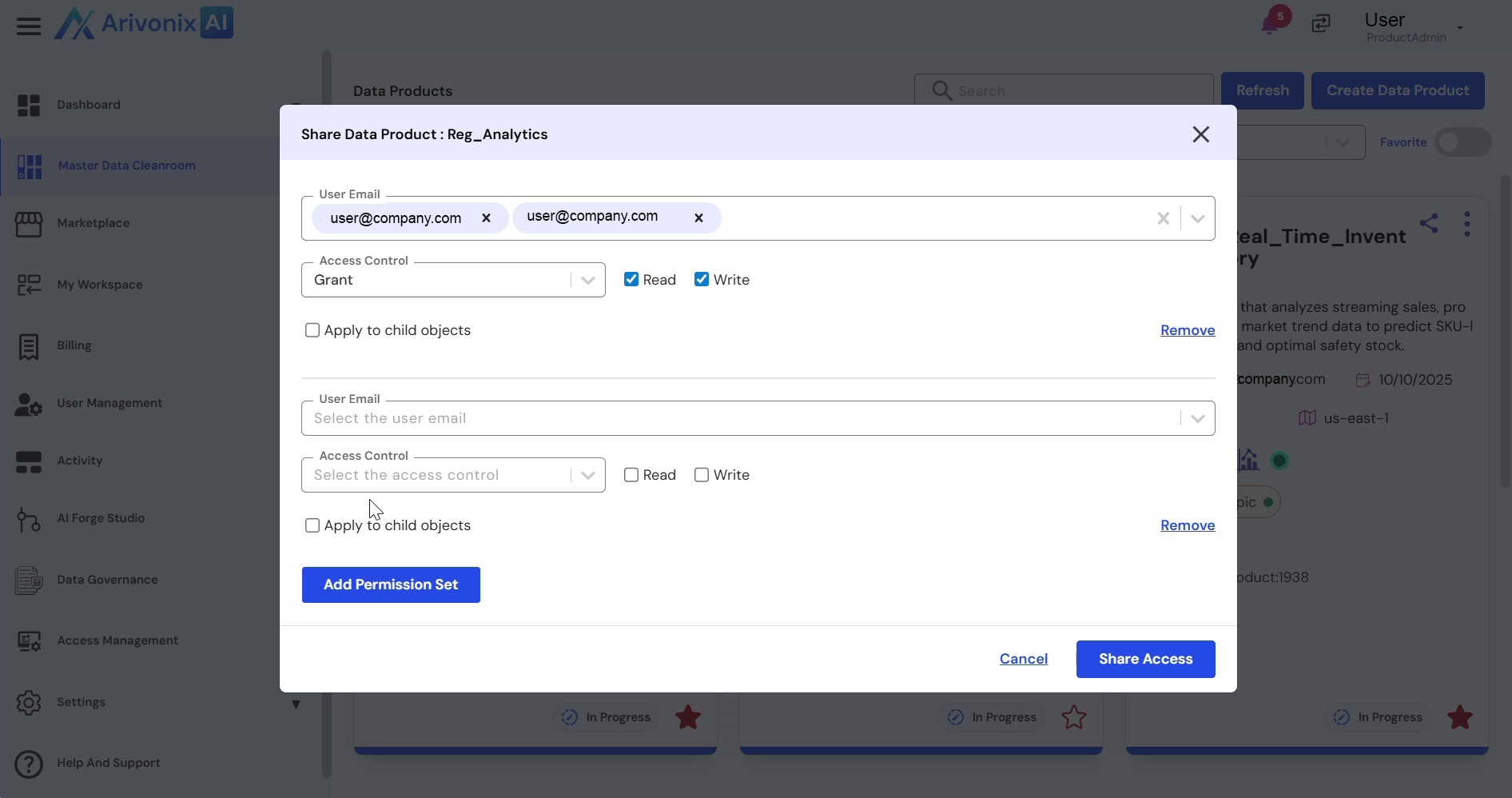
- To add additional permission sets:
- Click Add Permission Set
- Configure the additional sharing access settings
- Permission sets can be removed if needed
- Click Add Permission Set
- Click Share Access to complete the sharing process
Upon completion, the system will confirm that the data product has been shared successfully.