

Editing Groups
On this page
Editing Groups
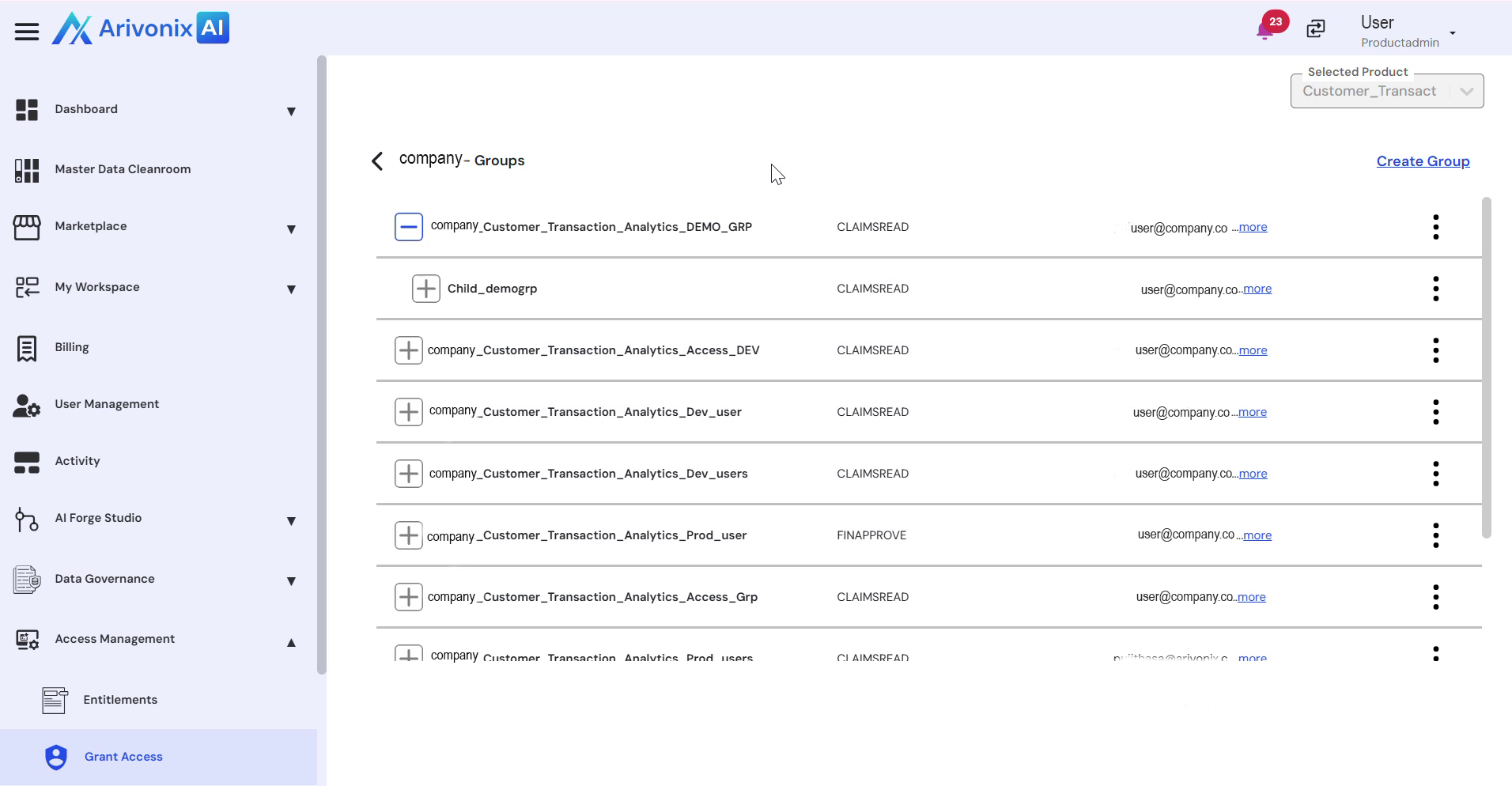
Modify existing groups by updating their properties, SKUs, and user assignments.
- Access the Action Menu and select Edit.
- Make the desired modifications:
- Update the Group Name
- Modify the SKU
- Add or remove users from the group
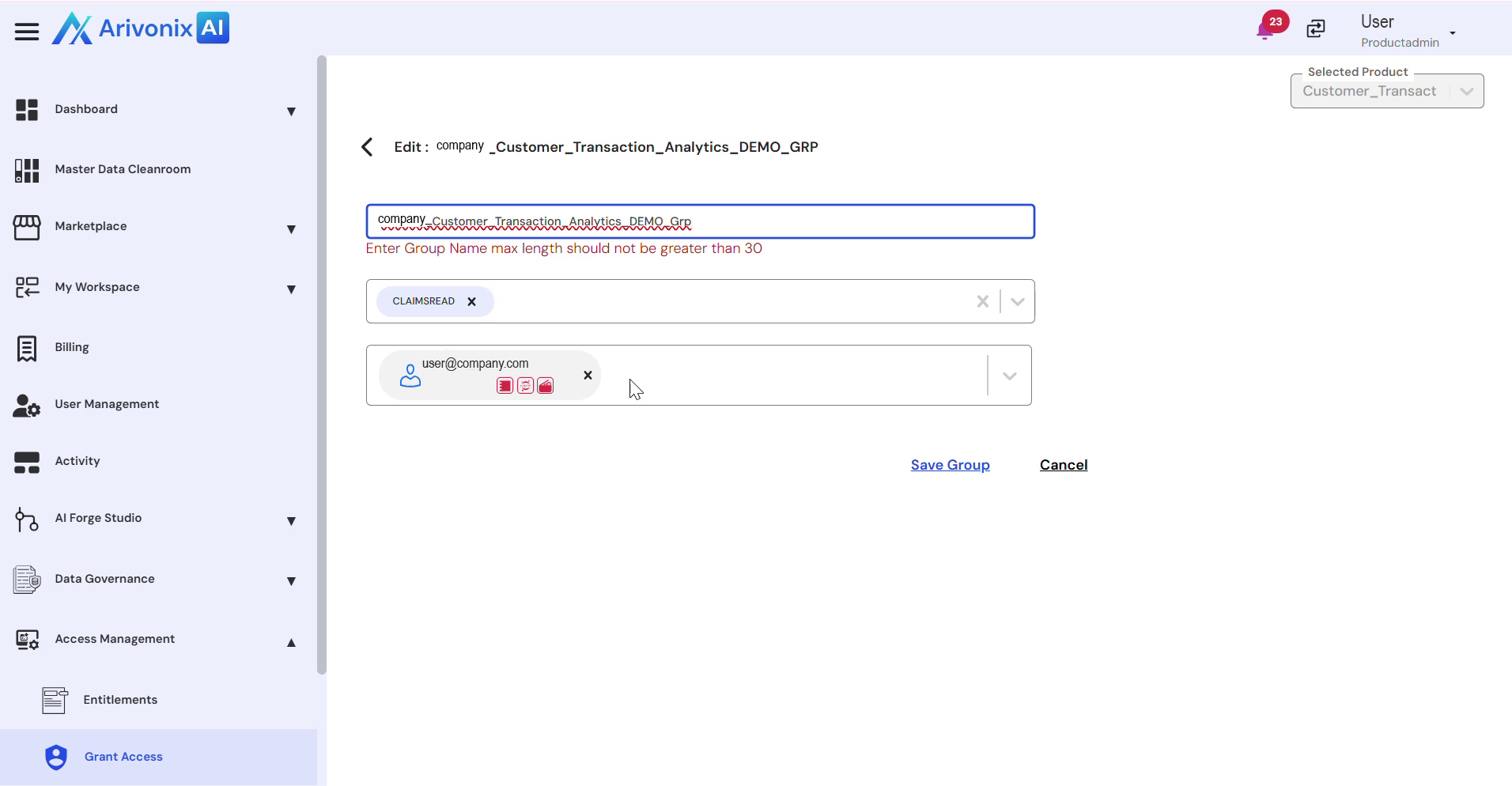
- Click Save Group to apply the changes.
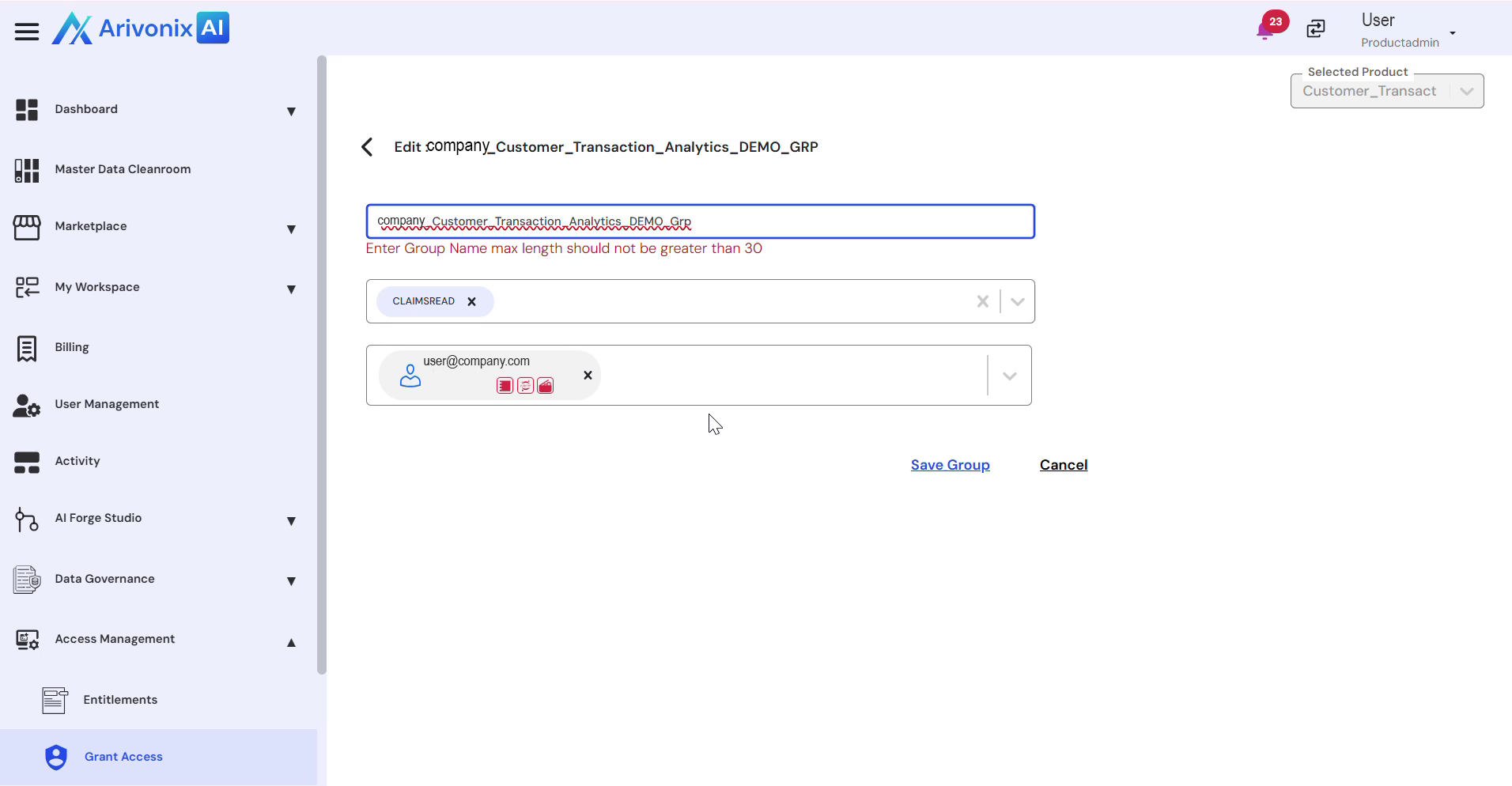
A confirmation message will appear indicating that the group has been successfully updated.