

PySpark Transformation
On this page
PySpark Transformation
Create and execute PySpark transformations to process data using Spark’s Python API.
Creating a PySpark Transformation
- Click the Plus icon and select PySpark from the menu.
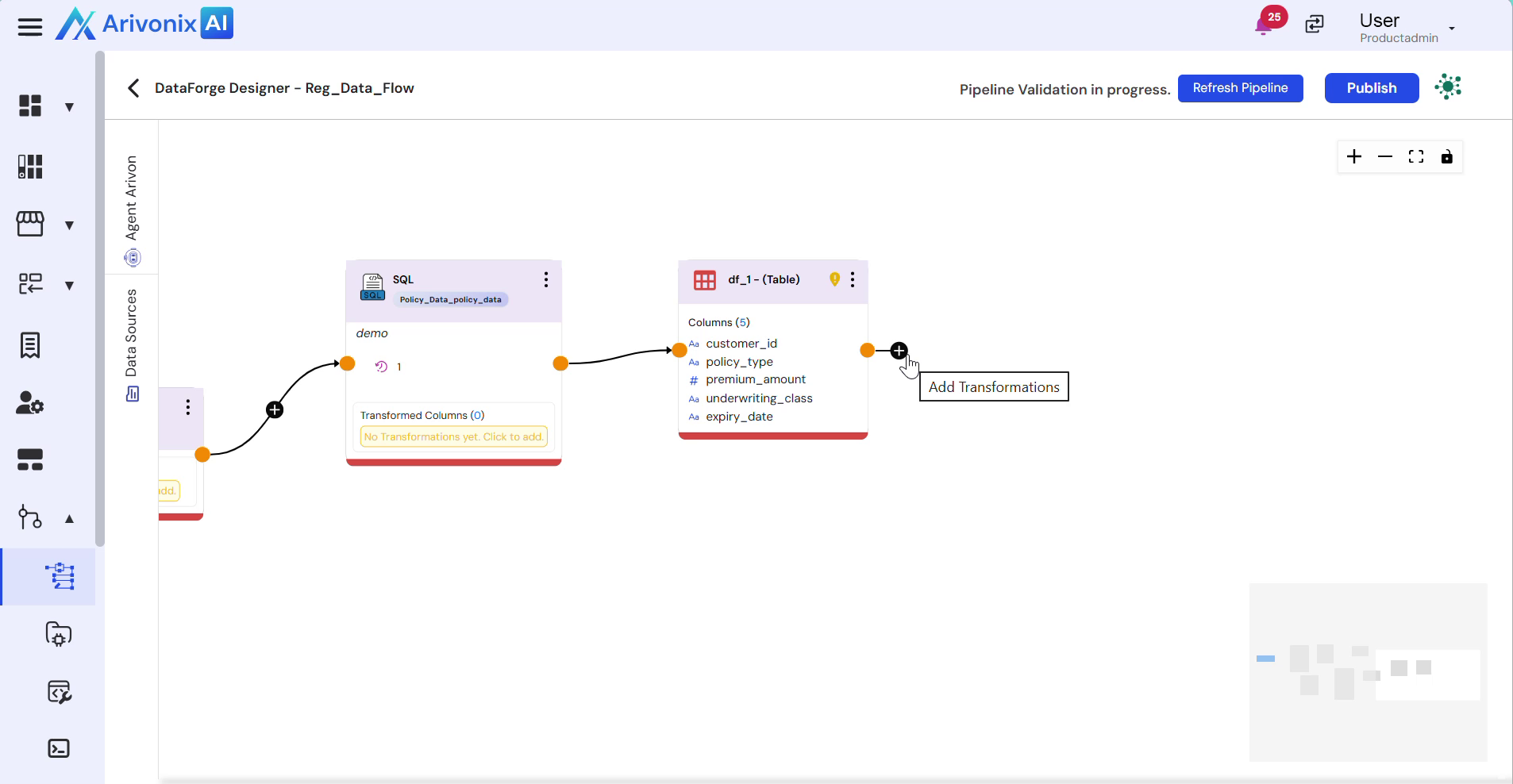
- Wait for the system to establish connection to the server. The Notebook interface will appear.
- Select the appropriate Kernel based on your requirements.
- Enter the following details:
- Transformation Name
- Description
- Enter your PySpark code according to your transformation requirements.
- Click the Save button in the top-left corner to save your transformation.
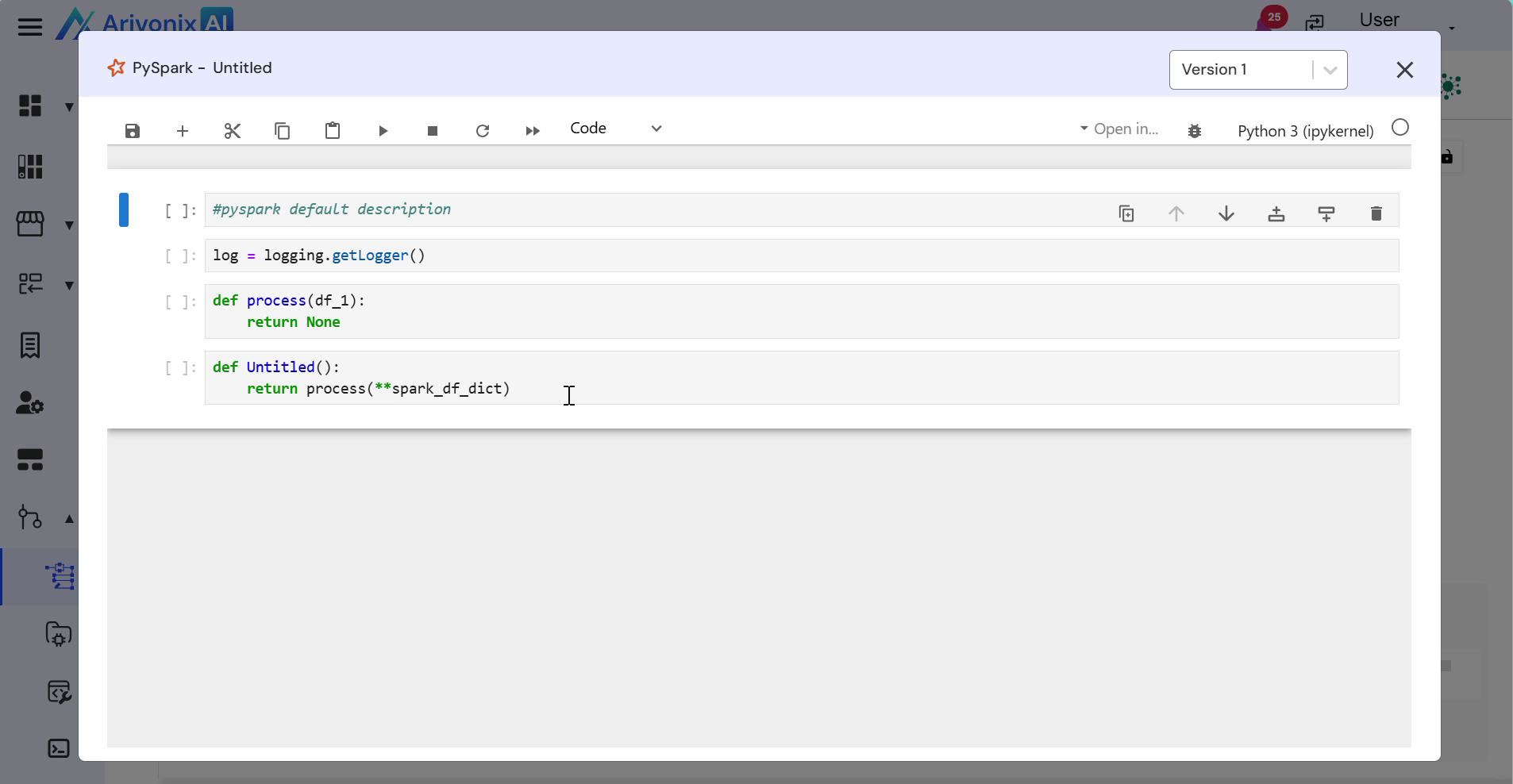
- Execute the code by clicking Run.
- Close the Notebook window to complete the process.
The PySpark transformation is now created and ready for use.