

Creating a Tool
On this page
Creating a Tool
Create and configure custom tools in Arivonix to extend functionality with various processing capabilities.
To create a new tool in Arivonix:
- Select Tools Designer from the top right corner of the interface.
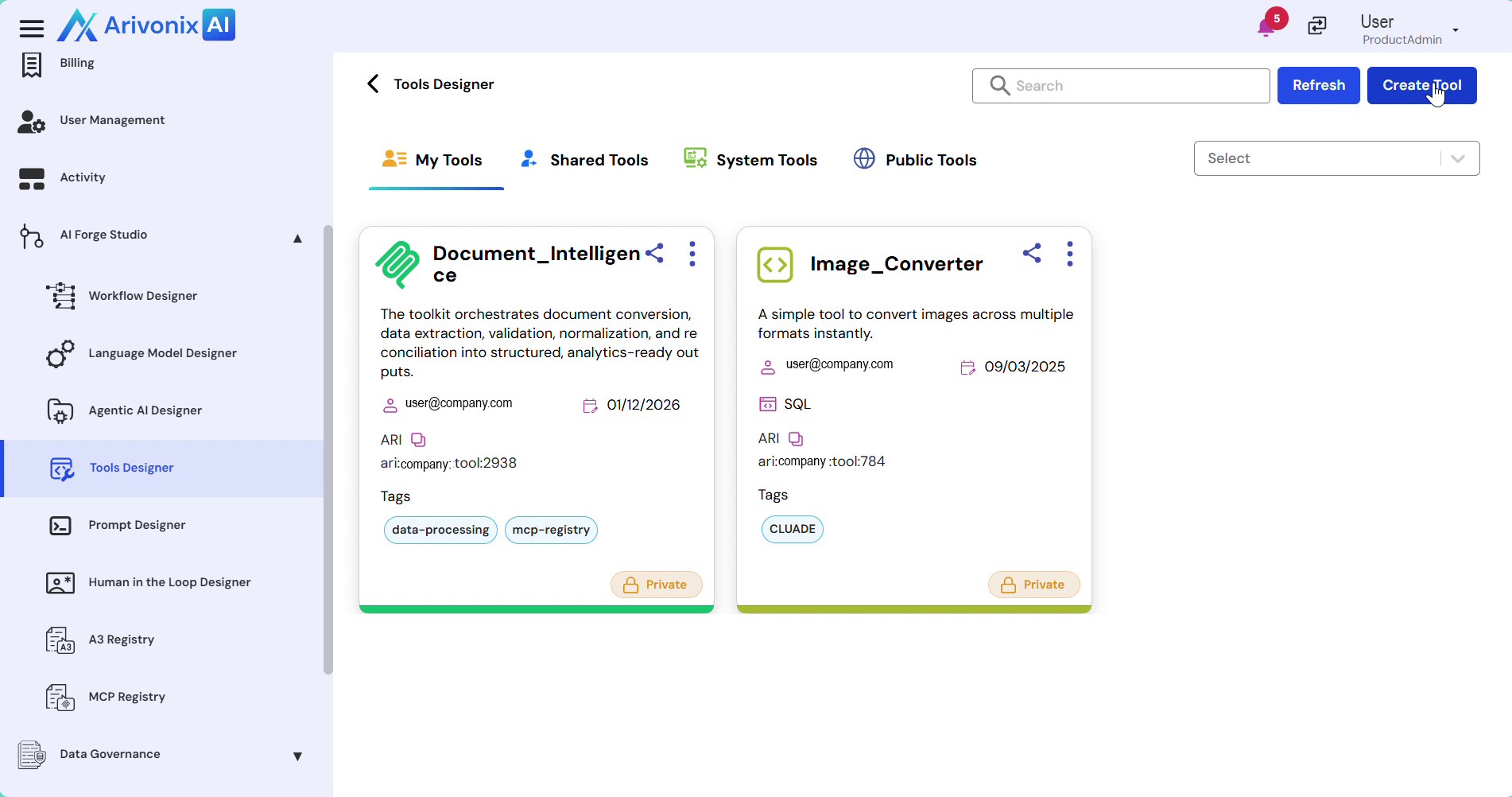
- Click Create Tool.
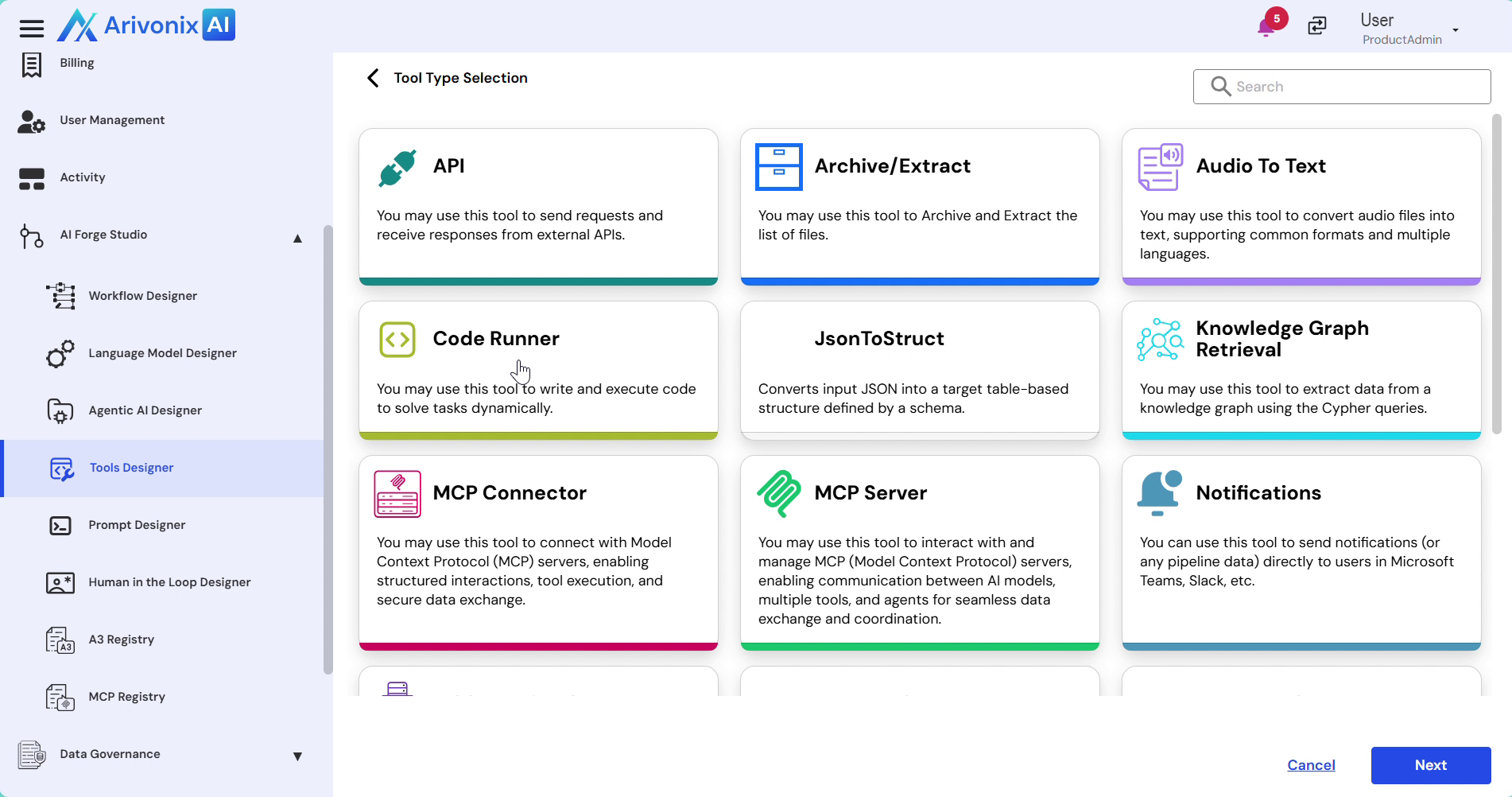
- In the tool type selection interface, choose from the supported tool types:
- API
- Audio to Text
- Code Runner
- JSON to Struct
- Notifications
- Text Reader
- Video to Text
- Web Crawler etc
- Click Next.
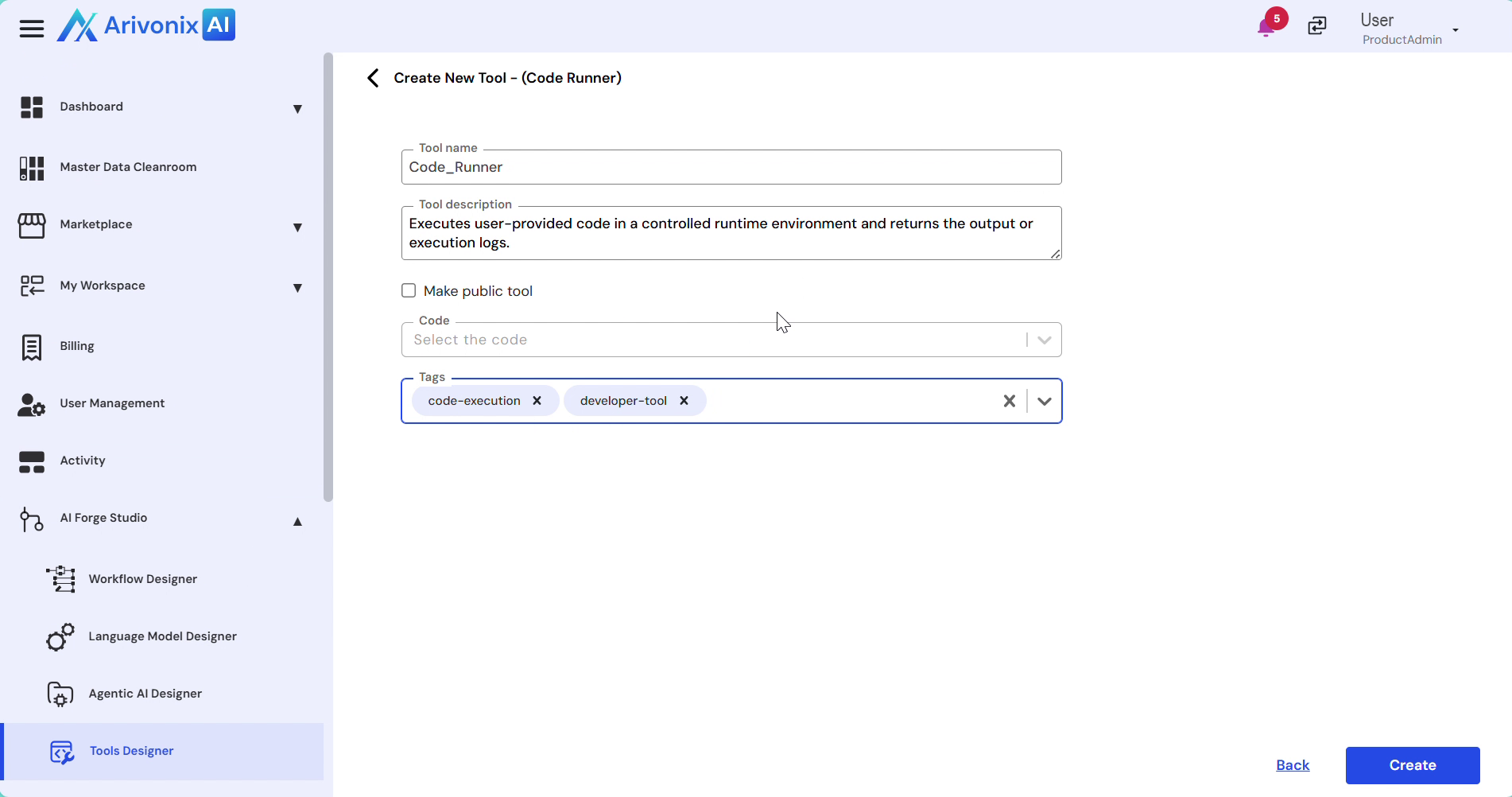
- Configure the tool settings:
- Enter the Tool Name and Description
- To make the tool publicly available, enable the public access checkbox
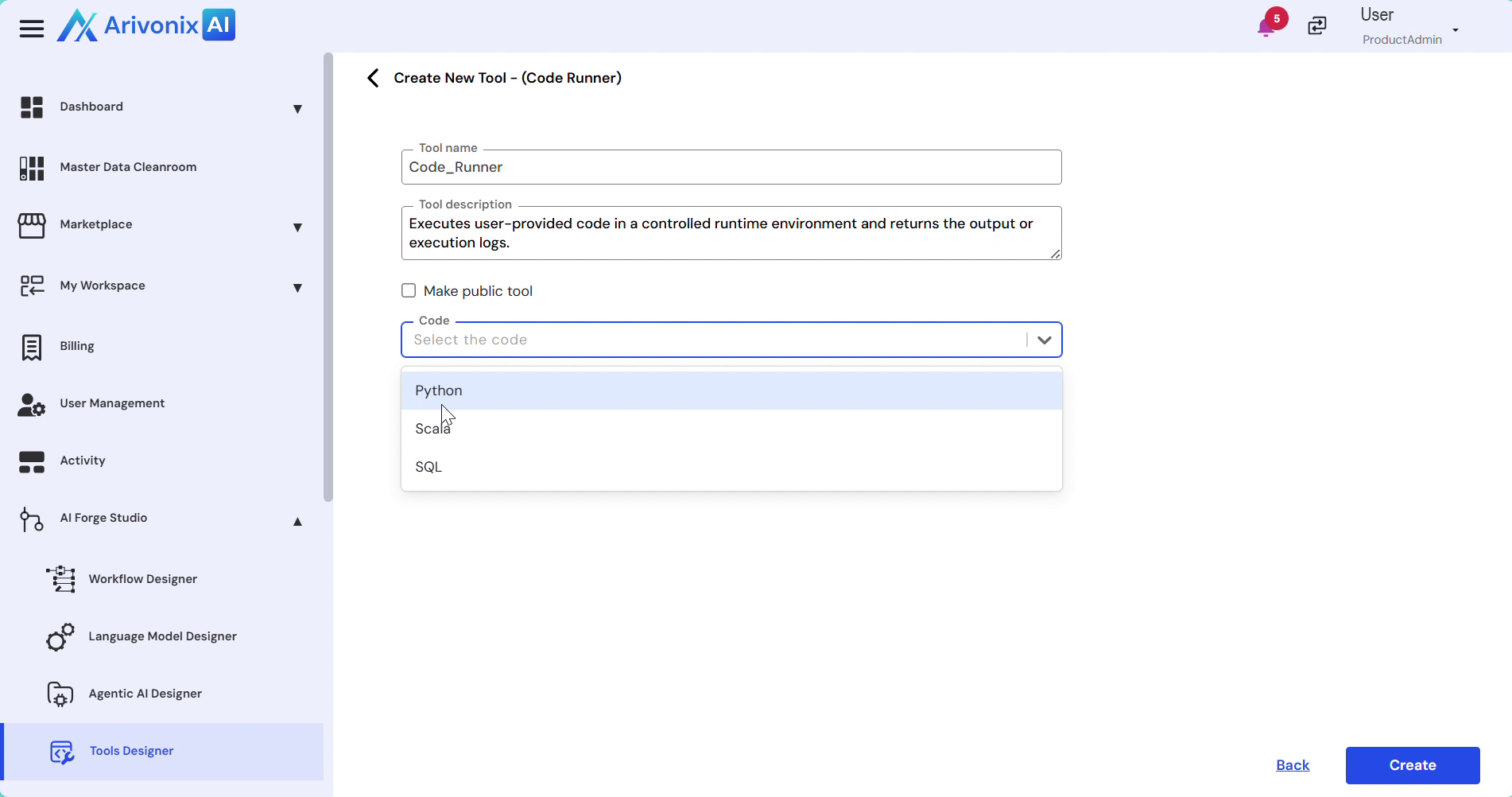
- Select one of the supported code types:
- Python
- Scalar
- SQL
- Click Create in the bottom right corner to finalize the tool creation.