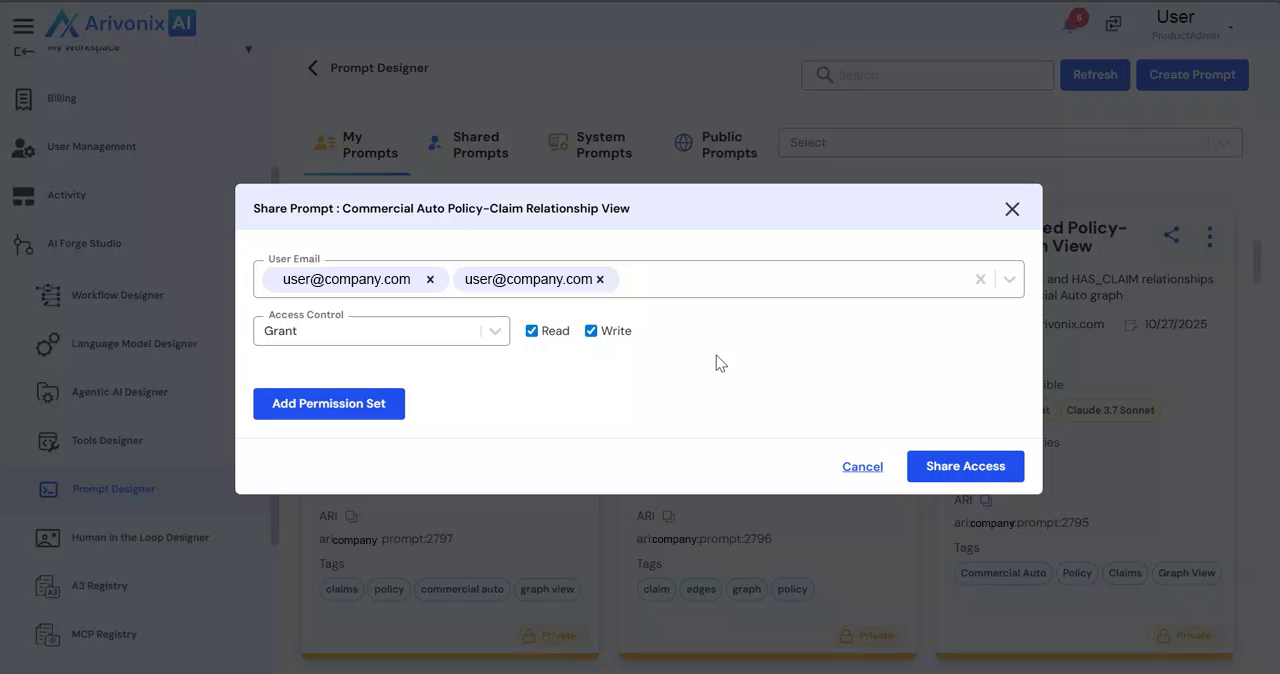
Sharing the Prompt
On this page
Sharing the Prompt
Share prompts with other users and teams while managing their access levels.
To share a prompt with other users:
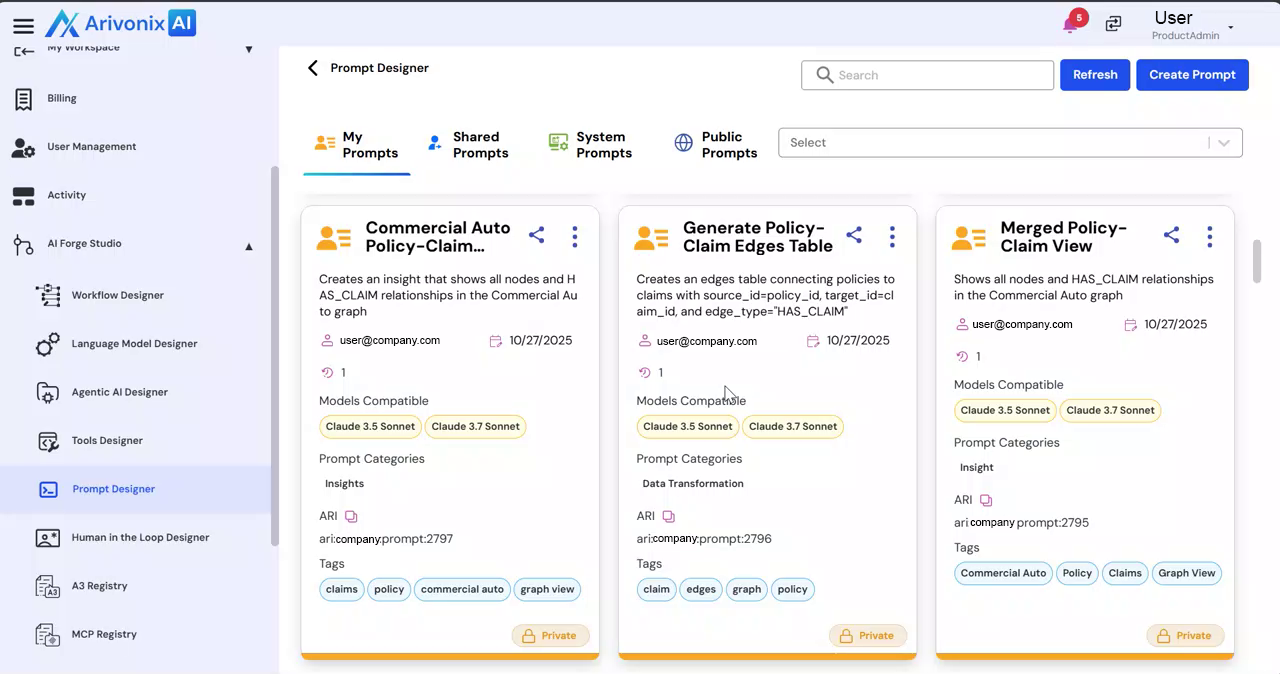
- Click the Share icon
- Select the email address of the recipient(s). Multiple users can be selected.
- Configure the appropriate access control level:
- Read Access: Users can view the prompt
- Write Access: Users can view and modify the prompt
- Click Share Access to complete the sharing process