Chatbot Overview
On this page
Chatbot Overview
Manage and configure chatbots with customizable settings, knowledge sources, and deployment options.
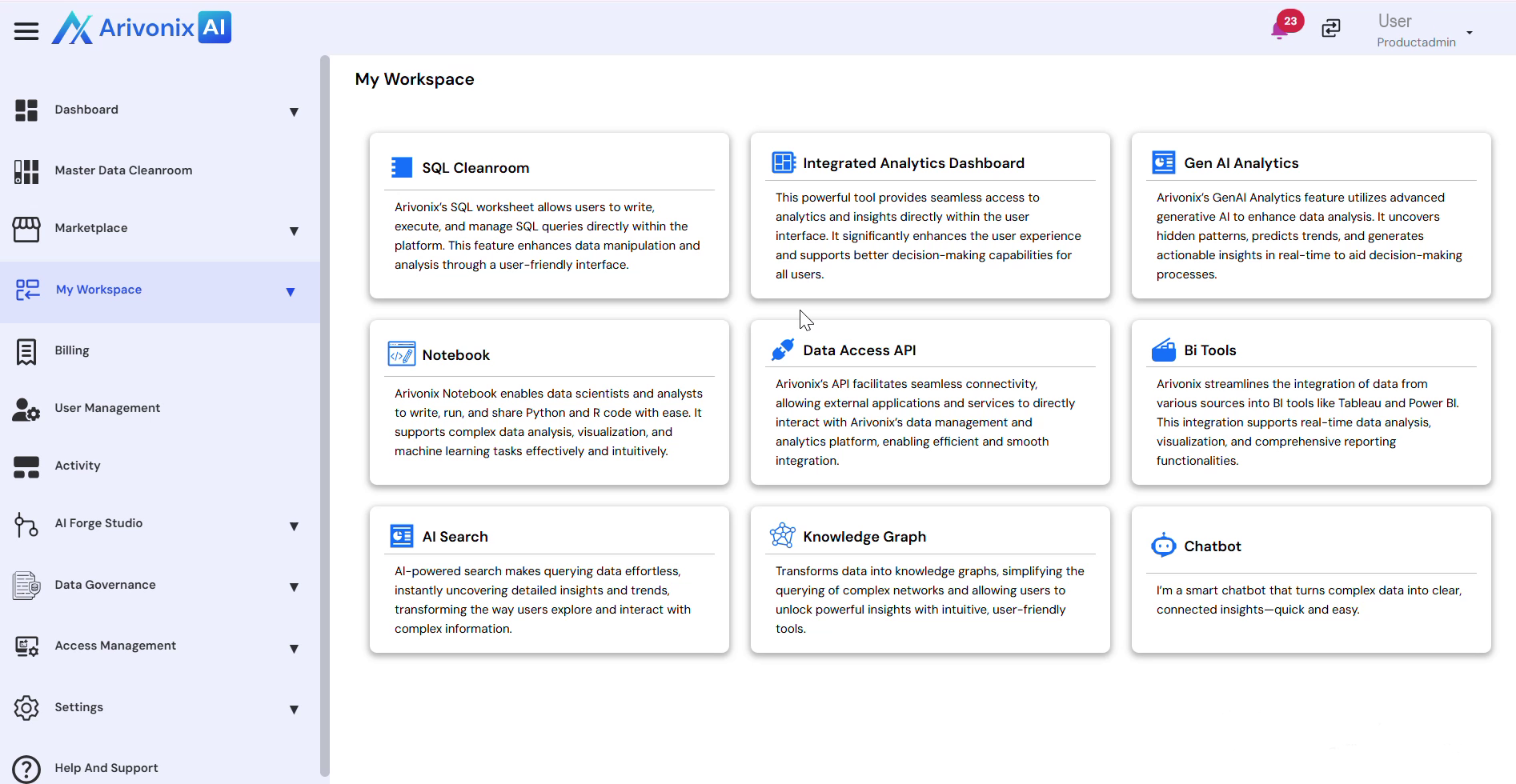
Chatbot Interface
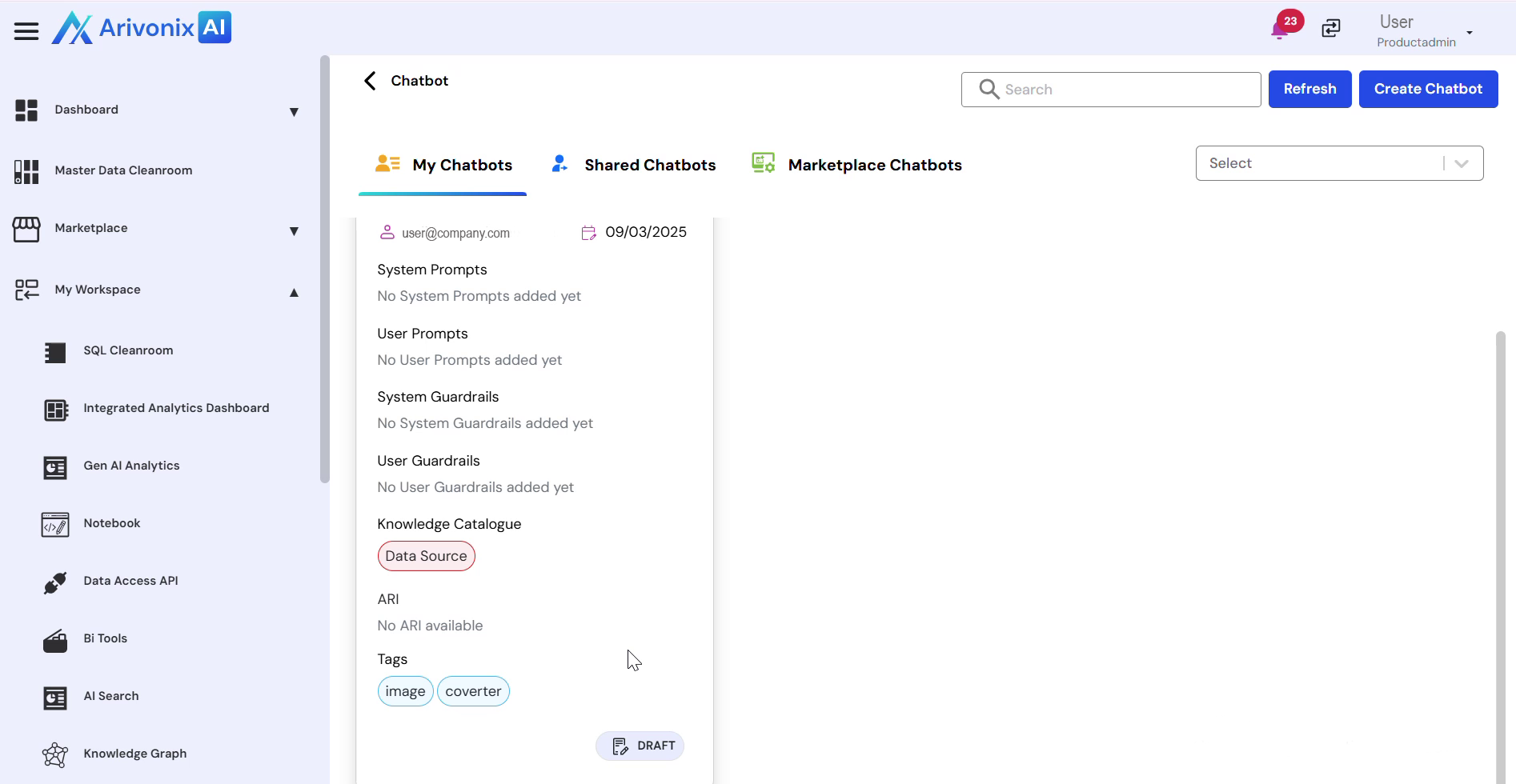
The Chatbot interface provides three main views accessible through dedicated tabs:
- My Chatbots: View personally created chatbots
- Share Chatbots: Access chatbots shared by other users
- Marketplace Chatbots: Explore ready-to-use predefined chatbots
Chatbot Tile Information
Each chatbot is represented by a card displaying key information:
- Chatbot Name
- Description
- Creator
- Creation Date
Configuration Status
Monitor the setup progress of each chatbot through these components:
- System Prompts
- User Prompts
- Guardrails
- Knowledge Catalog: Displays connected data sources used for generating accurate responses
Management Actions
Users can manage their chatbots using these features:
- Use the search bar to locate specific chatbots
- Refresh the list to see updated information
- Click the Create Chatbot button to create a new chatbot