

View Data Rule History
On this page
View Data Rule History
View and track all modifications made to data rules, including field changes and update history.
- Click the Action menu for the desired data rule.
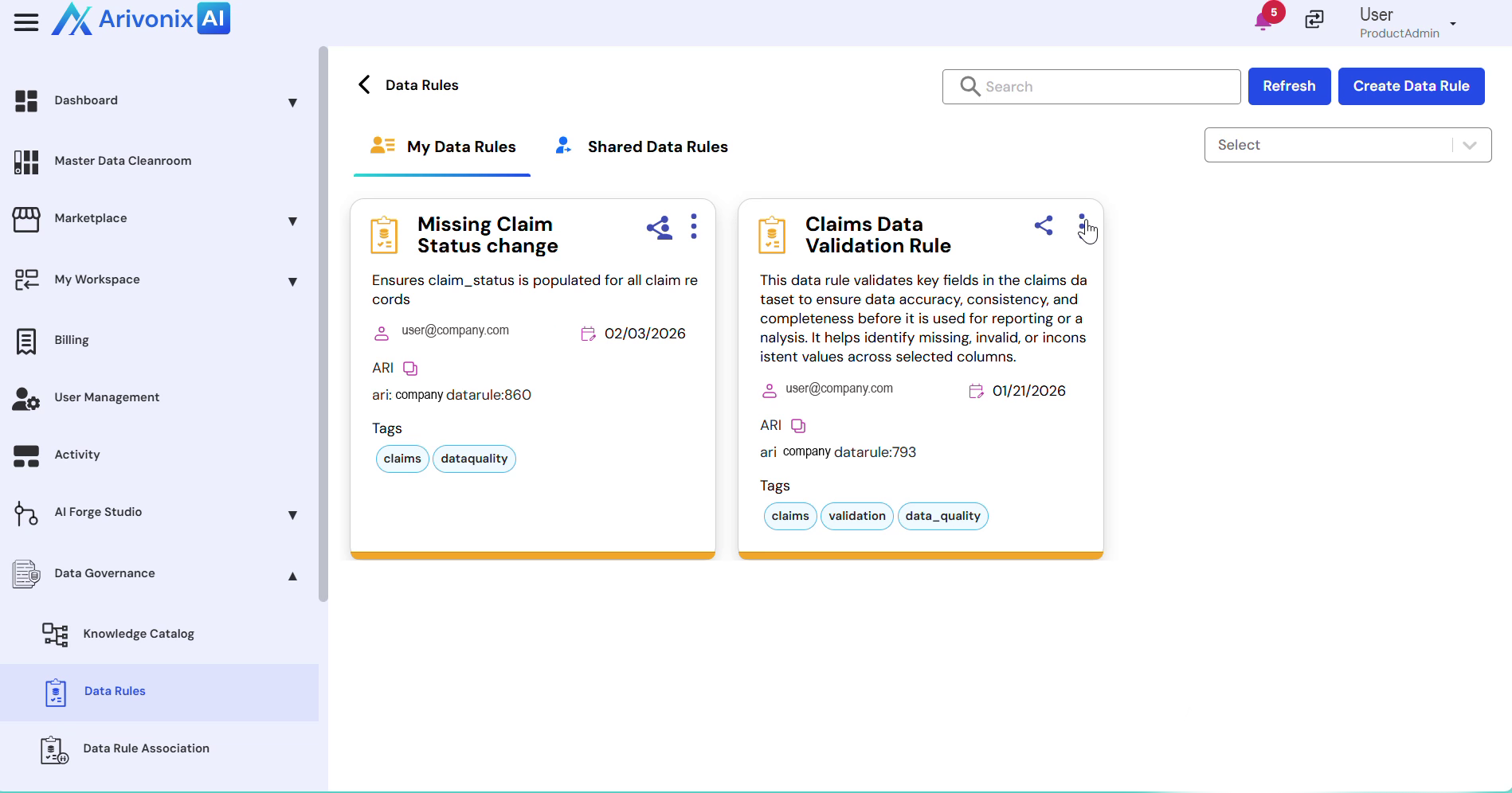
- Select History from the menu options.
The history tab displays comprehensive change information including:
- Original field source
- Previous value (Change From)
- Updated value (Change To)
- User who made the modification