

Integrated Analytics Dashboard Overview
On this page
Integrated Analytics Dashboard Overview
Access and manage analytics dashboards through a centralized workspace that enables organization-wide collaboration and content discovery.
Accessing the Dashboard Overview
From the left-hand navigation menu, navigate to My Workspace and select Integrated Analytics Dashboard.
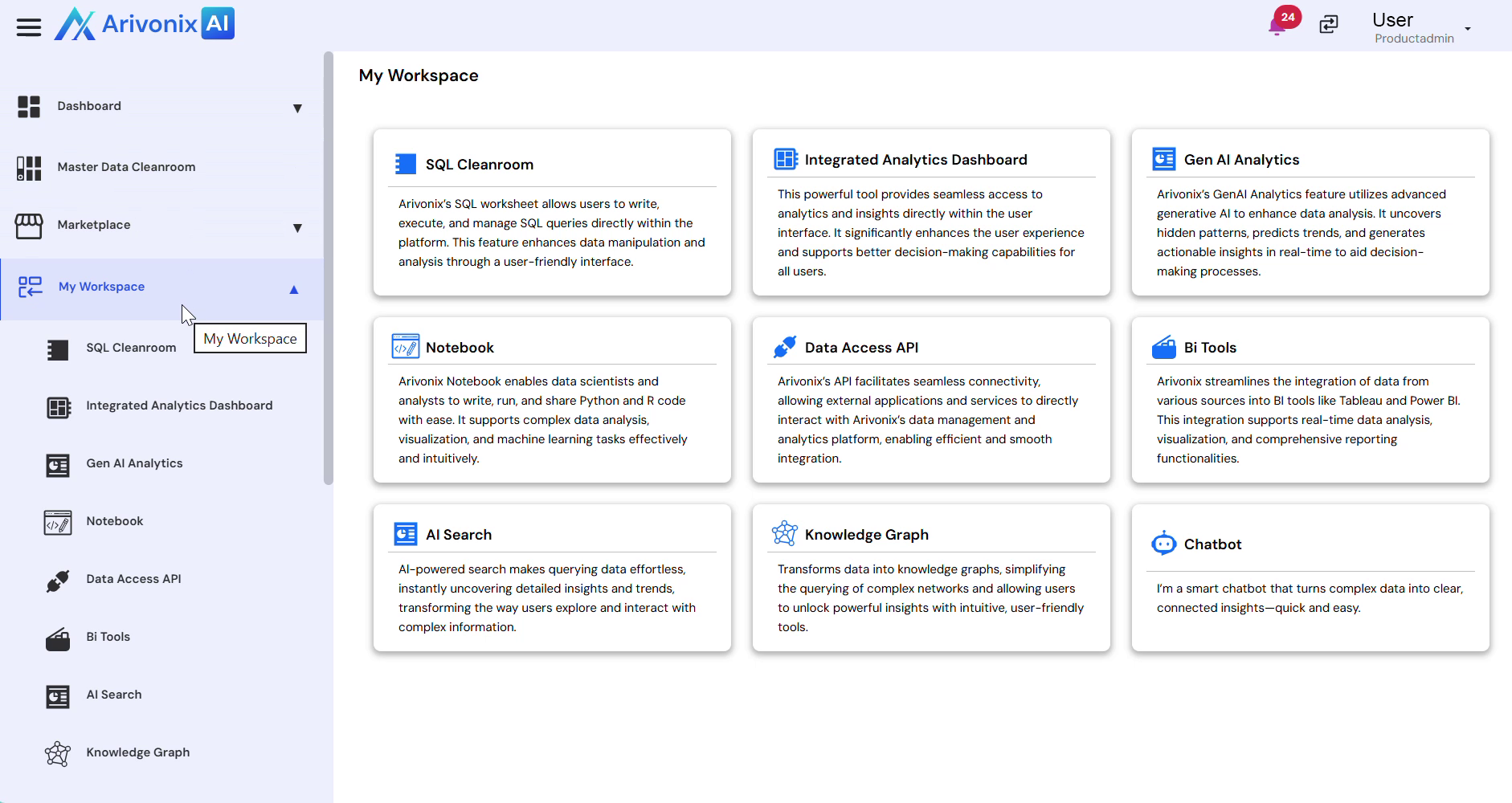
Dashboard Navigation and Features
The Overview interface provides multiple views for organizing and accessing dashboards:
- My Dashboards: Personal dashboard workspace
- Shared Dashboards: Dashboards shared with specific users or teams
- Company Dashboards: Organization-wide dashboard repository
- Marketplace Dashboards: Pre-built dashboard templates
Dashboard Card Information
Each dashboard is represented by a card displaying:
- Dashboard name and description
- Associated products
- Ownership information
- Creation date
Available Actions
Users can perform the following actions from the Overview:
- Mark dashboards as Favorite for quick access
- Share dashboards with users or teams
- Access additional dashboard management options
- Refresh the dashboard list to see latest updates
- Create new dashboards using Create Dashboard