

Edit MCP Registry
On this page
Edit MCP Registry
Modify and update MCP Registry settings after creation to maintain configuration requirements.
An MCP Registry can be modified after its initial creation. To make changes:
- Locate the MCP Registry tile and open the Action menu.
- Select Edit from the menu options.
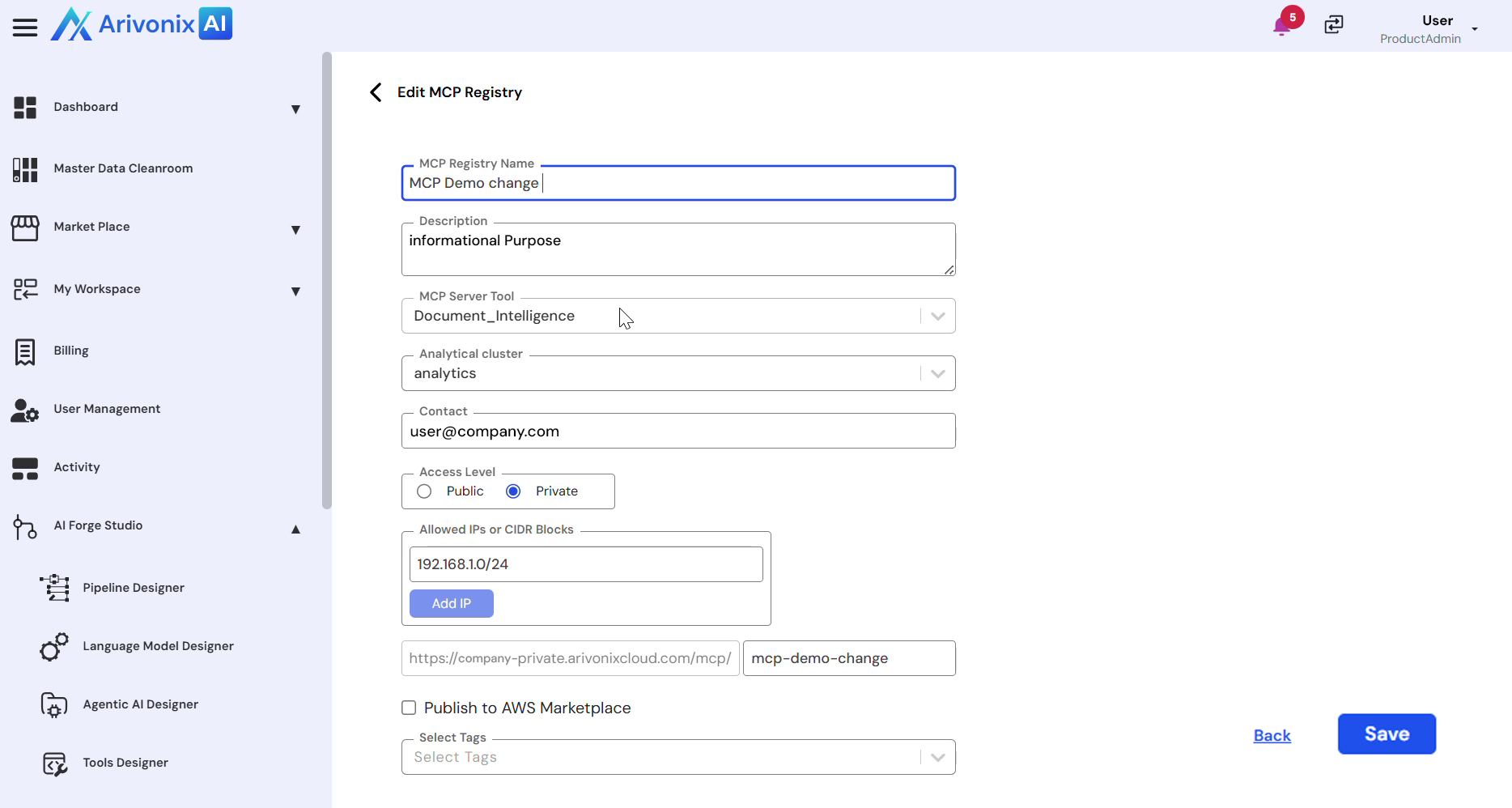
- In the Edit screen, the following fields can be modified:
- Title Description
- Access Level
- Allowed IPs
- Tags
- Marketplace Settings
- After making the desired modifications, click Save to apply the changes.
A confirmation message will appear indicating the changes have been successfully updated.