

Deleting a Notebook
On this page
Deleting a Notebook
Remove unnecessary or outdated notebooks from your workspace to maintain organization.
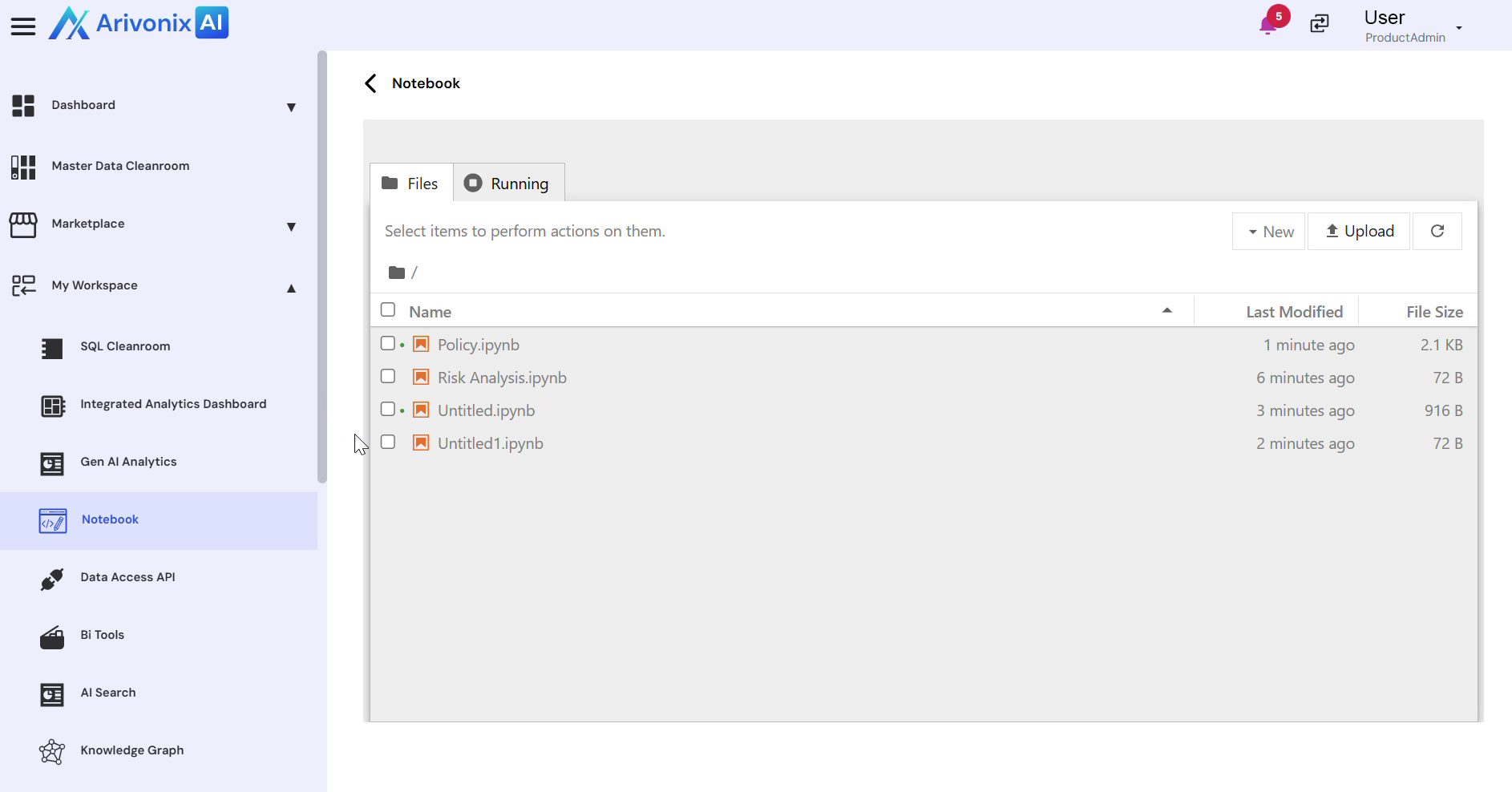
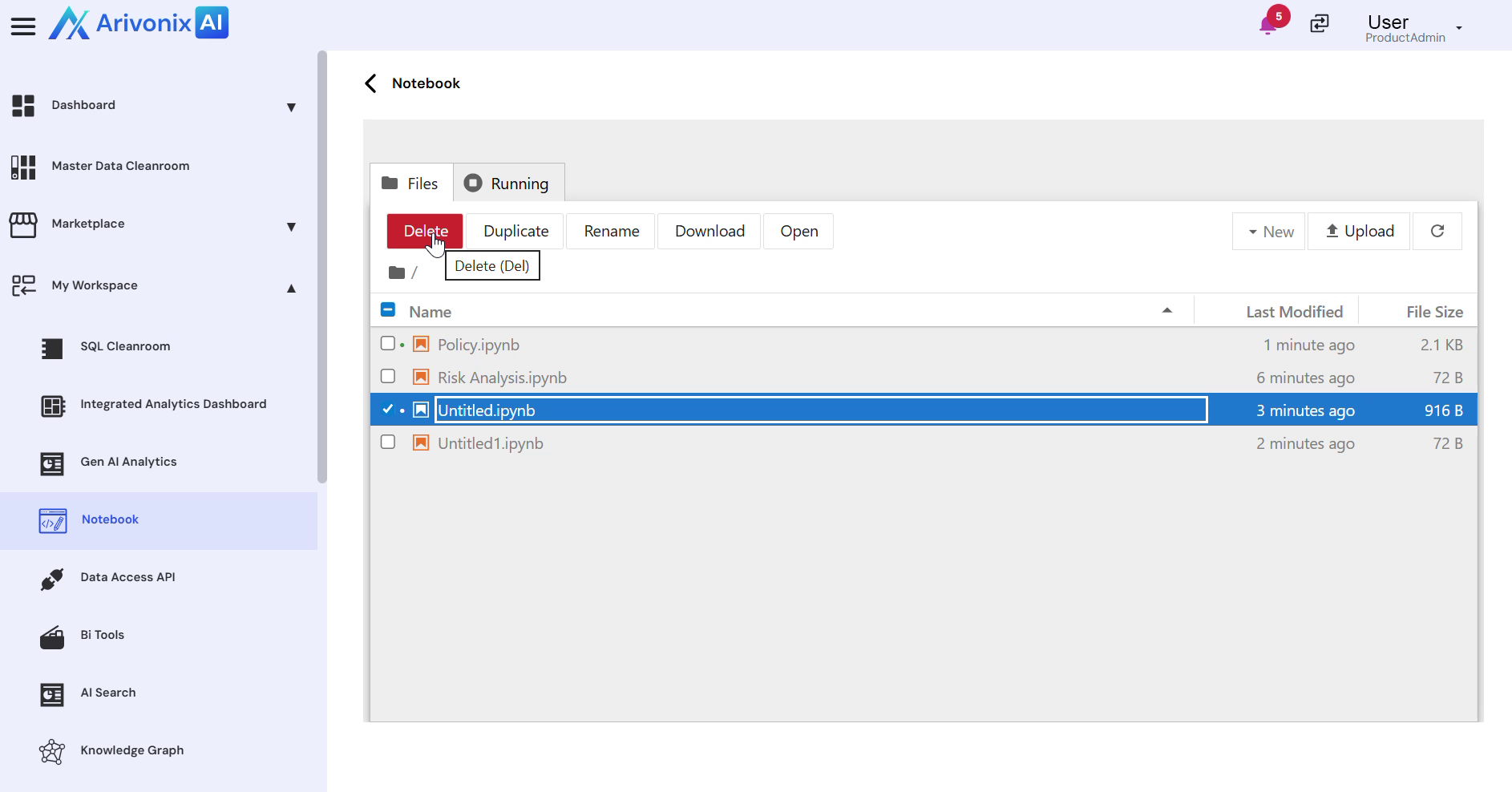
- Locate and select the notebook to be deleted.
- At the top of the interface, click the Delete option.
- In the confirmation dialog, click Delete to permanently remove the notebook.
Upon completion, the system will confirm that the notebook has been deleted.