

Publish the Pipeline
On this page
Publishing a Pipeline
Publish pipelines to make them available for production use and version control in Arivonix.
To publish a pipeline:
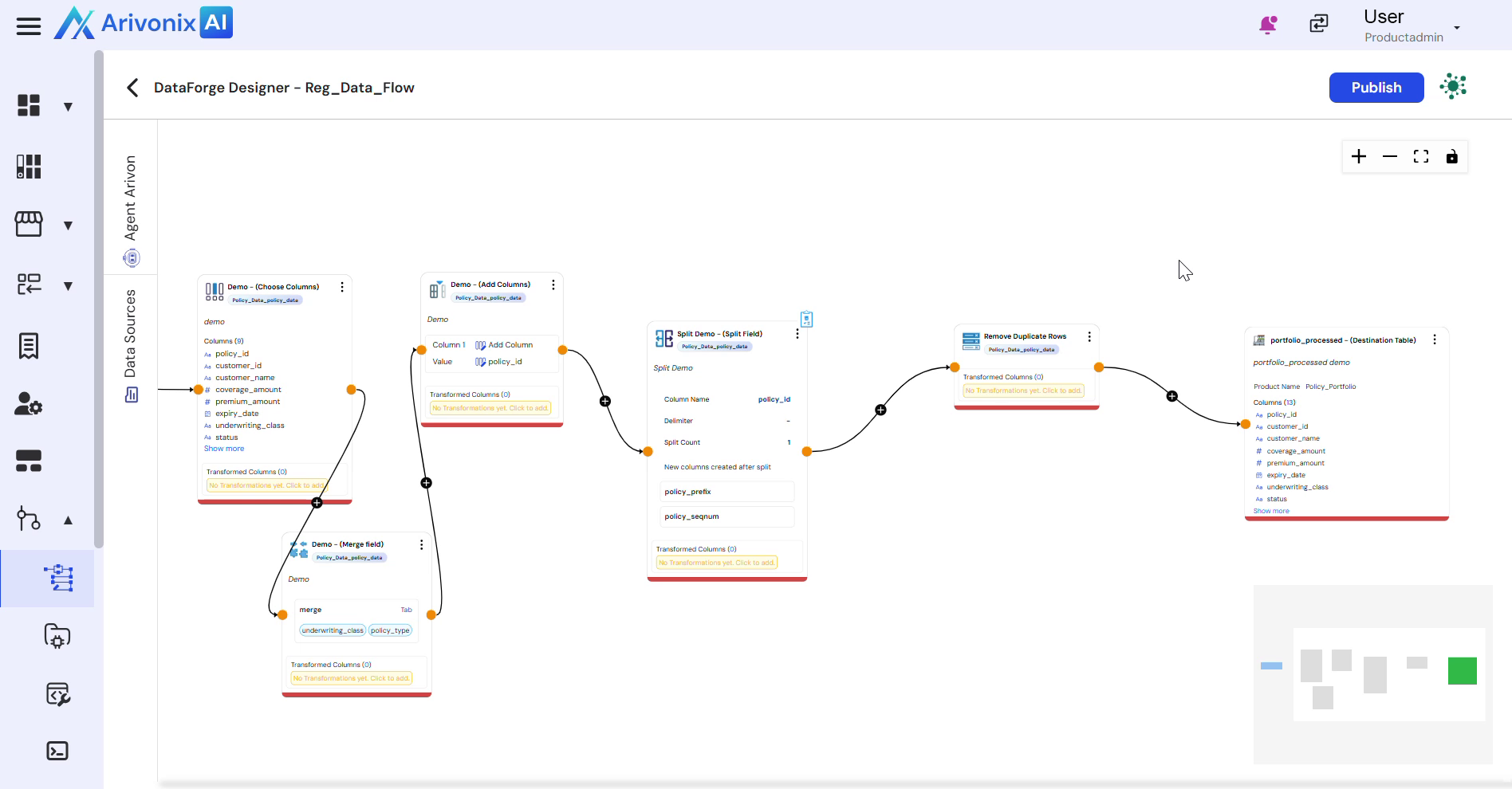
- Navigate to the top right corner of the interface.
- Click the Publish button.
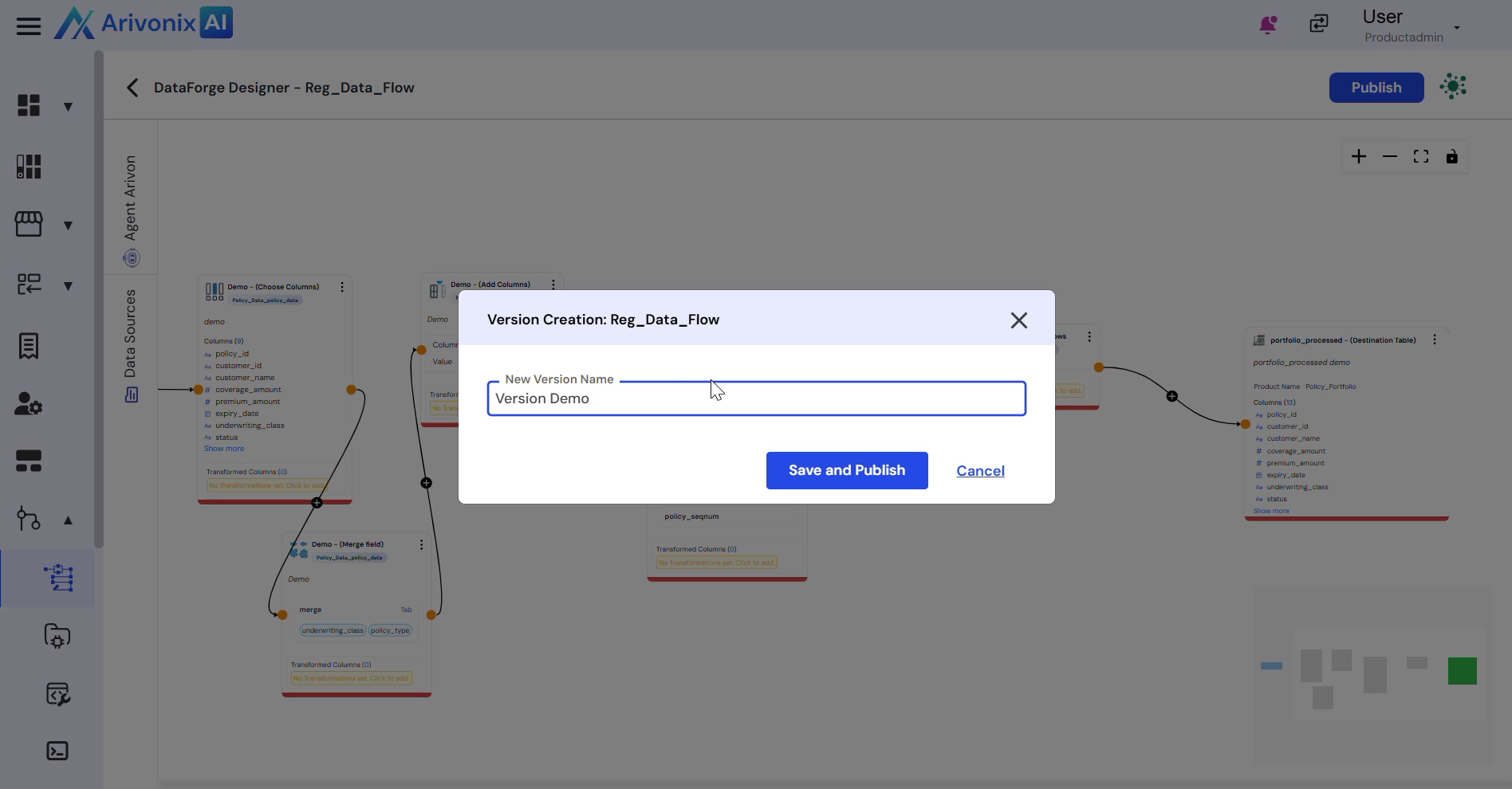
- Enter the desired Version Name for this pipeline publication.
- Click Save and Publish to complete the process.
Upon successful completion, the pipeline will be published and available for use.