

Creating a Data Source
On this page
Creating a Data Source
Connect and configure data sources to establish seamless data access and integration within the platform.
- Click the Create Data Source button in the top right corner.
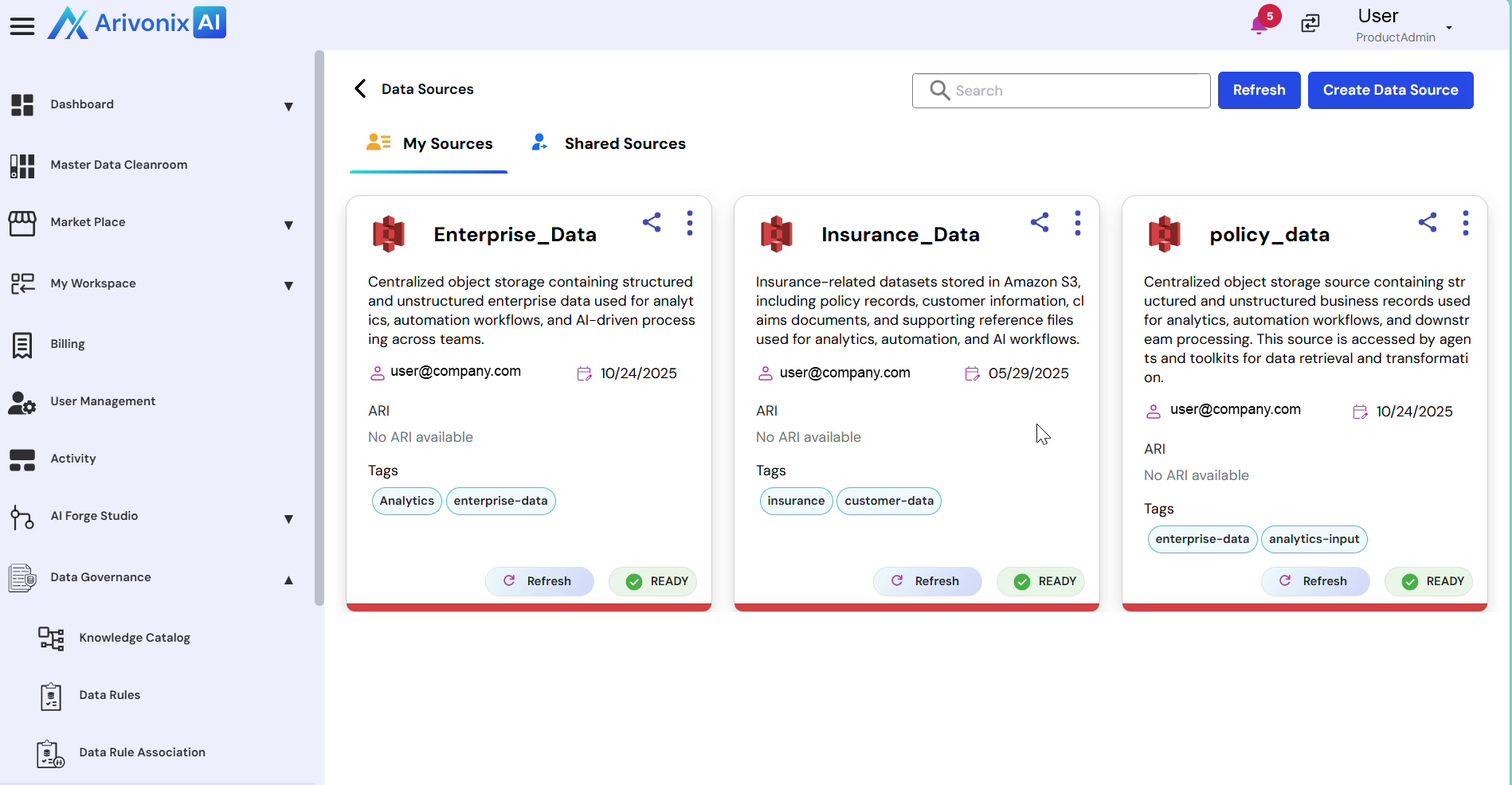
- From the available options, select the required subtype based on the system to connect. For this example, search for AWS S3.
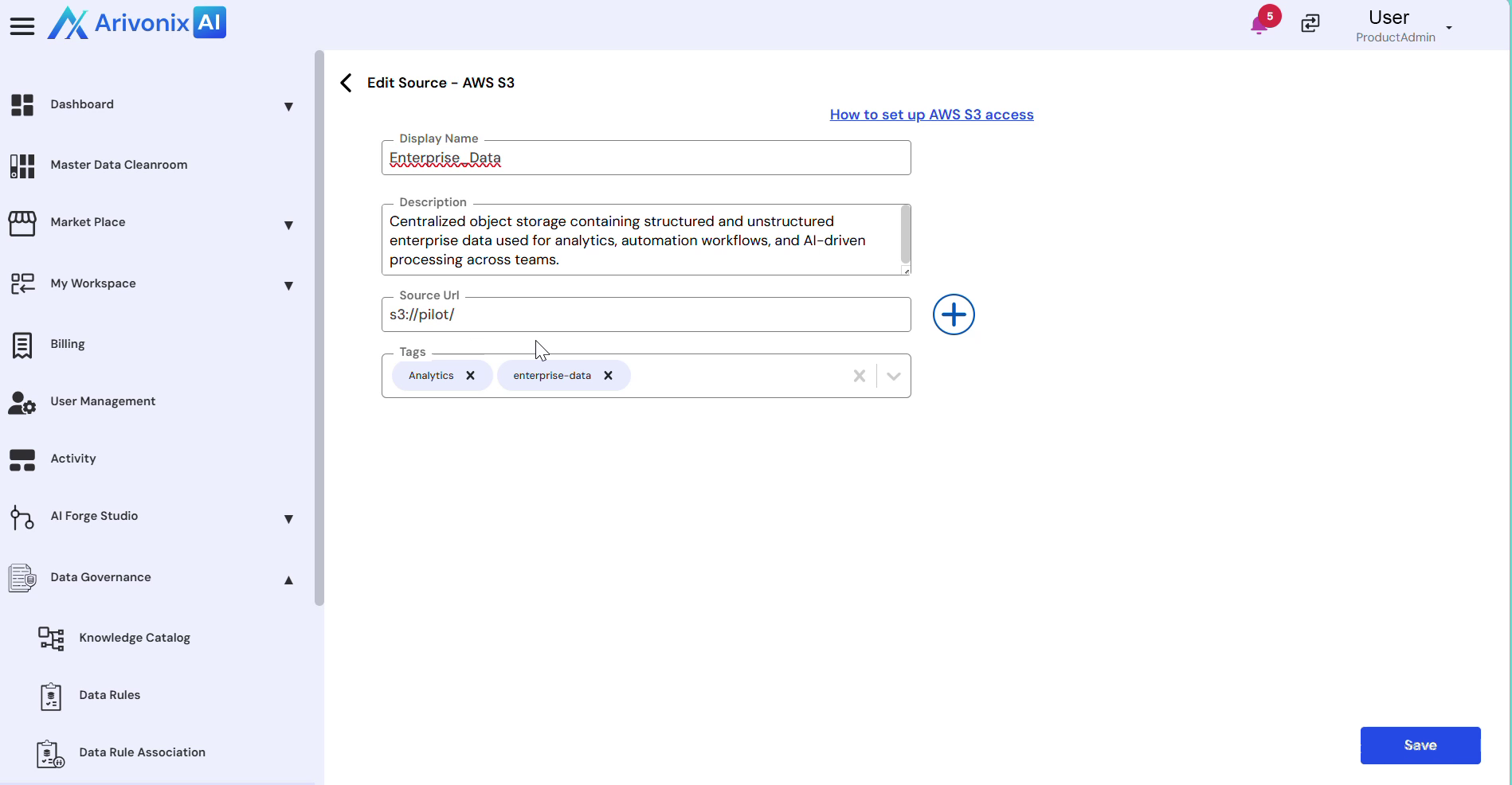
- Enter the required information in the following fields:
- Display Name
- Description
- Source
- URL
- Tags
- Click Save to create the data source.
Once created, the data source appears in the list and becomes available for use across the platform.