

View Pipeline History
On this page
Viewing Pipeline History
Monitor and review detailed pipeline execution history, including timestamps, durations, workflow details, and system logs.
Accessing Pipeline History
- From the Action menu, select History.
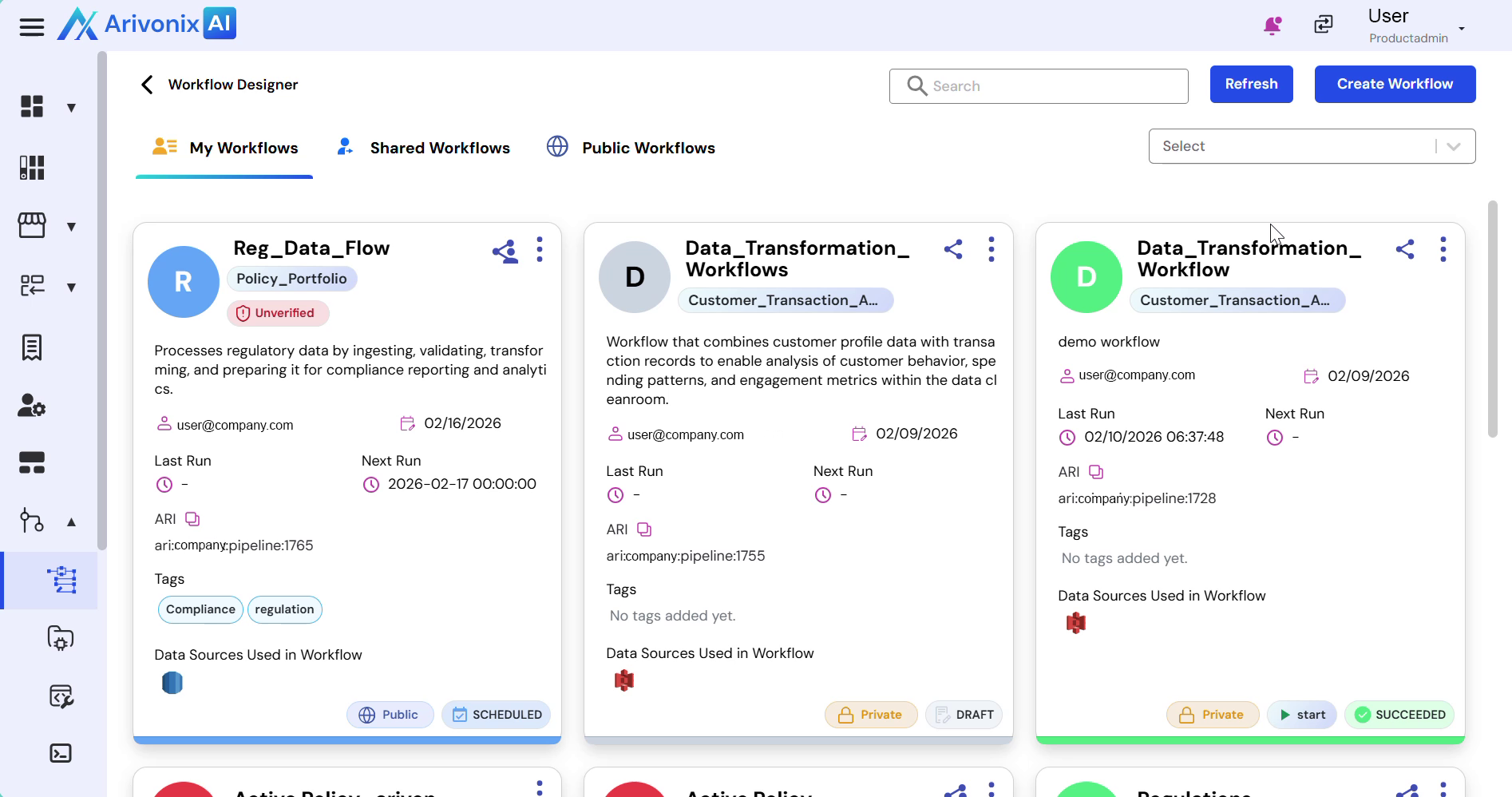
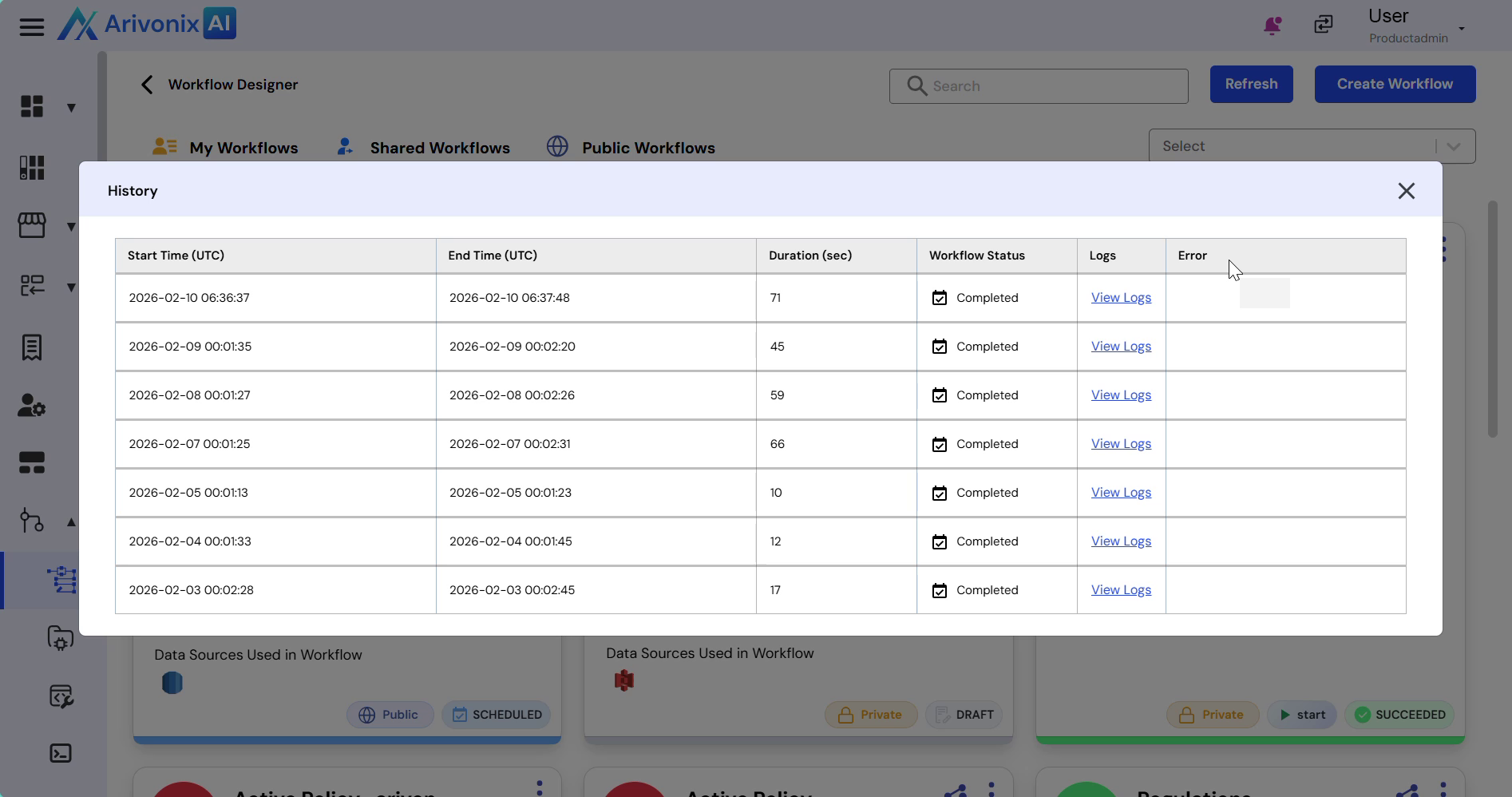
- The history view displays:
- Start Time
- End Time
- Duration
- Workflow Status
- Logs
- To access detailed logs, click View Logs.
Log Details
The system logs provide comprehensive information about pipeline operations including:
- Pipeline initialization and startup
- Destination table operations
- Pipeline running status updates
- Applied workflow transformations
- Timestamped system information