

Editing Prompts
On this page
Editing Prompts
Arivonix provides options to customize existing prompts through the prompt designer interface.
To edit a prompt in Arivonix:
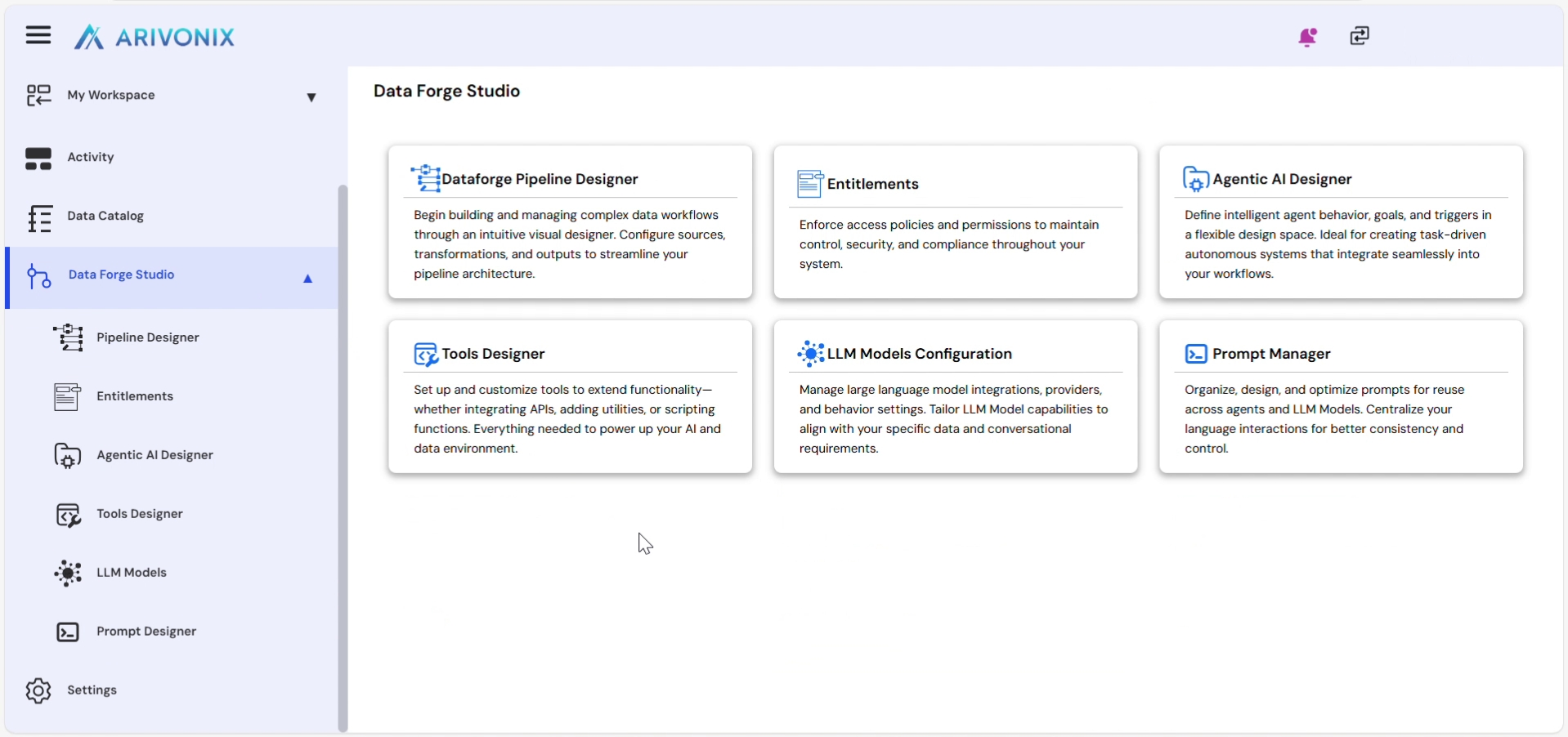
- After logging in, click DataForge Studio from the left menu.
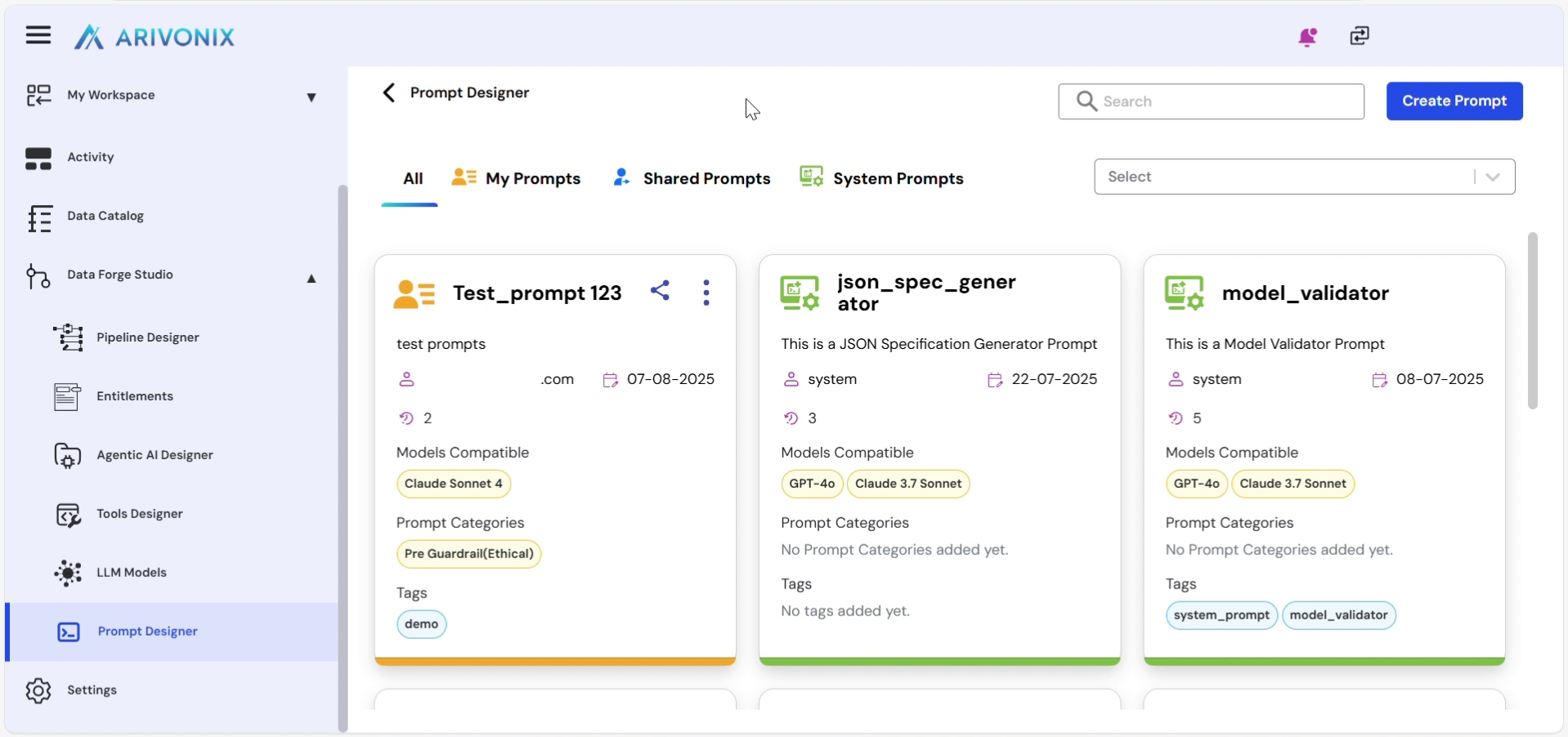
- Inside the DataForge Studio, click Prompt Designer.
Inline Editing Options
Arivonix supports inline editing for various prompt properties. Users can edit fields directly in the prompt tile by clicking on them:
- Edit the prompt name by clicking on the name in the prompt tile.
- Modify the prompt description by clicking on the description text.
- Update model compatibility by clicking on the current model selections. Users can:
- Select additional models
- Clear currently selected models
- Manage prompt categories by clicking on them. Users can:
- Add new prompt categories
- Remove existing prompt categories
- Edit tags by clicking on them. Confirm changes by clicking outside the text box.
- Change ownership by clicking on the current owner in the tile and selecting another owner. Confirm the selection by clicking outside the box.