

Filter Columns
On this page
Filter Columns
Apply filtering conditions to columns to refine data and ensure only relevant records progress through the workflow.
To configure a Filter Columns transformation:
- Click on the plus icon and select Filter Columns.
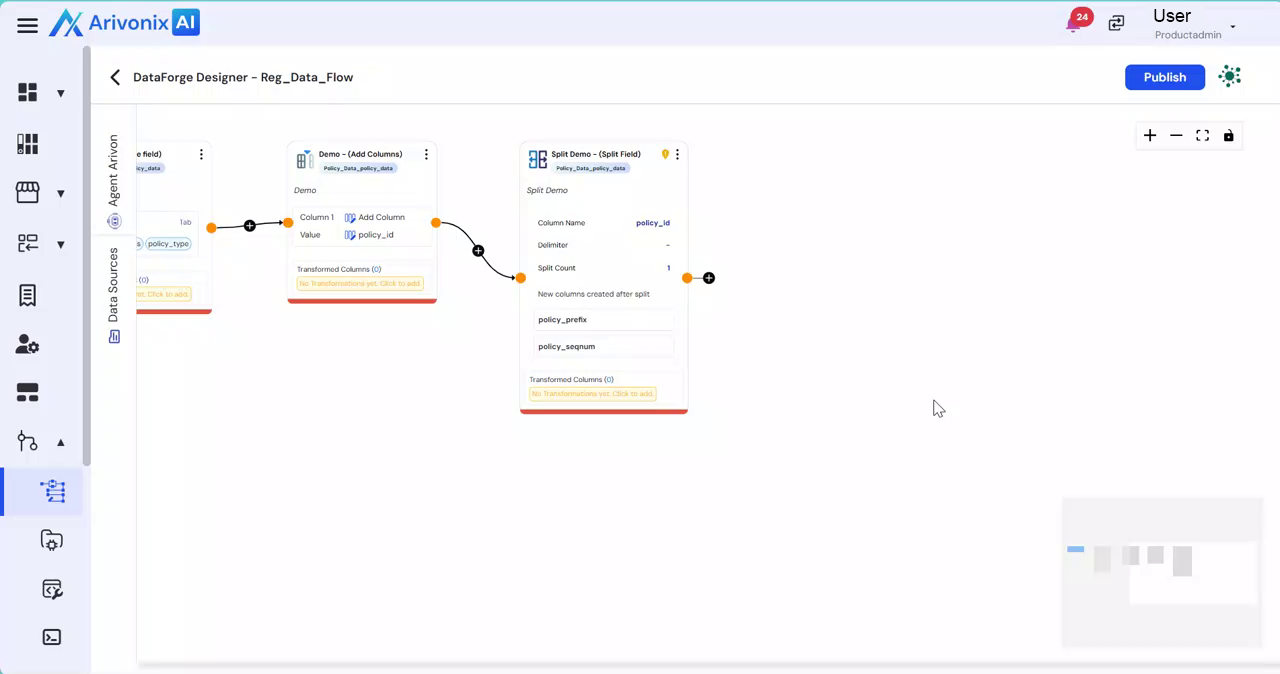
- Enter a Name for the transformation.
- Provide a description.
- Select the column to apply the filtering condition.
- Choose the required operation (Less Than, Greater Than, Equal To, or other available conditions).
- Enter the filter value against which the selected column will be validated.
- For multiple conditions, click
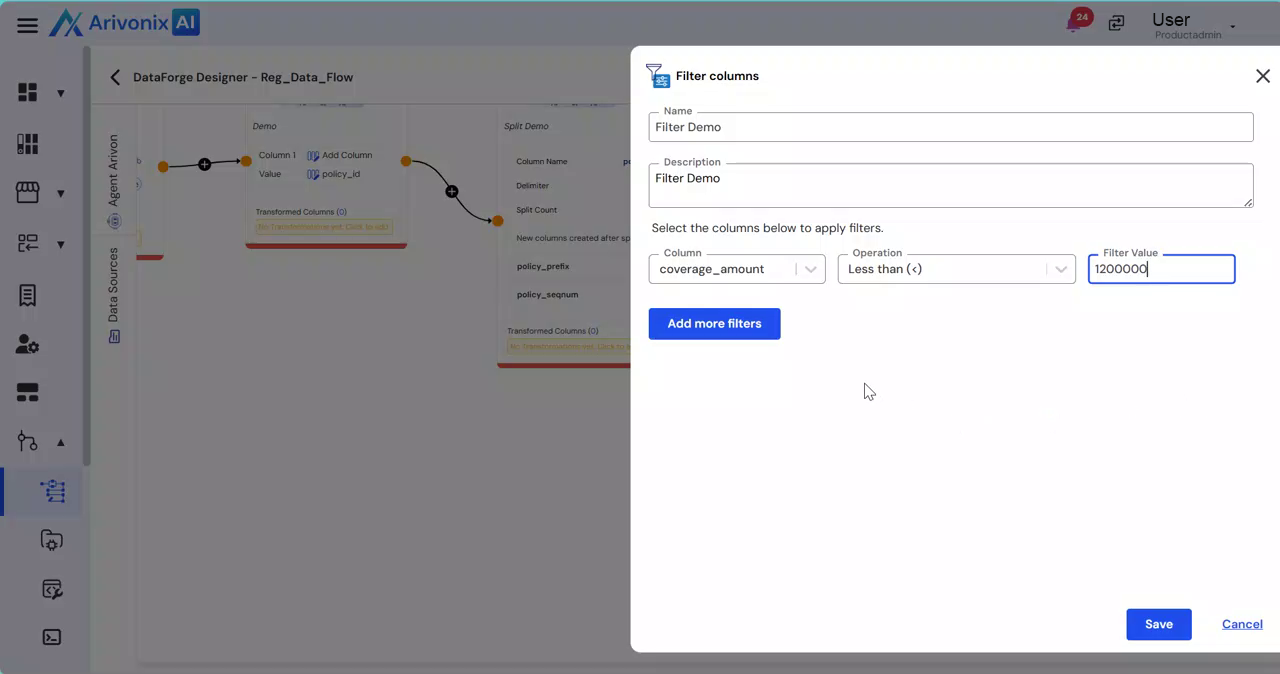 Add More Filters to include additional filtering rules.
 - Click
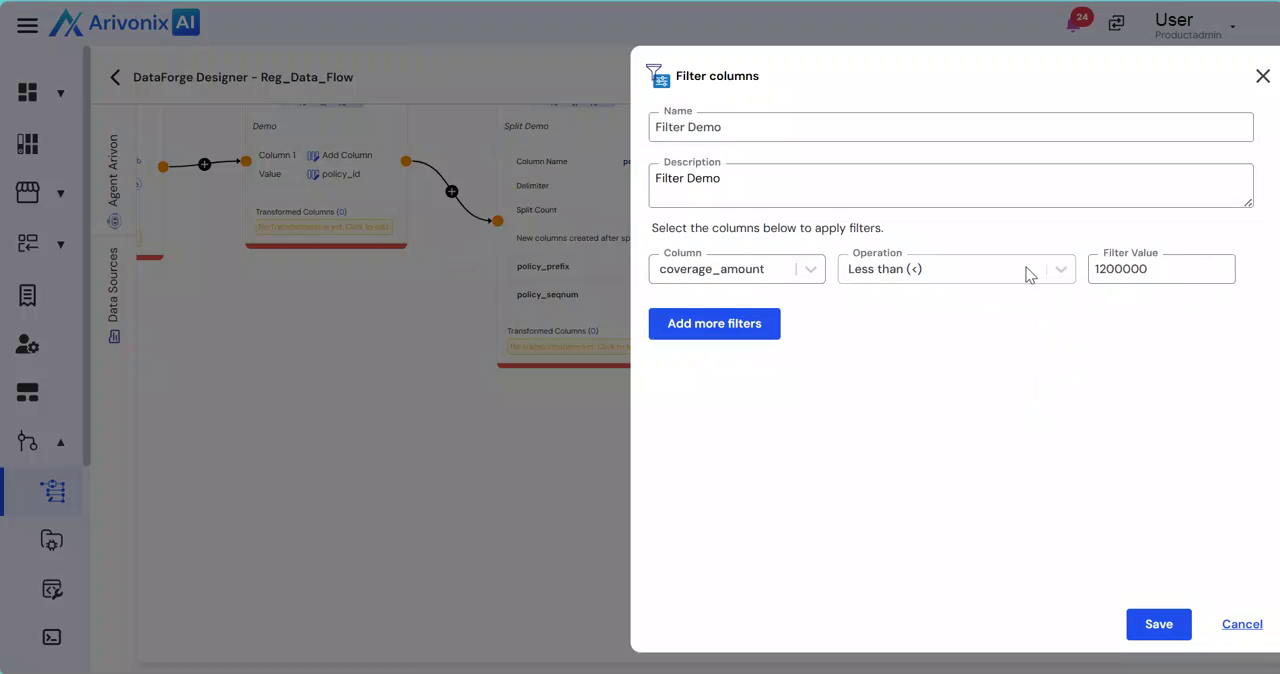 Save to apply the filter or select Cancel to discard changes.