Data Sources Overview
On this page
Data Sources Overview
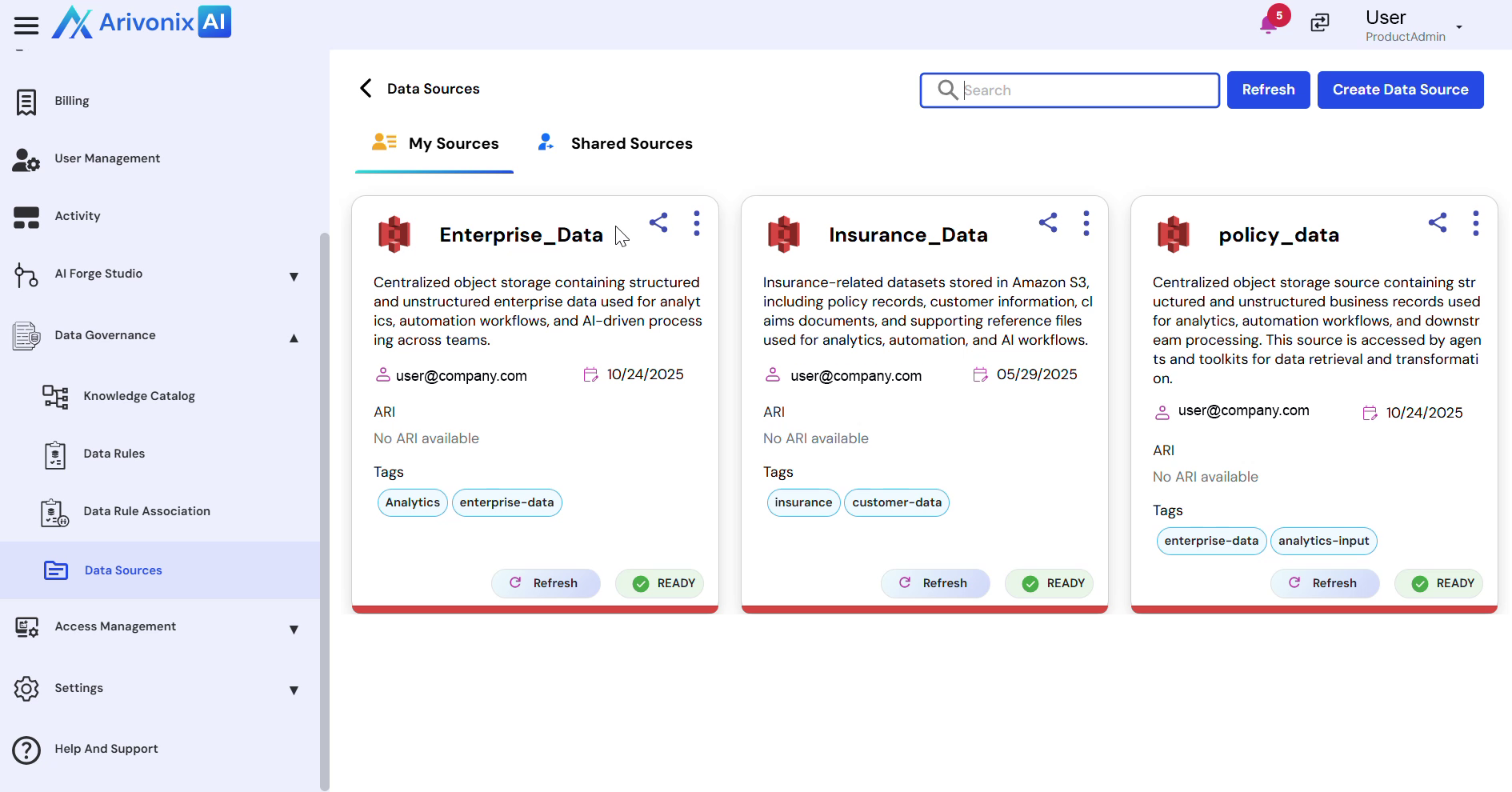
Manage and access data sources through a centralized interface for seamless data integration and sharing capabilities.
Accessing Data Sources
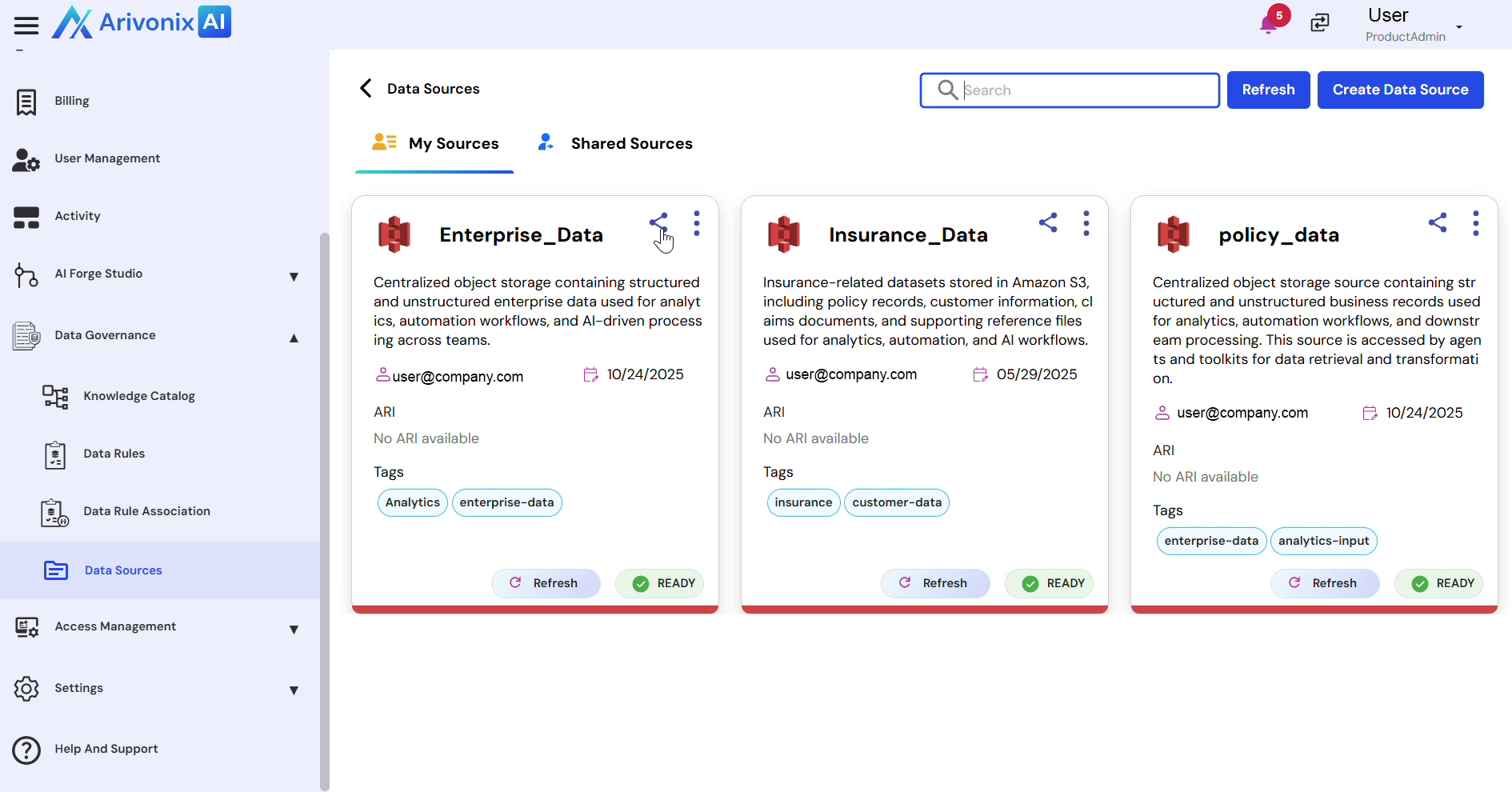
- From the left navigation menu, navigate to Data Governance and select Data Sources.
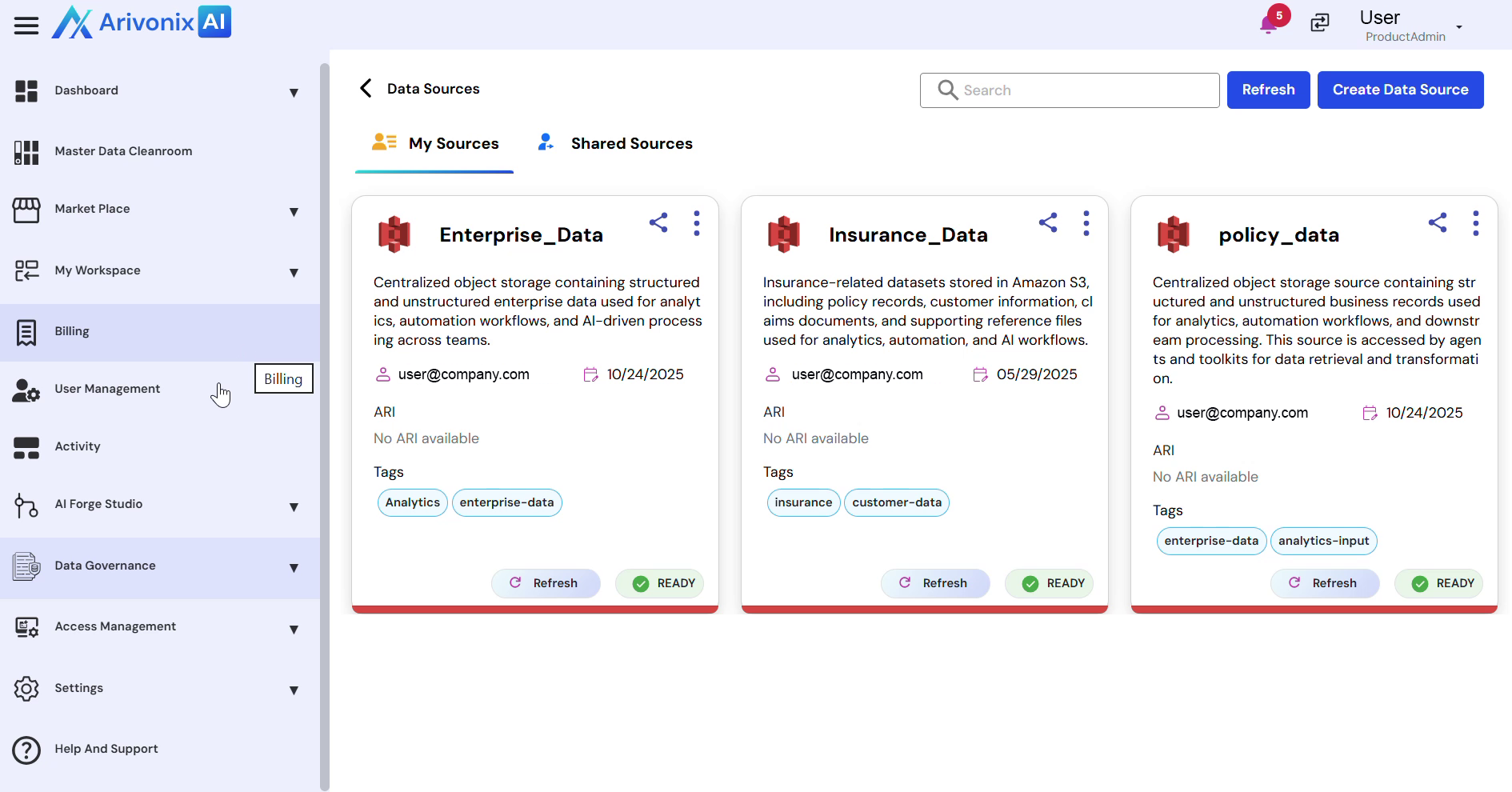
- Access your data sources by clicking My Sources to view owned sources, or Share Sources to view shared sources.
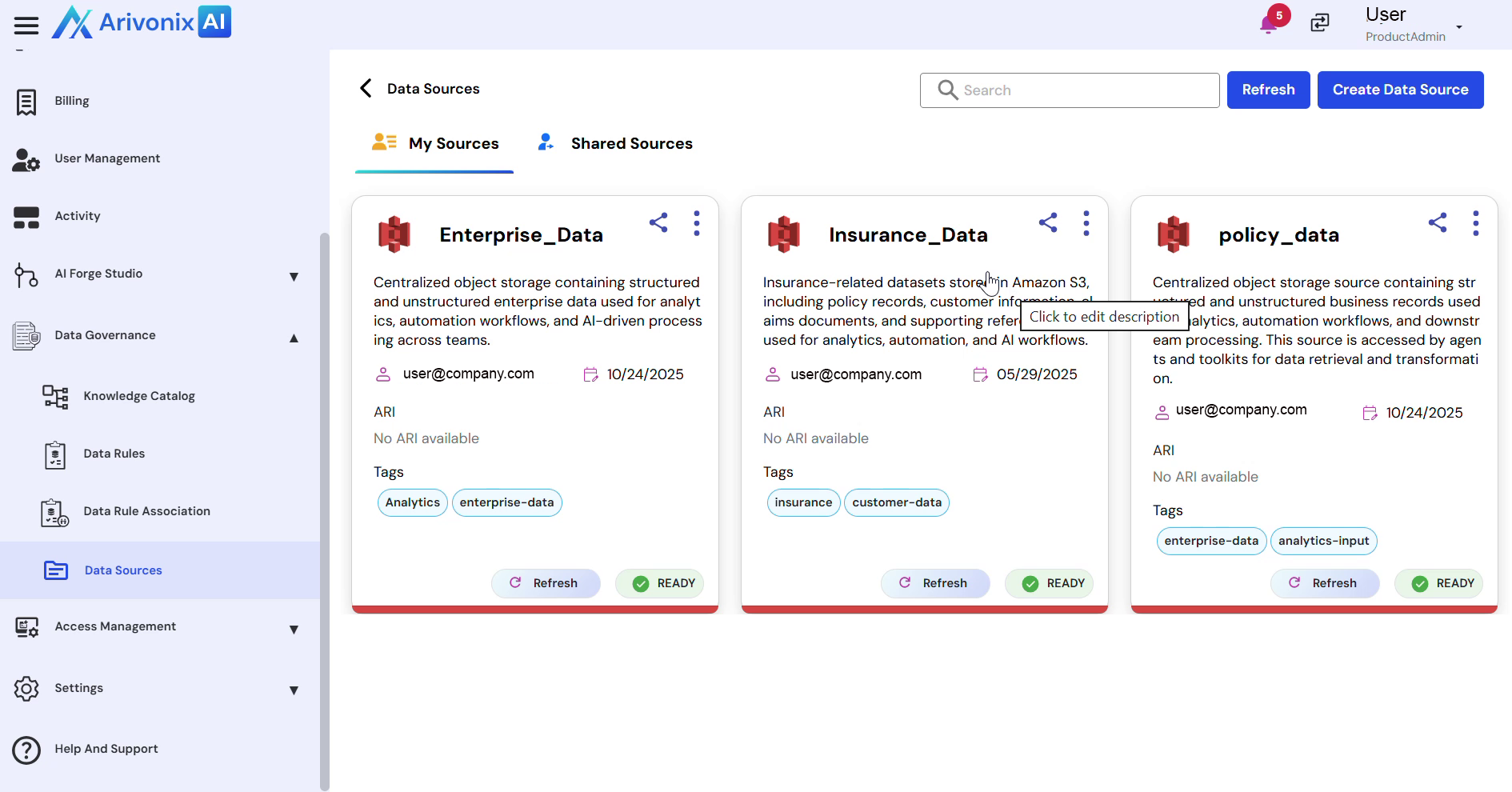
Managing Data Sources
Each data source is displayed as a card containing the following information:
- Source name
- Description
- Owner
- Creation date
- Tags
- Current status
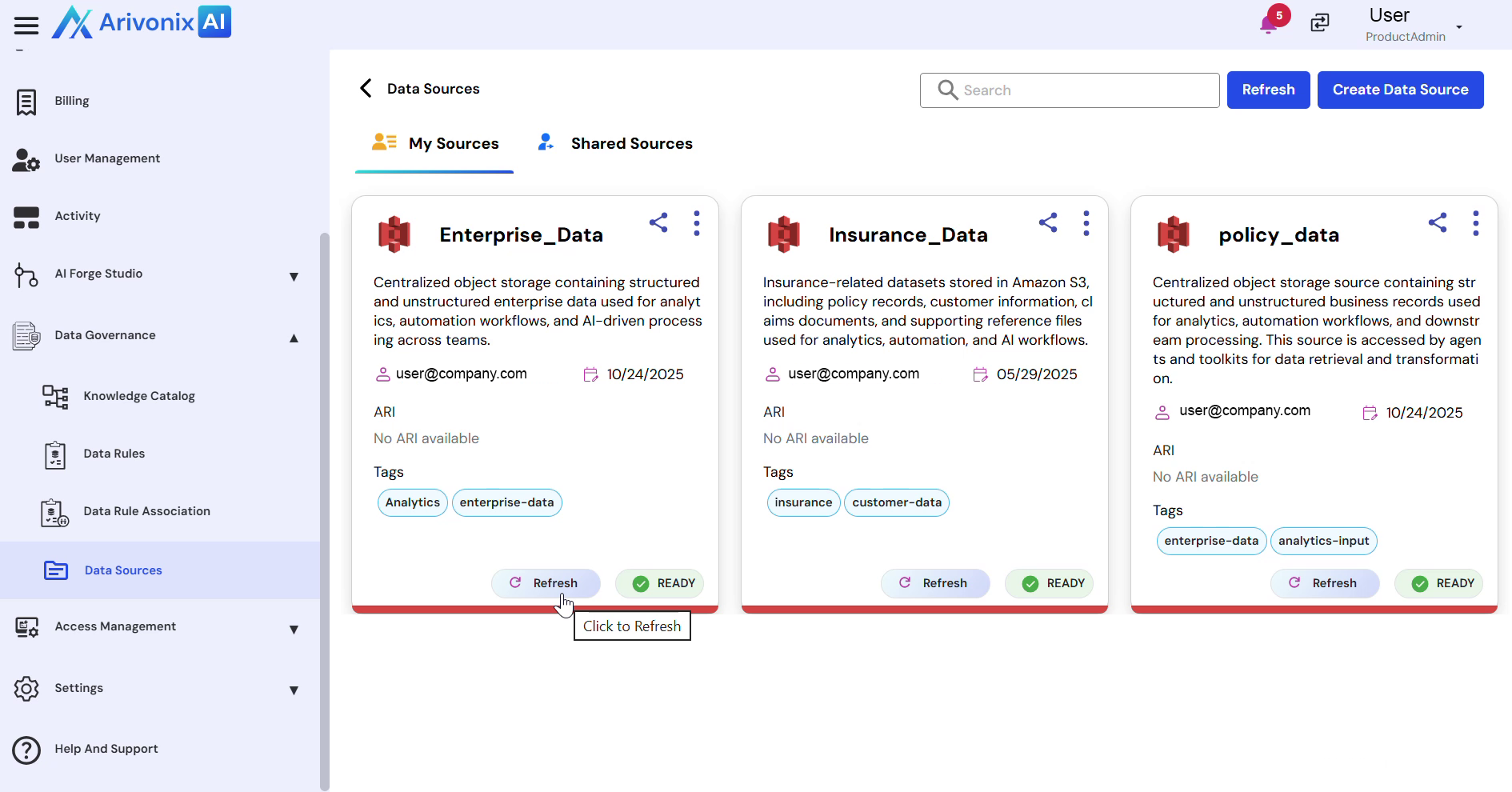
Available management options include:
- Use the Refresh option to synchronize the source and verify its readiness status
- Access the Action menu to edit or delete the Data Source
- Utilize the Search bar to locate specific data sources
- Click the Share option to grant access to other users and teams
Creating a New Data Source
To establish a new connection:
- Click Create Data Source to initiate the source type selection process