Editing Data Products
On this page
Editing Data Products
Modify and update existing data products using inline editing or the full edit workflow in Arivonix.
Editing Methods
Inline Editing
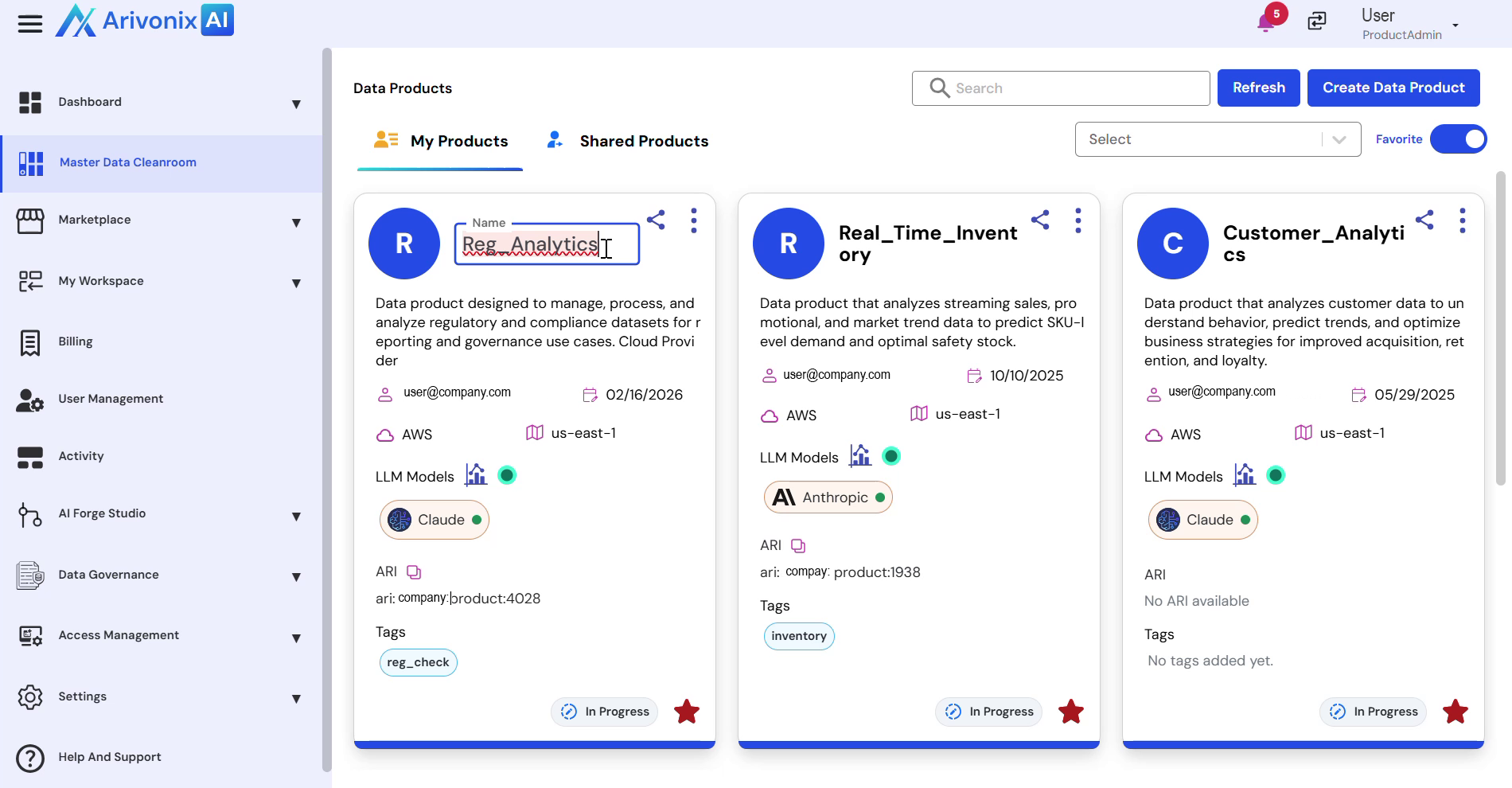
For quick modifications, use inline editing to update basic details directly from the data product tile:
- Click the data product’s Name to edit basic information including:
- Name
- Description
- Owner
- Click outside the text box to save the changes
Full Edit Workflow
For comprehensive editing, use the full edit workflow:
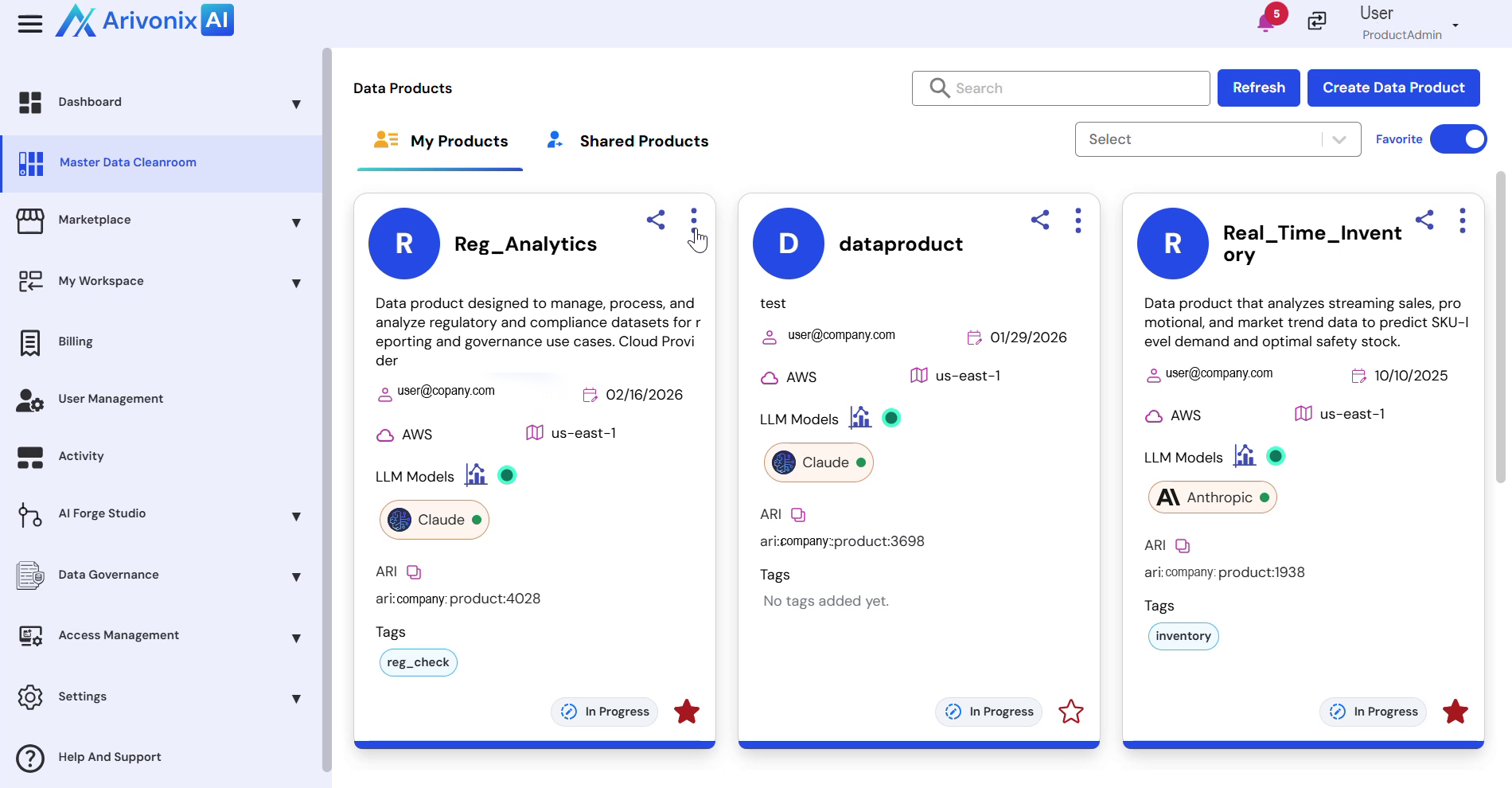
- Click the Action Menu and select Edit
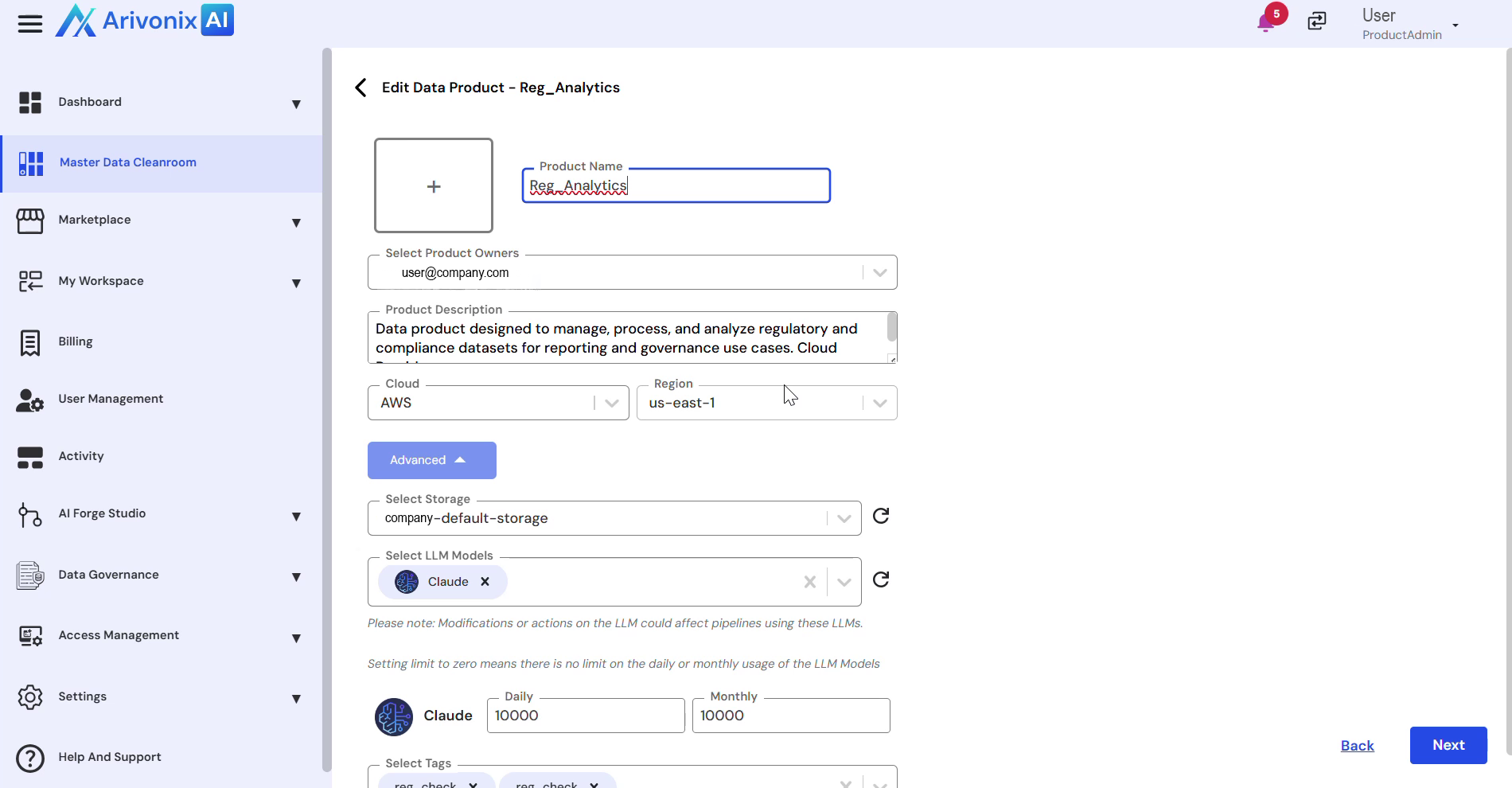
- Modify the following details:
- Name
- Description
- Cloud
- LLM Models
- Click Next to proceed
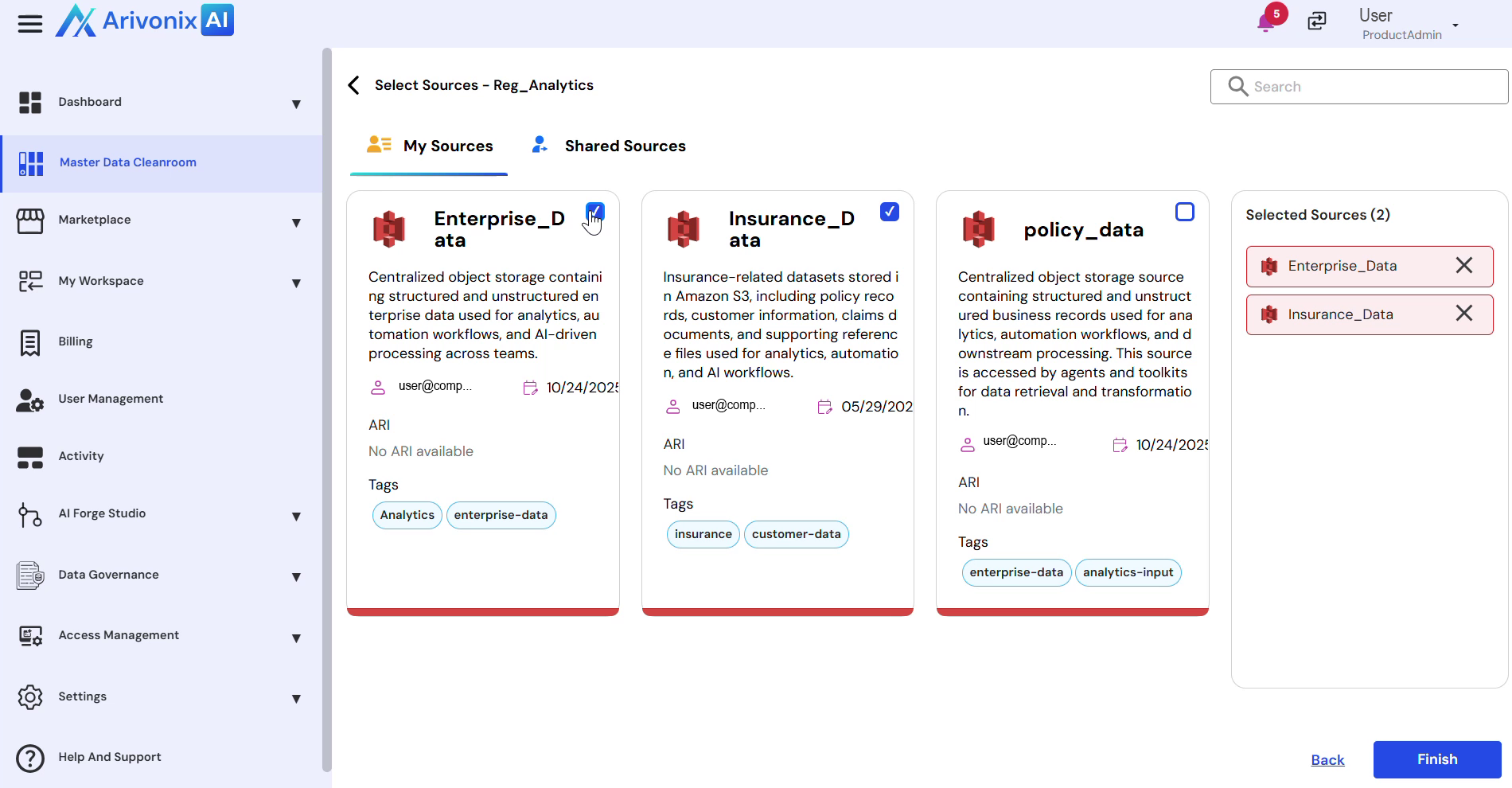
- Update Data Sources by selecting or deselecting sources as needed
- Click Finish to complete the editing process