

Deleting a Worksheet
On this page
Deleting a Worksheet
Remove unnecessary worksheets from your workspace to maintain organization and clarity.
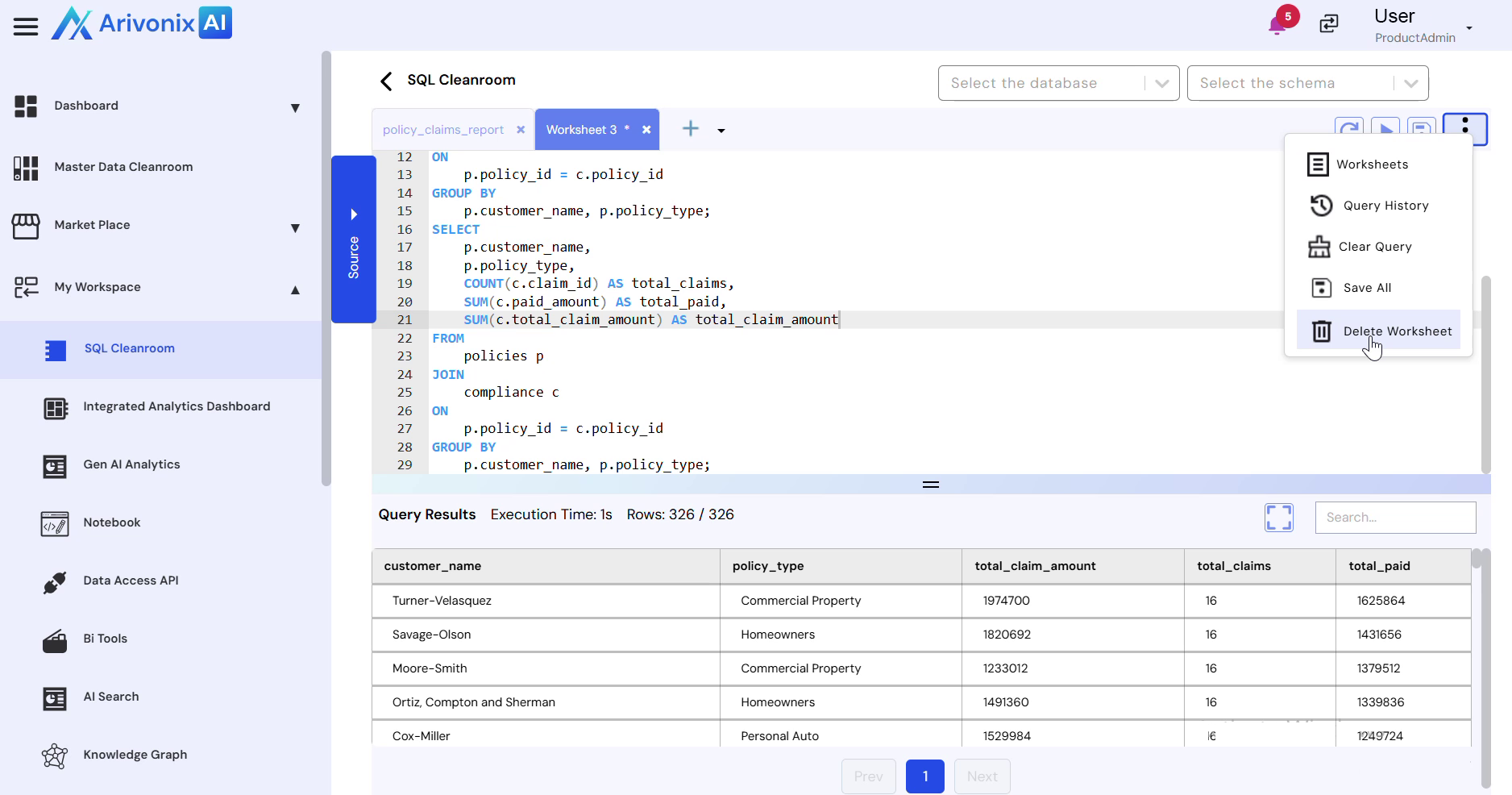
- Select Delete option from the Action menu.
- Click the Delete Worksheet button.
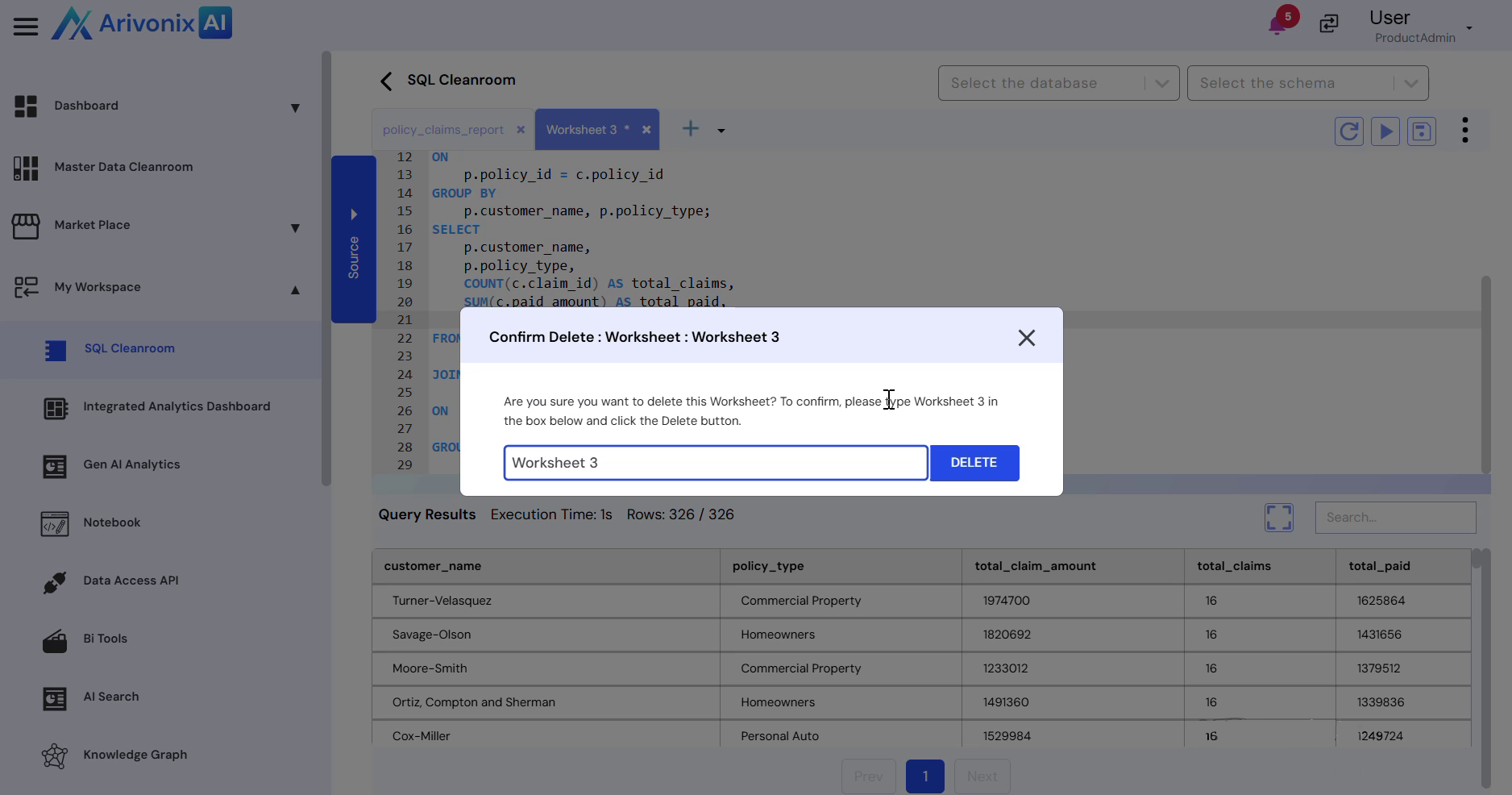
- Enter the worksheet name to confirm deletion.
- Click the Delete button to proceed.
A confirmation message appears indicating the worksheet has been successfully deleted.