Creating an API
On this page
Creating an API
Create and configure APIs to enable secure data access and querying capabilities in Arivonix.
- From the Data Access API card, locate the Action Menu in the right corner.
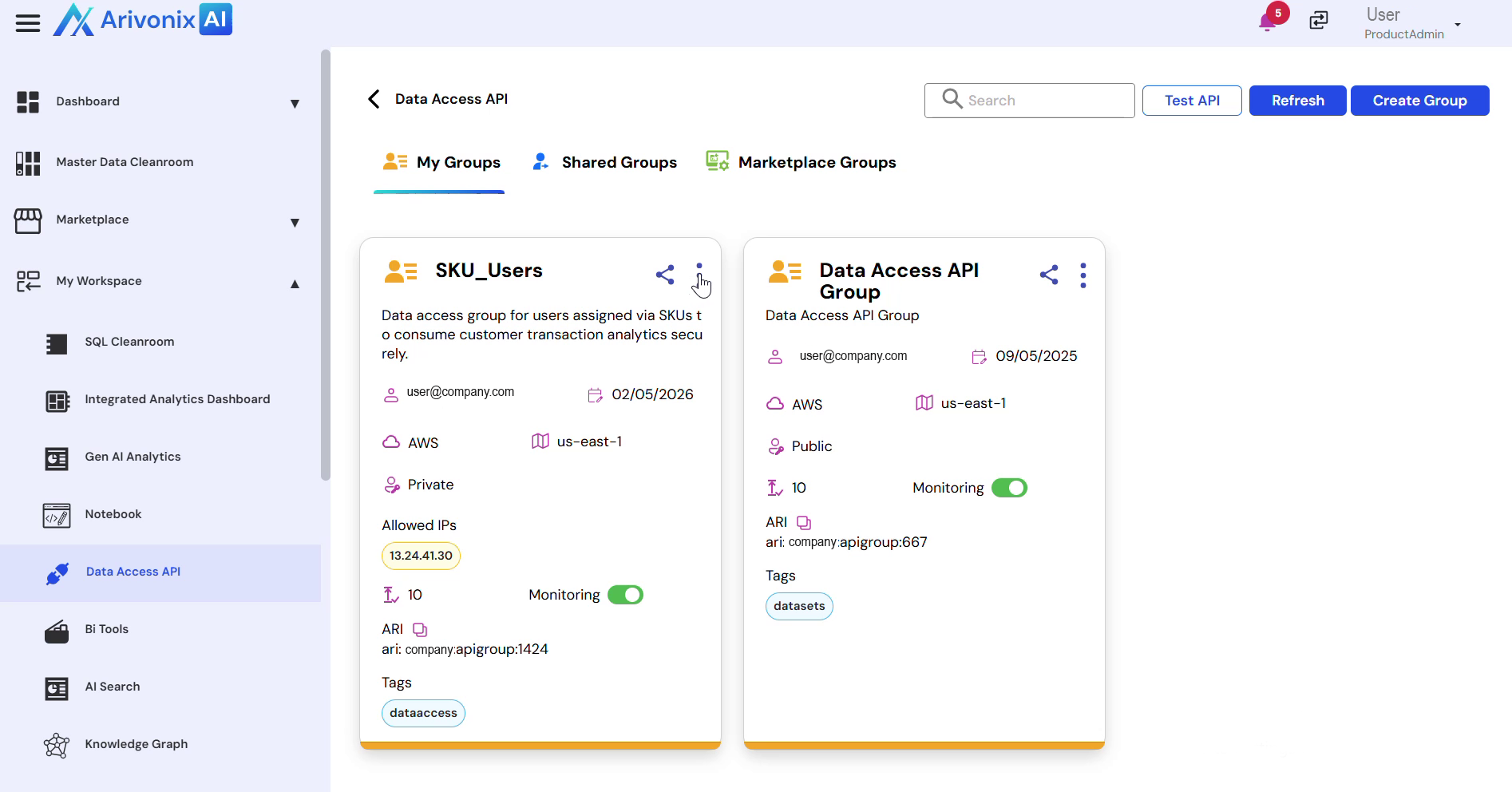 Select API Collections.
 - Click the Create API button to begin configuration.
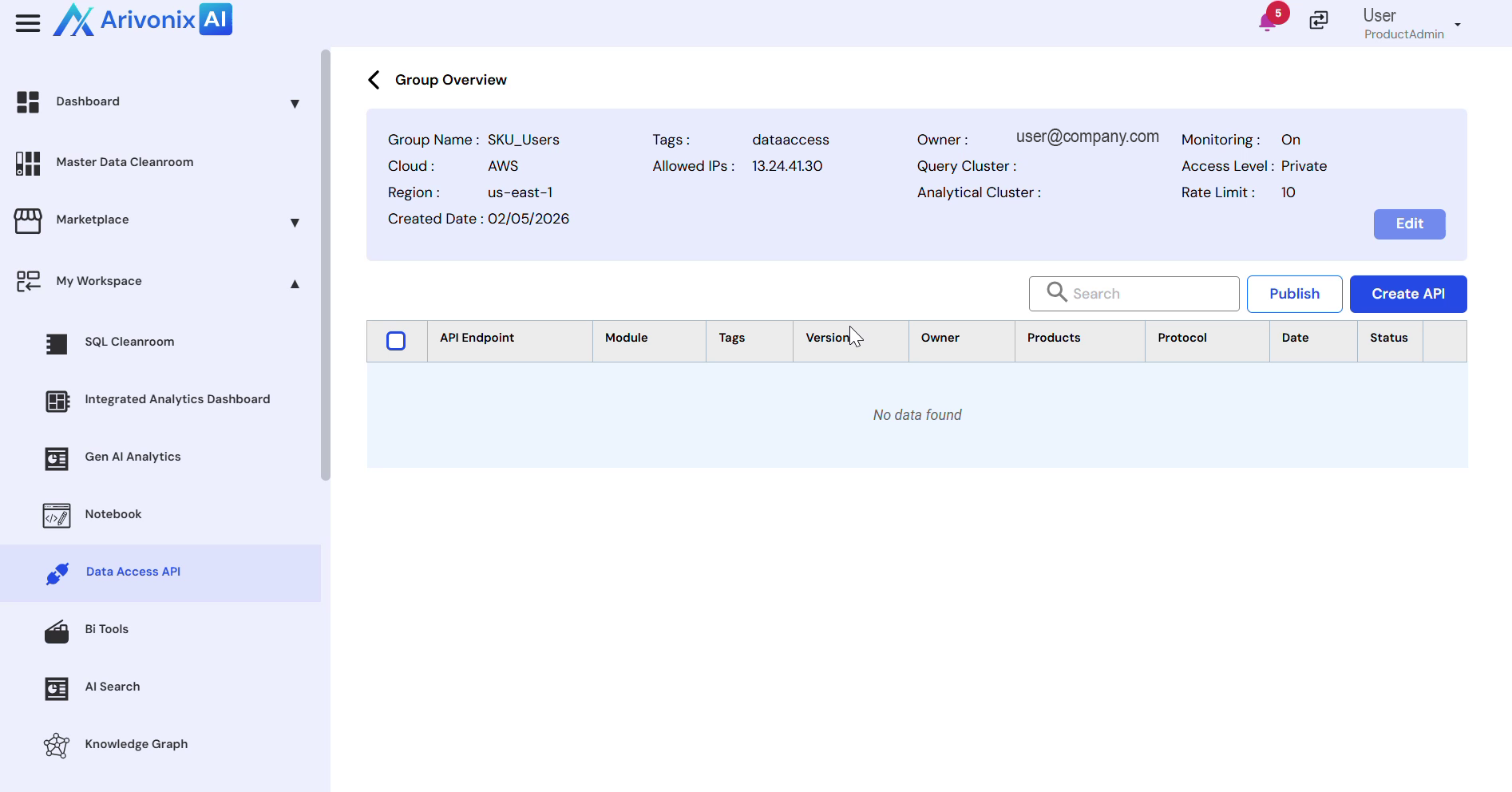
- Configure the API by entering the following required details:
- API Endpoint
- Module
- Protocol
- Tags
- For the SQL configuration:
- Either generate SQL using a custom prompt, or
- Directly input the SQL query
- Test the SQL implementation:
- Click the Run SQL button to execute
- Review the preview results
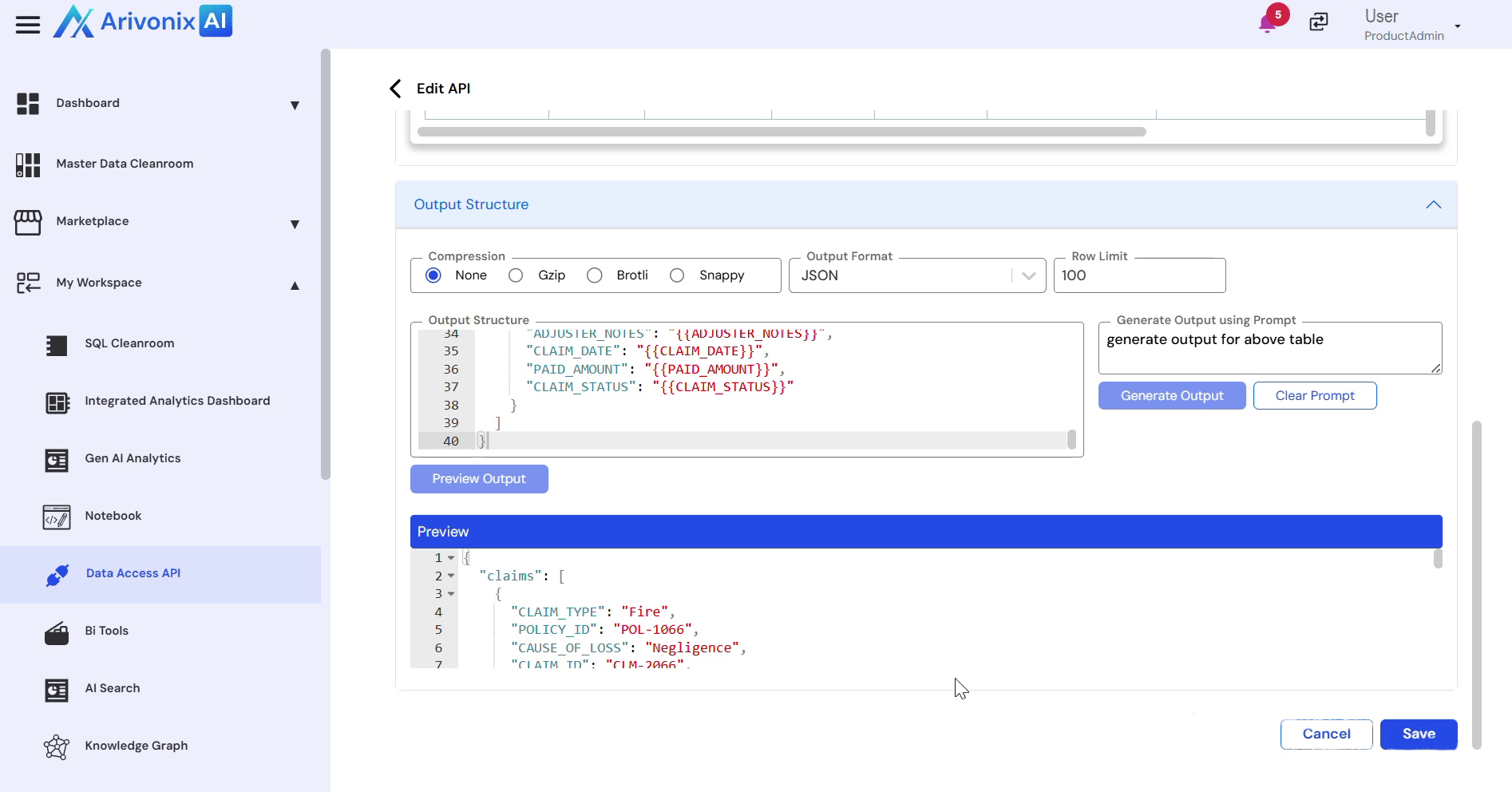
- Examine the output structure
- Configure the output:
- Generate using a custom prompt, or
- Enter SQL query directly
- Review the output preview at the bottom of the section
- Click Save to complete the API creation.