

Remove Duplicate Rows
On this page
Remove Duplicate Rows
Remove redundant entries from data tables to ensure data integrity and cleanliness.
To remove duplicate rows from a data table:
- Navigate to the data transformation table where duplicates need to be removed.
- Locate and click the Remove Duplicate Rows icon
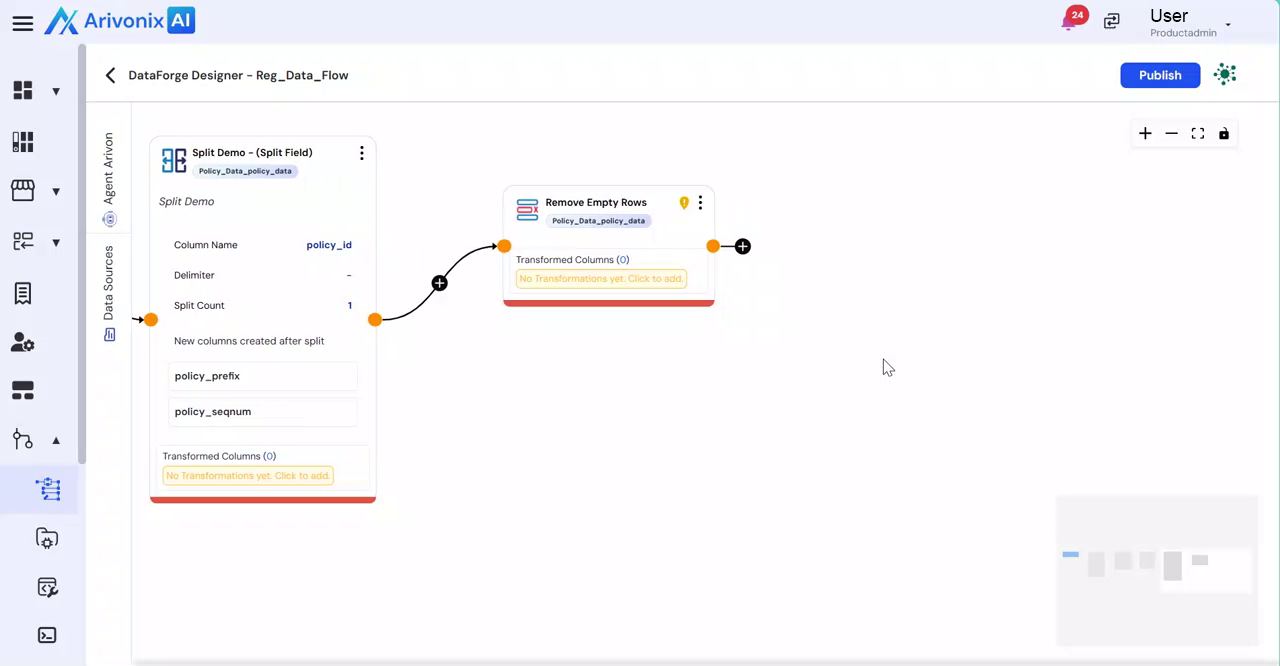
- Select Remove Duplicate Rows from the menu options.
The system will automatically identify and remove any duplicate rows present in the current data transformation table.