

Deleting a Registry
On this page
Deleting a Registry
Remove a registry and its associated resources permanently from the system.
- Open the Action Menu on the registry tile.
- Select Delete from the menu options.
- In the confirmation dialog that appears, enter the registry name in the text box to confirm deletion.
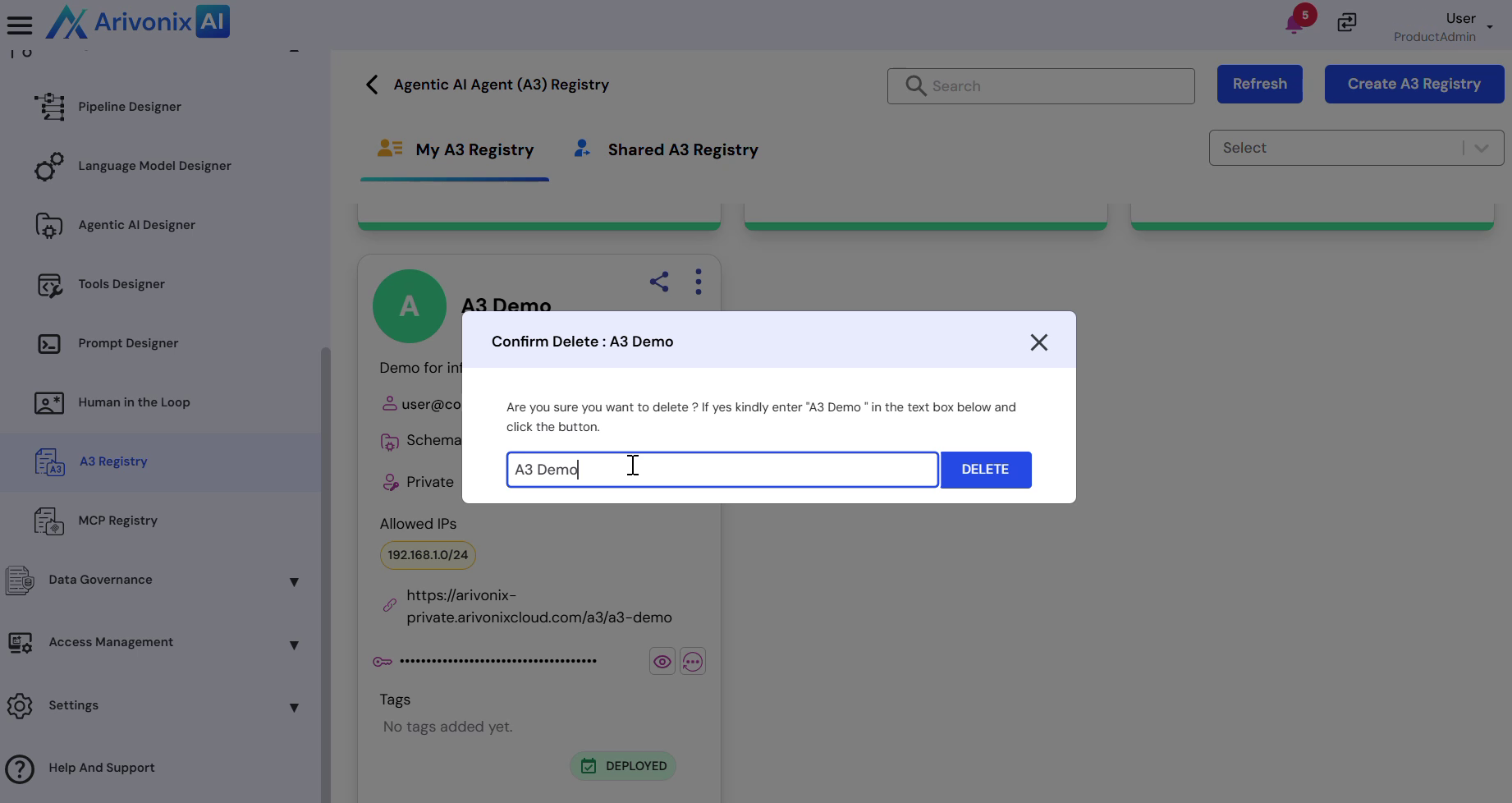
- Click Delete to permanently remove the registry.
After confirmation, the registry is permanently removed from the system.