

Sort Columns
On this page
Sort Columns
Sort data columns in ascending or descending order to organize information efficiently.
Configuring Column Sort
- Click the Plus icon.
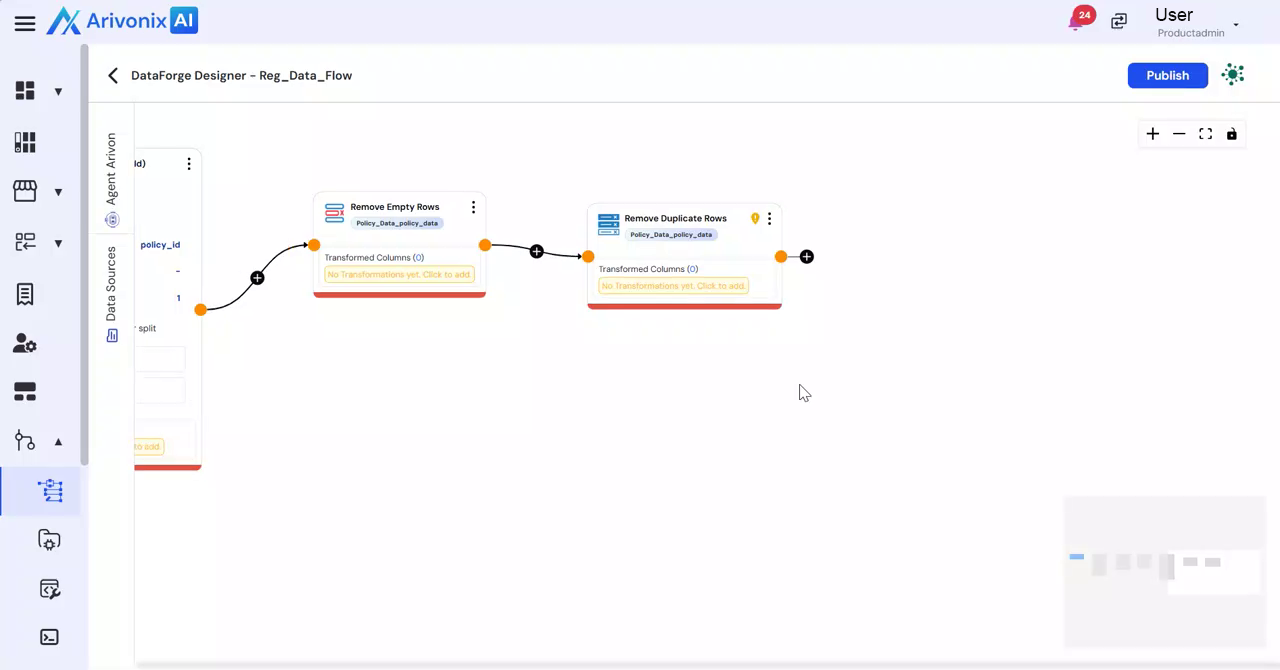
- Select Sort Columns.
- Enter a name for the column configuration.
- Select the column to sort from the available options.
- Choose the sorting order (Ascending or Descending).
- To add additional sorting criteria:
- Click Add More Sort.
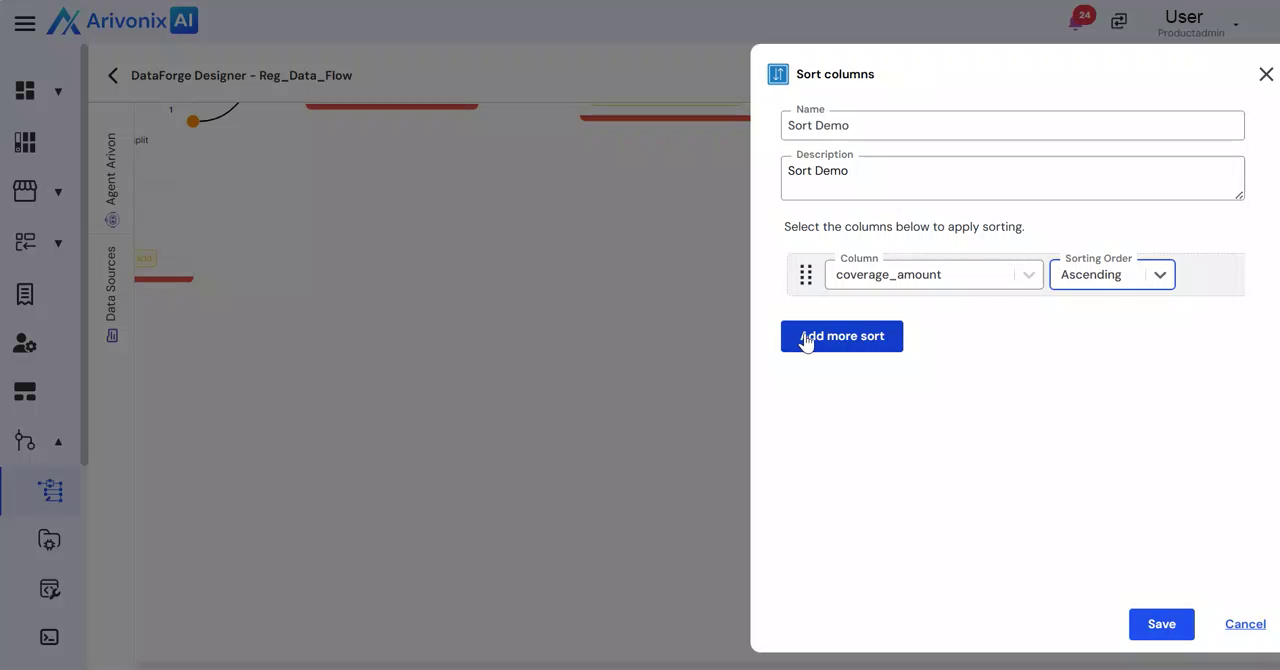
- Select another column and specify its sorting order.
- Click Add More Sort.
- Complete the configuration:
- Click Save to apply the transformation.
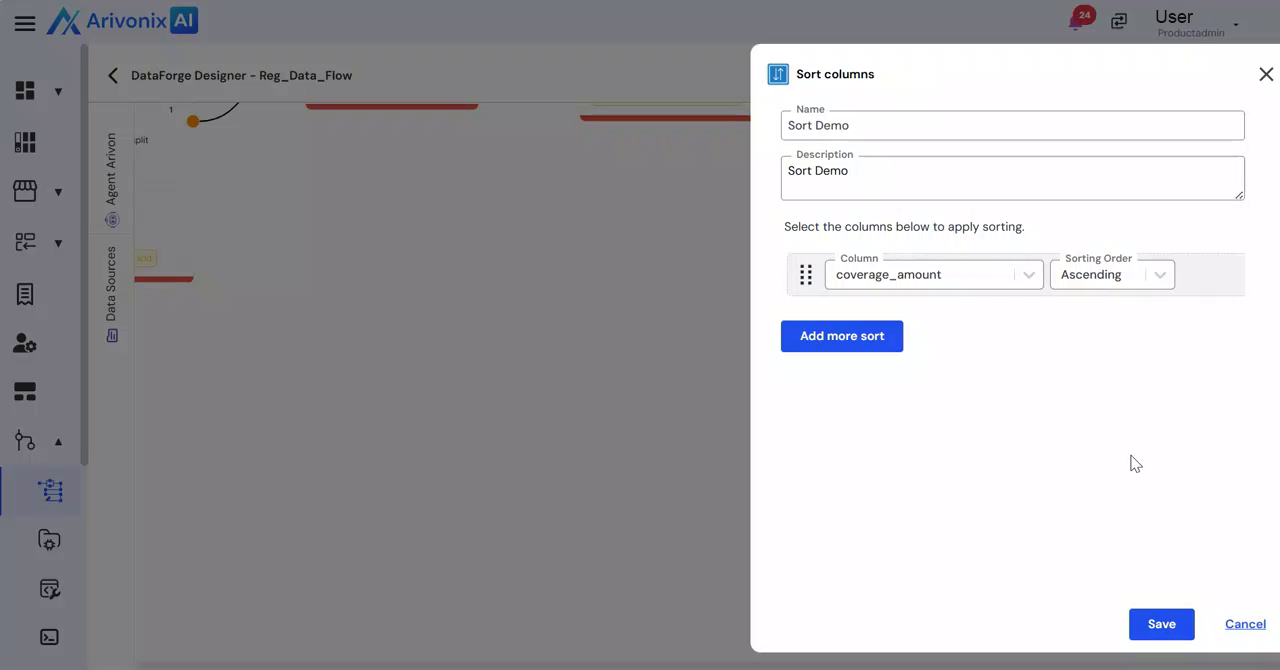
- Alternatively, click Cancel to discard changes.
- Click Save to apply the transformation.