

Editing a Tool
On this page
Editing a Tool
Modify tool properties and settings directly through the inline editing functionality in Arivonix AI.
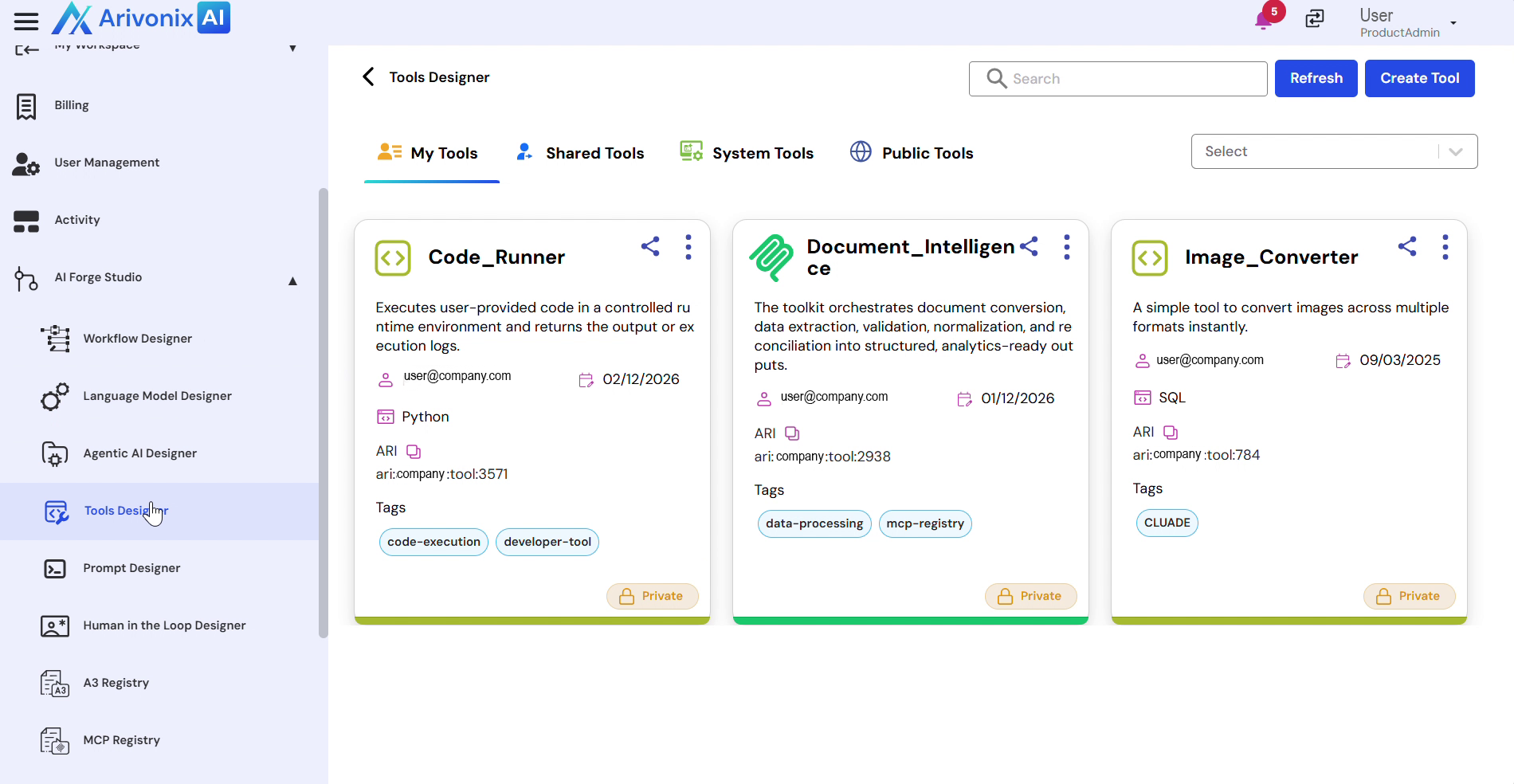
The Tools Designer interface provides inline editing capabilities for various tool properties:
- Edit Basic Properties:
- To modify the tool name:
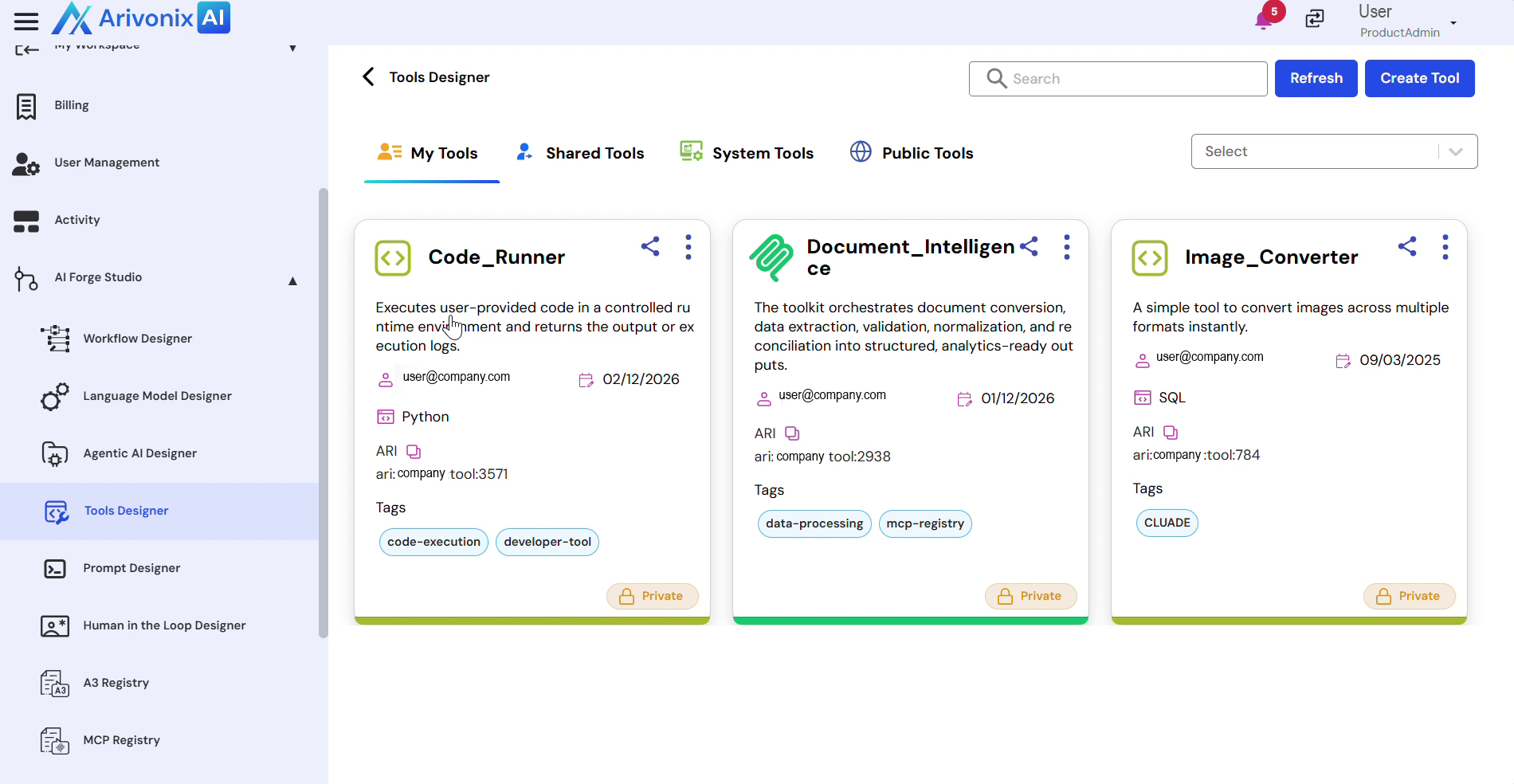 Click directly on the tool name field.
 - To update the description:
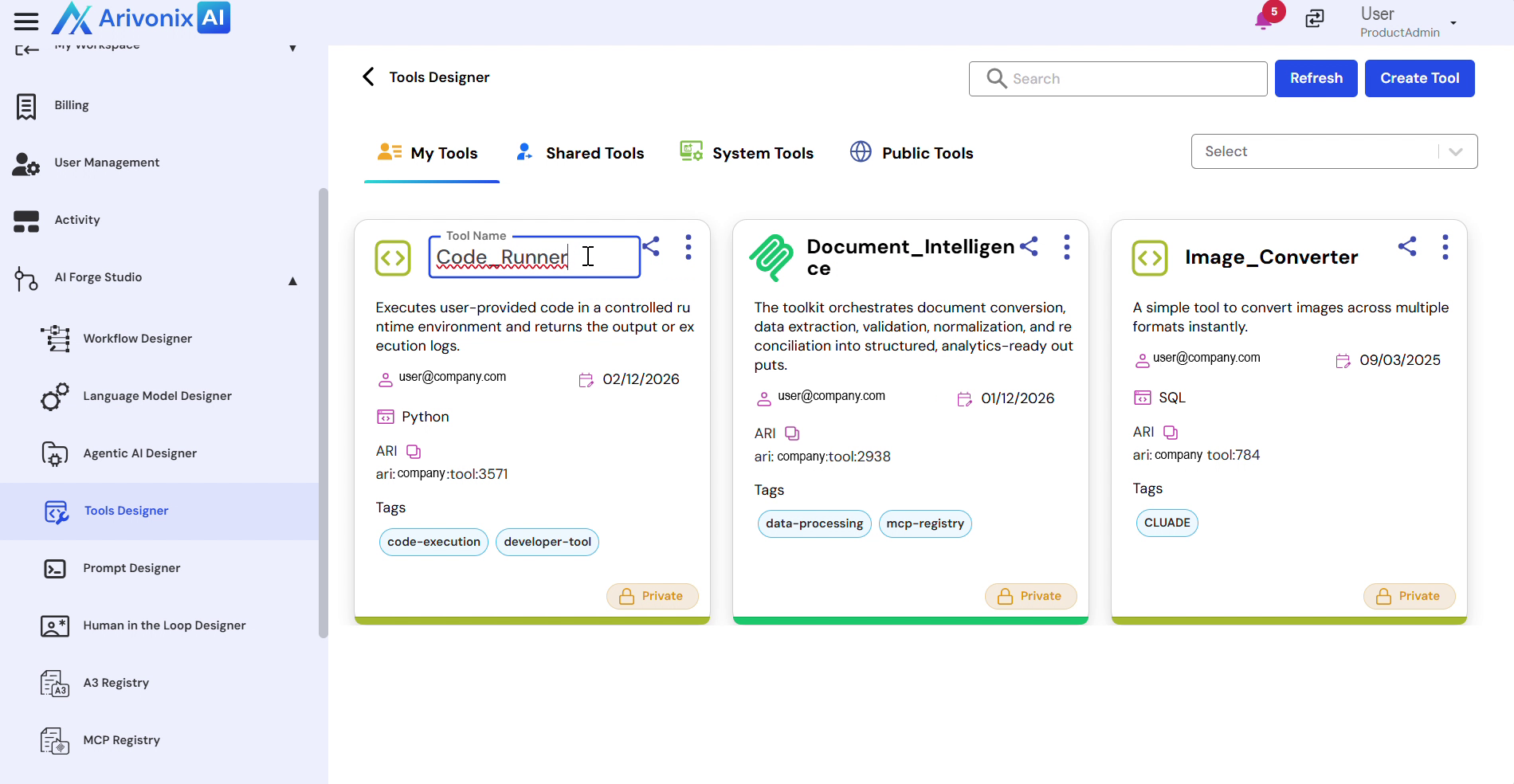 Click on the description field.
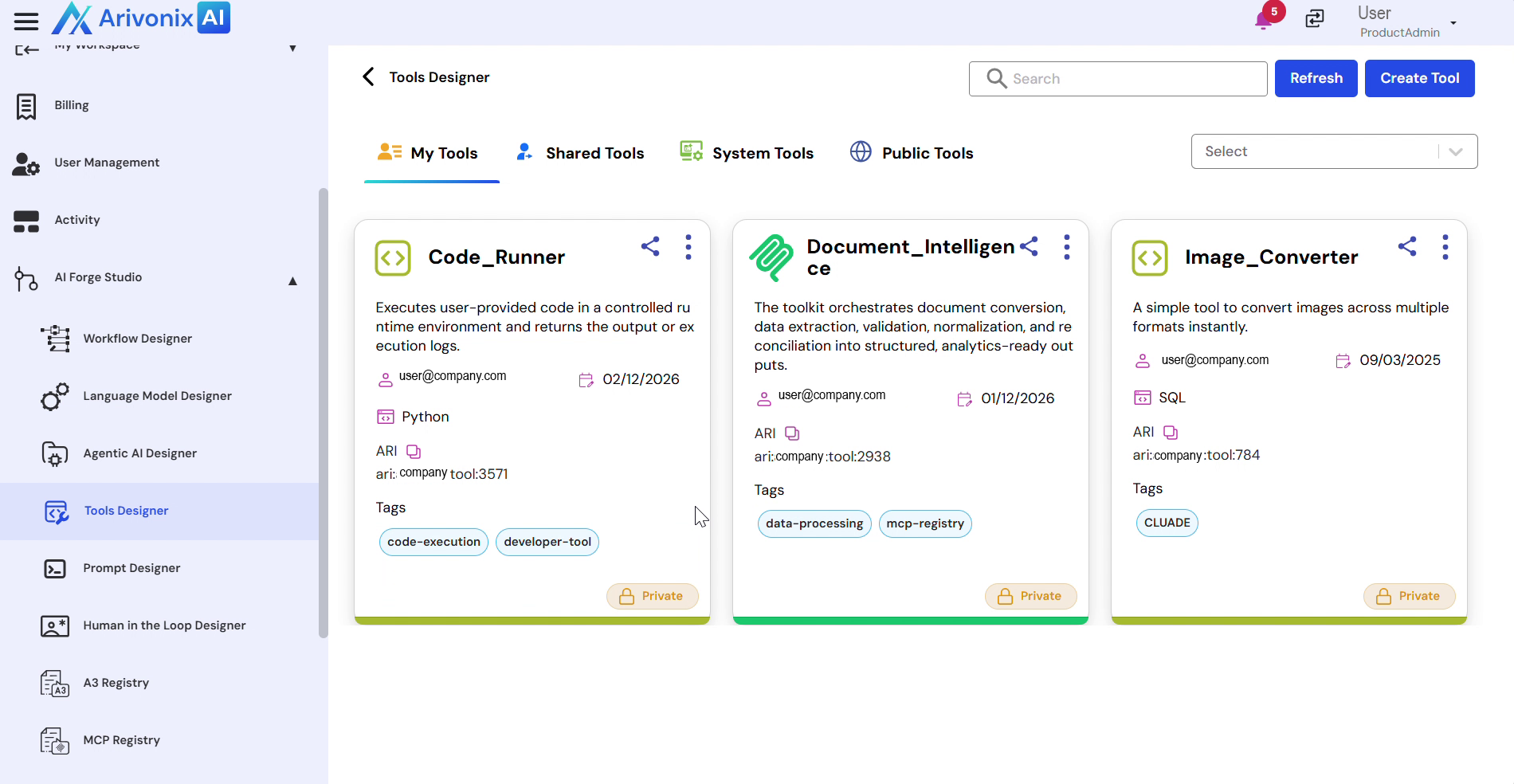
 - After making changes:
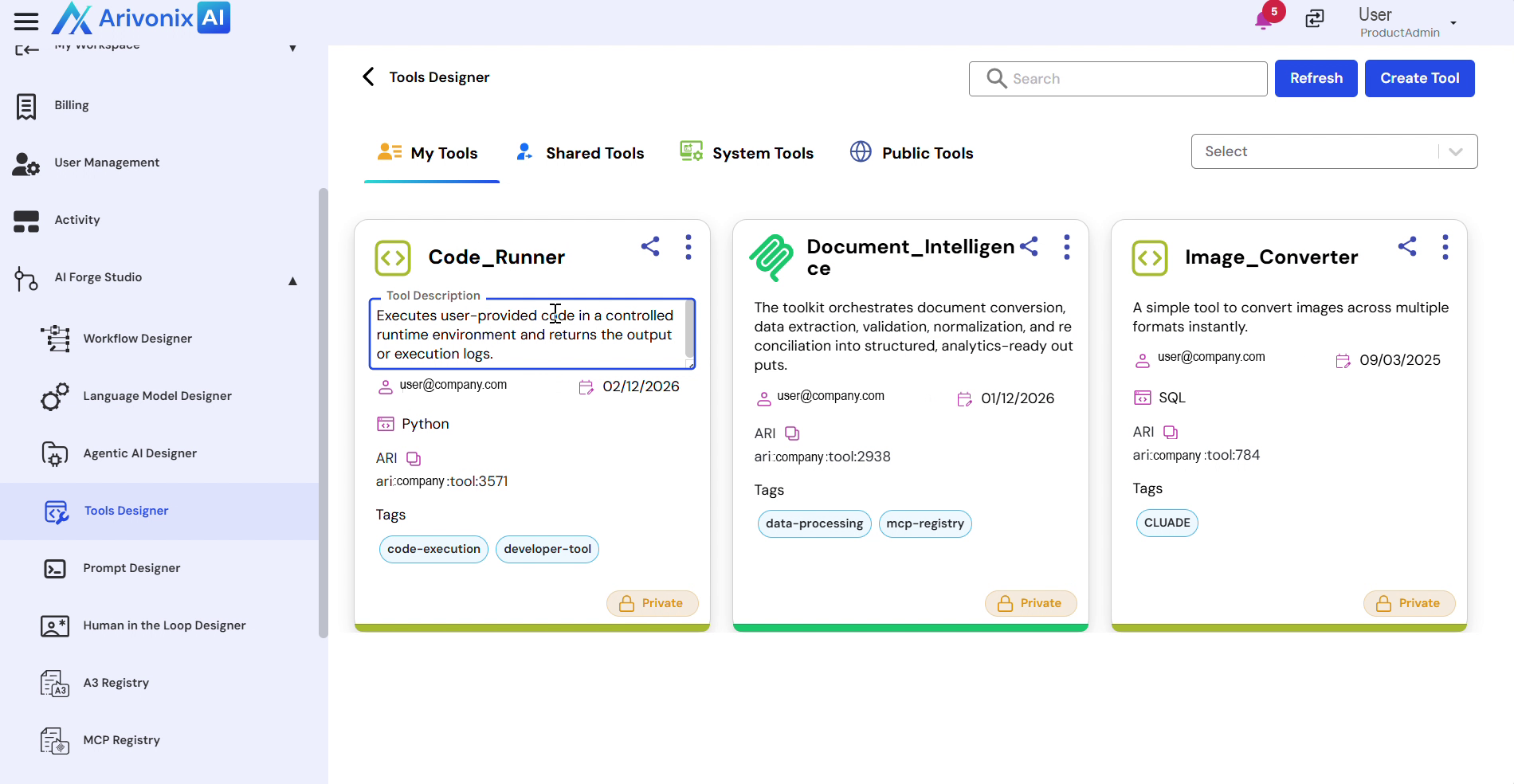 Click outside the text box to save.
- To modify the tool name:
- Manage Tags:
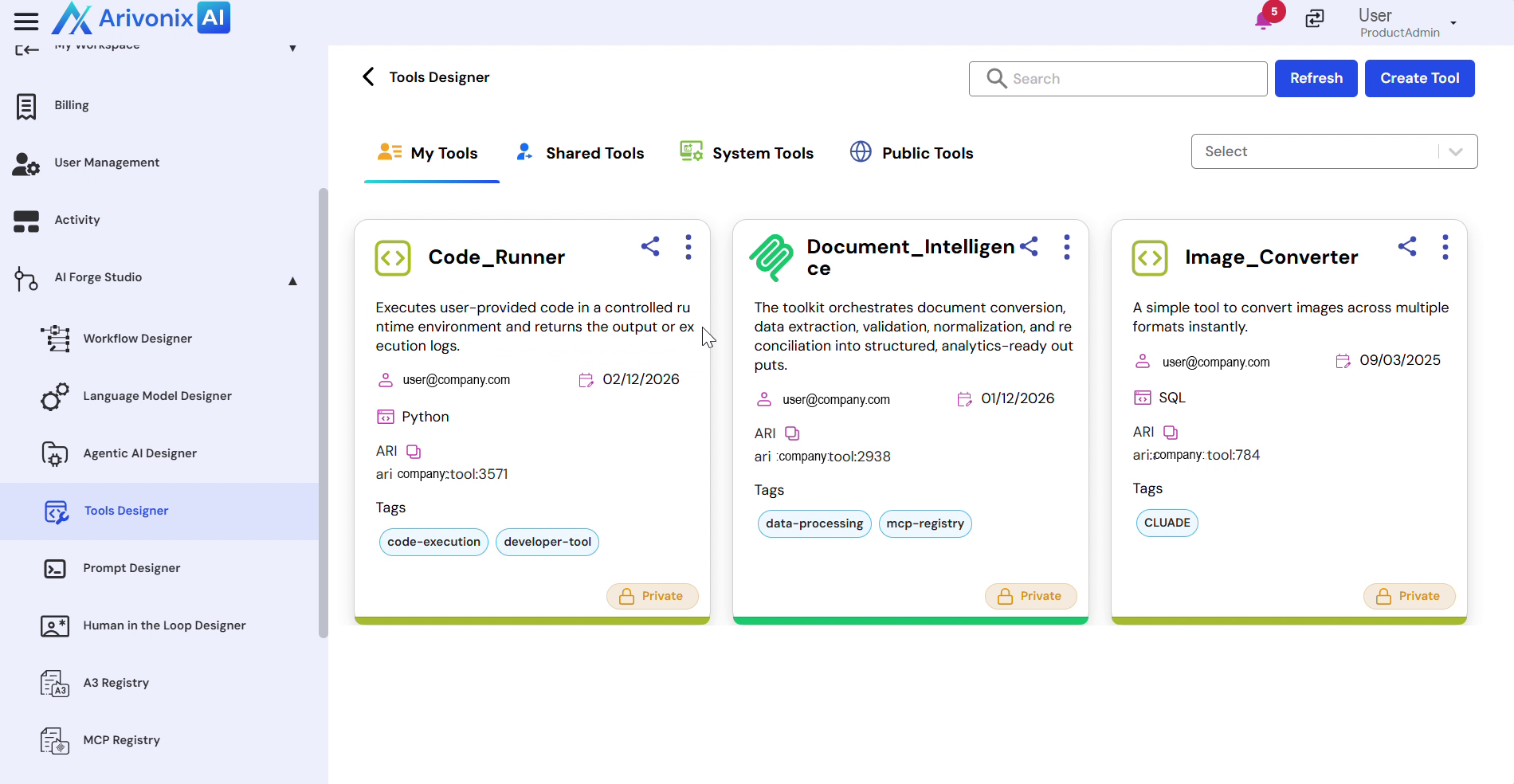 Click on the Tags section in the tool tile.
- Add or modify tags as needed.
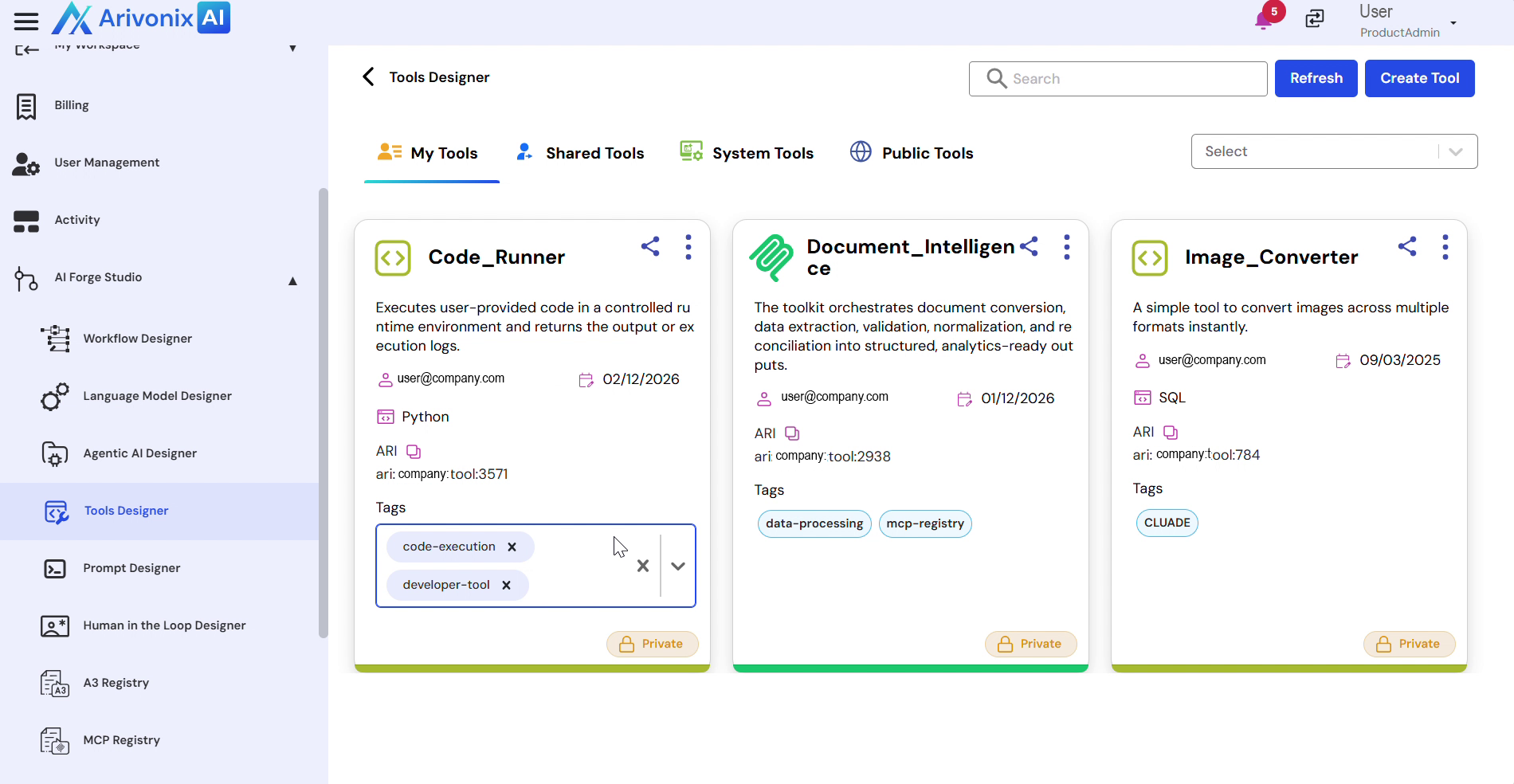 Click outside the text box to confirm tag changes.
- Change Ownership:
 Click on the current owner in the tool tile.
- Select the new owner from the available options.
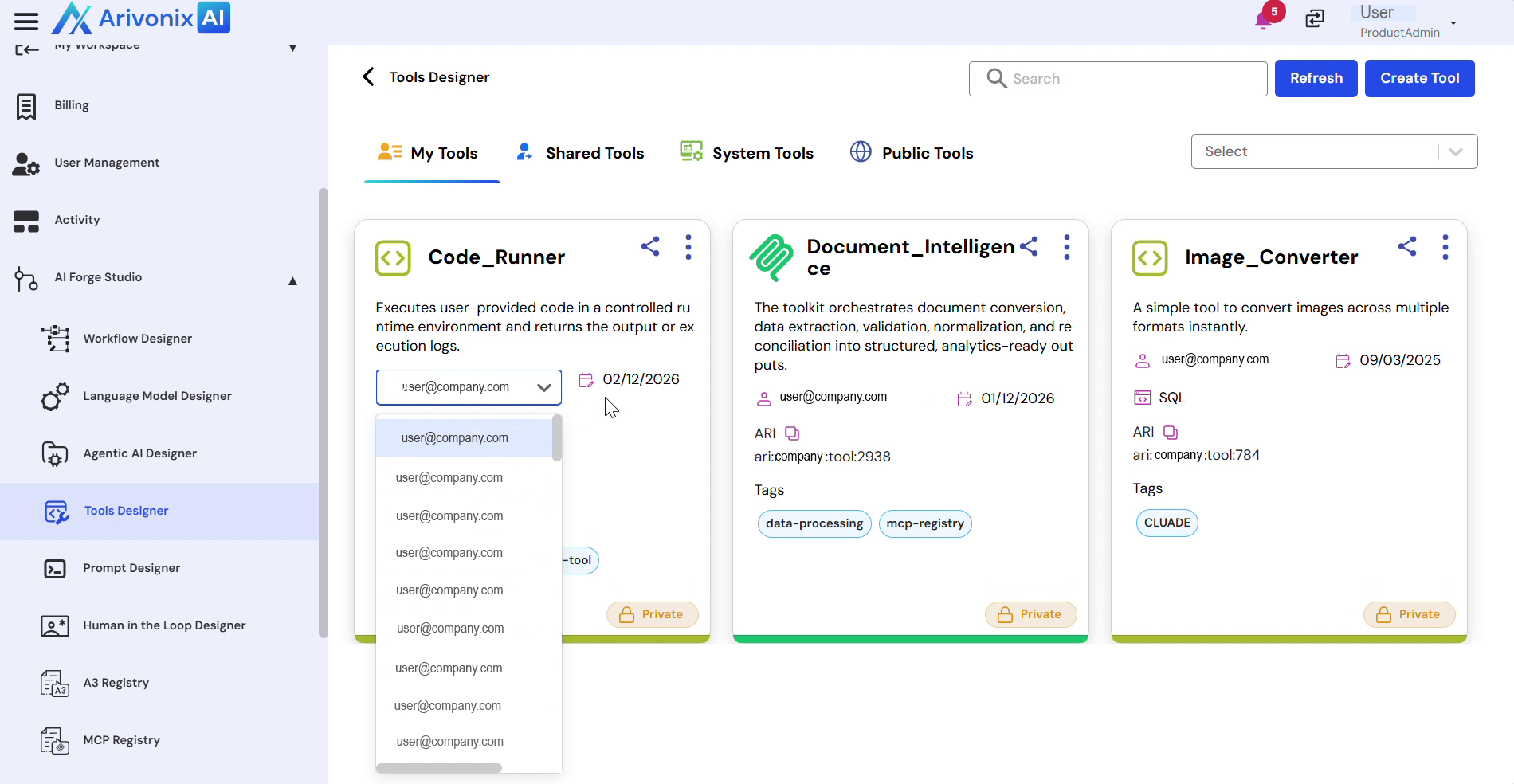 Click outside the selection area to confirm the ownership change.