

Editing a Dashboard
On this page
Editing a Dashboard
Modify dashboard settings, schema configurations, and associated data sources to maintain accurate analytics visualization.
Modifying Dashboard Settings
- Access the dashboard’s contextual menu by clicking the Action menu.
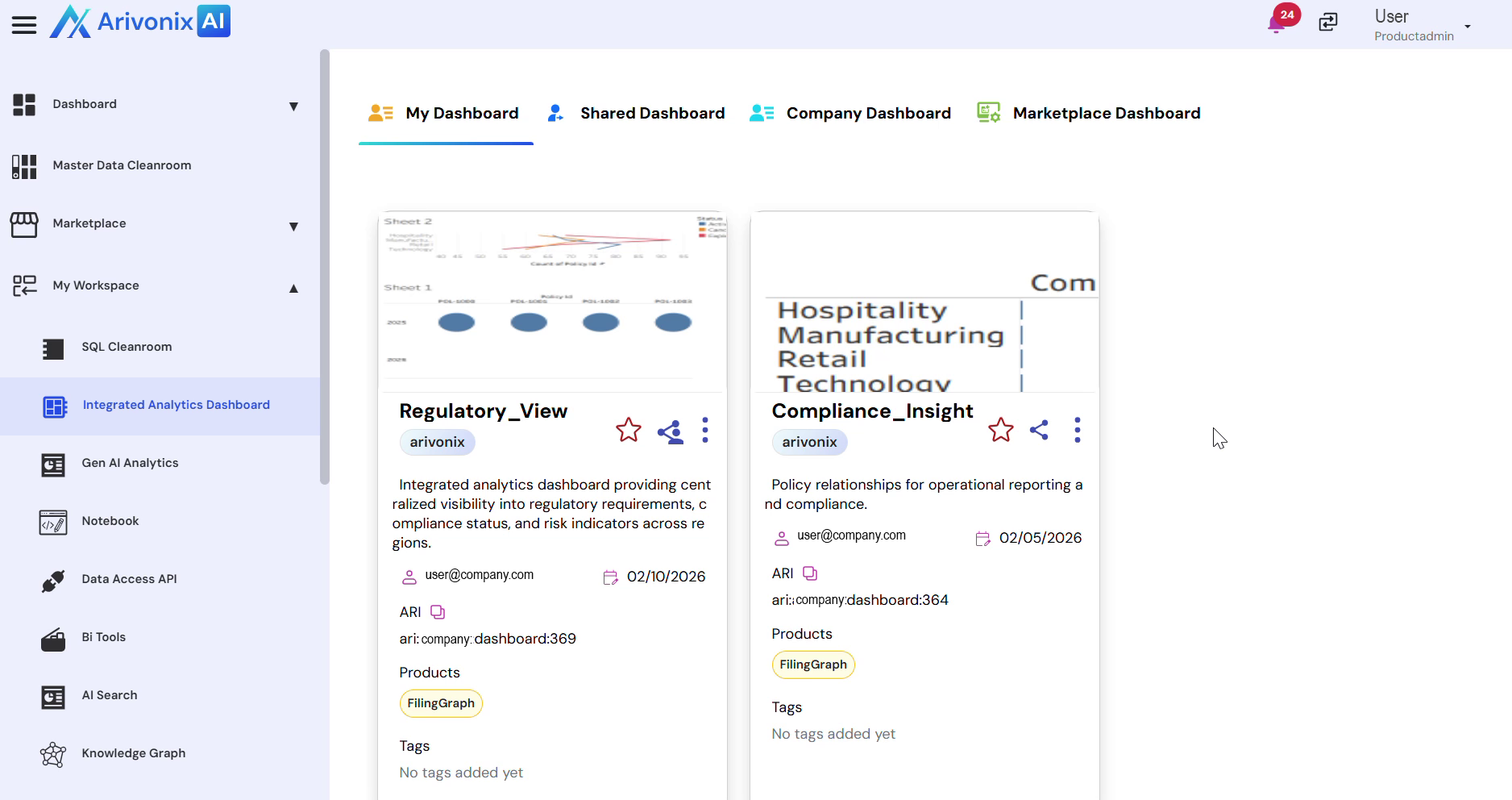
- Select Edit from the menu options.
- Update any of the following settings as needed:
- Dashboard Name
- Description
- Schema Configuration
- Table Selection
- Tableau File
- Click Update to save your changes.
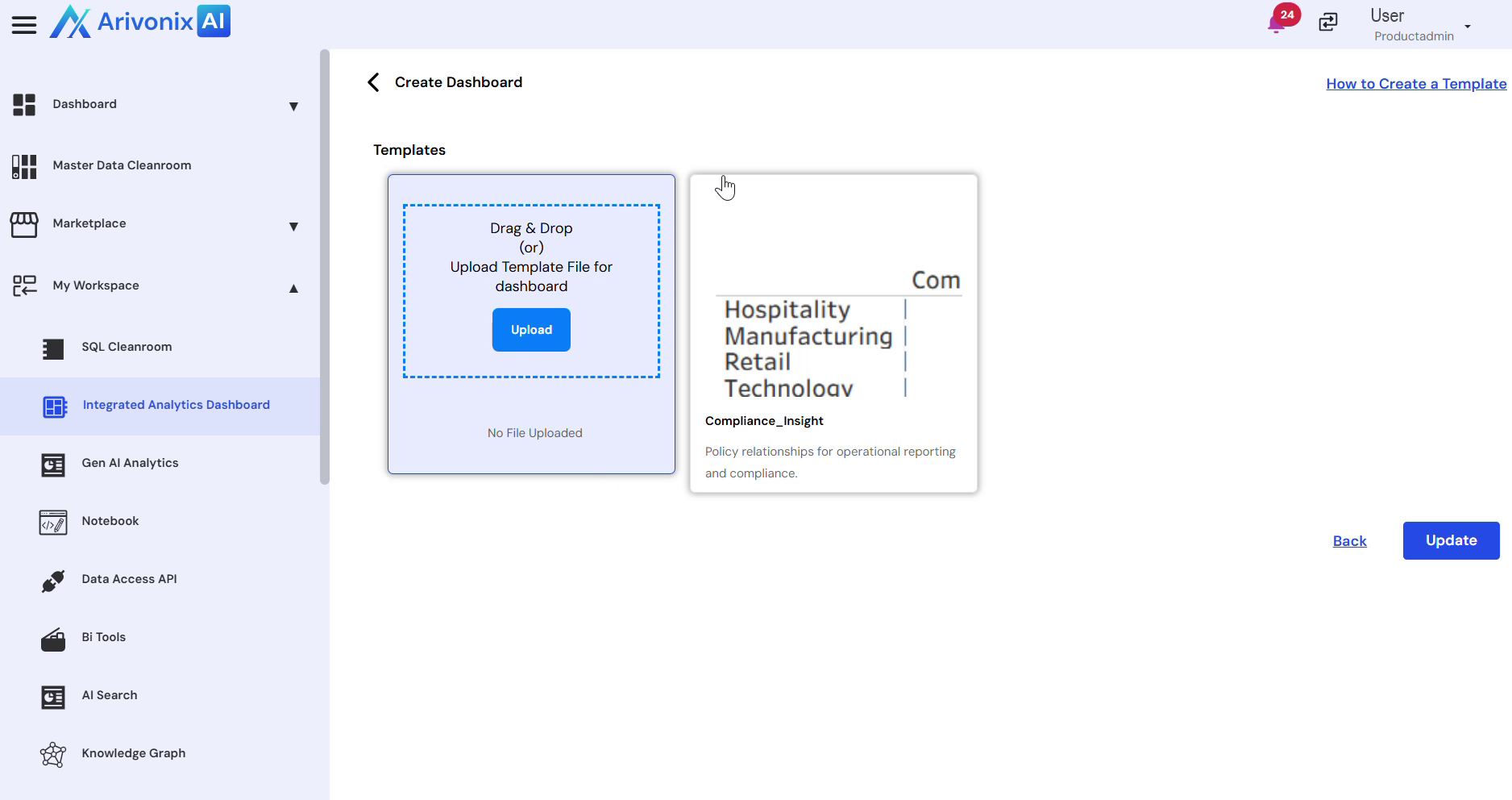
The system will confirm successful update of the dashboard details.